
1. المقدمة
This manual provides comprehensive instructions for the Digitek DWM-002 Wireless Microphone system. Please read this manual carefully before using the product to ensure proper operation and to maximize its performance. This device is designed for use with iPhone X/11/12/13/14 Series featuring a Lightning (LTC) port.
2. محتويات العبوة
تأكد من وجود جميع العناصر في الحزمة الخاصة بك:
- 2 × ميكروفون لاسلكي
- 1 x Receiver with Lightning Connector
3. انتهى المنتجview
The Digitek DWM-002 system consists of two wireless microphones and one receiver, designed for clear audio capture with iOS devices. The compact design ensures portability and ease of use.
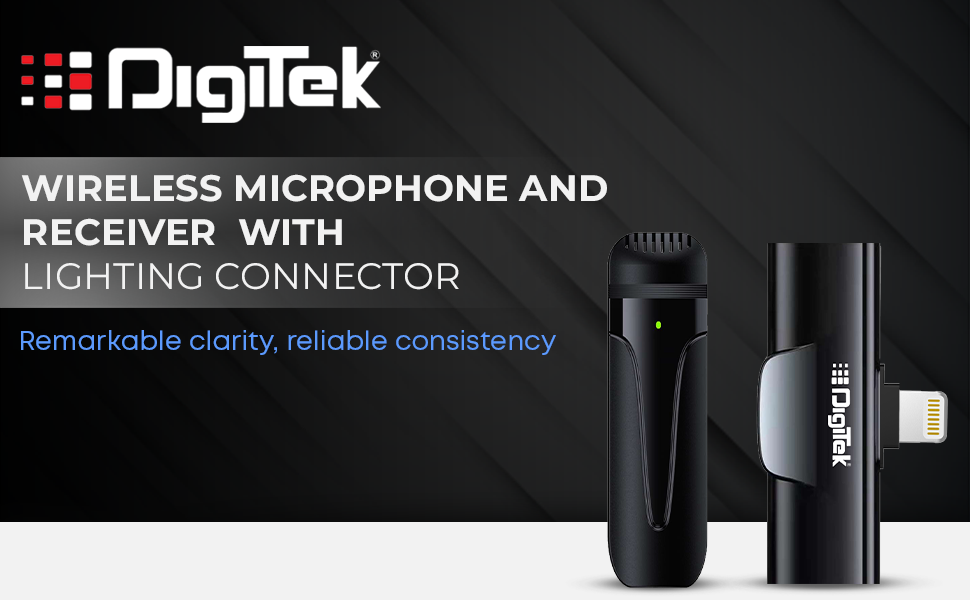
Image: Digitek DWM-002 Wireless Microphone and Receiver with Lightning Connector. The image shows the microphone and receiver units side-by-side, highlighting their compact form factor and the Lightning connector on the receiver.
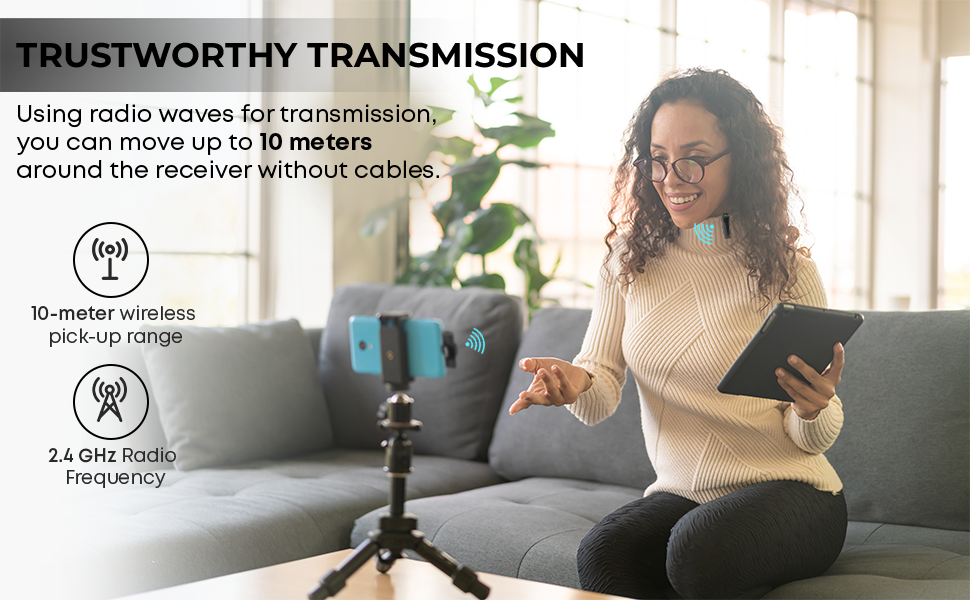
Image: Convenient Configuration. This image illustrates the solid build and compact design of the microphone and receiver, emphasizing the top-notch connector and sturdy construction.
4. تعليمات الإعداد
- التحقق من التوافق: Ensure your iPhone is from the X/11/12/13/14 Series and features a Lightning (LTC) port. This microphone system is not compatible with Type-C models.
- Unlock iPhone: Before connecting the receiver, unlock your iPhone's screen.
- توصيل جهاز الاستقبال: Plug the receiver into your iPhone's Lightning port. The microphone will only function correctly after the screen is unlocked and the receiver is connected.
- تشغيل الميكروفون: The microphone unit typically powers on automatically or via a power button (if present, not explicitly detailed in provided data). A green indicator light on the microphone usually signifies it is on and ready.
- الاقتران التلقائي: The microphone and receiver are designed to pair automatically upon connection. No manual pairing steps are usually required.
5. تعليمات التشغيل
5.1 التشغيل الأساسي
- Once the receiver is connected to your unlocked iPhone and the microphone is powered on, the system is ready for use.
- Clip the microphone to your collar or clothing for optimal audio capture.
- The system operates on a 2.4 GHz frequency, providing stable and interference-free wireless transmission.
- Maintain a wireless operating range of up to 10 meters for optimal performance.
5.2 إلغاء الضوضاء
The Digitek DWM-002 features a built-in noise cancellation function to ensure clear and crisp audio by reducing ambient background noise.
5.3 الشحن
- The microphone units are equipped with a built-in 50 mAh Li-Poly battery.
- The system supports fast charging, allowing for quick recharging and extended use.
- The power input is DC 5V/1A, compatible with standard power sources for convenient recharging.
- A full charge provides up to 4 hours of non-stop usage.
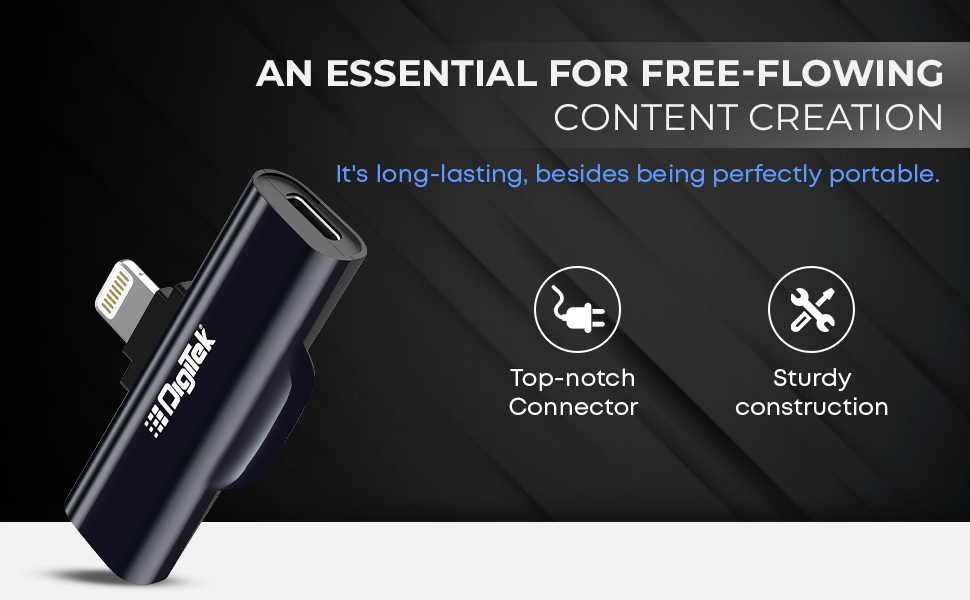
Image: Simplified Communication and Creation. This image highlights the microphone's battery life of up to 4 hours of non-stop usage and its built-in 50 mAh Li-Poly battery.
5.4 سيناريوهات الاستخدام الموصى بها
This wireless microphone system is well-suited for various applications requiring clear audio:
- التدوين بالفيديو
- مؤتمرات الفيديو
- البث الصوتي
- البث المباشر
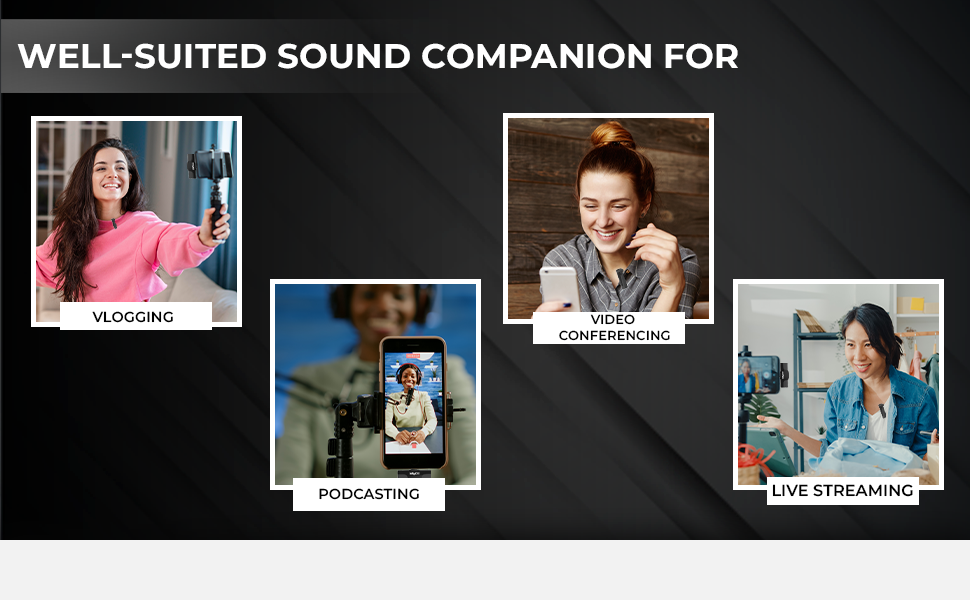
Image: Well-suited Sound Companion. This image displays various usage scenarios for the microphone, including vlogging, video conferencing, podcasting, and live streaming.
6. الصيانة
- Keep the microphone and receiver clean and dry. Avoid exposure to moisture or extreme temperatures.
- Use a soft, dry cloth to clean the surfaces. Do not use harsh chemicals or abrasive materials.
- قم بتخزين الجهاز في علبة واقية عند عدم استخدامه لمنع تعرضه للتلف.
- تجنب إسقاط الجهاز أو تعريضه لصدمات قوية.
7. استكشاف الأخطاء وإصلاحها
| مشكلة | السبب المحتمل | حل |
|---|---|---|
| Microphone not working after connecting to iPhone. | iPhone screen was locked during connection. | Ensure your iPhone screen is مفتوح before plugging in the receiver. Disconnect and reconnect the receiver after unlocking the screen. |
| لا يوجد صوت أو جودة الصوت رديئة. | Microphone not powered on; out of range; interference; low battery. |
|
| Receiver not fitting or charging port issues. | Incorrect cable type; manufacturing defect. |
|
| Microphone not pairing with receiver. | Microphone or receiver not powered; out of range; temporary glitch. |
|
8. المواصفات
| ميزة | التفاصيل |
|---|---|
| ماركة | ديجيتك |
| رقم الموديل | DWM-002 |
| تكنولوجيا الاتصال | البرق |
| نوع الموصل | البرق |
| ميزة خاصة | Mute Function, Wireless, Noise Cancellation |
| الأجهزة المتوافقة | iPhone (Lightning port models) |
| النمط القطبي | متعدد الاتجاهات |
| مقاومة | 2200 أوم |
| عامل شكل الميكروفون | نظام الميكروفون |
| مصدر الطاقة | تعمل بالبطارية |
| عدد البطاريات | 1 Lithium Polymer battery required (included) per microphone |
| إشارة إلى نسبة الضوضاء | 75 ديسيبل |
| منصة الأجهزة | الهاتف الذكي |
| عدد القنوات | 1 |
| استجابة التردد | 2.4 جيجاهرتز |
| نطاق التردد | 100 هرتز - 10 كيلوهرتز |
| لون | أسود |
| مواد التغليف | سبائك الصلب والبلاستيك |
| وزن العنصر | 300 جرامًا (الحزمة الكاملة) |
| أبعاد العنصر | 11 × 4 × 10 سنتيمتر |
| بلد المنشأ | الصين |
9. معلومات الضمان
The Digitek DWM-002 Wireless Microphone comes with a 1 Year Carry-in Warranty from the date of purchase. Please retain your purchase receipt for warranty claims. The warranty covers manufacturing defects but does not cover damage caused by misuse, accidents, unauthorized modifications, or normal wear and tear.
10. دعم العملاء
For technical assistance, warranty claims, or product inquiries, please contact Digitek customer support:
- هاتف: 011 4707 4444
- الصانع / المستورد: IMS Mercantiles Pvt. المحدودة.
You can also visit the official Digitek webالموقع للحصول على المزيد من المعلومات وموارد الدعم.