
مقدمة
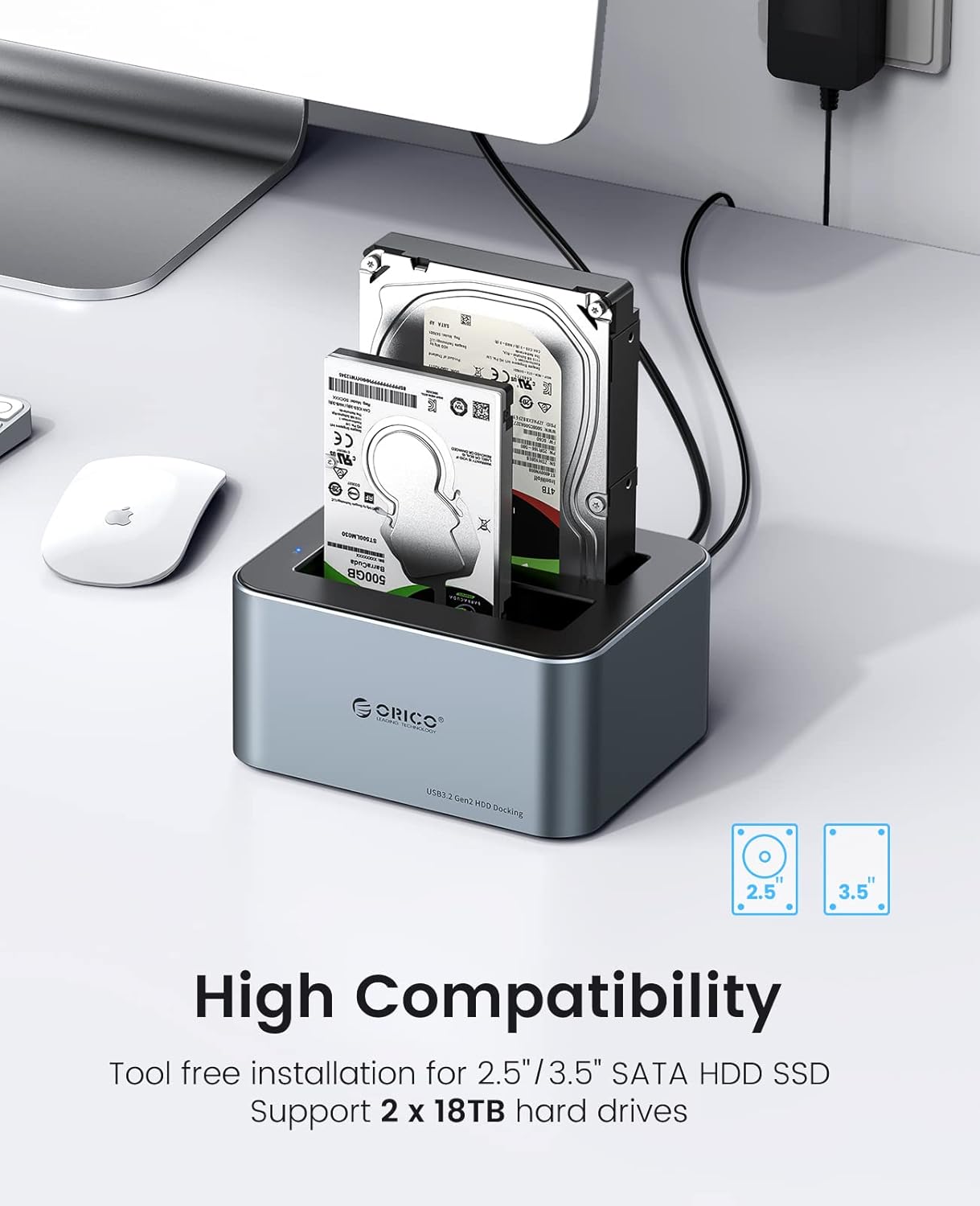
The ORICO 6626C3 is a high-performance dual-bay docking station designed for 2.5-inch and 3.5-inch SATA SSDs and HDDs. It provides a convenient, tool-free solution for accessing and managing your data with USB 3.2 Gen 2 connectivity, offering fast transfer speeds and broad compatibility. This manual provides essential information for setting up, operating, and maintaining your docking station.
محتويات الحزمة
يرجى التأكد من وجود جميع العناصر في الحزمة الخاصة بك:
- ORICO 6626C3 Dual Bay Hard Drive Docking Station
- 12V محول الطاقة
- كابل بيانات USB-C
- دليل المستخدم

سمات
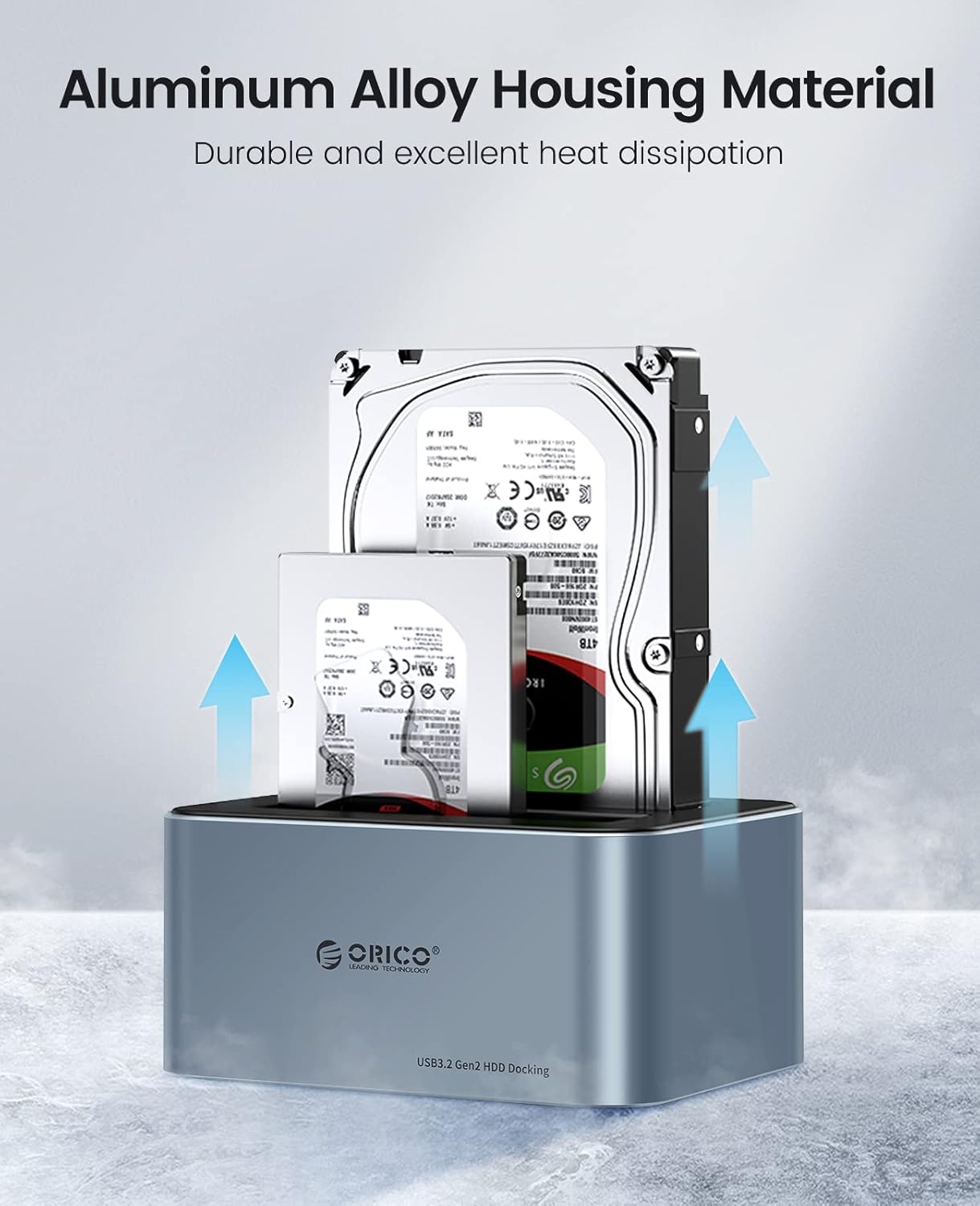
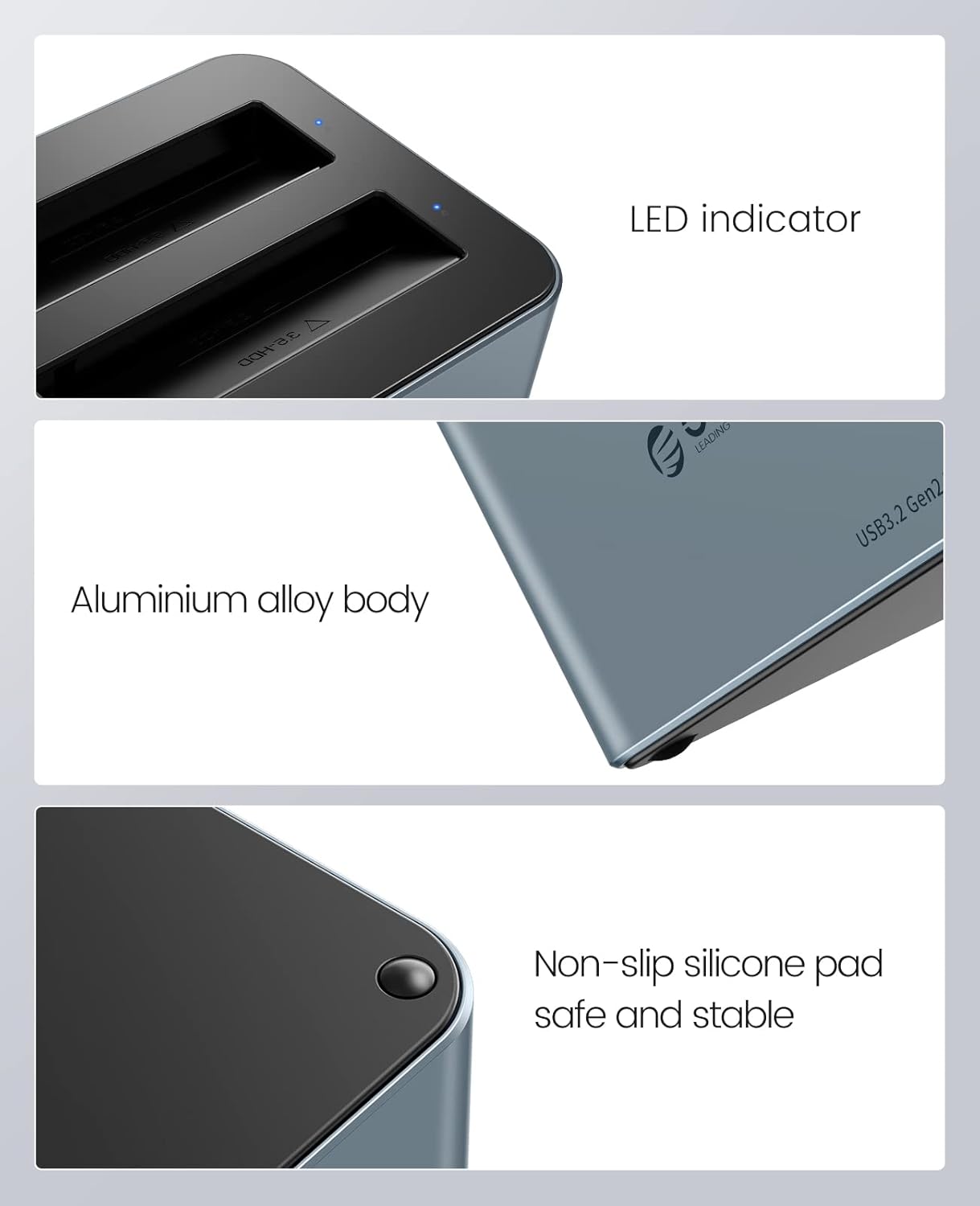
- Premium Aluminum Alloy Construction: Durable and robust design with excellent heat dissipation for stable performance.
- نقل البيانات بسرعة عالية: Equipped with USB 3.2 Gen 2 Type-C interface, supporting up to 6Gbps transfer speed and UASP acceleration protocol, which is up to 70% faster than traditional USB 3.0.
- توافق واسع: Supports 2.5-inch and 3.5-inch SATA I/II/III HDDs and SSDs, with a maximum capacity of 18TB per bay (total 36TB).
- التثبيت بدون أدوات: Easy plug-and-play setup without the need for tools.
- Universal Device Support: Compatible with a variety of USB-C and USB-A devices including laptops, desktops, tablets, routers, and projectors.
- توافق نظام التشغيل: Works with Windows, Mac OS, Linux OS, and iPad OS.
- توفير الطاقة: Features an automatic sleep mode after 10 minutes of inactivity to conserve power.
- تعزيز الاستقرار: Non-slip silicone pads provide shock-resistant and vibration-dampening functions.
- مؤشر LED: Provides clear status indication of operation.

يثبت
- أدخل محركات الأقراص الصلبة: Gently slide your 2.5-inch or 3.5-inch SATA SSD/HDD into the drive bays of the docking station. Ensure the drive is fully seated in the connector. The tool-free design allows for easy insertion and removal.
- توصيل الطاقة: Connect the provided 12V power adapter to the DC input port on the docking station, then plug the adapter into a power outlet.
- الاتصال بجهاز الكمبيوتر: Use the included USB-C data cable to connect the docking station to your computer. If your computer only has USB-A ports, use the provided USB-A converter.
- تشغيل الطاقة: Press the power button on the docking station (if available) or ensure it powers on automatically upon connection. The LED indicator will illuminate to show it is active.

تعليمات التشغيل
- التعرف على محرك الأقراص: Once connected and powered on, your operating system should automatically detect the inserted hard drives. They will appear as removable storage devices.
- نقل البيانات: يمكنك الآن السحب والإفلات files to and from the drives, or use them for backup and storage purposes. The USB 3.2 Gen 2 interface with UASP ensures fast and efficient data transfer.
- مؤشر LED: The blue LED indicator on the docking station will show the operational status. A steady light typically indicates power, while blinking may indicate data activity.
- وظيفة النوم التلقائي: To save energy and extend drive lifespan, the docking station will automatically enter sleep mode after 10 minutes of inactivity. It will wake up automatically when accessed.
- إزالة آمنة: Always safely eject the hard drives from your operating system before physically removing them from the docking station or disconnecting the power/USB cable to prevent data corruption.
صيانة
- تنظيف: Keep the docking station clean and free from dust. Use a soft, dry cloth to wipe the exterior. Avoid using liquid cleaners or solvents. The anti-dust plug cover helps maintain cleanliness.
- تبديد الحرارة: The aluminum alloy housing is designed for efficient heat dissipation. Ensure the docking station is placed in a well-ventilated area to prevent overheating, especially during prolonged use.
- التعامل: تعامل مع قاعدة الشحن بحرص. تجنب إسقاطها أو تعريضها لصدمات قوية.
- تخزين: عند عدم الاستخدام، قم بتخزين محطة الإرساء في مكان بارد وجاف بعيدًا عن أشعة الشمس المباشرة ودرجات الحرارة القصوى.

استكشاف الأخطاء وإصلاحها
- لم يتم اكتشاف محرك الأقراص:
- تأكد من تثبيت القرص الصلب بشكل صحيح في مكانه المخصص.
- تأكد من توصيل محول الطاقة بشكل آمن وأن محطة الإرساء قيد التشغيل.
- حاول توصيل محطة الإرساء بمنفذ USB مختلف على جهاز الكمبيوتر الخاص بك.
- قم بإجراء الاختبار باستخدام كابل USB مختلف إذا كان متاحًا.
- Check Disk Management (Windows) or Disk Utility (Mac) to see if the drive is recognized but uninitialized or unformatted.
- سرعات نقل بطيئة:
- Ensure your computer's USB port supports USB 3.2 Gen 2 (or at least USB 3.0) for optimal performance.
- Verify that your operating system and drivers support UASP.
- Avoid connecting through unpowered USB hubs.
- The actual speed may vary depending on the hard drive's performance and system configuration.
- انقطاع اتصال محطة الإرساء بشكل عشوائي:
- Ensure all cables (power and USB) are firmly connected.
- Check for power fluctuations.
- تجنب وضع محطة الإرساء بالقرب من مصادر التداخل الكهرومغناطيسي القوية.
تحديد
| ميزة | مواصفة |
|---|---|
| رقم الموديل | 6626C3 |
| ماركة | اوريكو |
| مادة | سبائك الألومنيوم والبلاستيك |
| لون | رمادي |
| نوع محرك الأقراص المتوافق | 2.5/3.5 inch SATA I/II/III HDD/SSD |
| عدد الخلجان | 2 |
| أقصى سعة لكل محرك أقراص | 18 تيرابايت |
| الواجهة | USB 3.2 الجيل الثاني من النوع C |
| سرعة النقل | Up to 6Gbps (with UASP) |
| مزود الطاقة | محول طاقة 12 فولت/3 أمبير |
| أنظمة التشغيل المتوافقة | Windows, Mac OS, Linux OS, iPad OS |
الضمان والدعم
ORICO products come with a standard manufacturer's warranty. For detailed warranty information, technical support, or customer service inquiries, please refer to the warranty card included in your package or visit the official ORICO website. Please have your product model number (6626C3) and purchase information ready when contacting support.