
تعليمات السلامة الهامة
Please read all instructions carefully before using the projector and retain this manual for future reference. Improper use may result in electric shock, fire, or other hazards.
- لا تفتح جهاز العرضasinز. إحالة جميع أعمال الصيانة إلى موظفين مؤهلين.
- لا تعرض جهاز العرض للمطر أو الرطوبة لتجنب نشوب حريق أو حدوث صدمة كهربائية.
- تأكد من التهوية الجيدة. لا تسد فتحات التهوية.
- استخدم فقط محول الطاقة المرفق مع جهاز العرض.
- تجنب تعرض العين المباشر لعدسة جهاز العرض عند تشغيله.amp هو على.
- ضع جهاز العرض على سطح ثابت ومستوٍ.
- افصل جهاز العرض أثناء العواصف الرعدية أو عند عدم استخدامه لفترات طويلة.
محتويات الحزمة
تأكد من تضمين جميع العناصر المدرجة أدناه في الحزمة الخاصة بك:
- YOWHICK Projector (Model GDP1W)
- كابل الطاقة
- جهاز التحكم عن بعد
- كابل HDMI
- كبل AV
- دليل المستخدم
- 100-inch Projection Screen

The projector features 28000 lumens brightness and supports 4K resolution. A 100-inch screen is included. The compact design (under 1.4kg) allows for easy portability and ceiling projection. Suitable for home use and small business presentations (up to 15 people).
المنتج انتهىview
The YOWHICK GDP1W projector is designed for versatile use, offering high-quality visuals and flexible connectivity in a compact form factor.
الميزات الرئيسية
- سطوع ودقة عالية: 28000 Lumens, Native 1080P, 4K Supported.
- صغير الحجم وقابل للحمل: Weighs under 1.4kg, dimensions 18 x 8.9 x 22.9 cm.
- صوت غامر: Built-in HIFI speaker and Bluetooth 5.3 for external audio devices.
- الاتصال المتقدم: Dual-band 2.4G/5G WiFi for stable streaming and screen mirroring.
- الإسقاط المرن: Up to 300-inch screen size, 50-100% zoom function, vertical keystone correction.
- التبريد الفعال: Advanced cooling system for effective heat dissipation and low noise (approx. 40dB).
- مدخلات متعددة: AV, USB (x2), HDMI (x2) for wide device compatibility.

يثبت
خيارات الموضع
The projector offers various placement options to suit your viewبيئة العمل:
- العرض الأمامي: Place the projector on a table or stand in front of the screen.
- العرض الخلفي: ضع جهاز العرض خلف شاشة شفافة.
- إسقاط السقف: قم بتثبيت جهاز العرض على السقف (يتطلب حامل سقف متوافق، غير مرفق).

التشغيل الأولي
- قم بتوصيل كابل الطاقة بجهاز العرض ومأخذ الطاقة.
- اضغط على زر الطاقة الموجود على جهاز العرض أو جهاز التحكم عن بعد لتشغيله.
- The projector will display the home screen.
التركيز وتصحيح الانحراف
Adjust the image clarity and shape:
- ركز: قم بتدوير حلقة التركيز الموجودة على عدسة جهاز العرض حتى تصبح الصورة حادة وواضحة.
- تصحيح الانحراف: Use the manual vertical keystone adjustment to correct distorted images (trapezoid effect) if the projector is not perfectly perpendicular to the screen. The projector supports vertical keystone correction of ±15 degrees.

تعليمات التشغيل
Screen Size Adjustment (Zoom)
The projector features a zoom function that allows you to adjust the screen display size from 100% to 50% without moving the projector. Access this function through the projector's menu settings.
مخرج الصوت
You can use the projector's built-in HIFI speaker or connect external audio devices via Bluetooth 5.3 for a more powerful sound experience. Adjust the volume using the remote control.
وضع المؤقت
Set a sleep timer for the projector to automatically turn off after a specified period. This is useful for watching content before sleeping.

الاتصال
اتصال لاسلكي (واي فاي)
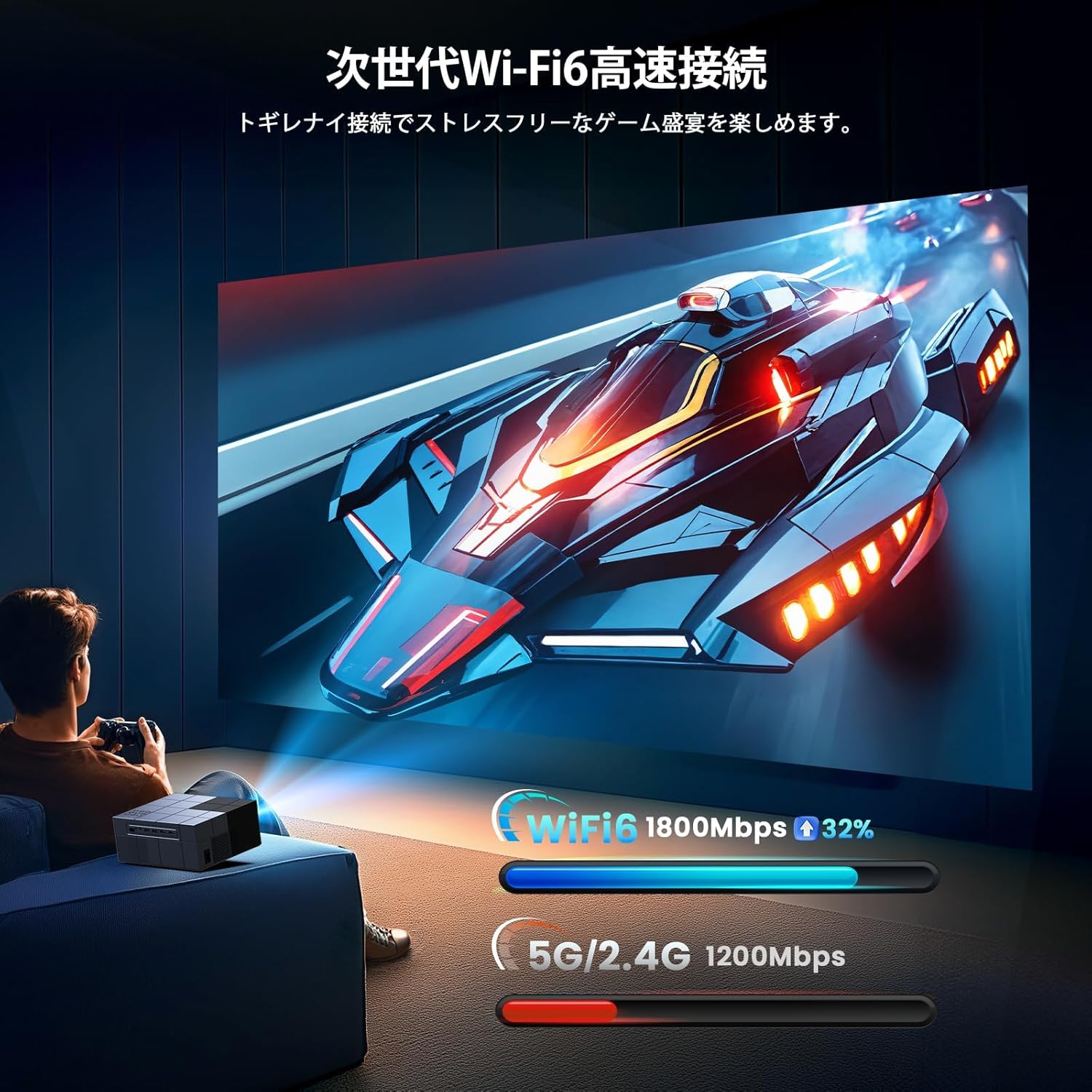
The projector supports dual-band 2.4G/5G WiFi for stable and fast wireless screen mirroring from your smartphones, tablets, and PCs. This allows you to project content without physical cables.
اتصال بلوتوث
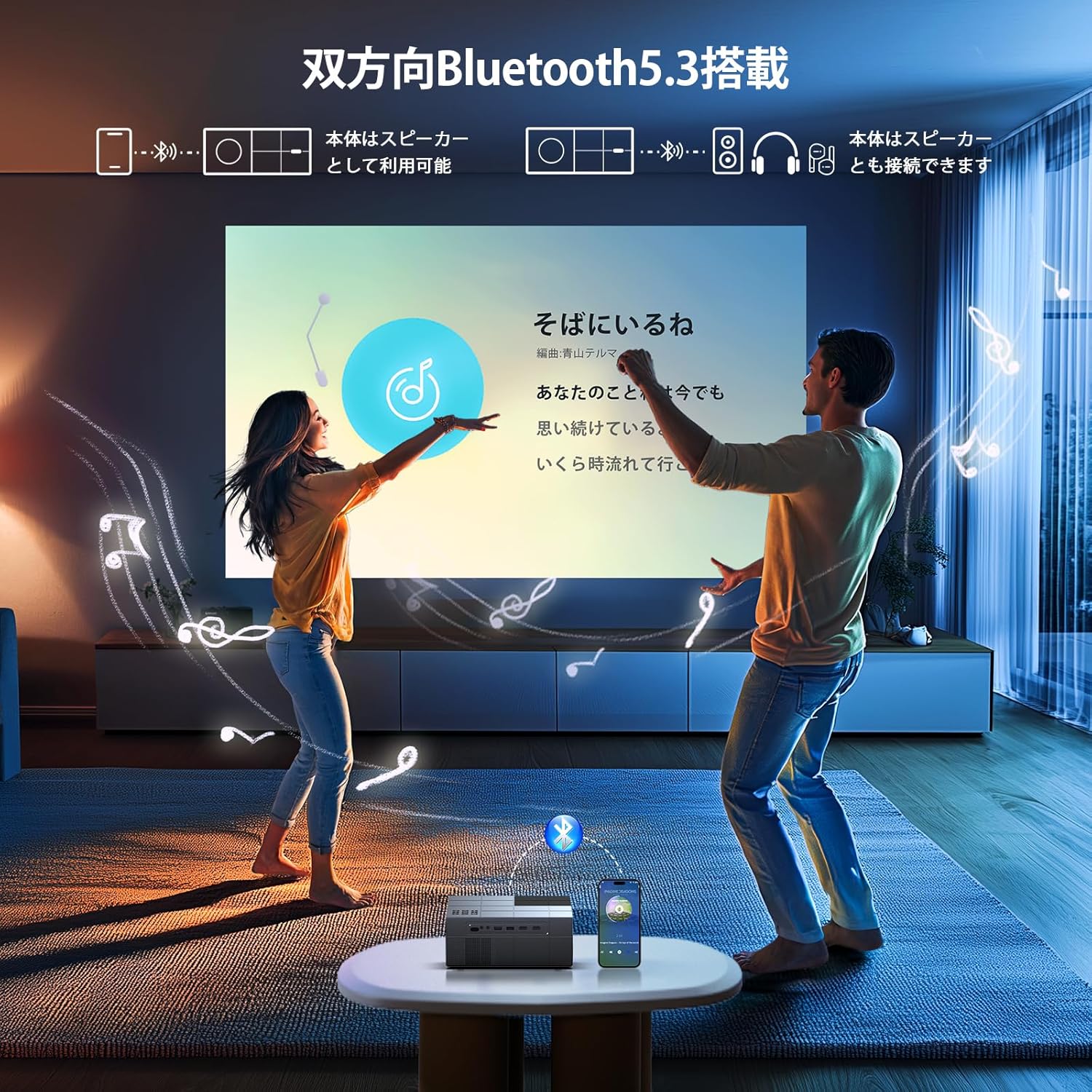
Equipped with Bluetooth 5.3, the projector can connect to your favorite Bluetooth speakers or wireless headphones. This provides flexibility for audio output, whether you prefer a powerful sound system or private listening.
الاتصالات السلكية
The projector offers a variety of wired input terminals for broad compatibility:
- HDMI (x2): Connect to PCs, laptops, game consoles (PS4/PS5), TV boxes, and other HDMI-enabled devices.
- يو اس بي (×2): قم بتوصيل محركات أقراص USB لتشغيل الوسائط مباشرةً.
- من: قم بالتوصيل بمشغلات أقراص DVD أو الأجهزة القديمة باستخدام كابل AV المرفق.

Connecting to Streaming Devices
The projector is compatible with various streaming devices such as Amazon Fire TV Stick, Google Chromecast, Roku, and more. Simply connect the streaming device to an HDMI port on the projector.

صيانة
تضمن الصيانة المنتظمة الأداء الأمثل وتطيل عمر جهاز العرض الخاص بك.
- تنظيف العدسة: استخدم قطعة قماش ناعمة وخالية من الوبر، مُخصصة للعدسات البصرية. لا تستخدم منظفات أو مذيبات كاشطة.
- تنظيف فتحات التهوية: Periodically clean the air vents with a soft brush or compressed air to prevent dust buildup, which can affect cooling performance.
- تخزين: When not in use, store the projector in a cool, dry, and dust-free environment. Use the original packaging or a protective case if available.
استكشاف الأخطاء وإصلاحها
إذا واجهت مشكلات مع جهاز العرض الخاص بك، فراجع المشكلات والحلول الشائعة التالية:
| مشكلة | السبب المحتمل | حل |
|---|---|---|
| لا يوجد طاقة | كابل الطاقة مفصول؛ مشكلة في مأخذ الطاقة | تحقق من توصيل كابل الطاقة؛ جرب مأخذ طاقة مختلفًا |
| لا يوجد صورة | مصدر إدخال غير صحيح؛ كابل HDMI/AV غير موصول بإحكام | اختر مصدر الإدخال الصحيح؛ أعد توصيل الكابلات بإحكام. |
| صورة ضبابية | Focus not adjusted; Incorrect keystone | Adjust focus ring; Adjust keystone correction |
| لا يوجد صوت | Volume too low; Incorrect audio output; Fire TV Stick audio setting | Increase volume; Check audio output settings; For Fire TV Stick, set audio to PCM in its settings menu |
| جهاز التحكم عن بعد لا يعمل | بطاريات فارغة؛ عائق | Replace batteries; Ensure clear line of sight to projector's IR receiver |
| مشكلات الاتصال بالواي فاي | Incorrect password; Weak signal | Verify Wi-Fi password; Move projector closer to router |
Note for Amazon Fire TV Stick Users: If you experience no sound from the projector when using an Amazon Fire TV Stick, please open the Fire TV Stick's settings menu and change the sound output to [PCM].
تحديد
| ميزة | مواصفة |
|---|---|
| ماركة | سميك |
| رقم الموديل | الناتج المحلي الإجمالي 1W |
| أبعاد المنتج | 22.9 × 18 × 8.9 سم |
| وزن العنصر | 1.4 كيلوغرام |
| لون | رمادي |
| سطوع | 28000 لومن |
| الدقة الأصلية | 1920 × 1080 (1080P Full HD) |
| الدقة المدعومة | حتى 3840 × 2160 (4 كيلو بايت) |
| حجم العرض | 40 - 300 بوصة |
| تكنولوجيا الاتصال | Bluetooth 5.3, HDMI, IR, USB, Wi-Fi (2.4G/5G) |
| منافذ HDMI | 2 |
| منافذ USB | 2 |
| تصحيح الانحراف | يدوي عمودي ±15 درجة |
| وظيفة التكبير | 50% - 100% |
| مستوى الضوضاء | تقريبا. 40 ديسيبل |
| استهلاك الطاقة | الحد الأقصى 84 واط |
| الاستخدام الموصى به | Gaming, Business, Home Cinema, Education |
الضمان والدعم
YOWHICK is committed to providing excellent customer service and product support.
- فترة الضمان: This product comes with a 2-year manufacturer's warranty from the date of purchase.
- خدمة الصيانة: A 3-year repair service is provided.
- الدعم الفني: يتوفر الدعم الفني مدى الحياة لجميع المستخدمين.
- معلومات الاتصال: For initial defects, natural failures, exchanges, returns, or any technical inquiries, please contact our customer service team.
بريد إلكتروني: support@yowhick.jp
معرف الخط: @286hjalm

فيديوهات المنتج
Watch these videos for additional information and demonstrations of the YOWHICK Projector.
فيديو: المنتج انتهىview (0:16)
Video: Feature Highlight (0:14)
Video: Detailed Demonstration (0:52)
Video: Extended Usage Guide (2:51)
Video: Setup and Configuration (1:31)
Video: Connectivity Options (0:40)
Video: Quick Start Guide (0:23)
Video: Advanced Features (1:22)
Video: Troubleshooting Tips (1:19)