
1. المقدمة
Thank you for choosing the XTREMTEC Wireless Keyboard and Mouse Combo. This ultra-slim, retro-style peripheral set is designed for comfortable and quiet operation across various devices. This manual provides essential information for setup, operation, maintenance, and troubleshooting to ensure optimal performance.
2. محتويات العبوة
- XTREMTEC Wireless Keyboard
- XTREMTEC Wireless Mouse
- 2.4G Nano USB Receiver (stored inside the keyboard's battery compartment)
- محول USB-C
- Silicone Keyboard Cover
- دليل المستخدم
3. الإعداد
Follow these steps to set up your XTREMTEC Wireless Keyboard and Mouse Combo:
- تركيب البطاريات:
- For the mouse: Open the battery compartment on the underside of the mouse and insert 1 AA battery (not included), ensuring correct polarity.
- For the keyboard: Open the battery compartment on the back of the keyboard and insert 2 AAA batteries (not included), ensuring correct polarity.
- توصيل جهاز استقبال USB:
- Locate the 2.4G Nano USB receiver stored inside the keyboard's battery compartment. Remove it.
- Plug the USB receiver into an available USB port on your computer. If your device only has USB-C ports, use the provided USB-C adapter.
- تشغيل الطاقة:
- Slide the ON/OFF switch on the bottom of the mouse to the 'ON' position.
- Slide the ON/OFF switch on the back of the keyboard to the 'ON' position.
- الاتصال التلقائي: ينبغي أن تتصل لوحة المفاتيح والماوس بجهاز الكمبيوتر تلقائيًا. ولا يلزم عادةً تثبيت برامج تشغيل إضافية.

Image: The 2.4GHz wireless connection setup, showing the USB receiver plugged into a laptop.
Video: A demonstration of the XTREMTEC Slim Wireless 2.4G Keyboard and Mouse Combo setup process.
4. تعليمات التشغيل
Maximize your productivity and comfort with these operating features:
- تجربة الكتابة الهادئة: The keyboard features noise-reduced scissor switches and vintage typewriter-inspired round keycaps for a comfortable and quiet typing experience. The mouse also offers noiseless clicks.
- تعديل DPI: The optical wireless mouse allows you to adjust the DPI (dots per inch) sensitivity between 3 different levels with a single click, adapting to your preference.
- اختصارات الوسائط المتعددة: Access common functions quickly with 15 multimedia shortcuts integrated into the keyboard. These include controls for music, volume, homepage, email, and more.
- وظيفة قفل الشاشة: The keyboard includes a dedicated button to quickly lock your screen for privacy and security.
- وضع السكون التلقائي: Both the keyboard and mouse feature an auto-sleep mode to conserve battery life when not in use. They will wake instantly with a single click or key press.

Image: Detail of the keyboard showcasing whisper-quiet keys and noiseless mouse technology.
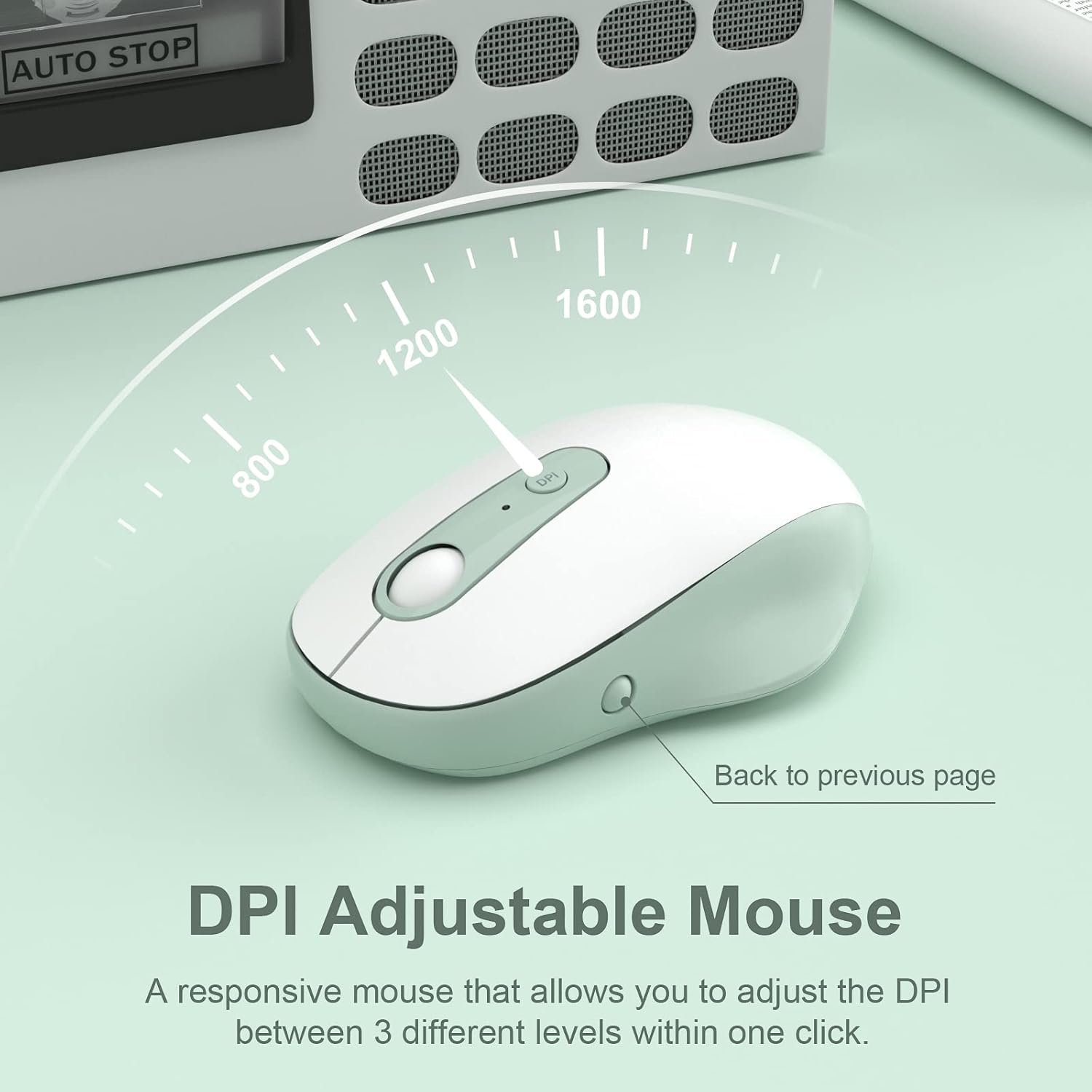
Image: The DPI adjustable mouse, illustrating its responsiveness and settings.
Video: A demonstration of the XTREMTEC Wireless Keyboard and Mouse Combo, highlighting its quiet round keys.
5. الصيانة
To ensure the longevity and optimal performance of your XTREMTEC combo:
- غطاء سيليكون: Use the provided soft silicone cover to protect your keyboard from dust, spills, and scratches when not in use.
- Durable Keys: The keys are designed to withstand up to 3 million presses and feature a UV coating to prevent letters from fading or scratching easily.
- تنظيف: Regularly wipe down the surfaces with a soft, dry cloth. For deeper cleaning, carefully remove the silicone cover and clean the keyboard keys.

Image: The keyboard with its water and dust resistant silicone cover, also showing a USB-C adapter.
6. استكشاف الأخطاء وإصلاحها
If you encounter any issues, please try the following steps:
- لا يوجد اتصال:
- تأكد من تشغيل كل من لوحة المفاتيح والماوس.
- Check that the USB receiver is securely plugged into your computer's USB port. Try a different USB port if necessary.
- Verify that the batteries in both devices are correctly installed and not depleted. Replace batteries if needed.
- تأخر أو انقطاع الاتصال:
- قم بتقريب لوحة المفاتيح والماوس من جهاز استقبال USB.
- Avoid placing the receiver near other electronic devices that might cause interference (e.g., Wi-Fi routers, other wireless devices).
- تأكد من تحديث نظام تشغيل جهاز الكمبيوتر الخاص بك.
- Mouse Cursor Not Moving:
- Check the mouse's power switch and battery.
- Ensure the mouse is on a suitable surface (a mouse pad is recommended).
7. المواصفات
| رقم الموديل | كيلو بايت-K101A |
| أبعاد المنتج | 15.31 × 5.3 × 0.16 بوصة |
| وزن العنصر | 1.3 رطل |
| البطاريات المطلوبة | 1 AA battery (for mouse), 2 AAA batteries (for keyboard) |
| تكنولوجيا الاتصال | 2.4G USB Wireless Technology |
| الأجهزة المتوافقة | Mac OS, Windows, PC, Desktop computer, Laptop |
| ميزة خاصة | Round Key, Scissor Switch, DPI Adjustment |
8. الضمان والدعم
For warranty information and customer support, please refer to the documentation included with your product or visit the official XTREMTEC website. You may also contact XTREMTEC customer service directly for assistance.