
1. انتهى المنتجview
The CP PLUS CP-21 is a 2MP Full HD Wi-Fi PT (Pan & Tilt) camera designed for comprehensive indoor surveillance. It offers a 360-degree viewing angle, advanced human detection, and motion tracking capabilities to ensure your premises are monitored effectively. Equipped with two-way audio, night vision, and flexible storage options, this camera provides a robust solution for home or office security.
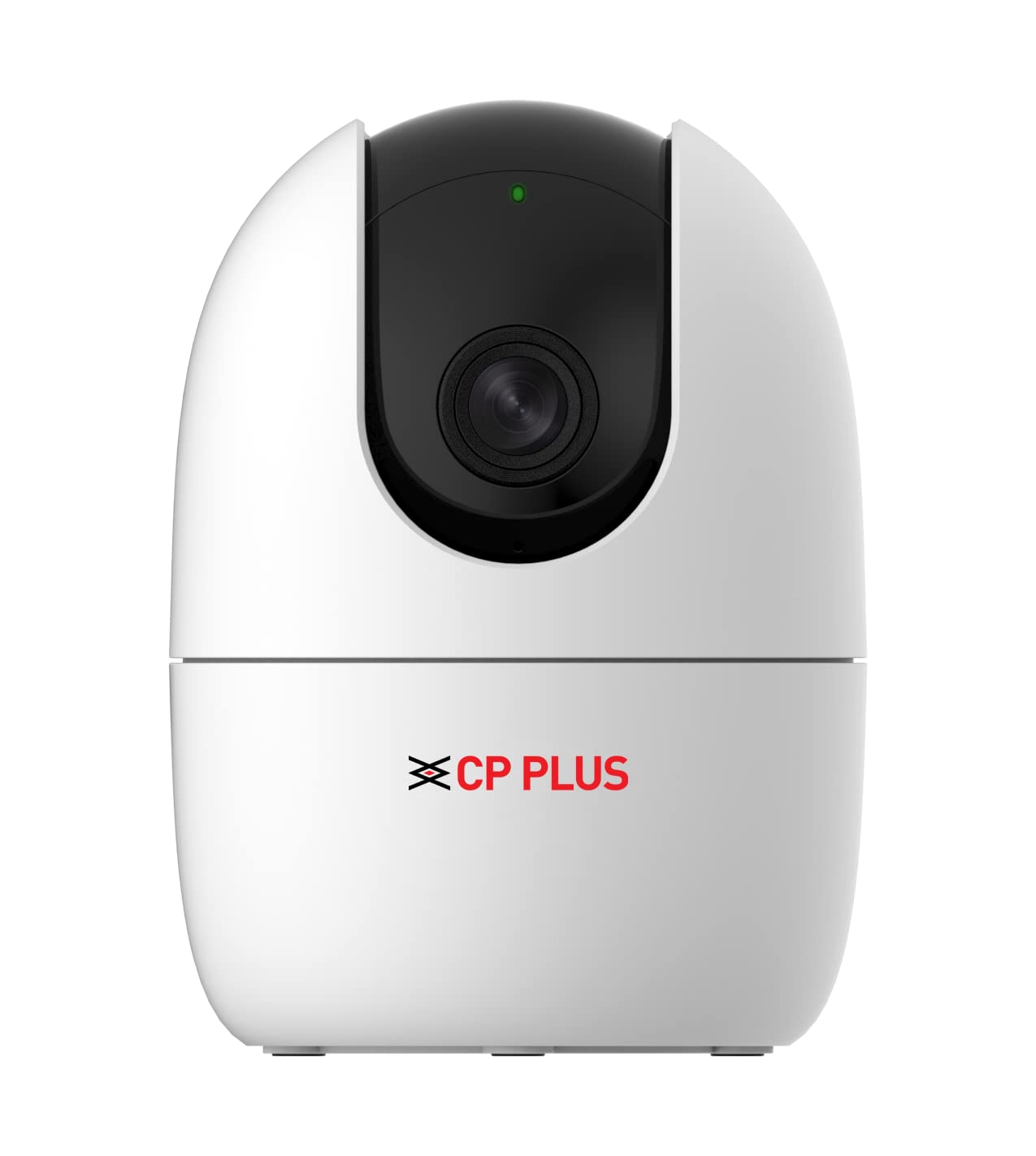
الشكل 1.1: الجبهة view of the CP PLUS CP-21 Wi-fi CCTV Camera.
2. ماذا يوجد في الصندوق
Upon unboxing your CP PLUS CP-21 camera, please verify that all the following components are included:
- CP PLUS CP-21 Camera
- كابل يو اس بي
- محول الطاقة
- دليل المستخدم (هذا المستند)
3. دليل الإعداد
Follow these steps to set up your CP PLUS CP-21 camera:
- توصيل الطاقة: Connect the provided USB cable to the camera and the power adaptor. Plug the adaptor into a standard electrical outlet. The camera will power on and initiate its startup sequence.
- تنزيل التطبيق: تنزيل EEZO قم بتنزيل التطبيق من متجر تطبيقات هاتفك الذكي (متوفر لنظامي التشغيل iOS وAndroid).
- تسجيل الحساب: Open the EEZO app and register for a new account or log in if you already have one.
- إضافة جهاز: In the EEZO app, tap on the "Add Device" or "+" icon. Select your camera model (CP-21) from the list.
- اتصال واي فاي: Follow the on-screen instructions in the app to connect the camera to your 2.4GHz Wi-Fi network. Ensure your Wi-Fi password is correct. The camera will indicate a successful connection.
- الموقع: Position the camera in your desired location. It supports wall mount installation.
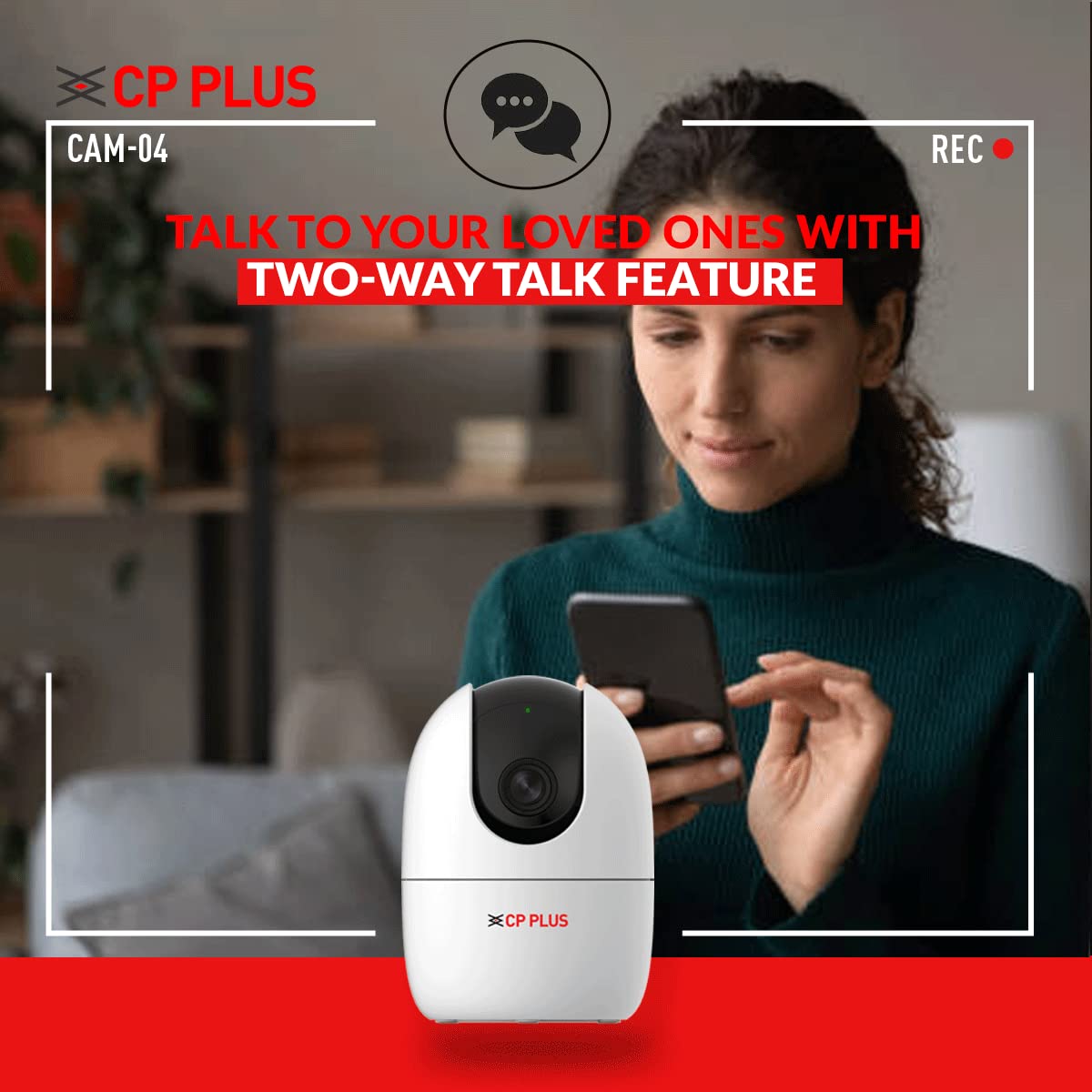
Figure 3.1: Connecting the camera with the EEZO app for setup and control.
4. تعليمات التشغيل
The CP PLUS CP-21 camera offers several advanced features for effective surveillance:
4.1. 360° Pan & Tilt View
Utilize the pan (horizontal) and tilt (vertical) functions via the EEZO app to remotely adjust the camera's viewing angle. This allows for a complete 360-degree coverage of the monitored area, eliminating blind spots.

Figure 4.1: The camera provides 360-degree panoramic coverage.
4.2. Two-Way Talk System
The built-in microphone and speaker enable two-way audio communication. You can listen to the environment around the camera and speak through the camera using the EEZO app, facilitating interaction with individuals on the camera's side.

Figure 4.2: Engage in two-way communication using the camera's integrated microphone and speaker.
4.3. Human Detection & Motion Tracking
The camera features intelligent motion detection that can accurately identify and track human movement. When motion is detected, the camera sends instant alerts to your smartphone, allowing you to monitor important events without false alarms.
4.4. الرؤية الليلية
Equipped with IR Lights, the camera provides clear visibility in low-light conditions and complete darkness, ensuring continuous surveillance day and night.

Figure 4.3: The camera provides clear images even in complete darkness with night vision.
4.5. Cloud Monitoring & SD Card Storage
Recordings can be stored on a Micro SD Card (up to 256GB, not included) for local access. Additionally, the camera supports cloud monitoring, providing an alternative for secure off-site storage and access to your video footage.
5. الصيانة
To ensure optimal performance and longevity of your CP PLUS CP-21 camera, follow these maintenance guidelines:
- تنظيف: امسح عدسة الكاميرا وجسمها برفق بقطعة قماش ناعمة وجافة. تجنب استخدام المواد الكيميائية القاسية أو المنظفات الكاشطة التي قد تُلحق الضرر بالسطح أو العدسة.
- تحديثات البرامج الثابتة: Regularly check the EEZO app for available firmware updates. Keeping the camera's firmware updated ensures you have the latest features, security patches, and performance improvements.
- إدارة بطاقة SD: If using an SD card for storage, periodically check its status through the app. Consider formatting the card every few months to maintain optimal recording performance and prevent data corruption.
- استقرار الشبكة: Ensure your Wi-Fi network is stable and provides sufficient signal strength to the camera for uninterrupted operation and recording.
6. استكشاف الأخطاء وإصلاحها
If you encounter issues with your CP PLUS CP-21 camera, refer to the following common problems and their solutions:
- الكاميرا غير متصلة بشبكة Wi-Fi:
- تأكد من أن شبكة الواي فاي لديك تعمل بتردد 2.4 جيجاهرتز. الكاميرا لا تدعم شبكات 5 جيجاهرتز.
- Verify the Wi-Fi password entered in the EEZO app is correct.
- قم بتقريب الكاميرا من جهاز توجيه Wi-Fi الخاص بك لتحسين قوة الإشارة.
- أعد تشغيل كل من الكاميرا وجهاز توجيه الواي فاي الخاص بك.
- Some specific router models (e.g., certain Jio Fi models after 2021) may have compatibility issues. Try connecting to a different Wi-Fi network if possible to diagnose.
- Blurred Video Quality:
- Check the camera lens for any dust or smudges and clean it gently with a soft cloth.
- Ensure adequate lighting in the monitored area, especially during the day.
- Verify your internet connection speed. Low bandwidth can affect video streaming quality.
- Video Lag or Freezing:
- This often indicates a weak Wi-Fi signal. Relocate the camera closer to the router or consider a Wi-Fi extender.
- Reduce the video quality settings in the EEZO app if your internet connection is slow.
- Ensure there are no obstructions or excessive interference between the camera and the router.
- Motion Detection Not Accurate / False Alarms:
- Adjust the motion detection sensitivity settings within the EEZO app.
- Define specific detection zones to exclude areas with frequent irrelevant motion (e.g., trees swaying, busy streets).
- تأكد من تحديث البرامج الثابتة للكاميرا.
- Two-Way Talk Echo or Noise:
- Ensure there is no excessive background noise in the camera's environment.
- Adjust the volume settings in the EEZO app.
7. المواصفات
| ميزة | مواصفة |
|---|---|
| نموذج | CP21 |
| دقة | 2MP Full HD (1080p) |
| Viewزاوية جي | 360 Degrees (Pan & Tilt) |
| الاتصال | واي فاي (لاسلكي) |
| تخزين | Micro SD Card (up to 256 GB), Cloud Monitoring |
| المميزات الخاصة | Night Vision, Motion Sensor, Two-Way Talk |
| نوع التركيب | حامل الحائط |
| لون | أبيض |
| مصدر الطاقة | كهربائي سلكي (12 فولت، 5 واط) |
| وزن العنصر | 238 جرام |
| الأبعاد (الطول × العرض × الارتفاع) | 11 × 8 × 8 مليمتر |
| توافق نظام التشغيل | اي او اس، اندرويد |
| تصنيف IP | IP54 |
8. الضمان والدعم
8.1. معلومات الضمان
Your CP PLUS CP-21 camera comes with a ضمان الشركة المصنعة لمدة 1 سنوات from the date of purchase. This warranty covers manufacturing defects and ensures the product functions as intended under normal use. Please retain your purchase receipt as proof of warranty.
8.2. دعم العملاء
للحصول على المساعدة التقنية، أو استكشاف الأخطاء وإصلاحها، أو تقديم مطالبات الضمان، يرجى الاتصال بالشركة المصنعة:
الشركة المصنعة: Aditya Infotech Ltd
رقم التواصل: 8800952952
عنوان: F28, Okhla Industrial Area, New Delhi-110020
المستورد: Aditya Infotech Ltd. A-12 Sector 4 Noida-201302
You can also visit the official CP PLUS webموقع للحصول على موارد إضافية والأسئلة الشائعة.