
1. انتهى المنتجview
The Septekon Model 764 is a 1080p wireless outdoor security camera designed for reliable home surveillance. It features enhanced dual Wi-Fi antennas for stable connectivity, AI motion detection with real-time alerts, two-way audio communication, and advanced night vision capabilities. Its IP66 waterproof rating ensures durability in various weather conditions, while enterprise-grade encryption protects your video data stored in the cloud or on an SD card.

Image 1.1: Septekon 1080p Wireless Outdoor Security Camera highlighting key features like 1080p resolution, night vision, instant alerts, motion detection, Alexa compatibility, IP66 rating, two-way audio, cloud/TF card storage, 2.4GHz WiFi, and siren.
المميزات الرئيسية:
- Enhanced Dual Wi-Fi Antenna: Provides a stronger Wi-Fi signal and extended transmission range for stable 2.4G Wi-Fi connectivity.
- AI Motion Detection and Two-Way Audio: Integrated motion sensor and AI technology send accurate, real-time alerts. Built-in microphone and speaker allow for communication or deterrence.
- 1080p Live Video and Advanced Night Vision: Features a 2-megapixel HD lens and 8 advanced infrared LEDs for ultra-clear night vision up to 20 meters (65 feet).
- Easy Installation and IP66 Waterproof Rating: Simple setup via the Septekon app. Anti-corrosion body and waterproof rubber rings ensure reliable operation in all weather conditions.
- Enterprise-Grade Video Encryption and Cloud/SD Card Storage: AES256 encryption for secure data transmission. Supports cloud storage and local micro SD card storage up to 128GB (not included).
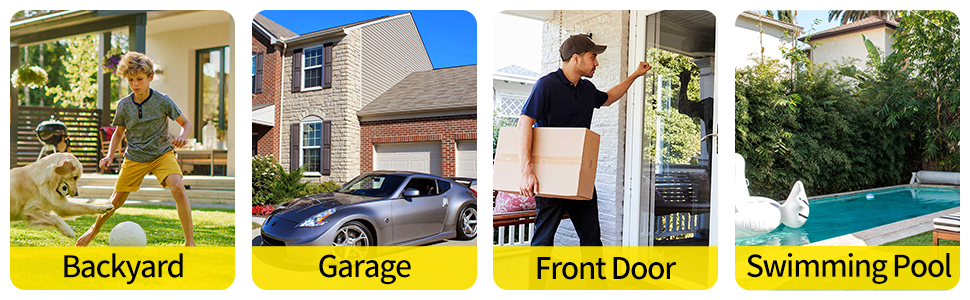
الصورة 1.2: مثالamples of common installation locations and usage scenarios for the outdoor security camera.
2. محتويات العبوة
يرجى التحقق من محتويات العبوة عند فتحها للتأكد من وجود جميع العناصر:
- Septekon 1080p Wireless Outdoor Security Camera (Model 764)
- محول الطاقة
- مسامير التثبيت ومقابس الحائط
- دليل المستخدم (هذا المستند)
3. الإعداد
3.1. Download the Septekon App
بحث عن "Septekon" in your smartphone's app store (Google Play Store for Android or Apple App Store for iOS) and download the official application. Follow the on-screen instructions to create an account.
3.2. قم بتشغيل الكاميرا
Connect the provided power adapter to the camera and plug it into a standard electrical outlet. The camera will power on and initiate its startup sequence. Wait for the indicator light to show it is ready for connection (refer to the app for specific light indications).
3.3. الاتصال بشبكة Wi-Fi
- Open the Septekon app and tap on "Add Device" or the '+' icon.
- Select your camera model or scan the QR code located on the camera or its packaging.
- Follow the in-app instructions to connect the camera to your 2.4GHz Wi-Fi network. Ensure your phone is also connected to the same 2.4GHz network during setup. ملاحظة: هذه الكاميرا لا تدعم شبكات الواي فاي بتردد 5 جيجاهرتز.
- بمجرد الاتصال، يمكنك تسمية الكاميرا وإكمال عملية الإعداد.
3.4. تركيب الكاميرا
اختر موقعًا خارجيًا مناسبًا للتركيب، مع ضمان مجال رؤية واضح. view and proximity to a power source. The camera is designed for wall mounting.
- حدد نقاط الحفر على الحائط باستخدام قاعدة تثبيت الكاميرا كقالب.
- قم بحفر الثقوب وإدخال المقابس الحائطية.
- قم بتثبيت قاعدة التثبيت على الحائط باستخدام البراغي المرفقة.
- Attach the camera to the mounting base and adjust its angle for optimal coverage.
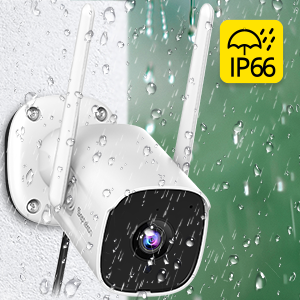
Image 3.1: Illustrates the process of mounting the camera to a wall.
4. تعليمات التشغيل
4.1. حي View
Open the Septekon app and select your camera from the device list to access the live video feed. You can view الوقت الحقيقيtagهـ من أي مكان متصل بالإنترنت.

Image 4.1: Demonstrates the ability to watch live video remotely and share access with multiple users.
4.2. الصوت ثنائي الاتجاه
أثناء العيش view, tap the microphone icon in the app to speak through the camera's built-in speaker. Tap the speaker icon to listen to audio from the camera's surroundings. This feature allows for direct communication with visitors or deterrence of unwanted individuals.

Image 4.2: A user communicating with a delivery person via the camera's two-way audio feature.
4.3. كشف الحركة والتنبيهات
The camera's AI motion detection system will send real-time alerts to your phone when suspicious activity is detected. You can customize motion detection sensitivity and alert settings within the Septekon app.

Image 4.3: Depicts real-time motion alerts and the activation of a siren to deter intruders.
4.4. الرؤية الليلية
The camera automatically switches to advanced night vision mode in low-light conditions, providing clear black-and-white footage up to 20 meters (65 feet). This ensures continuous surveillance around the clock.
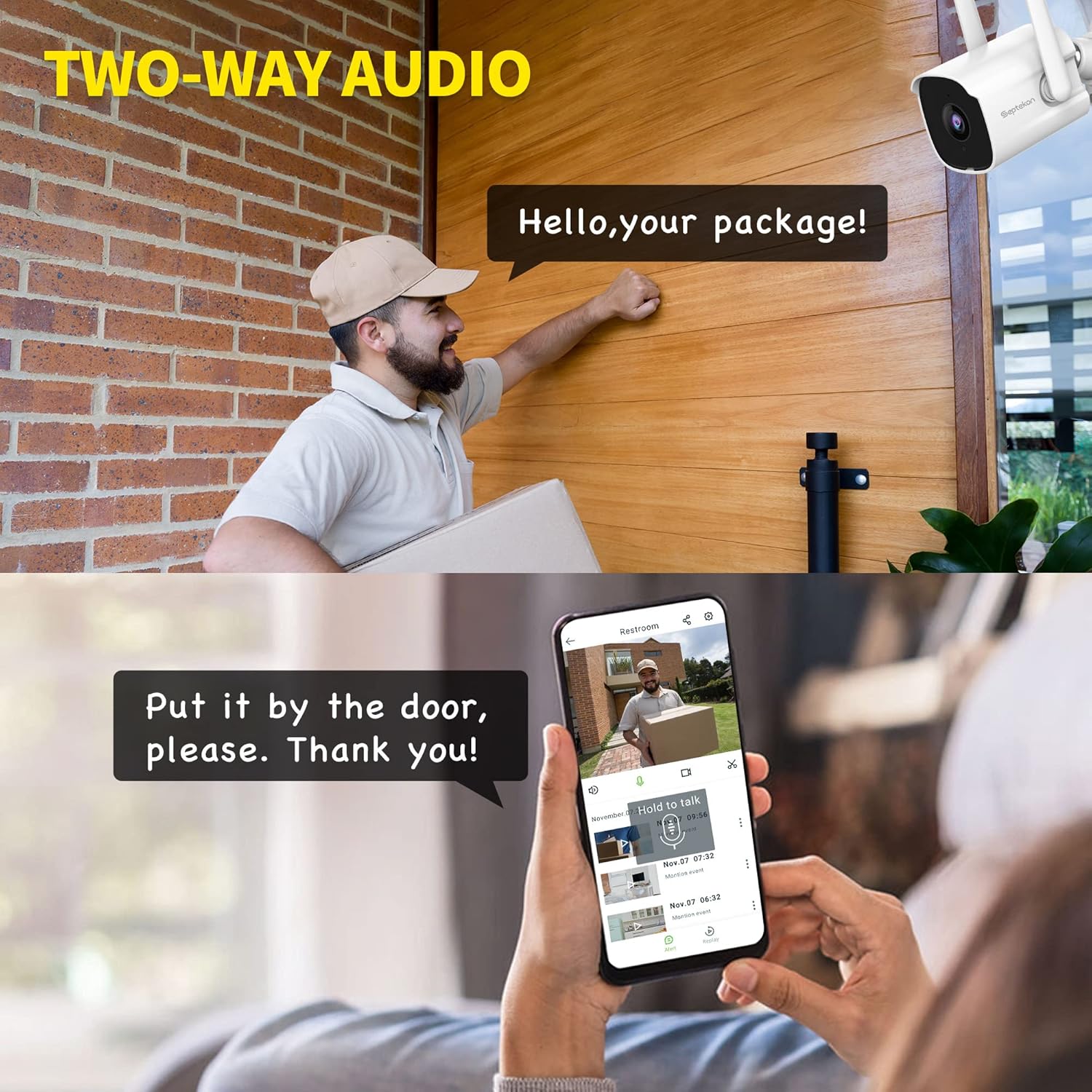
Image 4.4: Illustrates the clarity of the camera's enhanced night vision feature.
4.5. التسجيل والتخزين
تدعم الكاميرا خيارين لتخزين مقاطع الفيديو المسجلةtage:
- التخزين السحابي: Securely store your video data in the cloud with AES256 encryption. Access, review, download, and share recordings anytime from the Septekon app. A subscription may be required for cloud services.
- تخزين بطاقة Micro SD: Insert a micro SD card (up to 128GB, not included) into the camera's designated slot for local storage. Footage can be accessed and managed through the app.

Image 4.5: Shows the options for encrypted cloud storage and local SD card storage.
4.6. المشاركة بين عدة مستخدمين
You can share access to your camera's live feed and recordings with up to 20 other users through the Septekon app. This allows family members or trusted individuals to monitor your property.

Image 4.6: Illustrates the multi-user sharing feature, allowing several people to view تغذية الكاميرا.
5. الصيانة
Regular maintenance ensures optimal performance and longevity of your Septekon security camera.
- تنظيف: قم بتنظيف عدسة الكاميرا والغلاف بشكل دوري باستخدام قطعة قماش ناعمة.amp cloth to remove dust, dirt, or water spots. Do not use harsh chemicals or abrasive materials.
- تحديثات البرامج الثابتة: Check the Septekon app regularly for available firmware updates. Keeping your camera's firmware up-to-date ensures access to the latest features and security enhancements.
- فحص الاتصال: Ensure the power cable and Wi-Fi connection remain stable. Re-secure any loose connections.
- الفحص البيئي: While IP66 rated, periodically inspect the camera for any signs of wear or damage, especially after extreme weather events.
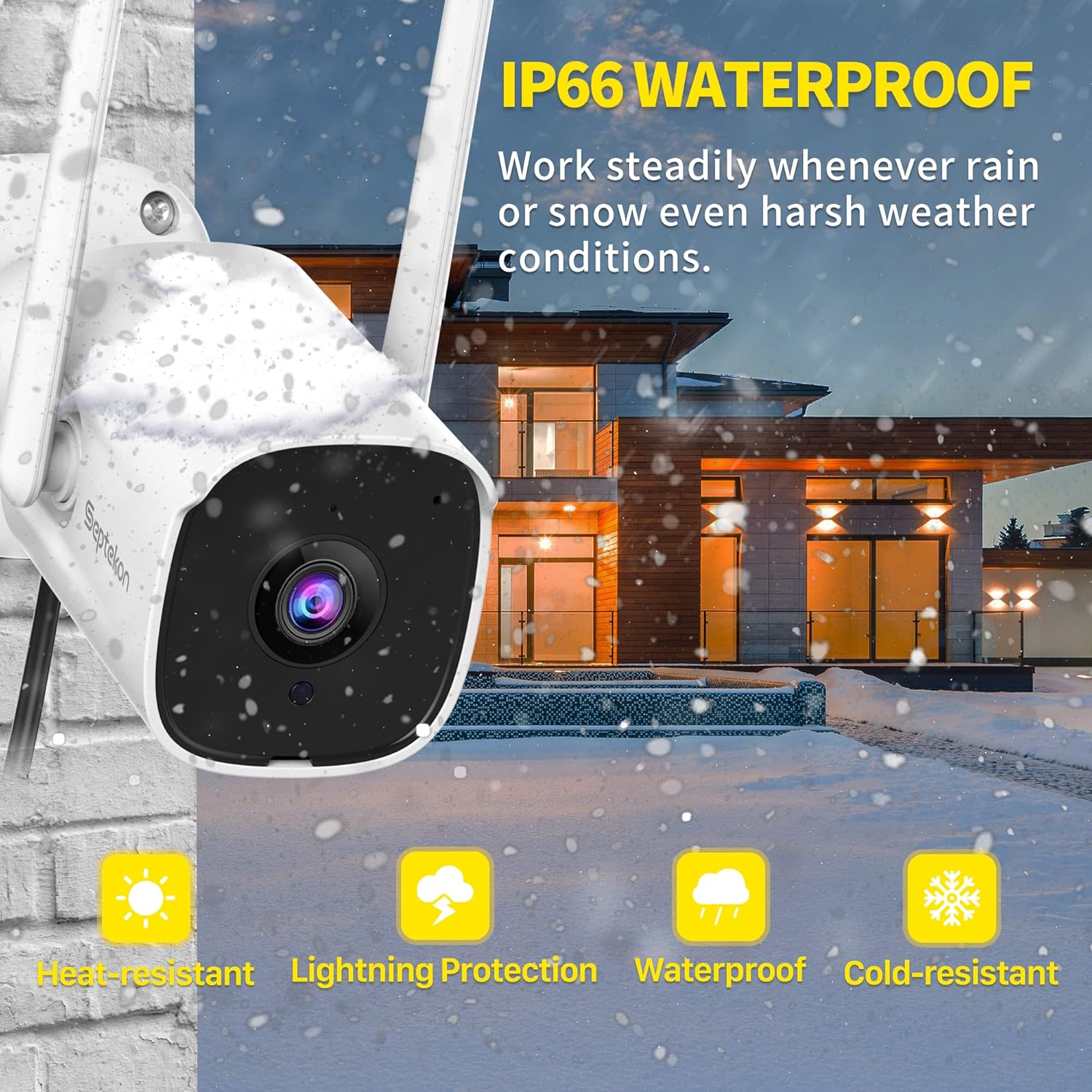
Image 5.1: The camera's IP66 rating ensures durability against various weather conditions like rain and snow.
6. استكشاف الأخطاء وإصلاحها
إذا واجهت مشكلات مع الكاميرا، فراجع المشكلات والحلول الشائعة التالية:
| مشكلة | السبب المحتمل | حل |
|---|---|---|
| الكاميرا غير متصلة بالإنترنت/لا يمكن الاتصال بشبكة Wi-Fi | Weak Wi-Fi signal, incorrect Wi-Fi password, 5GHz network used. | Ensure camera is within Wi-Fi range. Verify Wi-Fi password. Connect to a 2.4GHz network. Restart camera and router. |
| No image/Poor image quality | Lens is dirty, insufficient lighting, network bandwidth issues. | Clean the camera lens. Ensure adequate lighting or check night vision settings. Check internet speed. |
| خاصية كشف الحركة لا تعمل أو حساسة للغاية | Incorrect sensitivity settings, detection zone not configured, environmental factors (e.g., moving branches). | Adjust motion detection sensitivity in the app. Configure detection zones to exclude irrelevant areas. |
| مشاكل الصوت ثنائي الاتجاه | Microphone/speaker blocked, app permissions, low volume. | Ensure nothing is obstructing the microphone or speaker. Check app permissions for audio. Adjust volume settings. |
| بطاقة الذاكرة لا تسجل | بطاقة الذاكرة SD ممتلئة أو تالفة أو لم يتم إدخالها بشكل صحيح. | Check SD card status in the app. Format the SD card (this will erase data). Replace with a new SD card if corrupted. Ensure it's inserted correctly. |
7. المواصفات
Detailed technical specifications for the Septekon 1080p Wireless Outdoor Security Camera (Model 764):
| ميزة | مواصفة |
|---|---|
| رقم الموديل | 764 |
| ماركة | سبتيكون |
| تكنولوجيا الاتصال | لاسلكي (واي فاي 2.4 جيجاهرتز) |
| دقة تسجيل الفيديو | 1080 بكسل |
| Effective Capture Resolution | 2 ميجا بكسل |
| ميزة خاصة | رؤية ليلية، كشف الحركة، صوت ثنائي الاتجاه |
| الاستخدام الداخلي والخارجي | في الهواء الطلق |
| تصنيف الحماية الدولية | IP66 |
| الأجهزة المتوافقة | الهاتف الذكي |
| مصدر الطاقة | الكابلات الكهربائية |
| نوع التركيب | حامل الحائط |
| لون | أبيض |
| نوع مصدر الضوء | الأشعة تحت الحمراء |
| Viewزاوية جي | 105 درجة |
| مجال View | 120 درجة |
| أبعاد العنصر (الطول × العرض × الارتفاع) | 13 × 13 × 6.5 سم |
| واتtage | 5 واط |
| البطاريات المطلوبة | لا |
| عدد المصابيح الحمراء | 8 |
| أقصى سعة تخزين لبطاقة SD | 128 GB (Micro SD, not included) |
8. الضمان والدعم
For warranty information, technical support, or any inquiries regarding your Septekon 1080p Wireless Outdoor Security Camera, please refer to the official Septekon webالموقع أو تواصل مع خدمة العملاء مباشرةً. احتفظ بإيصال الشراء لطلبات الضمان.