
1. المقدمة
شكرا لك على الشراءasing the Awei Y669 Portable Bluetooth Speaker. This manual provides essential information for the proper setup, operation, and maintenance of your device. Please read this manual thoroughly before use to ensure optimal performance and longevity of your speaker.
2. الميزات الرئيسية
- Bluetooth V5.0+EDR: للحصول على اتصال لاسلكي مستقر وفعال.
- أوضاع تشغيل متعددة: Supports Bluetooth and AUX input.
- مخرج صوت قوي: 31W total output (RMS8Wx2 + 15Wx1) for rich sound.
- ربط TWS: Connect two Y669 speakers for a true stereo surround sound experience.
- عمر بطارية طويل: 2200mAh/7.4V battery provides up to 12 hours of music playback.
- تصنيف IPX7 للماء: مصمم لتحمل الغمر في الماء حتى عمق متر واحد لمدة 30 دقيقة.
- 2.1 Speaker System: Features two 8W mid-high frequency speakers and one 15W low frequency speaker.
- ميكروفون مدمج: لإجراء مكالمات بدون استخدام اليدين.
- تصميم محمول: Ideal for outdoor activities and travel.
3. محتويات العبوة
يرجى التحقق من الحزمة للعناصر التالية:
- 1 x Awei Y669 Portable Speaker
- 1 × دليل المستخدم
- 1 × كابل شحن USB
إذا كانت أي من العناصر مفقودة أو تالفة، يرجى الاتصال بالتاجر الخاص بك.
4. انتهى المنتجview

الشكل 4.1: الجبهة view of the Awei Y669 Portable Bluetooth Speaker, showing the control panel with power, volume, play/pause, and Bluetooth buttons.

الشكل 4.2: انفجرت view illustrating the internal speaker drivers and passive radiators, highlighting the 2.1 channel audio architecture.
تخطيط لوحة التحكم:
- زر الطاقة: Press and hold to turn on/off. Short press to check battery status.
- زر البلوتوث: اضغط لفترة قصيرة للدخول إلى وضع الاقتران بالبلوتوث.
- اخفض الصوت (-): اضغط ضغطة قصيرة لخفض الصوت. اضغط مع الاستمرار للانتقال إلى المقطع السابق.
- زر التشغيل/الإيقاف المؤقت: Short press to play/pause music. Short press to answer/end calls. Press and hold to reject calls.
- رفع الصوت (+): اضغط لفترة قصيرة لرفع مستوى الصوت. اضغط باستمرار للانتقال إلى المقطع التالي.
- أضواء مؤشر البطارية: Four LED lights indicating battery level.
5. الإعداد
5.1 شحن السماعة
- قم بتوصيل كابل شحن USB المرفق بمنفذ الشحن الموجود على مكبر الصوت.
- Connect the other end of the USB cable to a USB power adapter (DC5V-500mA, not included) or a computer's USB port.
- The battery indicator lights will illuminate to show charging status. All four lights will be solid when fully charged.
- تستغرق الشحنة الكاملة حوالي 4 ساعات.
5.2 اقتران بلوتوث
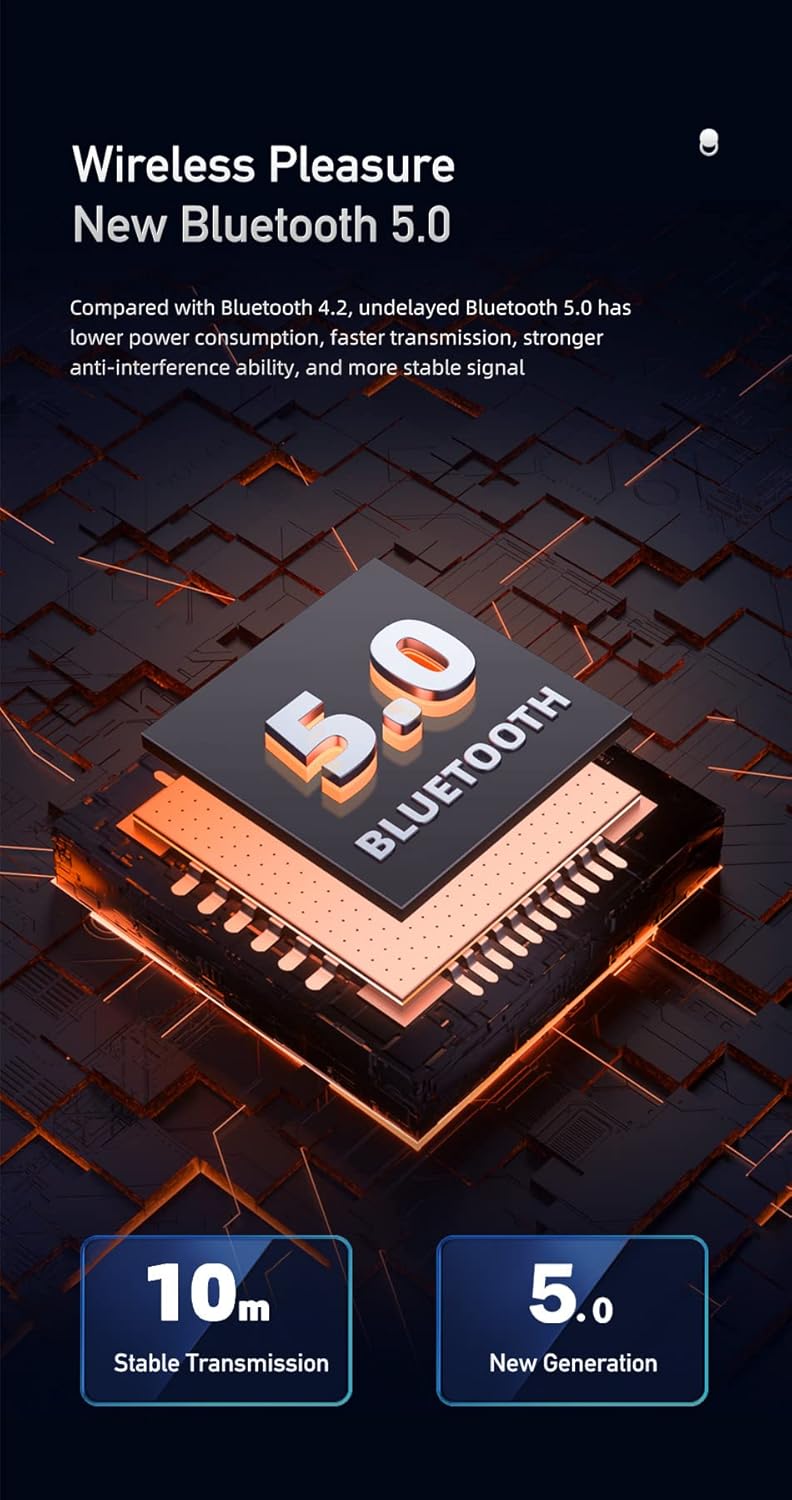
Figure 5.1: Illustration of Bluetooth 5.0 technology, emphasizing stable transmission up to 10 meters.
- تأكد من شحن مكبر الصوت بالكامل قبل الاستخدام الأول.
- Press and hold the Power button to turn on the speaker. A voice prompt will indicate it's powered on.
- سيدخل مكبر الصوت تلقائيًا في وضع الاقتران عبر البلوتوث، ويُشار إلى ذلك بضوء مؤشر البلوتوث الوامض.
- على جهازك المحمول (الهاتف الذكي، الجهاز اللوحي، وما إلى ذلك)، قم بتمكين البلوتوث وابحث عن الأجهزة المتاحة.
- Select "Awei Y669" from the list of devices.
- Once paired, a voice prompt will confirm the connection, and the Bluetooth indicator light will become solid.
- The speaker supports multipoint connection, allowing it to be paired with multiple devices, though only one can play audio at a time.
5.3 مدخل ايه يو اكس
- قم بتوصيل أحد طرفي كابل الصوت 3.5 ملم (غير مرفق) بمنفذ AUX الموجود على السماعة.
- قم بتوصيل الطرف الآخر من كابل الصوت بمقبس إخراج الصوت الخاص بجهازك.
- سيتم تحويل مكبر الصوت تلقائيًا إلى وضع AUX.
6. تعليمات التشغيل
6.1 تشغيل الموسيقى

Figure 6.1: The Awei Y669 speaker delivering 360-degree surround stereo sound for an immersive audio experience.
- تشغيل/إيقاف مؤقت: اضغط قصيرًا على زر التشغيل / الإيقاف المؤقت.
- رفع الصوت: اضغط لفترة قصيرة على زر "+".
- اخفض الصوت: اضغط لفترة قصيرة على الزر '-'.
- المسار التالي: اضغط مع الاستمرار على زر "+".
- المسار السابق: اضغط مع الاستمرار على الزر '-'.
6.2 الاتصال بدون استخدام اليدين
- الرد على المكالمة: اضغط ضغطة قصيرة على زر التشغيل/الإيقاف المؤقت عند رنين مكالمة واردة.
- إنهاء المكالمة: اضغط لفترة قصيرة على زر التشغيل/الإيقاف المؤقت أثناء المكالمة.
- رفض المكالمة: اضغط مع الاستمرار على زر التشغيل/الإيقاف المؤقت عند رنين مكالمة واردة.
6.3 تقنية TWS (التوصيل اللاسلكي الحقيقي)
To connect two Awei Y669 speakers for a stereo sound experience:
- Ensure both Y669 speakers are powered on and not connected to any Bluetooth device.
- On one speaker (this will be the primary speaker), short press the Bluetooth button twice. It will enter TWS pairing mode.
- The primary speaker will automatically search for and connect to the second Y669 speaker.
- Once connected, a voice prompt will confirm the TWS connection. The primary speaker's Bluetooth indicator will flash, and the secondary speaker's indicator will be solid.
- الآن، قم بتوصيل جهازك المحمول بالسماعة الأساسية عبر البلوتوث كما هو موضح في القسم 5.2.
- سيتم الآن تشغيل الصوت بنظام ستيريو من خلال كلا السماعتين.
7. الصيانة

Figure 7.1: The Awei Y669 speaker demonstrating its portability and suitability for outdoor use, highlighting its durable design.
- تنظيف: امسح السماعة بقطعة ناعمة ، دamp قماش. لا تستخدم مواد كيميائية قاسية أو منظفات كاشطة.
- مقاومة الماء: The speaker is IPX7 waterproof. Ensure the charging port cover is securely closed before exposing it to water. Do not intentionally submerge the speaker for extended periods or beyond specified depths.
- تخزين: قم بتخزين مكبر الصوت في مكان بارد وجاف بعيدًا عن أشعة الشمس المباشرة ودرجات الحرارة القصوى.
- العناية بالبطارية: To prolong battery life, charge the speaker regularly, even if not in use. Avoid fully discharging the battery frequently.
- تجنب الصدمات: لا تقم بإسقاط السماعة أو تعريضها لصدمات قوية، لأن ذلك قد يؤدي إلى تلف المكونات الداخلية.
8. استكشاف الأخطاء وإصلاحها
| مشكلة | السبب المحتمل | حل |
|---|---|---|
| مكبر الصوت لا يعمل | بطارية منخفضة | اشحن السماعة لمدة 30 دقيقة على الأقل. |
| لا يمكن الاقتران عبر البلوتوث | السماعة ليست في وضع الاقتران؛ بلوتوث الجهاز مُعطل؛ بعيد جدًا عن الجهاز | Ensure speaker is in pairing mode (flashing Bluetooth light). Turn on Bluetooth on your device. Move speaker closer to your device (within 10m). Forget previous pairings on your device and try again. |
| لا يوجد صوت | Volume too low; Paused music; Incorrect input mode | Increase volume on both speaker and connected device. Press Play/Pause. Ensure correct mode (Bluetooth/AUX) is selected. |
| تشويه الصوت | مستوى الصوت مرتفع جدًا؛ انخفاض مستوى البطارية؛ تداخل | Reduce volume. Charge the speaker. Move away from other electronic devices that may cause interference. |
| فشل الاقتران TWS | Speakers already paired to other devices; Incorrect TWS pairing procedure | تأكد من فصل كلا السماعتين عن الأجهزة الأخرى. اتبع خطوات الاقتران اللاسلكي بدقة (القسم 6.3). |
9. المواصفات
| ميزة | التفاصيل |
|---|---|
| اسم الموديل | Awei Y669 |
| نسخة البلوتوث | 5.0 + إي دي آر |
| بروتوكولات البلوتوث | A2DP/AVRCP/HFP/HSP |
| مسافة الإرسال | Up to 10 meters (barrier-free space) |
| طاقة الإخراج | 31W (RMS8Wx2 + 15Wx1) |
| تكوين مكبر الصوت | 2.1 Channel (2*8W mid-high, 1*15W low frequency) |
| نطاق التردد | 100 هرتز-20 كيلو هرتز |
| سعة البطارية | 2200 مللي أمبير / 7.4 فولت |
| وقت تشغيل الموسيقى | تصل إلى 12 ساعة |
| وقت التحدث | تصل إلى 12 ساعة |
| وقت الشحن | حوالي 4 ساعات |
| حجم الإدخالtage | تيار مستمر 5 فولت-500 مللي أمبير |
| تصنيف مقاومة الماء | IPX7 |
| مادة | Aluminum (Cabinet) |
| الأبعاد (الطول × العرض × الارتفاع) | 8.3 × 21 × 8.3 سم |
| وزن | 1.2 كجم |
| الاتصال | بلوتوث، AUX |
| ميكروفون مدمج | نعم |
| موجه صوتي | نعم |
| اتصال متعدد النقاط | نعم |
10. الضمان والدعم
Information regarding product warranty and customer support was not available in the provided product data. Please refer to the packaging or contact your point of purchase for details on warranty coverage and support services.