
1. المقدمة
Thank you for choosing the VOYEE WE-07 Wired Game Controller. This manual provides detailed instructions for setting up, operating, and maintaining your controller. The WE-07 is designed for a responsive and immersive gaming experience on both PC and PlayStation 3 platforms.

Image: The VOYEE WE-07 wired game controller, featuring a black and red design with prominent VOYEE branding and illuminated rumble effects, indicating its dual shock capabilities.
2. مواصفات المنتج
- التوصيل السلكي: Equipped with a 1.8-meter (5.9ft) USB cable for a stable connection and comfortable gaming distance.
- Dual Shock Vibration: Built-in dual motion motors provide varied intensity feedback for an authentic gaming experience.
- تصميم مريح: Features a special matte layer for a comfortable grip during extended gaming sessions.
- التوافق الواسع: Supports Windows 7/8/8.1/10/11 PC games (DInput and XInput modes) and is fully compatible with Sony PlayStation 3 consoles.

Image: An illustration highlighting the internal dual shock rumble motor within the VOYEE WE-07 controller, emphasizing its vibration feedback capability.
3. تصميم وحدة التحكم
Familiarize yourself with the buttons and controls of your VOYEE WE-07 controller:

Image: A detailed diagram of the VOYEE WE-07 controller, labeling all buttons and joysticks, including R1/R2/L1/L2 buttons, LED indicators, SELECT, START, HOME, D-Pad, Left/Right Joysticks, and A/B/X/Y buttons.
- عصا التحكم اليسرى: للحركة الاتجاهية.
- عصا التحكم اليمنى: للتحكم بالكاميرا أو توجيهها.
- D- الوسادة: لوحة اتجاهية لإدخال دقيق.
- أزرار الإجراءات (A، B، X، Y): لإجراءات داخل اللعبة.
- أزرار الكتف (L1، R1): الأزرار المثبتة في الأعلى.
- أزرار الزناد (L2، R2): Bottom-mounted analog triggers.
- حدد زر: Typically for menu navigation or specific game functions.
- زر البدء: يُستخدم عادةً لإيقاف الألعاب مؤقتًا أو بدء تشغيلها.
- HOME/P3 Button: For accessing system menus or PlayStation 3 home screen.
- مؤشرات LED (1-4): Show player number or connection status.
4. تعليمات الإعداد
Connecting your VOYEE WE-07 controller is a straightforward process:
4.1. Connecting to a PC (Windows 7/8/8.1/10/11)
- حدد موقع منفذ USB متاحًا على جهاز الكمبيوتر الخاص بك.
- Plug the USB connector of the VOYEE WE-07 controller into the USB port.
- Your computer will automatically detect and install the necessary drivers. This may take a few moments.
- Once installed, the controller will be ready for use. You may need to configure the controller settings within your game or platform (e.g., Steam) for optimal performance.
The controller supports both DInput (DirectInput) and XInput modes. Most modern PC games use XInput, which is automatically recognized. For older games, DInput might be used.
4.2. Connecting to a PlayStation 3 (PS3)
- تأكد من تشغيل جهاز PS3 الخاص بك.
- Plug the USB connector of the VOYEE WE-07 controller into an available USB port on your PS3.
- The PS3 will recognize the controller. The LED indicators on the controller will light up to show the assigned player number.
- The controller is now ready for use with your PlayStation 3 games.

Image: A close-up of the VOYEE WE-07 controller's USB cable connecting to a device, illustrating the wired connection process.
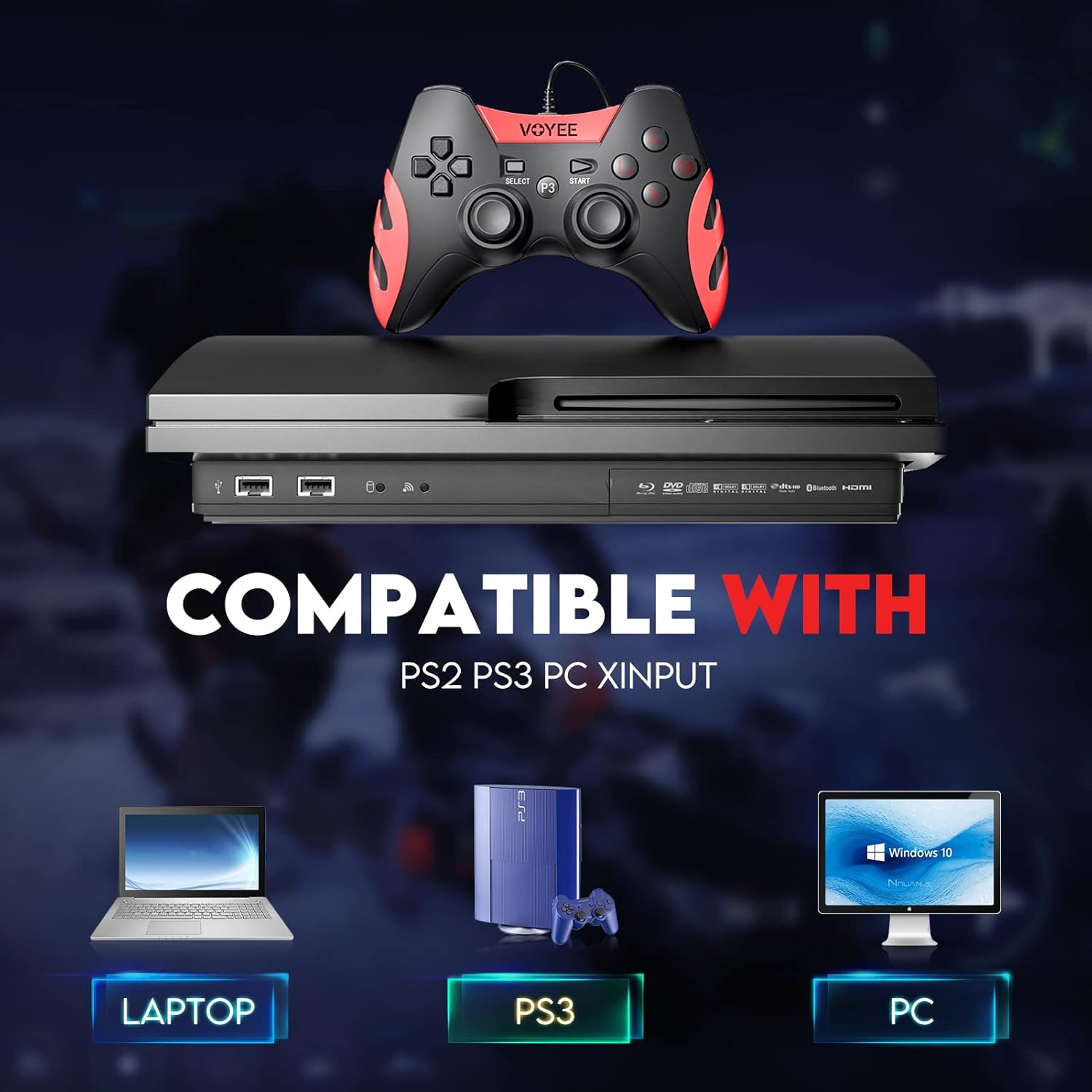
Image: A graphic demonstrating the VOYEE WE-07 controller's compatibility with various platforms, including laptops, PlayStation 3 consoles, and desktop PCs, highlighting its versatility.
5. تعليمات التشغيل
Once connected, the VOYEE WE-07 controller functions similarly to standard gamepads. Here are some general operating tips:
- التحكم في اللعبة: Use the joysticks and D-Pad for movement and navigation. The action buttons (A, B, X, Y) and shoulder/trigger buttons (L1, R1, L2, R2) perform in-game actions as defined by the specific game.
- ردود فعل الاهتزاز: The dual shock motors will provide tactile feedback during gameplay, enhancing immersion. This feature is automatically enabled when supported by the game.
- HOME/P3 Button: Press this button to access the system menu on PS3 or to bring up the game overlay on PC (depending on the game or platform).
- بيئة العمل: The controller's matte finish and ergonomic design are intended for comfortable use during long gaming sessions.
6. استكشاف الأخطاء وإصلاحها
If you encounter issues with your VOYEE WE-07 controller, please refer to the following common solutions:
| مشكلة | حل |
|---|---|
| لم يتم التعرف على وحدة التحكم بواسطة الكمبيوتر/بلاي ستيشن 3. |
|
| ردود الفعل الاهتزازية لا تعمل. |
|
| الأزرار أو عصي التحكم لا تستجيب. |
|
7. الصيانة
To ensure the longevity and optimal performance of your VOYEE WE-07 controller, follow these maintenance guidelines:
- تنظيف: استخدم قطعة قماش ناعمة وجافة لمسح سطح وحدة التحكم. لإزالة الأوساخ المستعصية، افركها برفق.ampاغسل قطعة القماش بالماء. تجنب استخدام المواد الكيميائية القاسية أو المنظفات الكاشطة.
- تخزين: خزّن وحدة التحكم في مكان بارد وجاف بعيدًا عن أشعة الشمس المباشرة ودرجات الحرارة القصوى. تجنب وضع أشياء ثقيلة على وحدة التحكم.
- العناية بالكابلات: Do not sharply bend or pull the USB cable. Always grasp the plug when disconnecting, not the cable itself.
- تجنب القطرات: حماية وحدة التحكم من السقوط والصدمات، والتي قد تؤدي إلى تلف المكونات الداخلية.
8. المواصفات
| نموذج | WE-07 |
| ماركة | فويي |
| الاتصال | USB سلكي |
| طول الكابل | 1.8 أمتار (5.9 قدمًا) |
| الأجهزة المتوافقة | PC (Windows 7/8/8.1/10/11), PlayStation 3 |
| نوع وحدة التحكم | Gamepad, Joystick (DInput & XInput) |
| مميزات اضافية | Dual Shock Vibration, Ergonomic Design, Matte Finish |
| كمية الأزرار | 17 |
9. الضمان والدعم
VOYEE provides a ضمان لمدة 365 يومًا for the WE-07 wired gamepad controller from the date of purchase. This warranty covers manufacturing defects under normal use.
If you encounter any problems or have questions regarding your VOYEE WE-07 controller, please do not hesitate to contact our customer service team via e-mail. Our friendly customer service is available to assist you.
For support, please visit the official VOYEE webيمكنك الاطلاع على الموقع الإلكتروني أو الرجوع إلى وثائق الشراء الخاصة بك للحصول على معلومات الاتصال.