
TomTom 1YB5.002.20
TomTom GO Expert Truck Sat Nav User Manual
Model: 1YB5.002.20
مقدمة
This manual provides essential information for setting up, operating, maintaining, and troubleshooting your TomTom GO Expert Truck Sat Nav. Please read it carefully to ensure optimal performance and safe use of your device.
The TomTom GO Expert is designed for professional large vehicle navigation, offering custom routing and POIs for buses, trucks, and coaches, along with live alerts for various road restrictions.
ماذا يوجد في الصندوق
عند فتح العبوة، تأكد من وجود جميع المكونات:
- TomTom GO Expert Device
- شاحن السيارة
- حامل سهل التركيب
- دليل البدء السريع

الصورة: الجبهة view of the TomTom GO Expert Sat Nav device, showing its 5-inch capacitive screen and the TomTom logo at the bottom.
يثبت
1. تركيب الجهاز
- تنظيف الزجاج الأمامي: Ensure the area where you intend to mount the device is clean and dry.
- قم بتثبيت الحامل: Securely attach the Click-and-Drive mount to your windshield or dashboard. Press the suction cup firmly against the surface and flip the lever to lock it in place.
- قم بتوصيل الجهاز: Slide the TomTom GO Expert device onto the mount until it clicks securely.
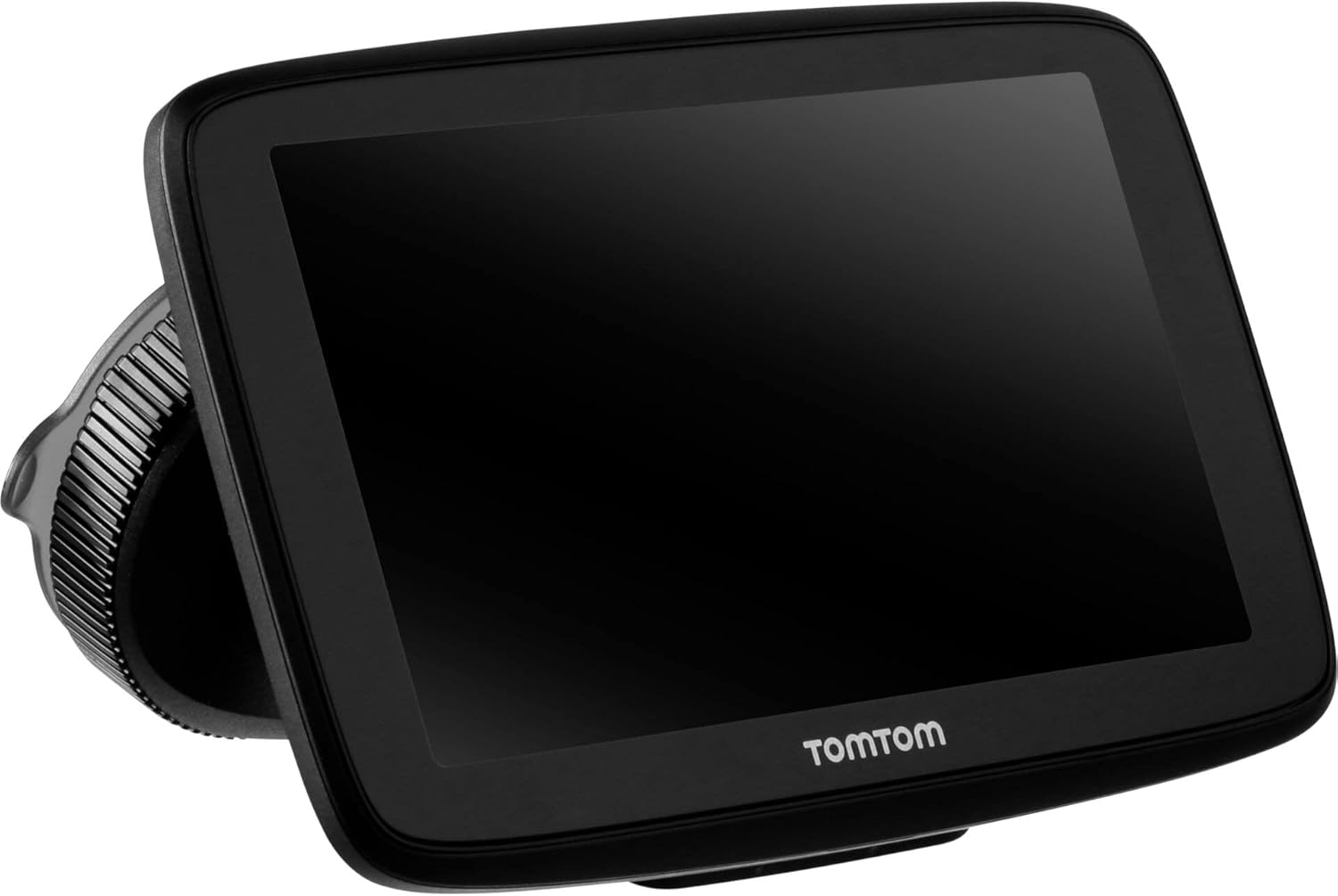
Image: The TomTom GO Expert Sat Nav device attached to its Click-and-Drive mount, viewed from an angle, showing the suction cup base.
2. التشغيل والشحن
- Connect the Car Charger: قم بتوصيل شاحن السيارة بمنفذ الطاقة 12 فولت في سيارتك.
- الاتصال بالجهاز: Connect the other end of the charger to the TomTom GO Expert device.
- التهمة الاولية: Allow the device to charge for at least 30 minutes before first use, or until the battery indicator shows sufficient charge.

الصورة: الجانب المحترفfile of the TomTom GO Expert Sat Nav device, showing its slim design and how it connects to the Click-and-Drive mount.
3. الإعداد الأولي واتصال Wi-Fi
- اتبع التعليمات التي تظهر على الشاشة لتحديد اللغة والمنطقة الخاصة بك.
- Connect to a Wi-Fi network for quick map updates and traffic information. Navigate to الإعدادات > Wi-Fi وحدد شبكتك.
- Configure your vehicle profile (truck, bus, coach) by entering dimensions, weight, and other relevant details. This is crucial for custom routing.
تشغيل جهازك
أساسيات التنقل
- إدخال الوجهة: Tap the search icon on the main menu and enter an address, POI, or coordinates.
- التوجيه المخصص: The device will automatically calculate routes based on your configured vehicle profile, avoiding unsuitable roads for large vehicles.
- تحديثات حركة المرور المباشرة: With an active Wi-Fi connection, the device provides real-time traffic information to help you avoid delays.
- Lane Guidance: The device displays clear lane guidance to help you prepare for exits and turns.
- التحكم الصوتي: Use voice commands for hands-free operation. Refer to the on-screen guide for available commands.
Map Updates and Services
Your TomTom GO Expert receives 3X faster updates via Wi-Fi. Ensure your device is connected to a stable Wi-Fi network to download the latest maps and software updates conveniently and at no extra cost.
- تحديثات الخريطة: انتقل إلى الإعدادات> التحديثات والعناصر الجديدة to check for and install map updates.
- تنبيهات كاميرات السرعة: The device includes 1 year of speed camera alerts. Ensure this service is active for safer driving.
صيانة
- تنظيف: Use a soft, lint-free cloth to clean the screen and device casinز. لا تستخدم المنظفات أو المذيبات الكاشطة.
- تحديثات البرامج: Regularly check for and install software updates via Wi-Fi to ensure optimal performance and access to new features.
- العناية بالبطارية: To prolong battery life, avoid exposing the device to extreme temperatures. If storing for an extended period, ensure the battery is partially charged.
- تخزين: When not in use, store the device in a cool, dry place, away from direct sunlight.
استكشاف الأخطاء وإصلاحها
المشاكل الشائعة والحلول
- الجهاز لا يعمل:
- Ensure the car charger is securely connected to both the device and the vehicle's power outlet.
- تحقق من منفذ الطاقة الخاص بالمركبة للتأكد من وظيفته.
- Try resetting the device by holding the power button for 15-20 seconds.
- لا يوجد إشارة GPS:
- تأكد من أن الجهاز لديه واضحة view of the sky. Obstructions like tall buildings or tunnels can block the signal.
- Move to an open area and allow the device a few minutes to acquire satellites.
- Check for any pending software updates that might improve GPS performance.
- Map Not Updating:
- تأكد من أن الجهاز متصل بشبكة واي فاي مستقرة.
- Ensure there is sufficient storage space on the device for the new map data.
- Restart the device and try the update again.
- شاشة اللمس لا تستجيب:
- قم بإجراء إعادة ضبط بسيطة عن طريق الضغط باستمرار على زر الطاقة حتى يتم إعادة تشغيل الجهاز.
- تأكد من أن الشاشة نظيفة وخالية من الحطام.
تحديد
| ميزة | التفاصيل |
|---|---|
| أبعاد المنتج | 5.51 × 0.79 × 3.54 بوصة |
| وزن العنصر | 12.7 أونصات |
| رقم الموديل | 1YB5.002.20،XNUMX |
| البطاريات | 1 بطارية ليثيوم أيون مطلوبة (مضمنة) |
| نظام التشغيل | Windows (internal OS) |
| تقنيات الاتصال | Bluetooth, Wireless (Wi-Fi) |
| المميزات الخاصة | Bluetooth, Lane Assist, Touchscreen |
| مدخلات واجهة الإنسان | شاشة تعمل باللمس |
| لون | أسود |
| نوع خدمة المركبة | Bus, Truck |
| حجم الشاشة | 5 بوصة |
| نوع الخريطة | في جميع أنحاء العالم |
| وضع إخراج الصوت | المتحدث |
الضمان والدعم
For detailed warranty information and technical support, please visit the official TomTom support webقم بزيارة الموقع أو راجع بطاقة الضمان المرفقة مع المنتج الخاص بك.
الدعم عبر الإنترنت: www.tomtom.com/support
Ensure you have your device's serial number and model number (1YB5.002.20) ready when contacting support.
Ask a question about this manual
Ask about setup, troubleshooting, compatibility, parts, safety, or missing instructions. Manuals+ will review the question and use this page’s manual context to help answer it.