
مقدمة
This manual provides essential information for the safe and efficient operation of your Audiolab Omnia All-in-One Music System. Please read these instructions carefully before use and retain them for future reference. The Audiolab Omnia is designed to deliver high-fidelity audio performance from various sources, including CD, streaming, and external devices.
معلومات هامة حول السلامة
- مزود الطاقة: Connect the unit only to an AC power source of the type marked on the rear panel. Ensure the power cord is securely plugged into the unit and the wall outlet.
- تهوية: لا تسد فتحات التهوية. تأكد من تدفق الهواء الكافي حول الجهاز لمنع ارتفاع درجة حرارته.
- الماء والرطوبة: لا تُعرِّض الجهاز للمطر أو الرطوبة أو الرطوبة الزائدة. لا تضع عليه أي أغراض مملوءة بالسوائل، مثل المزهريات.
- مصادر الحرارة: احتفظ بالوحدة بعيدًا عن مصادر الحرارة مثل المشعات أو فتحات التدفئة أو المواقد أو أي أجهزة أخرى تنتج الحرارة.
- الخدمة: لا تحاول خدمة هذا المنتج بنفسك. قم بإحالة جميع أعمال الصيانة إلى أفراد الخدمة المؤهلين.
- تنظيف: Unplug the unit from the wall outlet before cleaning. Use a soft, dry cloth for cleaning. Do not use liquid cleaners or aerosol cleaners.
محتويات الحزمة
تأكد من وجود جميع العناصر في العبوة:
- Audiolab Omnia All-in-One Music System
- كابل الطاقة
- جهاز التحكم عن بعد
- هوائيات واي فاي (عدد 2)
- دليل المستخدم (هذا المستند)
يثبت
1. فك التعبئة والتركيب
Carefully remove the Audiolab Omnia from its packaging. Place the unit on a stable, level surface with adequate ventilation. Avoid placing it near strong magnetic fields or direct sunlight.
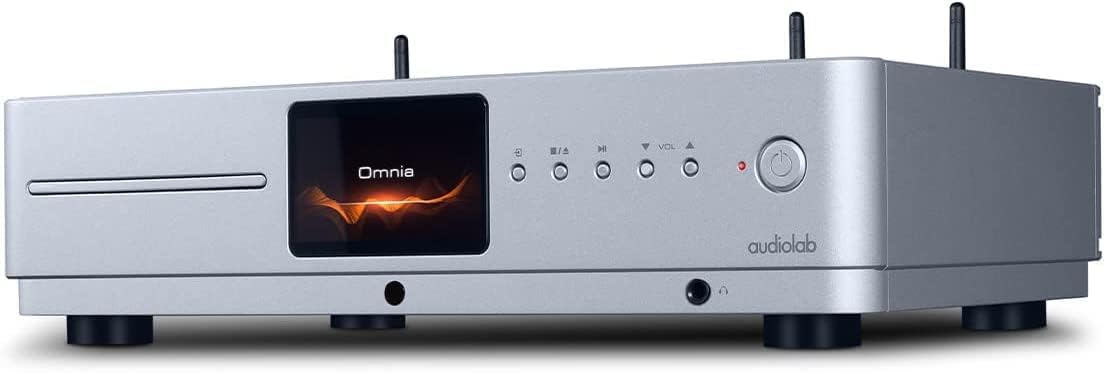
أمام view of the Audiolab Omnia All-in-One Music System, showcasing its silver finish, central display, CD slot, and control buttons.
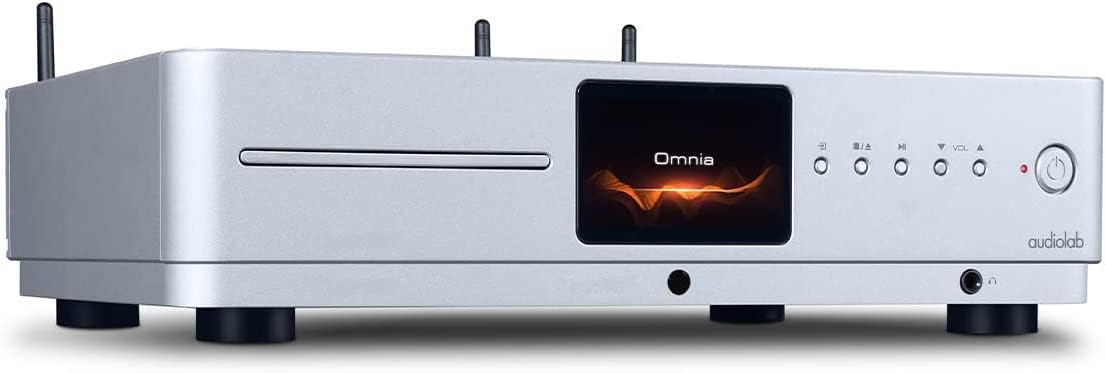
واجهة بزاوية view of the Audiolab Omnia, highlighting its sleek design and integrated display.
2. توصيل مكبرات الصوت
Connect your passive speakers to the speaker terminals on the rear panel of the Omnia. Ensure correct polarity (+ to + and - to -) for optimal sound quality. Use high-quality speaker cables.

The rear panel of the Audiolab Omnia, displaying speaker terminals, digital and analog inputs, network ports, and power input.
3. اتصال الشبكة
For network streaming features, connect the supplied Wi-Fi antennas to the rear panel. Alternatively, connect an Ethernet cable from your router to the LAN port on the Omnia for a wired connection.
Detail of the rear panel, indicating the locations for Wi-Fi antenna attachment and the Ethernet port for network connectivity.
4. توصيل الطاقة
Connect the power cable to the AC inlet on the rear panel and then to a suitable wall outlet. Ensure the power switch is in the OFF position before connecting.
تعليمات التشغيل
1. تشغيل / إيقاف التشغيل
Press the power button on the front panel or the remote control to turn the unit on or off. The display will illuminate upon power-on.
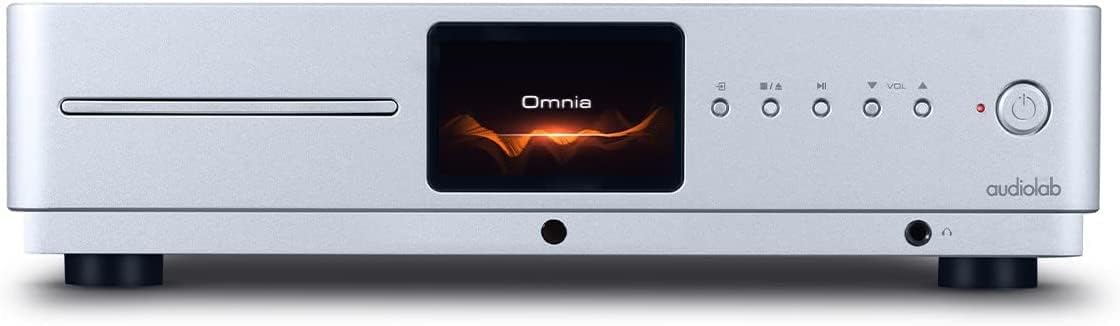
Front panel of the Omnia, showing the power button on the right and the central display.
2. اختيار المصدر
Use the 'Input' button on the front panel or the remote control to cycle through available input sources (e.g., CD, Optical, Coaxial, USB, Network, Bluetooth, Analog).
3. تشغيل القرص المضغوط
Insert a CD into the slot on the front panel. The unit will automatically detect the CD and begin playback. Use the play/pause, stop, and track skip buttons on the front panel or remote control.
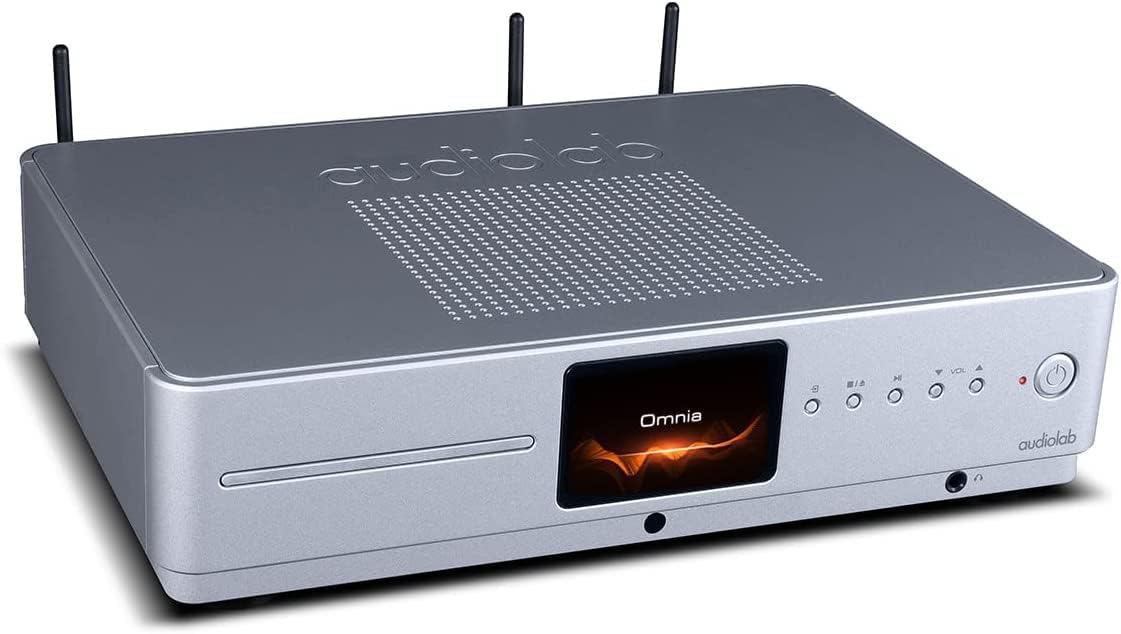
The CD slot on the front left of the Audiolab Omnia, ready for disc insertion.
4. Network Streaming
Once connected to your network, use the dedicated Audiolab app (available for iOS and Android) to control streaming services, internet radio, and local network music files. Follow the in-app instructions for setup and control.
5. اتصال البلوتوث
Select Bluetooth as the input source. On your mobile device, search for "Audiolab Omnia" in the Bluetooth settings and pair. The unit supports aptX Bluetooth for high-quality wireless audio.
صيانة
- تنظيف: Use a soft, dry, lint-free cloth to clean the unit's exterior. Do not use abrasive cleaners, waxes, or solvents.
- تهوية: تأكد بانتظام من خلو فتحات التهوية من الغبار والحطام لضمان تدفق الهواء بشكل صحيح.
- درج الأقراص المضغوطة: Keep the CD slot clean and free from foreign objects.
استكشاف الأخطاء وإصلاحها
| مشكلة | السبب المحتمل | حل |
|---|---|---|
| لا يوجد طاقة | Power cable not connected; Power switch off; Wall outlet faulty. | Ensure power cable is securely connected; Turn power switch on; Test wall outlet with another device. |
| لا يوجد مخرج صوت | Speakers not connected; Incorrect input source selected; Volume too low; Mute activated. | Check speaker connections; Select correct input source; Increase volume; Deactivate mute. |
| القرص المضغوط لا يعمل | CD inserted incorrectly; CD dirty or scratched; Incorrect source selected. | Re-insert CD correctly; Clean or replace CD; Select CD input source. |
| مشاكل الاتصال بالشبكة | Wi-Fi antennas not connected; Router issues; Incorrect network settings. | Ensure antennas are connected; Restart router; Check network settings via the app. |
تحديد
- نموذج: أومنيا
- ماركة: مختبر الصوت
- تقنية الاتصال: واي فاي، بلوتوث، إيثرنت
- لون: فضي
- نوع السماعة: Stereo (Integrated Ampمكبر)
- مصدر الطاقة: كهرباء سلكية
- وزن السلعة: 26.1 رطل (حوالي 11.84 كجم)
- أبعاد الحزمة: 21 × 16.7 × 8.3 بوصة (حوالي 53.34 × 42.42 × 21.08 سم)
- تاريخ التوفر الأول: 21 أكتوبر 2021
معلومات الضمان
Audiolab products are manufactured to the highest standards and undergo rigorous quality control. This product is covered by a limited warranty against manufacturing defects. The specific terms and duration of the warranty may vary by region. Please retain your proof of purchase for warranty claims. For detailed warranty information, please refer to the warranty card included with your product or visit the official Audiolab webموقع.
دعم العملاء
If you encounter any issues not covered in the troubleshooting section or require further assistance, please contact Audiolab customer support. You can find contact details on the official Audiolab website or through your local dealer. Please have your product model and serial number ready when contacting support.
الموارد المتاحة على الإنترنت: يزور www.audiolab.co.uk لتسجيل المنتج والأسئلة الشائعة ومواد الدعم الإضافية.