
Finlux FLU5535ANDROID
Finlux FLU5535ANDROID 55-inch 4K Ultra HD Android Smart TV
دليل المستخدم
1. المقدمة
شكرا لك على الشراءasing the Finlux FLU5535ANDROID 55-inch 4K Ultra HD Android Smart TV. This manual provides essential information for setting up, operating, and maintaining your new television. Please read this manual thoroughly before using the product and keep it for future reference.
معلومات هامة حول السلامة
Always follow basic safety precautions when using this television to reduce the risk of fire, electric shock, and injury to persons. Do not expose the TV to rain or moisture. Do not open the cabinet. Refer all servicing to qualified personnel.
- تأكد من التهوية المناسبة حول التلفزيون.
- لا تقم بسد فتحات التهوية بأشياء مثل الصحف أو مفارش المائدة أو الستائر.
- لا تضع التلفاز على عربة أو حامل أو حامل ثلاثي أو قوس أو طاولة غير مستقرة.
- افصل التلفاز أثناء العواصف الرعدية أو عند عدم استخدامه لفترات طويلة.
- Keep small components and batteries out of reach of children.
2. ماذا يوجد في الصندوق
Upon unpacking your Finlux FLU5535ANDROID TV, please ensure all the following items are present:
- Finlux FLU5535ANDROID 55-inch 4K Ultra HD Android Smart TV
- جهاز التحكم عن بعد بالبطاريات
- كابل الطاقة
- Stand (if applicable, for tabletop placement)
- دليل المستخدم (هذا المستند)
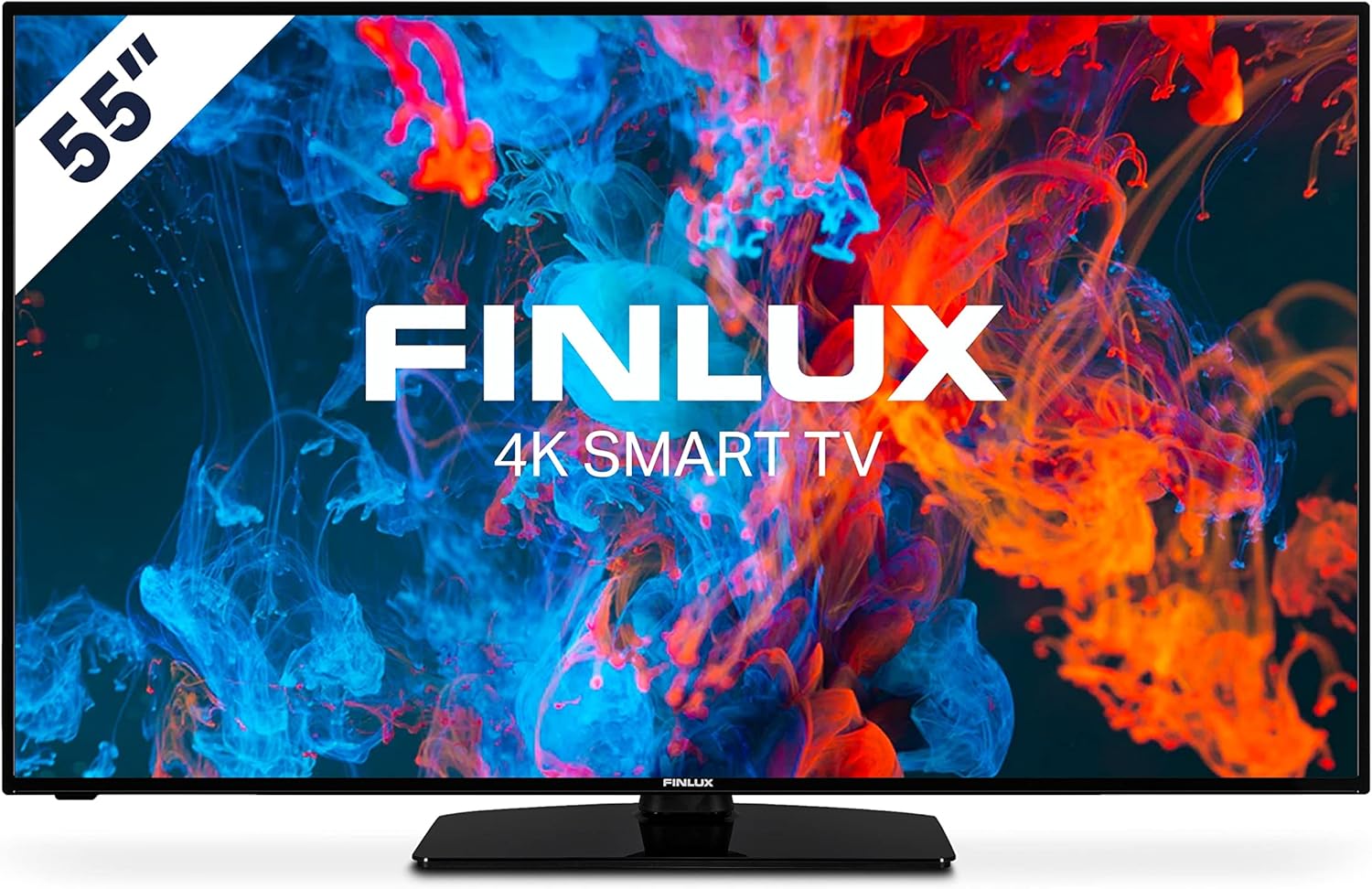
الصورة: الجبهة view of the Finlux FLU5535ANDROID 55-inch 4K Ultra HD Android Smart TV, showcasing its slim bezel and central stand.
3. الإعداد
3.1 التدريب البدني
The Finlux FLU5535ANDROID TV features a practical size and a slim screen, making it easy to place in various rooms. Its flat back and thin screen design allow for easy wall mounting or placement against a wall.
- وضع الطاولة: Attach the provided stand securely to the TV following the instructions in the separate quick start guide. Place the TV on a stable, level surface.
- التثبيت على الحائط: If you plan to wall mount the TV, ensure you use a VESA-compatible wall mount (not included) and follow the wall mount manufacturer's instructions.
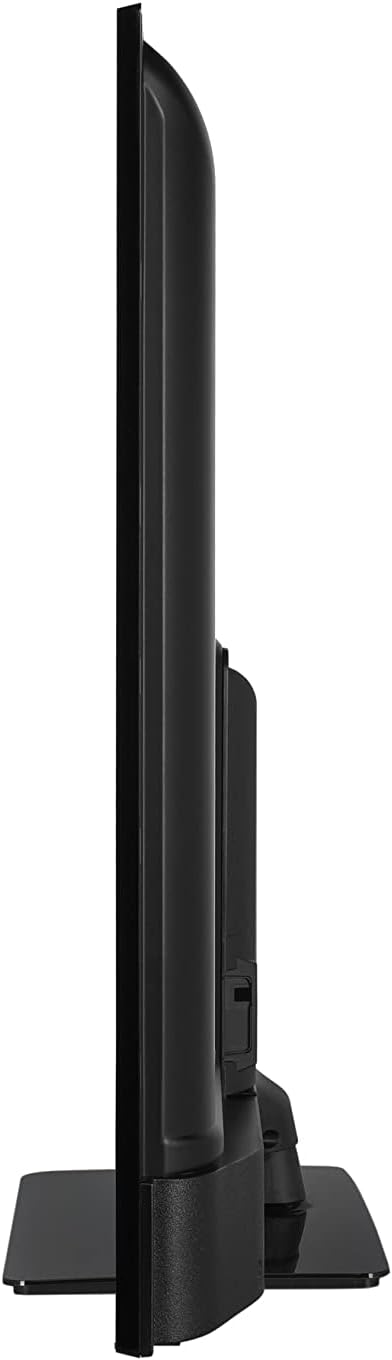
الصورة: الجانب المحترفfile view of the Finlux FLU5535ANDROID TV, highlighting its slim design.
3.2 توصيل الكابلات
Connect the power cable to the TV's power input and then to a wall outlet. Connect your external devices such as set-top boxes, gaming consoles, or Blu-ray players to the appropriate ports on the TV.

الصورة: الخلفية view of the Finlux FLU5535ANDROID TV, displaying the arrangement of its input ports including HDMI and USB.
- HDMI: Connect high-definition devices using HDMI cables. This TV features 4 HDMI ports.
- USB: Connect USB storage devices for media playback or PVR functionality. This TV has 2 USB ports.
- هوائي / كابل: قم بتوصيل هوائي التلفزيون أو مدخل كابل التلفزيون لقنوات البث.
- إيثرنت: للحصول على اتصال إنترنت سلكي مستقر.
3.3 معالج التشغيل الأولي والإعداد
After connecting all necessary cables, plug the TV into a power outlet and press the power button on the remote control or the TV itself. The TV will guide you through the initial setup process, including language selection, network connection, and channel scanning.
4. تشغيل جهاز التلفزيون
4.1 التحكم عن بعد أكثرview
The provided remote control allows you to navigate the TV's features and menus. Insert the included batteries into the remote control before use.

Image: The Finlux TV remote control, featuring dedicated buttons for quick access to popular streaming services like Netflix and YouTube, along with standard navigation and number keys.
- زر الطاقة: تشغيل التلفزيون أو إيقاف تشغيله.
- عدد الأزرار: لاختيار القناة المباشرة.
- لوحة التنقل (أعلى/أسفل/يسار/يمين/موافق): To navigate menus and confirm selections.
- رفع/خفض الصوت: ضبط مستوى الصوت.
- القناة لأعلى/لأسفل: تغيير القنوات التلفزيونية.
- أزرار Netflix/YouTube: الوصول المباشر إلى تطبيقات البث هذه.
- زر القائمة: يفتح قائمة الإعدادات الرئيسية.
- زر الخروج: الخروج من القائمة أو التطبيق الحالي.
4.2 Android Smart TV Features
This TV runs on the Android operating system, providing access to a wide range of applications and smart features. Popular applications like Netflix, YouTube, and Prime Video are pre-configured for your convenience.
- خدمات البث: Enjoy movies and series in high quality from Netflix, YouTube, Prime Video, and Spotify.
- متجر جوجل بلاي: Download additional apps, games, and content from the Google Play Store.
- مدمج في Chromecast: Easily cast content from your smartphone or other compatible devices directly to your TV.
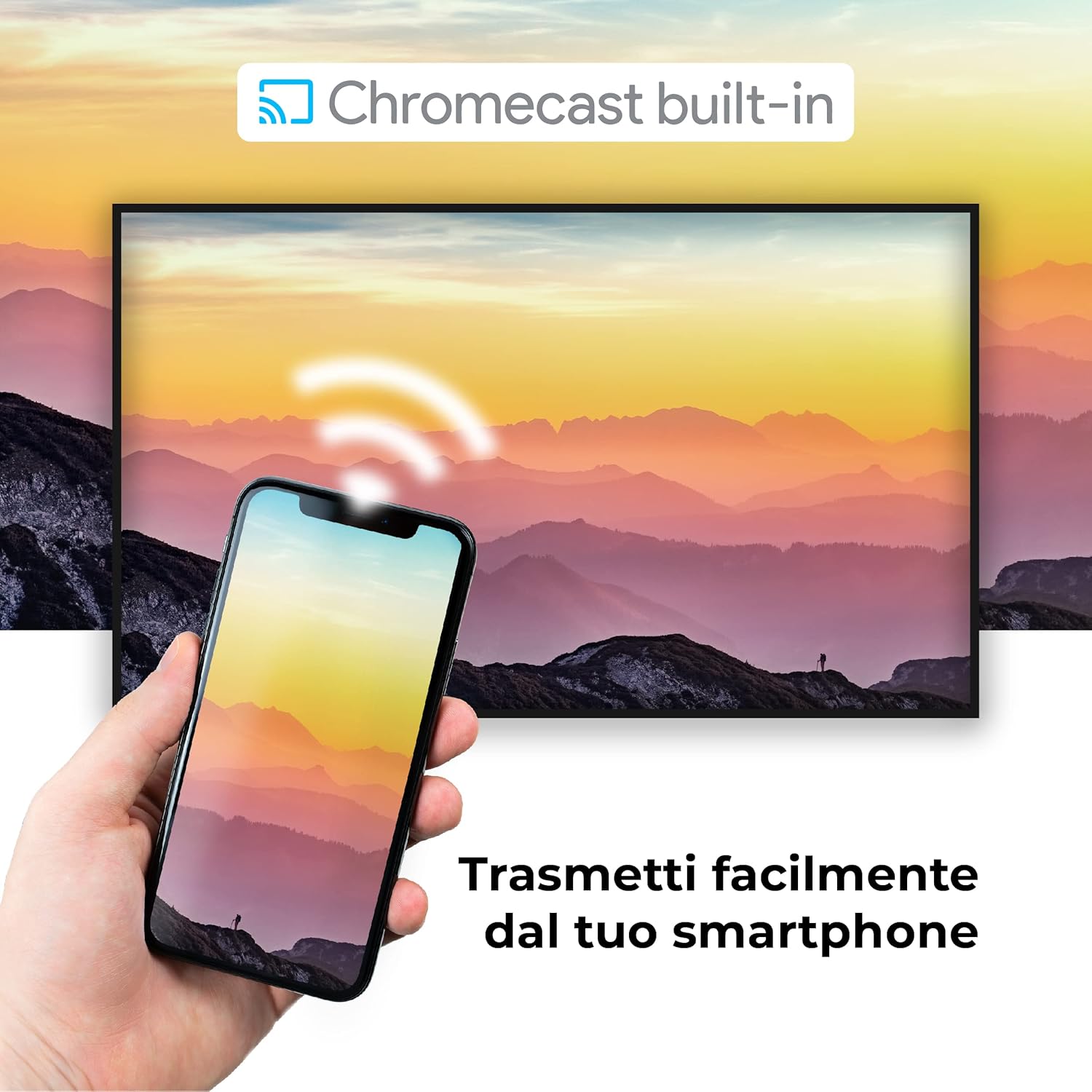
Image: A visual representation of the Chromecast built-in feature, demonstrating how content can be easily streamed from a smartphone to the Finlux TV.
4.3 USB Media Player and PVR
The TV supports USB multimedia playback, allowing you to view photos, play music, or watch videos directly from a USB storage device. It also features PVR (Personal Video Recorder) readiness, enabling you to record TV programs to a connected USB drive.
5. الاتصالات
Your Finlux TV offers a variety of connection options for external devices:
- منافذ HDMI (x4): لتوصيل الأجهزة عالية الدقة مثل مشغلات بلو راي، وأجهزة ألعاب الفيديو، وأجهزة الاستقبال الرقمية.
- منافذ USB (x2): For connecting USB storage devices (e.g., flash drives, external hard drives) for media playback or PVR functionality.
- بلوتوث: للاتصال اللاسلكي بأجهزة الصوت المتوافقة مثل سماعات الرأس أو مكبرات الصوت.
- واي فاي: Built-in Wi-Fi for wireless internet access and Smart TV features.
- إيثرنت (LAN): للحصول على اتصال إنترنت سلكي مستقر.
- إدخال الهوائي: For connecting an aerial for digital terrestrial television (DVB-T, DVB-T2).
- مدخلات القمر الصناعي: For connecting a satellite dish (DVB-S, DVB-S2).
- مخرج الصوت الرقمي البصري: For connecting to a soundbar or home theater system for high-quality audio.
6. الصيانة
6.1 تنظيف التلفزيون
To ensure the longevity and optimal performance of your TV, regular cleaning is recommended:
- شاشة: امسح الشاشة برفق بقطعة قماش ناعمة وخالية من الوبر. لإزالة البقع الصعبة، استخدمampen the cloth slightly with water or a specialized screen cleaner. Never spray cleaner directly onto the screen.
- خزانة: استخدم قطعة قماش ناعمة وجافة لمسح خزانة التلفزيون. تجنب استخدام المنظفات أو المذيبات الكاشطة.
- قبل التنظيف: افصل دائمًا التلفزيون عن مأخذ الطاقة قبل التنظيف.
6.2 العناية العامة
- تجنب وضع التلفاز في ضوء الشمس المباشر أو بالقرب من مصادر الحرارة.
- لا تعرض التلفاز لدرجات حرارة أو رطوبة عالية.
- Protect the TV from dust by regularly dusting its surface.
- لا تضع أشياء ثقيلة فوق التلفاز.
7. استكشاف الأخطاء وإصلاحها
If you encounter issues with your TV, refer to the following common problems and solutions before contacting support:
| مشكلة | السبب المحتمل / الحل |
|---|---|
| لا يوجد طاقة | Ensure the power cable is securely plugged into the TV and the wall outlet. Check if the power outlet is working. Try pressing the power button on the TV itself. |
| لا توجد صورة / لا يوجد صوت | Check the input source (HDMI, AV, TV) is correctly selected. Ensure external devices are powered on and connected properly. For sound, check volume levels and mute settings. |
| جودة الصورة رديئة | Check antenna/cable connection. Adjust picture settings (brightness, contrast, sharpness) in the TV menu. Ensure the source content is high quality. |
| جهاز التحكم عن بعد لا يعمل | افحص البطاريات واستبدلها. تأكد من عدم وجود أي عوائق بين جهاز التحكم عن بعد ومستشعر الأشعة تحت الحمراء الخاص بالتلفزيون. |
| لا يمكن الاتصال بشبكة Wi-Fi | Ensure Wi-Fi is enabled on the TV. Check your router is working and within range. Re-enter the Wi-Fi password. Try restarting both the TV and the router. |
| تطبيقات التلفزيون الذكي لا يتم تحميلها | Check your internet connection. Try restarting the TV. Ensure the app is updated to the latest version. Clear app cache if available in settings. |
8. المواصفات
Below are the key technical specifications for the Finlux FLU5535ANDROID TV:
| ميزة | التفاصيل |
|---|---|
| ماركة | Finlux |
| رقم الموديل | FLU5535ANDROID |
| حجم الشاشة | 55 بوصة (140 سم) |
| تكنولوجيا العرض | قاد |
| دقة | 4K Ultra HD (3840 × 2160) |
| معدل التحديث | 100 Hz (with integrated technology, base 50 Hz) |
| نظام التشغيل | أندرويد |
| الاتصال | بلوتوث، HDMI، USB، واي فاي، إيثرنت |
| منافذ HDMI | 4 |
| منافذ USB | 2 |
| المميزات الخاصة | Flat Design, Android Smart TV, Chromecast Built-in, PVR Ready |
| خدمات الإنترنت المدعومة | Netflix, YouTube, Prime Video, Spotify |
| المكونات المضمنة | Power cable, Standard, TV |

Image: EU Energy Label for the Finlux FLU5535ANDROID TV, indicating its energy efficiency class G and power consumption details. For more details, visit the official EPREL database: معلومات منتج EPREL
9. الضمان والدعم
Finlux products are designed for reliability and performance. This product comes with a standard manufacturer's warranty. Please refer to the warranty card included with your product for specific terms and conditions.
For technical support, troubleshooting assistance beyond this manual, or warranty claims, please contact Finlux customer service. Contact information can typically be found on the manufacturer's official webالموقع أو على عبوة المنتج.
Note: Information regarding spare parts availability is not provided. Software updates are not guaranteed beyond a certain period.
Ask a question about this manual
Ask about setup, troubleshooting, compatibility, parts, safety, or missing instructions. Manuals+ will review the question and use this page’s manual context to help answer it.