
1. المقدمة
Thank you for choosing the ACT AC5105 Wireless Optical Mouse. This device is designed for comfortable and efficient use at home, in the office, or while traveling. It features a compact Nano USB receiver and an intelligent power-saving mode to extend battery life. This manual provides detailed instructions for setup, operation, and maintenance of your new wireless mouse.
2. محتويات العبوة
- ACT AC5105 Wireless Optical Mouse
- استقبال نانو USB
- 1 × بطارية AA (متضمنة)
3. دليل الإعداد
- أدخل البطارية:
Open the battery compartment cover located on the underside of the mouse. Insert the included AA battery, ensuring correct polarity (+/-). Close the battery compartment cover securely.

Figure 3.1: Battery and Nano Receiver Storage
This image illustrates the underside of the mouse with the battery compartment open, showing where to insert the AA battery and store the Nano USB receiver. The on/off switch is also visible.
- Connect the Nano USB Receiver:
Remove the Nano USB receiver from its storage slot inside the battery compartment. Plug the receiver into an available USB-A port on your computer. Your operating system will automatically detect and install the necessary drivers.
- تشغيل الماوس:
Locate the On/Off switch on the underside of the mouse and slide it to the "ON" position. The mouse is now ready for use.
4. تعليمات التشغيل
4.1 الوظائف الأساسية
- الزر الأيسر: Primary function, typically for selecting items or opening links.
- انقر على اليمين: Secondary function, typically for opening context menus.
- عجلة التمرير: قم بالتمرير لأعلى أو لأسفل خلال المستندات و web يمكن أيضًا الضغط على عجلة التمرير لتفعيل وظيفة النقر الأوسط.

Figure 4.1: Mouse Features Overview
This diagram highlights key features such as silent click buttons, the scroll wheel, the USB-A wireless receiver, the 1600 DPI optical sensor, and the use of recycled materials in its construction.
4.2 ضبط DPI
The ACT AC5105 mouse features an adjustable DPI (Dots Per Inch) setting, allowing you to change the cursor speed and sensitivity. You can cycle through 800, 1200, and 1600 DPI settings by pressing the DPI switch button located behind the scroll wheel.
- 800 نقطة لكل بوصة: Slower cursor movement, suitable for precise tasks.
- 1200 نقطة لكل بوصة: Standard cursor movement, suitable for general use.
- 1600 نقطة لكل بوصة: Faster cursor movement, suitable for quick navigation across large screens.
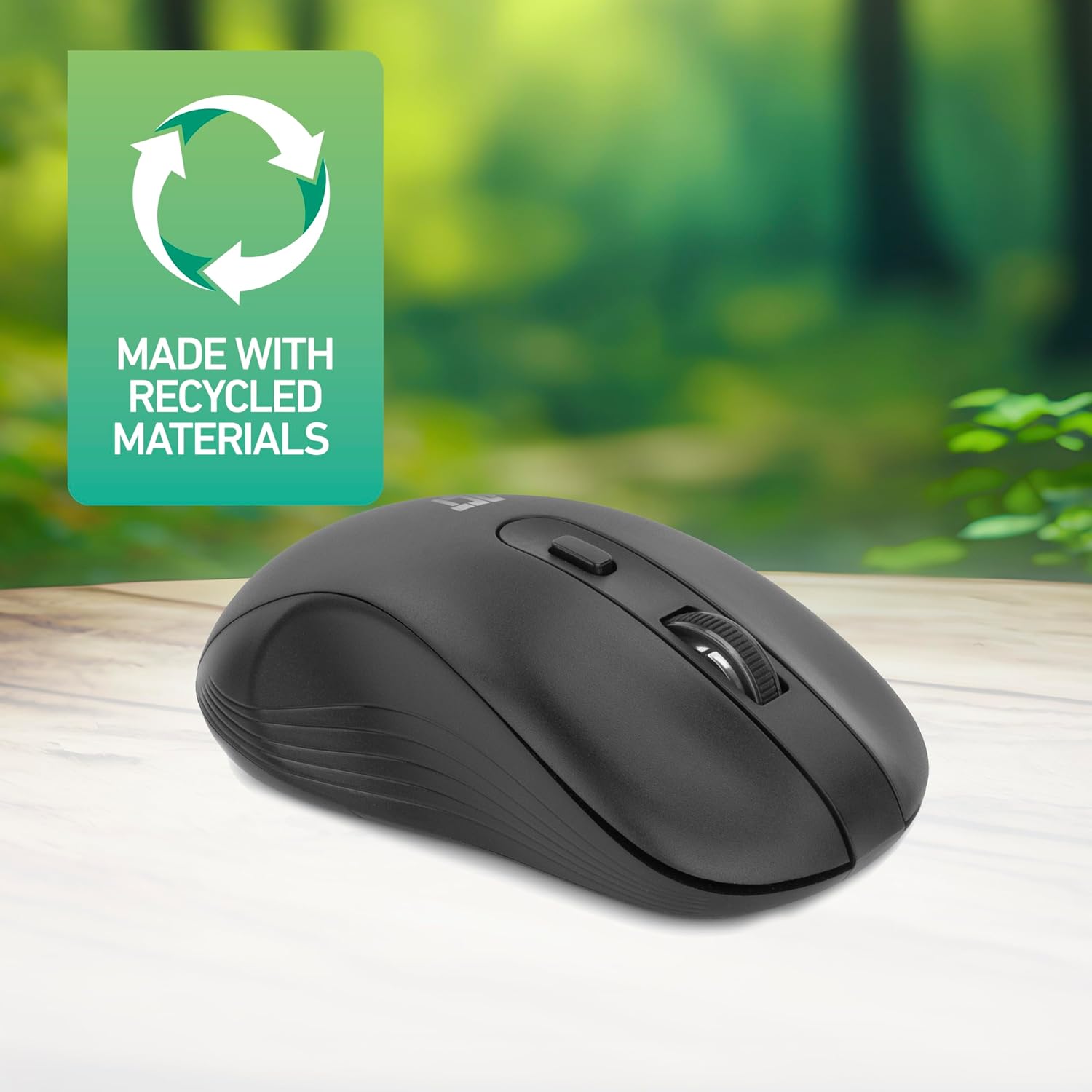
Figure 4.2: DPI Switch Location
This image shows the mouse in use on a desk, highlighting the DPI switch button for adjusting sensitivity between 800, 1200, and 1600 DPI.
4.3 وضع توفير الطاقة
The mouse is equipped with an intelligent power-saving feature. If the mouse is inactive for a period, it will automatically enter standby mode to conserve battery power. To wake the mouse, simply move it or click any button.
For extended periods of non-use, it is recommended to switch the mouse off using the On/Off switch on the underside of the device.
5. الصيانة
- تنظيف: استخدم قطعة قماش ناعمة وجافة لتنظيف الفأرة. تجنب استخدام المواد الكيميائية القاسية أو المواد الكاشطة.
- استبدال البطارية: When the mouse performance degrades or it stops responding, replace the AA battery with a new one. Follow the steps in Section 3.1.
- تخزين: When not in use, especially during travel, you can store the Nano USB receiver inside the mouse's battery compartment to prevent loss.
6. استكشاف الأخطاء وإصلاحها
| مشكلة | حل |
|---|---|
| الماوس لا يستجيب |
|
| حركة المؤشر غير منتظمة أو بطيئة |
|
| مشاكل الاتصال اللاسلكي |
|
7. المواصفات
| ميزة | التفاصيل |
|---|---|
| رقم الموديل | ايه سي 5105 |
| تكنولوجيا الاتصال | 2.4GHz Radio Frequency Wireless |
| لاسلكي المدى | حتى 10 أمتار |
| تقنية كشف الحركة | بصري |
| إعدادات DPI | 800 / 1200 / 1600 نقطة في البوصة (قابلة للتعديل) |
| عدد الأزرار | 4 (Left, Right, Scroll Wheel Click, DPI Switch) |
| اتجاه اليد | يمكن استخدامه بكلتا اليدين (مناسب لكل من مستخدمي اليد اليسرى واليمنى) |
| مصدر الطاقة | 1 × بطارية AA |
| أبعاد المنتج (الطول × العرض × الارتفاع) | 10.5 × 6.5 × 3.5 سم |
| وزن | 60 جرام |
| الأجهزة المتوافقة | PC |
| نظام التشغيل | ChromeOS, Linux Mint 22 (minimum required version) |
| المميزات الخاصة | Wireless, Intelligent Power Saving, Silent Click |

الشكل 7.1: أبعاد الفأرة
This image provides a top-down and side view of the mouse, clearly indicating its physical dimensions: 105mm in length, 65mm in width, and 35mm in height.
8. الضمان والدعم
ACT products are manufactured to high quality standards. This product comes with a 2-year warranty from the date of purchase against defects in materials and workmanship.
For technical support, warranty claims, or further assistance, please refer to the official ACT webالموقع أو اتصل بالبائع المحلي الخاص بك.
يرجى الاحتفاظ بإثبات الشراء لأغراض الضمان.