
مقدمة
The SanDisk Professional G-DRIVE SSD is an ultra-rugged, portable external NVMe solid state drive designed for professionals requiring reliable and high-speed storage in demanding environments. This manual provides essential information for setting up, operating, maintaining, and troubleshooting your device.
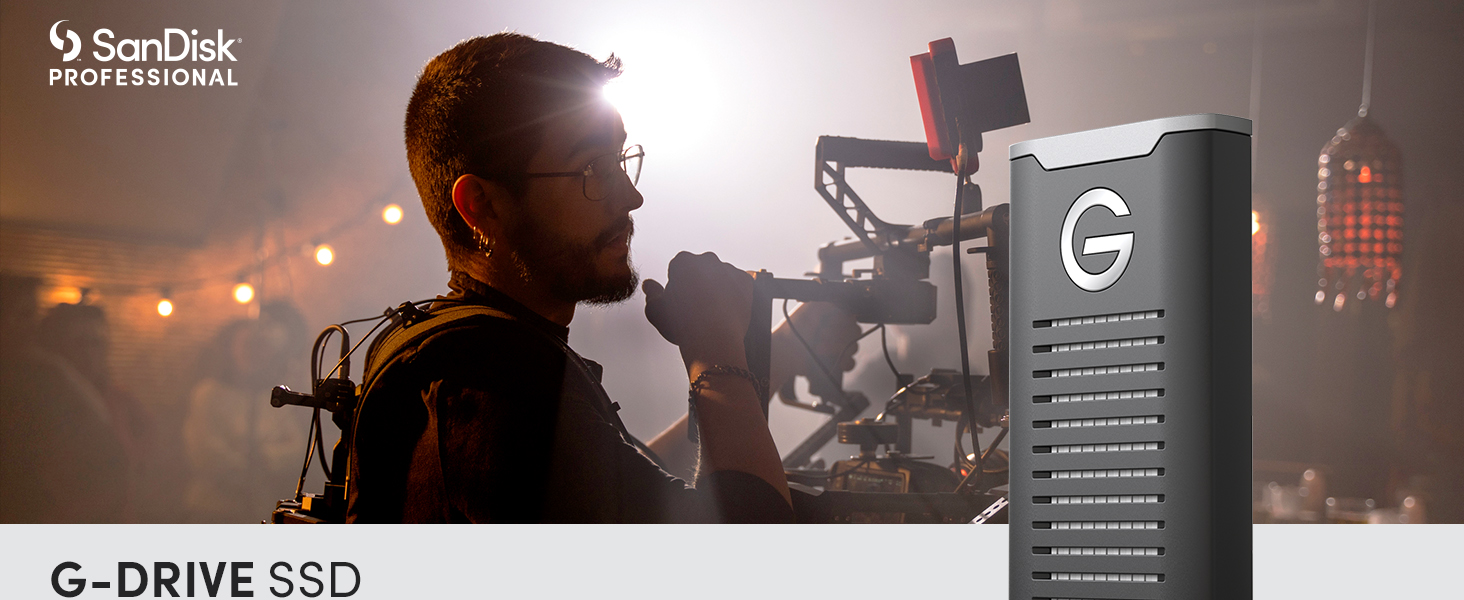
Image: SanDisk Professional G-Drive SSD, showcasinز تصميمه.
ما هو المشمول
Your SanDisk Professional G-DRIVE SSD package includes:
- G-DRIVE SSD unit
- كابل USB-C
- كابل USB-C إلى USB-A
- دليل البدء السريع
يثبت
- قم بتوصيل محرك الأقراص: Use the provided USB-C cable to connect the G-DRIVE SSD to your computer's USB-C port. If your computer only has USB-A ports, use the included USB-C to USB-A cable.
- التنسيق الأولي: The drive comes pre-formatted for Mac (HFS+). For Windows operating systems, reformatting the drive is required. Refer to your operating system's documentation for instructions on how to format external drives.
- تثبيت البرنامج (اختياري): For password protection features, a software download may be required. Follow the instructions in the Quick Start Guide or visit the SanDisk Professional support webالموقع للحصول على التفاصيل.

Image: SanDisk Professional G-Drive SSD connected to a laptop via USB-C, illustrating connectivity.
Operating the G-DRIVE SSD
The G-DRIVE SSD offers pro-grade transfer speeds up to 1050MB/s Read and 1000 MB/s Write. This allows for rapid data transfer and efficient workflow, especially for large files such as 4K video.
- عمليات نقل البيانات عالية السرعة: Utilize the USB 3.2 Gen 2 connectivity for optimal performance. Actual speeds may vary based on your host device, usage conditions, and drive capacity.
- Sustained Performance: The drive features a cooling aluminum core to help maintain performance during extended use.
- التوافق: The drive is ready for use with Mac (HFS+). For Windows, reformatting is necessary.
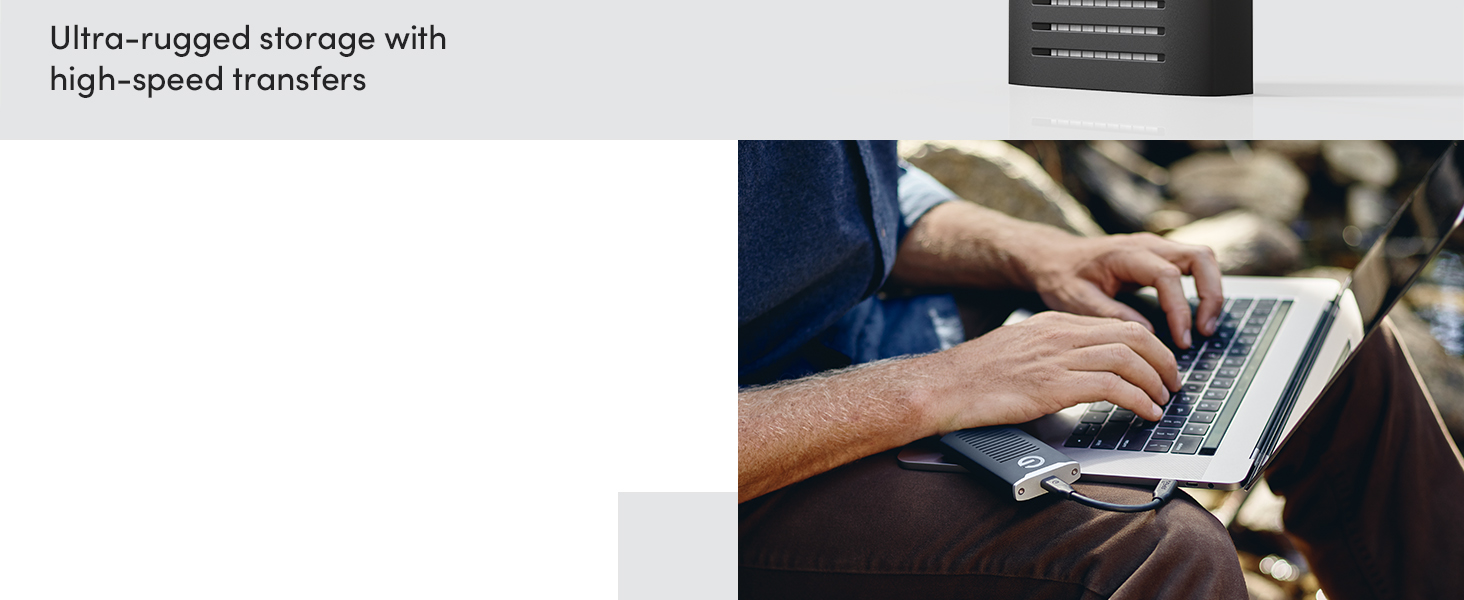
Image: A person using the SanDisk Professional G-Drive SSD with a laptop, demonstrating its use for professional tasks.
Video: Official product video from Western Digital showcasing the SanDisk Professional G-DRIVE SSD's features and performance.
صيانة
The G-DRIVE SSD is built for durability, featuring IP67 water and dust resistance, up to 3-meter drop protection, and 2000lb crush resistance. Proper care ensures its longevity and performance.
- تنظيف: If the drive gets wet or dusty, ensure it is clean and completely dry before connecting it to any device. Use a soft, dry cloth for general cleaning.
- تخزين: Store the drive in a cool, dry place when not in use. Avoid extreme temperatures.
- إدارة الحرارة: While designed with a cooling core, prolonged heavy use may cause the drive to become warm. This is normal and generally does not affect performance. Ensure adequate airflow around the drive during operation.
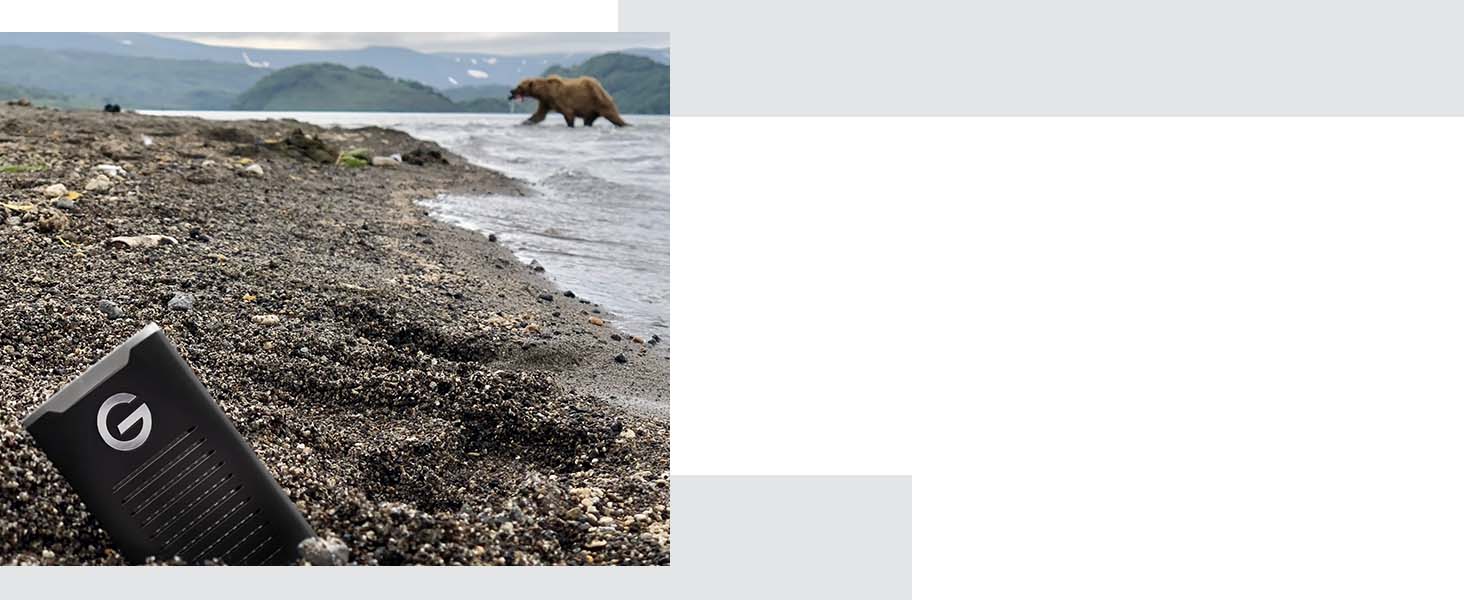
Image: SanDisk Professional G-Drive SSD demonstrating its ultra-rugged durability in an outdoor environment.
استكشاف الأخطاء وإصلاحها
If you encounter issues with your G-DRIVE SSD, consider the following common solutions:
- Drive Not Mounting: If the drive does not appear on your computer, try unplugging and replugging the USB cable. Ensure the cable is securely connected to both the drive and your computer.
- مشاكل الأداء: Verify that you are using a USB 3.2 Gen 2 compatible port on your computer for optimal speeds. Ensure your operating system is up to date, as older versions may have compatibility issues (e.g., macOS Monterey 12.6.1 or newer for Apple Silicon Macs).
- ارتفاع درجة الحرارة: While the drive is designed to manage heat, prolonged high-intensity operations can cause it to warm up. This is typically normal. If performance degrades significantly due to heat, allow the drive to cool down.
- مشاكل التنسيق: If you are unable to format the drive, ensure you have administrative privileges on your computer and consult your operating system's disk utility documentation.
تحديد
| رقم الموديل | SDPS11A-004T-GBANB |
| سعة التخزين الرقمية | 4 تيرابايت |
| واجهة القرص الصلب | يو إس بي 3.2 الجيل الأول |
| تكنولوجيا الاتصال | USB |
| سرعة القراءة | تصل إلى 1050 ميجابايت/ثانية |
| سرعة الكتابة | تصل إلى 1000 ميجابايت/ثانية |
| متانة | IP67 Water/Dust Resistant, 3-meter Drop Protection, 2000lb Crush Resistance |
| الأبعاد (الطول × العرض × الارتفاع) | 3.74 × 1.97 × 0.59 بوصة |
| وزن العنصر | 0.45 أونصات |
| منصة الأجهزة | Mac (Windows via reformat) |
| الشركة المصنعة | شركة ويسترن ديجيتال تكنولوجيز |
الضمان والدعم
The SanDisk Professional G-DRIVE SSD comes with an industry-leading 5-year limited warranty, providing peace of mind for your professional storage needs.
- مطالبات الضمان: For warranty service or claims, please refer to the detailed warranty information provided in your Quick Start Guide or visit the official SanDisk Professional webموقع.
- الدعم الفني: For technical assistance, product registration, or to download software, visit the SanDisk Professional support page.