
1. المقدمة
Thank you for choosing Kinganda Q71 Bluetooth Earbuds. This manual provides detailed instructions for setting up, operating, and maintaining your new wireless earbuds. Please read this manual carefully before use to ensure proper functionality and to maximize your listening experience.
2. معلومات السلامة
- لا تعرض سماعات الأذن أو علبة الشحن لدرجات حرارة شديدة أو رطوبة عالية أو بيئات أكالة.
- تجنب الاستماع إلى مستويات صوت عالية لفترات طويلة لمنع تلف السمع.
- احتفظ بالجهاز بعيدًا عن متناول الأطفال والحيوانات الأليفة.
- لا تحاول تفكيك المنتج أو تعديله. سيؤدي ذلك إلى إلغاء الضمان.
- نظف سماعات الأذن وعلبة الشحن بقطعة قماش ناعمة وجافة فقط.
3. محتويات العبوة
يرجى التأكد من وجود جميع العناصر في الحزمة الخاصة بك:
- Kinganda Q71 Bluetooth Earbuds (Left and Right)
- حافظة الشحن
- كابل شحن USB
- أحجام متعددة من أطراف الأذن
- دليل المستخدم
4. انتهى المنتجview
Familiarize yourself with the components of your Kinganda Q71 Bluetooth Earbuds.
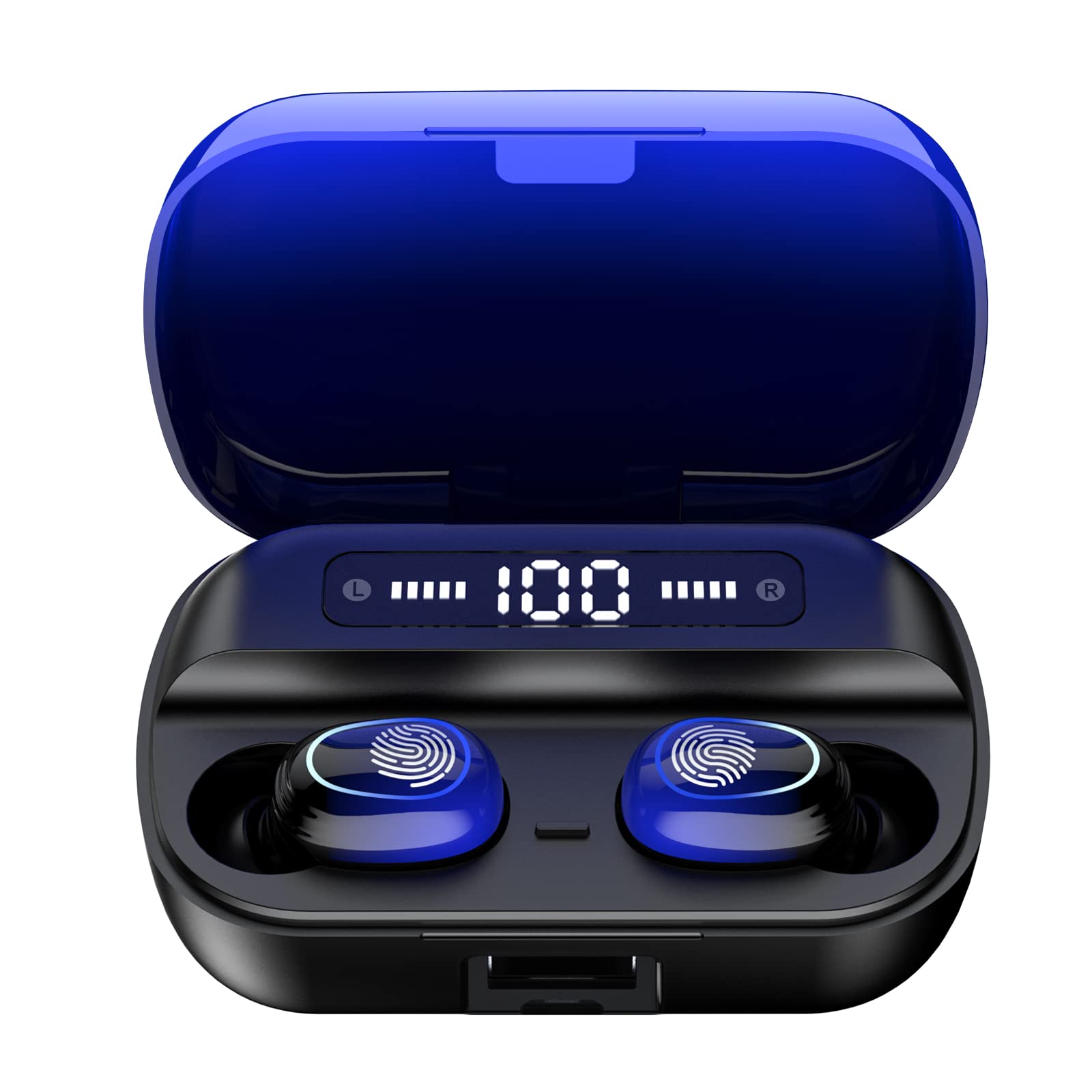
الصورة 4.1: انتهىview of Kinganda Q71 Bluetooth Earbuds and key features including Bluetooth 5.1, low latency, low power consumption, touch control, clear calls, 10mm speakers, compatibility with iOS and Android, and a 33-foot signal range.
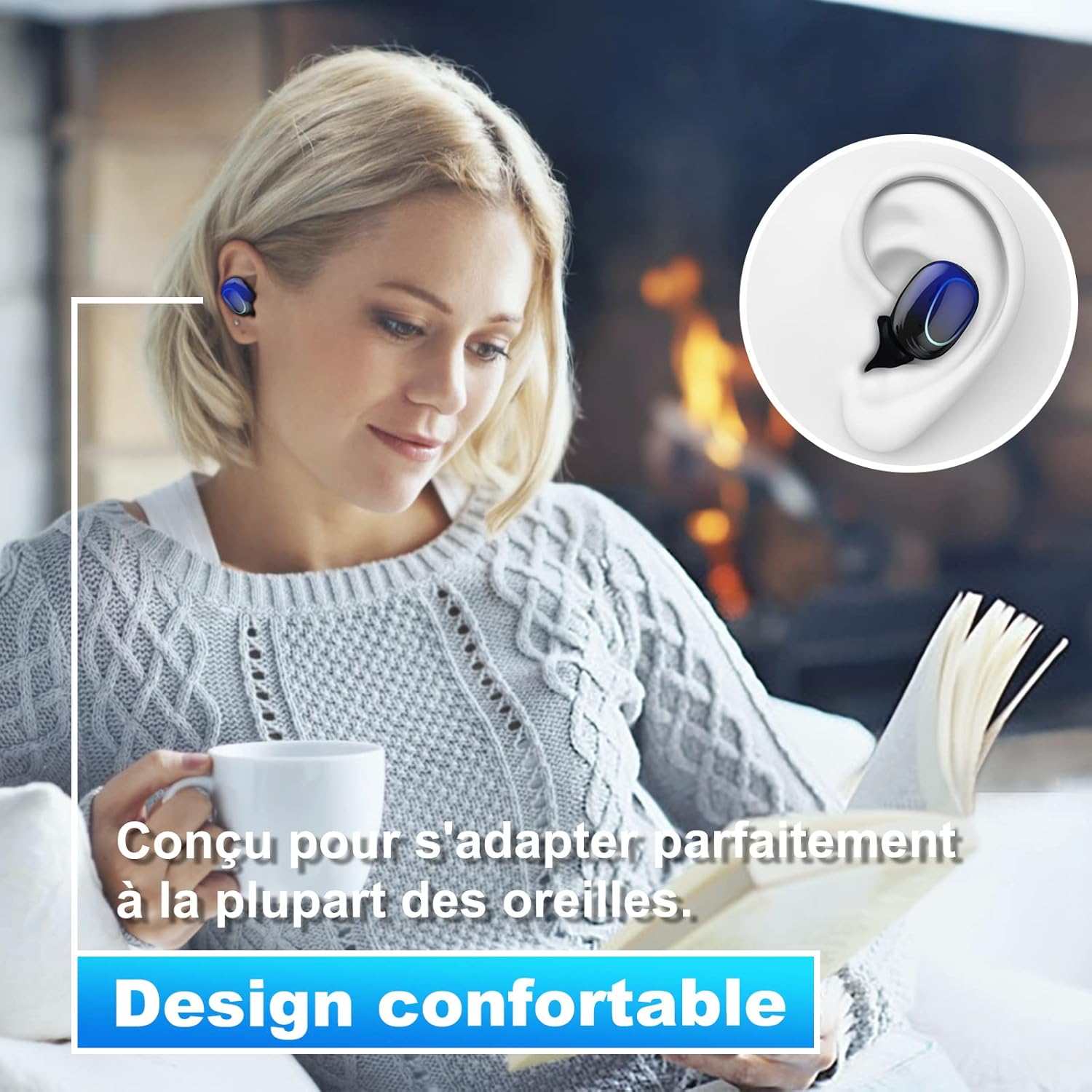
Image 4.2: The Kinganda Q71 earbuds are designed for a comfortable and secure fit in most ears.
5. الإعداد
5.1 شحن سماعات الأذن والعلبة
قبل الاستخدام الأول، قم بشحن علبة الشحن وسماعات الأذن بالكامل.
- ضع سماعات الأذن في علبة الشحن. تأكد من تثبيتها بشكل صحيح.
- قم بتوصيل كابل شحن USB بمنفذ الشحن الموجود على العلبة وبمصدر الطاقة (على سبيل المثال، محول حائط USB، أو منفذ USB في الكمبيوتر).
- ستُظهر أضواء المؤشر الموجودة على العلبة حالة الشحن. بمجرد اكتمال الشحن، ستشير الأضواء إلى اكتمال الشحن أو تنطفئ.

Image 5.1: The charging case has a 3500mAh battery. Earbuds provide approximately 5 hours of playback, and the case extends total usage to about 150 hours. A full recharge takes approximately 1.5 hours.
5.2 الاقتران بجهاز بلوتوث
تستخدم سماعات الأذن تقنية Bluetooth 5.1 للحصول على اتصال مستقر.
- افتح علبة الشحن. سيتم تشغيل سماعات الأذن تلقائيًا ودخول وضع الاقتران.
- على جهازك (الهاتف الذكي، الجهاز اللوحي، وما إلى ذلك)، قم بتمكين البلوتوث.
- بحث عن available Bluetooth devices and select "Kinganda Q71" (or similar name) from the list.
- بمجرد الاتصال، ستسمع نغمة تأكيد، وستتغير أضواء المؤشر الموجودة على سماعات الأذن.
5.3 ارتداء سماعات الأذن
For optimal sound quality and comfort, choose the correct ear tip size and ensure a snug fit.
- Select the ear tips that best fit your ear canals.
- قم بإدخال كل سماعة أذن برفق في أذنك، وقم بلفها قليلاً حتى تشعر بأنها آمنة ومريحة.
6. تعليمات التشغيل
The Kinganda Q71 earbuds feature touch controls for easy operation.

Image 6.1: Touch controls for various functions including power, music playback, call management, and voice assistant activation.
6.1 الوظائف الأساسية
- تشغيل/إيقاف التشغيل: Earbuds power on automatically when removed from the case and power off when placed back in the case. Alternatively, long-press the touch area for manual power on/off.
- تشغيل/إيقاف مؤقت: ضغطة واحدة على أي سماعة أذن.
- المسار التالي: اضغط مرتين على سماعة الأذن اليمنى.
- المسار السابق: اضغط مرتين على سماعة الأذن اليسرى.
- الرد/إنهاء المكالمة: اضغط مرة واحدة على أي سماعة أذن أثناء المكالمة الواردة.
- رفض المكالمة: Long-press on either earbud during an incoming call.
- تفعيل المساعد الصوتي (سيري): اضغط ثلاث مرات على أي سماعة أذن.
6.2 أوضاع الاستخدام
The Kinganda Q71 earbuds support various listening modes.

Image 6.2: The earbuds can be used in mono mode (single earbud) to stay aware of surroundings, TWS stereo mode for immersive sound, or twin mode to share music with another person.
- الوضع الأحادي: Use a single earbud (left or right) to listen to audio while keeping the other ear open to your surroundings. Simply remove one earbud from the case.
- TWS Stereo Mode: Use both earbuds for a full stereo audio experience. Both earbuds will automatically connect to each other and your device when removed from the case.
- وضع التوأم: Share your music with a friend by giving them one earbud. Both earbuds will play the same audio.
7. الصيانة
7.1 التنظيف
يساعد التنظيف المنتظم على الحفاظ على جودة الصوت والنظافة.
- استخدم قطعة قماش ناعمة وجافة وخالية من الوبر لمسح سماعات الأذن وعلبة الشحن.
- قم بإزالة أطراف الأذن ونظفها بالصابون المعتدل والماء إذا لزم الأمر، ثم جففها جيدًا قبل إعادة تركيبها.
- لا تستخدم مواد كيميائية قاسية أو مواد كاشطة.
7.2 التخزين
عندما لا تكون قيد الاستخدام، قم بتخزين سماعات الأذن في علبة الشحن الخاصة بها لحمايتها والحفاظ عليها مشحونة.
8. استكشاف الأخطاء وإصلاحها
إذا واجهت مشكلات، فجرّب الحلول التالية:
- سماعات الأذن غير مقترنة: تأكد من شحن كلتا السماعتين. أعدهما إلى العلبة، وأغلقها، ثم افتحها مرة أخرى لإعادة تفعيل وضع الاقتران. تحقق من إعدادات البلوتوث في جهازك وحاول إعادة الاتصال.
- سماعة أذن واحدة فقط تعمل: Place both earbuds back in the charging case, close the lid, wait a few seconds, then open the lid and remove them simultaneously. This should force them to re-sync.
- لا يوجد صوت: تحقق من مستوى الصوت على جهازك وتأكد من توصيل سماعات الأذن بشكل صحيح.
- قضايا الشحن: تأكد من توصيل كابل الشحن بإحكام بكل من العلبة ومصدر الطاقة. جرب كابل شحن أو محول طاقة آخر.
- جودة الصوت سيئة: Ensure the earbuds are clean and properly seated in your ears. Try different ear tip sizes for a better seal.
9. المواصفات
| اسم الموديل | س71 |
| ماركة | Kinganda |
| تكنولوجيا الاتصال | لاسلكي (بلوتوث 5.1) |
| لاسلكي المدى | حتى 33 قدم (10 أمتار) |
| نوع برنامج تشغيل الصوت | محرك ديناميكي (10 مم) |
| طريقة التحكم | التحكم باللمس |
| مادة | البلاستيك والسيليكون |
| مستوى مقاومة الماء | مقاوم للماء (IPX7) |
| عمر بطارية سماعة الأذن | حوالي 5 ساعات |
| عمر بطارية علبة الشحن | Approx. 150 hours (with case) |
| سعة علبة الشحن | 3500 مللي أمبير |
| شحن وقت | حوالي 1.5 ساعات |
| الأجهزة المتوافقة | Bluetooth-enabled devices (iOS, Android) |
| ميزة خاصة | خفيف الوزن |

Image 9.1: The 10mm immersive drivers deliver enhanced sound quality with deeper bass.

Image 9.2: With an IPX7 waterproof rating, the earbuds are protected against sweat and water splashes, making them suitable for sports.
10. الضمان والدعم
Kinganda products are designed for reliability and performance. This product comes with a standard manufacturer's warranty. For specific warranty details, please refer to the warranty card included in your package or contact Kinganda customer support.
If you have any questions, require technical assistance, or need to claim warranty service, please contact our customer support team through the contact information provided on the Kinganda official webالموقع أو منصة الشراء الخاصة بك.