
مقدمة
Thank you for choosing the Tronsmart Battle Wireless Gaming Earbuds. These earbuds are designed to provide an immersive audio experience for gaming and everyday listening, featuring low-latency mode, touch controls, and a durable design. This manual will guide you through the setup, operation, and maintenance of your new earbuds.

Image: User enjoying gaming with Tronsmart Battle Wireless Gaming Earbuds.
يثبت
1. محتويات العبوة
تأكد من وجود جميع العناصر في العبوة:
- 2 x Tronsmart Battle Wireless Gaming Earbuds
- 1 × حافظة شحن
- 1 x USB Type-C Charging Cable
- 1 × دليل المستخدم
2. شحن سماعات الأذن والعلبة
قبل الاستخدام الأول، قم بشحن سماعات الأذن وعلبة الشحن بالكامل.
- ضع سماعات الأذن داخل علبة الشحن.
- Connect the USB Type-C cable to the charging port on the case and to a power source.
- ستُظهر أضواء المؤشر الموجودة على العلبة حالة الشحن. يستغرق الشحن الكامل حوالي ساعتين.
The charging case provides up to 20 hours of total playtime, with earbuds offering up to 5 hours on a single charge.

Image: Battery life details for Tronsmart Battle Earbuds and Charging Case.
3. اقتران بلوتوث
لتوصيل سماعات الأذن بجهاز:
- افتح علبة الشحن. ستدخل سماعات الأذن تلقائيًا في وضع الاقتران.
- على جهازك (الهاتف الذكي، الجهاز اللوحي، الكمبيوتر المحمول)، قم بتمكين البلوتوث.
- بحث عن "Tronsmart Battle" in the list of available Bluetooth devices.
- Select "Tronsmart Battle" to connect. Once connected, you will hear an audio prompt.
The earbuds use Bluetooth v5.0 for a stable connection up to 10 meters (33 feet).
تعليمات التشغيل
عناصر التحكم باللمس
The Tronsmart Battle earbuds feature intuitive touch controls on each earbud. Refer to the following table for common functions:
| فعل | وظيفة |
|---|---|
| نقرة واحدة (يسار/يمين) | تشغيل/إيقاف الموسيقى مؤقتًا، الرد على المكالمة/إنهائها |
| انقر مرتين (يسارًا) | المسار السابق |
| انقر مرتين (يمينًا) | المسار التالي |
| النقر الثلاثي (يسار/يمين) | Toggle Gaming Mode / Music Mode |
| Long Press (2 seconds, Left/Right) | تنشيط مساعد الصوت (سيري ، مساعد جوجل) |
| Long Press (3 seconds, Left/Right) | رفض المكالمة |
وضع الألعاب (زمن انتقال منخفض)
The earbuds feature a dedicated low-latency gaming mode for synchronized audio and visuals, providing an immersive experience with accurate sound cues like gunshots and footsteps.
- To activate Gaming Mode: Triple tap either earbud.
- To switch back to Music Mode: Triple tap either earbud again.

Image: Illustration of the Ultra Low Latency Gaming Mode for immersive audio.
Sound Quality and Driver
Equipped with 13mm drivers, the Tronsmart Battle earbuds deliver expansive sound with refined high-quality audio, optimized for gaming and music listening.
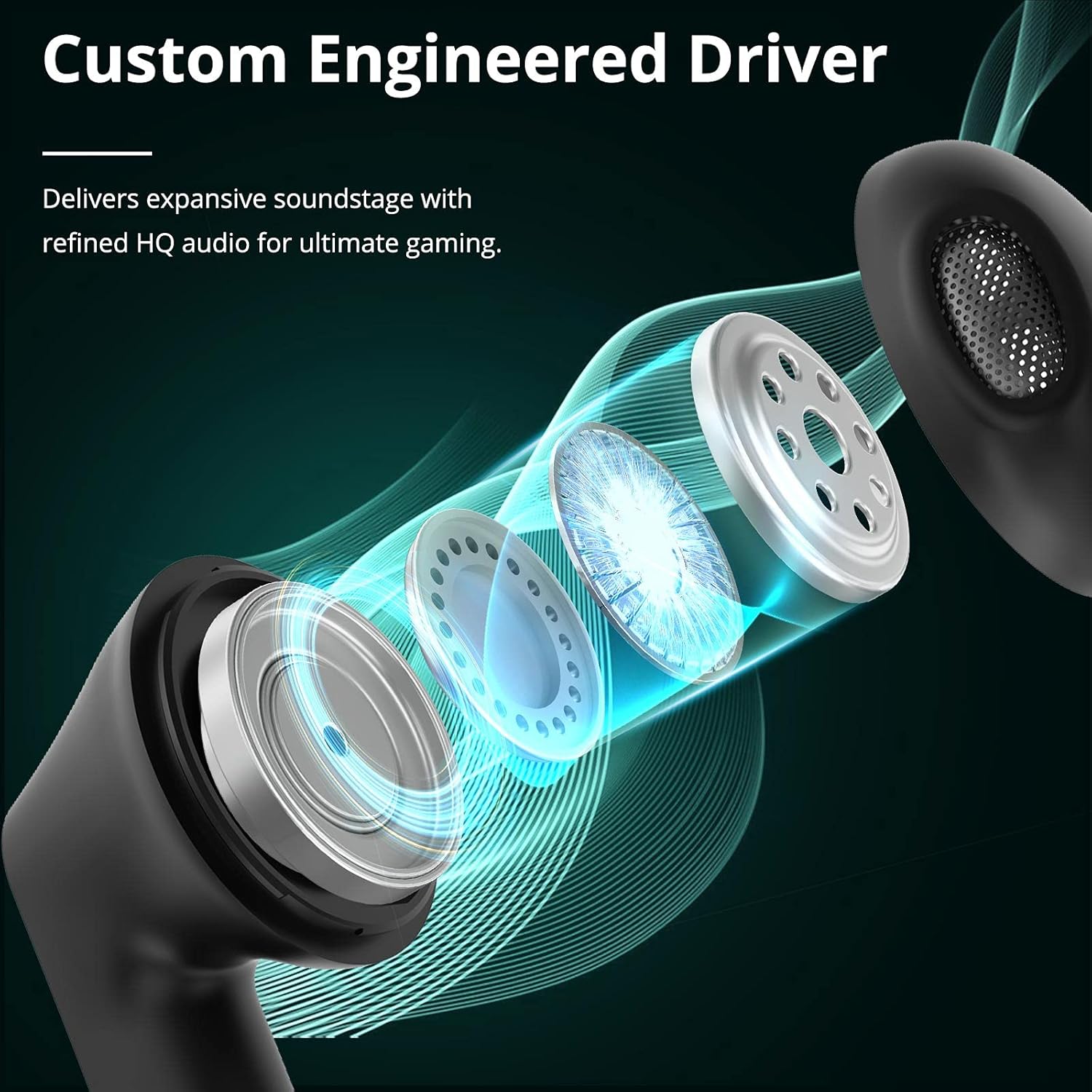
Image: Custom Engineered Driver for enhanced sound quality.
تأثير الإضاءة
The charging case features dynamic lighting effects that enhance the gaming aesthetic and can also serve as a stress-relief feature by rotating the case.

Image: Charging case with integrated lighting effects.
صيانة
تنظيف
Regular cleaning helps maintain optimal performance and hygiene:
- استخدم قطعة قماش ناعمة وجافة وخالية من الوبر لمسح سماعات الأذن وعلبة الشحن.
- لا تستخدم المنظفات الكاشطة أو الكحول أو المذيبات الكيميائية.
- Gently clean the earbud mesh and charging contacts with a dry cotton swab if necessary.
مقاومة الماء (IPX5)
The Tronsmart Battle earbuds are rated IPX5 water-resistant, meaning they can withstand splashes and sweat. They are not designed for submersion in water. Avoid exposing them to heavy rain or showering.
تخزين
عند عدم الاستخدام، ضع سماعات الأذن في علبة الشحن لحمايتها والحفاظ على شحنها. خزّنها في مكان بارد وجاف بعيدًا عن درجات الحرارة العالية.
استكشاف الأخطاء وإصلاحها
If you encounter issues with your Tronsmart Battle earbuds, try the following solutions:
- سماعات الأذن غير مقترنة:
- تأكد من وجود سماعتي الأذن في علبة الشحن وشحنهما بالكامل.
- Remove "Tronsmart Battle" from your device's Bluetooth list and try pairing again.
- Restart your device's Bluetooth function.
- لا يوجد صوت من سماعة أذن واحدة:
- أعد وضع سماعات الأذن في علبة الشحن، وأغلق الغطاء، ثم أخرجها مرة أخرى.
- تأكد من شحن كلا سماعات الأذن.
- Try resetting the earbuds (refer to the full Tronsmart support webموقع للحصول على تعليمات إعادة الضبط المحددة إذا لزم الأمر).
- قضايا الشحن:
- افحص كابل USB Type-C ومحول الطاقة بحثًا عن أي تلف.
- تأكد من أن نقاط اتصال الشحن الموجودة على سماعات الأذن والعلبة نظيفة وخالية من الحطام.
- جرب كابل شحن أو مصدر طاقة مختلفًا.
- انخفاض مستوى الصوت أو جودة الصوت رديئة:
- قم بضبط مستوى الصوت على جهازك وسماعات الأذن.
- تأكد من تثبيت سماعات الأذن بشكل صحيح في أذنيك.
- قم بتنظيف أي شوائب عالقة في شبكة سماعة الأذن.
المواصفات الفنية
| ميزة | مواصفة |
|---|---|
| اسم الموديل | Tronsmart Battle |
| رقم الموديل | 52325 |
| نسخة البلوتوث | 5.0 |
| بلوتوث بروfiles | AVRCP، A2DP، HFP |
| انتقال المدى | حتى 10 مترا (33 قدما) |
| حجم السائق | 13 ملم |
| مقاومة | 16 أوم |
| سعة بطارية سماعة الأذن | 35 مللي أمبير (لكل منهما) |
| سعة بطارية علبة الشحن | 500 مللي أمبير |
| وقت تشغيل سماعات الأذن (شحنة واحدة) | تصل إلى 5 ساعة |
| إجمالي وقت اللعب (مع علبة الشحن) | تصل إلى 20 ساعة |
| وقت الشحن | حوالي ساعة ونصف (سماعات الأذن والعلبة) |
| منفذ الشحن | يو إس بي من النوع سي |
| تصنيف مقاومة الماء | IPX5 |
| ميكروفون | مدمج |
| الأبعاد (علبة الشحن) | 59 × 60.93 × 31.79 ملم |
| الوزن (الإجمالي) | 41 جرام |
| لون | أسود |
معلومات الضمان
According to the product information, a specific warranty description is not applicable. Please refer to the retailer's return policy or contact Tronsmart customer support for details regarding any applicable guarantees or consumer rights in your region.
دعم العملاء
For further assistance, technical support, or inquiries about your Tronsmart Battle Wireless Gaming Earbuds, please visit the official Tronsmart webالموقع أو اتصل بخدمة العملاء الخاصة بهم مباشرة.
رسمي Webموقع: www.tronsmart.com