
مقدمة
This manual provides detailed instructions for the operation and maintenance of your TOZO G1 Wireless Gaming Earbuds. Please read thoroughly before use to ensure optimal performance and longevity of your device.
ماذا يوجد في الصندوق
- سماعات الأذن اللاسلكية TOZO G1
- حافظة الشحن اللاسلكي
- Eartips (multiple sizes for comfortable fit)
- كابل شحن من USB A إلى USB C.
- دليل المستخدم (هذا المستند)
يثبت
1. شحن سماعات الأذن والعلبة
قبل الاستخدام الأول، اشحن سماعات الأذن وعلبة الشحن بالكامل لضمان أقصى عمر للبطارية.
Image: The TOZO G1 charging case connected via a USB-C cable, indicating charging status with an illuminated logo.
- Connect the USB A to USB C charging cable to the charging port on the case.
- قم بتوصيل الطرف الآخر بمصدر طاقة USB متوافق.
- The LED indicator on the case will show the charging status. A full charge provides up to 6 hours of playback for the earbuds and an additional 30 hours with the charging case.
2. الاقتران بجهازك
Follow these steps to pair your earbuds with a Bluetooth-enabled device.
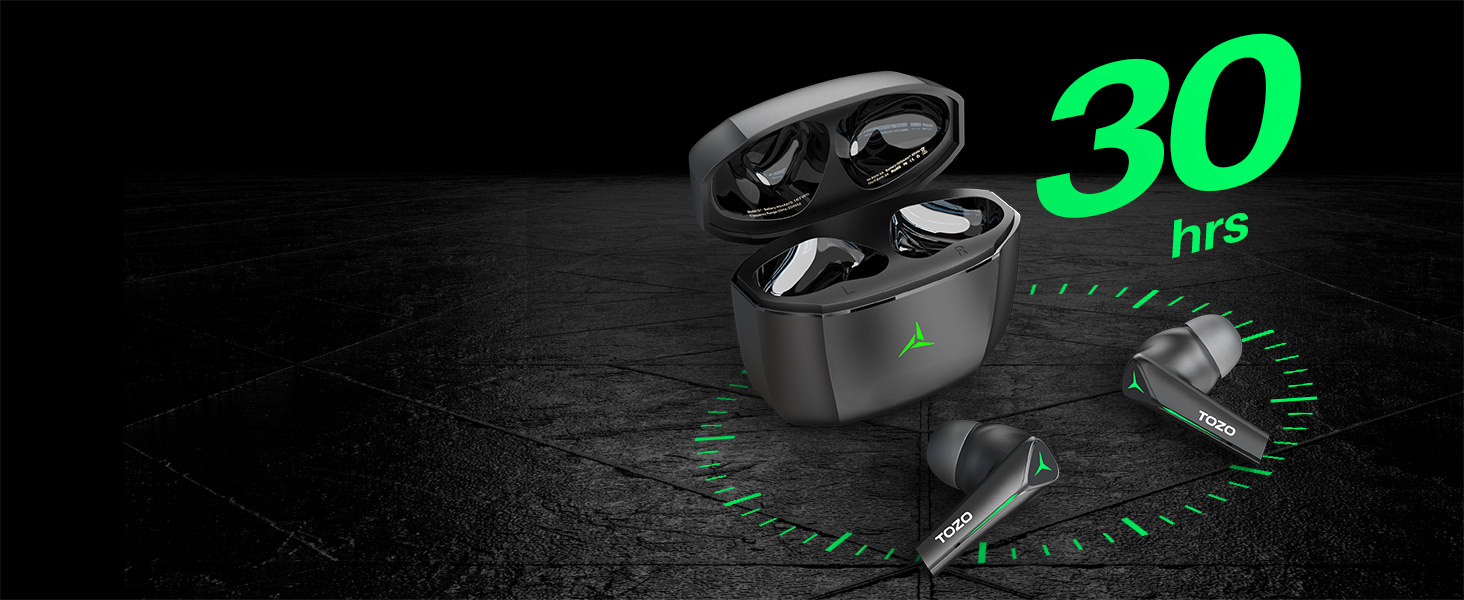
Image: TOZO G1 earbuds shown next to a smartphone displaying Bluetooth pairing options, with the earbuds emitting a green light.
- Open the charging case. The earbuds will automatically enter pairing mode (indicated by flashing LED lights).
- On your device (smartphone, tablet, laptop, gaming console), enable Bluetooth.
- بحث عن "TOZO G1" in the list of available devices and select it to connect.
- Once connected, the earbud LED lights will turn off or show a steady light.
تعليمات التشغيل
1. وضع الألعاب والموسيقى المزدوج
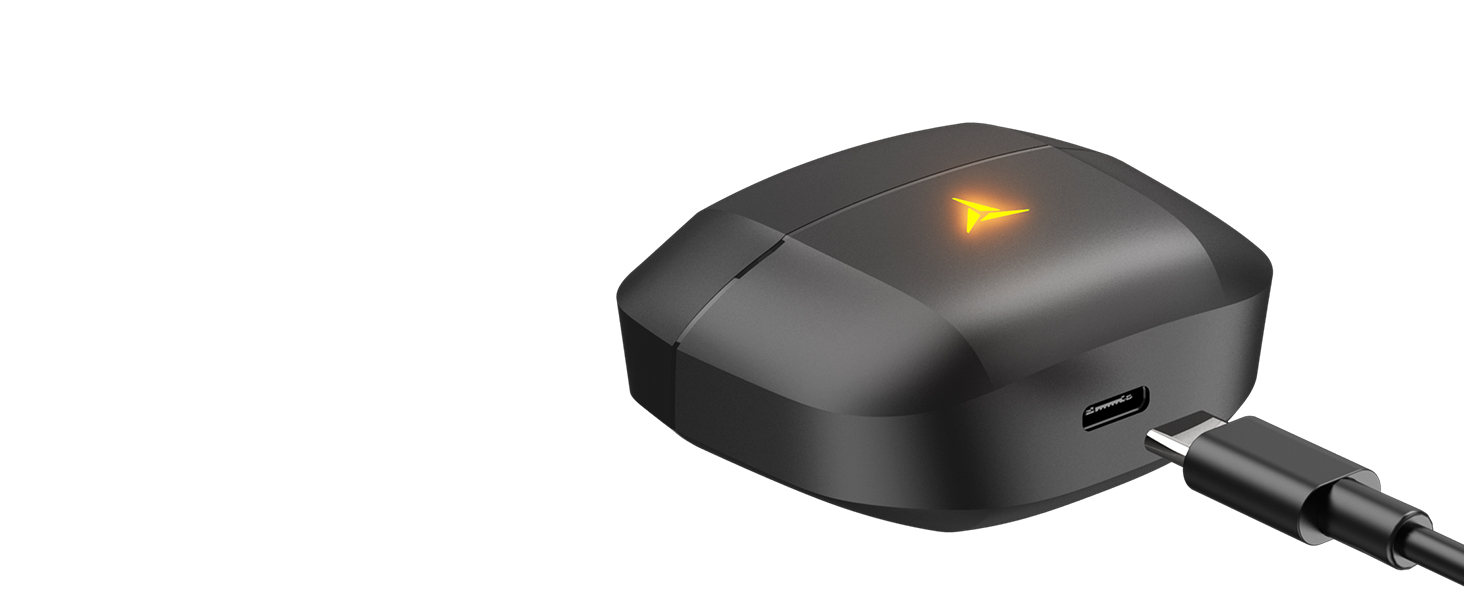
Image: A split image showing the TOZO G1 earbuds in "Game Mode" with a gaming scene and "Music Mode" with a person playing guitar, highlighting the dual functionality.
The TOZO G1 earbuds feature a dual mode for optimized audio performance:
- وضع اللعبة: Provides 45ms ultra-low latency for synchronized audio and video, enhancing gaming with accurate sound detection (footsteps, gunfire).
- وضع الموسيقى: Delivers high-fidelity sound with powerful bass (16Hz-20kHz), mellow midrange, and clear treble for an immersive listening experience.
2. التحكم الذكي باللمس

Image: A diagram illustrating the touch control functions for the left and right TOZO G1 earbuds, including play/pause, track skipping, volume control, call management, and voice assistant/game mode activation.
Control your earbuds with simple touch gestures:
| فعل | سماعة الأذن اليسرى | سماعة الأذن اليمنى |
|---|---|---|
| تشغيل/إيقاف مؤقت | نقرة واحدة (X1) | نقرة واحدة (X1) |
| الأغنية السابقة / التالية | Double Tap (X2) - Previous | Double Tap (X2) - Next |
| الرد/تعليق المكالمة | نقرة واحدة (X1) | نقرة واحدة (X1) |
| رفض المكالمة | استمر لمدة 2 ثواني | استمر لمدة 2 ثواني |
| خفض الصوت / لأعلى | Hold for 2 seconds - Volume Down | Hold for 2 seconds - Volume Up |
| Voice Assistant/Game Mode | Triple Tap (X3) - Voice Assistant | Triple Tap (X3) - Game Mode |
صيانة
- قم بتنظيف سماعات الأذن وعلبة الشحن بانتظام باستخدام قطعة قماش ناعمة وجافة.
- Avoid exposing the earbuds to extreme temperatures or liquids. While waterproof, prolonged submersion is not recommended.
- Store in the charging case when not in use to protect and keep them charged.
استكشاف الأخطاء وإصلاحها
- سماعات الأذن غير مقترنة:
- Ensure both earbuds are in the charging case and the case is open. Check your device's Bluetooth settings and try reconnecting. If issues persist, reset the earbuds (refer to the full user manual for specific reset instructions).
- لا يوجد صوت أو مستوى الصوت منخفض:
- Check the volume levels on both your device and the earbuds. Ensure earbuds are properly seated in your ears. Verify the earbuds are connected to the correct device.
- قضايا الشحن:
- تأكد من توصيل كابل الشحن بإحكام بالعلبة ومصدر الطاقة. جرّب كابل USB-C أو محول طاقة مختلفًا. نظّف نقاط توصيل الشحن على سماعات الأذن وداخل العلبة.
تحديد
| ميزة | التفاصيل |
|---|---|
| اسم الموديل | G1 |
| تكنولوجيا الاتصال | لاسلكي (بلوتوث 5.3) |
| الكمون الصوتي | 45 ميلي ثانية (وضع اللعبة) |
| عمر البطارية (سماعات الأذن) | حتى ساعتين |
| إجمالي وقت اللعب (مع علبة الشحن) | حتى ساعتين |
| مستوى مقاومة الماء | مقاوم للماء (IPX5) |
| طريقة التحكم | يلمس |
| المكونات المضمنة | TOZO G1 Wireless Earbuds, Wireless Charging Case, Eartips, USB A to USB C Charging Cable, User Manual |
فيديو المنتج الرسمي
فيديو: عرض فيديو رسمي للمنتجasing the TOZO G1 Wireless Gaming Earbuds and their features.
الضمان والدعم
TOZO products come with a standard manufacturer's warranty. For detailed warranty information, product support, or to contact customer service, please visit the official TOZO webقم بزيارة الموقع أو راجع بطاقة الضمان المضمنة في عبوة المنتج الخاص بك.
رسمي Webموقع: www.tozostore.com