
1. انتهى المنتجview
The REXING HS01 is a 1080p wireless smart home security camera system designed for both indoor and outdoor use. It features a rechargeable battery, solar panel charging capability, two-way intercom, motion activation, infrared night vision, and cloud storage options. The camera connects to your home WiFi network and is managed via a mobile application.
المميزات الرئيسية:
- فيديو عالي الدقة 1080 بكسل: Records clear video with a 120-degree wide-angle lens.
- لاسلكي وقابل لإعادة الشحن: Operates wirelessly with a 6000mAh rechargeable battery.
- تعمل بالطاقة الشمسية: Can be continuously charged by the included solar panel.
- اتصال داخلي ثنائي الاتجاه: Allows for real-time communication via the mobile app.
- تصميم مقاوم للماء: IP65 rated for outdoor weather resistance.
- كشف الحركة: PIR motion sensor with adjustable sensitivity up to 33ft.
- الرؤية الليلية بالأشعة تحت الحمراء: Provides clear visibility up to 33ft in low light conditions.
- التخزين السحابي: Offers free 3-day cloud storage with options for extended plans.
- التحكم في تطبيقات الهاتف المحمول: Manage and monitor the camera from your smartphone.
2. محتويات العبوة
يرجى التحقق من الحزمة للعناصر التالية:
- كاميرا مراقبة REXING HS01
- لوحة شمسية
- تصاعد قوس ومسامير
- كابل شحن USB
- دليل المستخدم
3. دليل الإعداد
3.1 الشحن الأولي
Before first use, fully charge the camera's internal 6000mAh battery using the provided USB cable. Connect the cable to the camera's charging port and a standard USB power adapter (not included). The charging indicator will show the charging status.
3.2 تثبيت التطبيق
تنزيل Rexing Home قم بتنزيل التطبيق من متجر تطبيقات هاتفك الذكي (متوفر على نظامي التشغيل iOS وAndroid). بحث عن "Rexing Home" and install the application.
3.3 اتصال واي فاي
- Open the Rexing Home app and create an account or log in.
- اتبع التعليمات الموجودة في التطبيق لإضافة جهاز جديد.
- تأكد من أن هاتفك الذكي متصل بـ شبكة Wi-Fi 2.4 جيجا هرتز. The HS01 camera does not support 5GHz Wi-Fi.
- امسح رمز الاستجابة السريعة (QR) المعروض على هاتفك باستخدام عدسة الكاميرا عند ظهور المطالبة.
- Wait for the camera to connect to your Wi-Fi network. A voice prompt will confirm successful connection.
3.4 تركيب الكاميرا واللوحة الشمسية
The REXING HS01 camera and solar panel can be mounted indoors or outdoors. Choose a location that provides the desired viewing angle and ensures the solar panel receives ample direct sunlight throughout the day for optimal charging.

Image: The REXING HS01 camera with its solar panel mounted on an exterior wall, highlighting its 100% wireless and solar-powered operation. The camera is designed for outdoor use and is weatherproof.
- Use the provided mounting bracket and screws to securely attach the camera to a wall or desired surface.
- Mount the solar panel in a location that receives maximum direct sunlight. Connect the solar panel cable to the camera's charging port.
- اضبط زاوية الكاميرا لتغطية منطقة المراقبة المطلوبة.
4. تعليمات التشغيل
4.1 مباشر View and Remote Playback
Once connected, open the Rexing Home app to access the live video feed from your camera. You can view الوقت الحقيقيtage from anywhere with an internet connection. The app also allows you to review فيديو مسجل footage stored in the cloud.

Image: A smartphone screen showing a live view from the REXING HS01 camera, with icons for remote playback and indicating motion alerts. This demonstrates complete control from the Rexing Home App.
4.2 الاتصال الصوتي ثنائي الاتجاه
The HS01 camera features a built-in microphone and speaker, enabling two-way audio communication. From the live view in the Rexing Home app, you can speak to individuals near the camera and hear their responses.
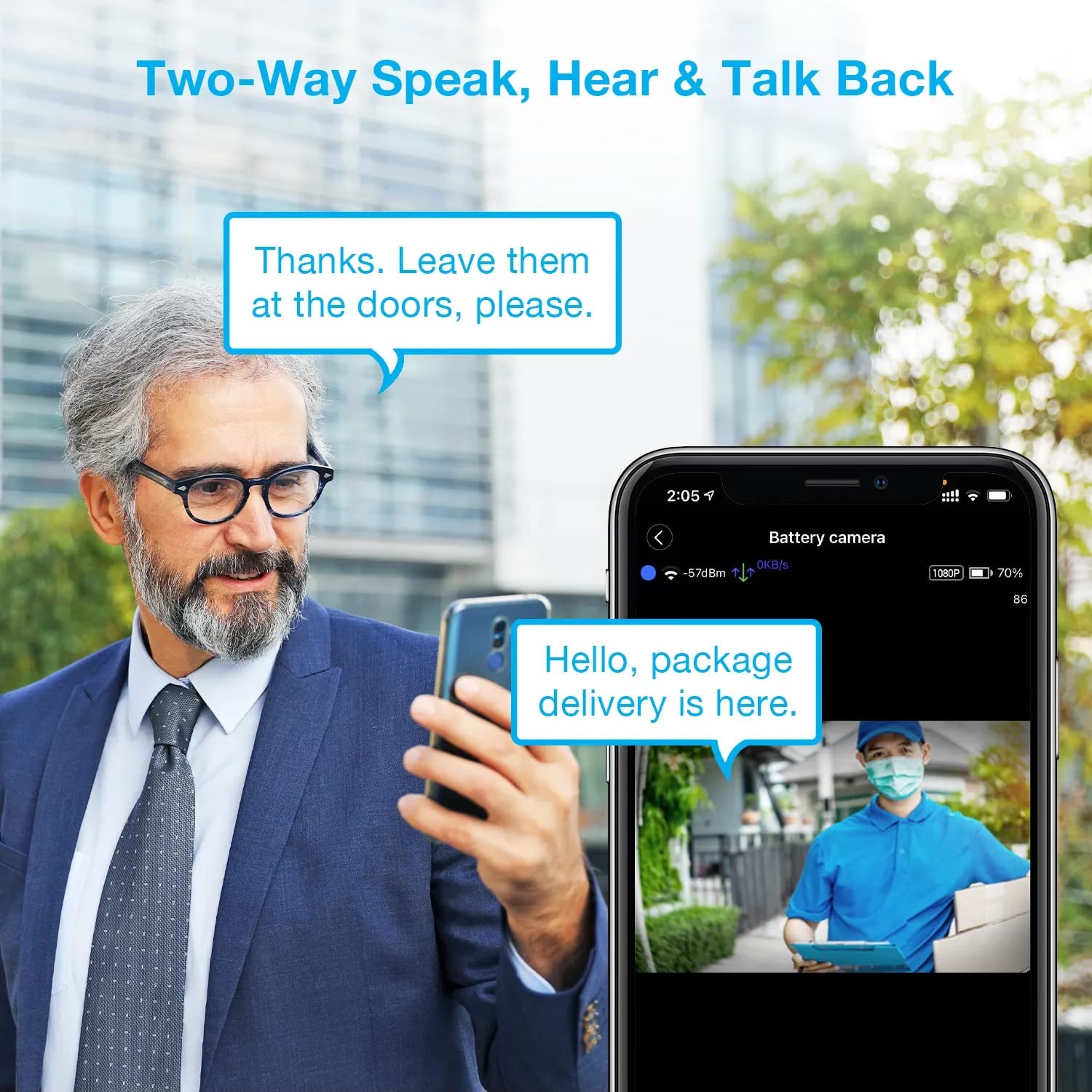
Image: A man using his smartphone to communicate with a delivery person visible on his screen, demonstrating the two-way speak and talk-back functionality of the REXING HS01 camera.
4.3 اكتشاف الحركة والتنبيهات
The camera utilizes a PIR (Passive Infrared) motion sensor to detect movement. When motion is detected, the camera will begin recording and send instant notifications to your smartphone via the Rexing Home app.
- ضبط الحساسية: You can adjust the PIR motion sensitivity settings within the app, with options up to 33ft.
- إعدادات الإشعارات: Customize alert preferences in the app to receive notifications for every detected motion.
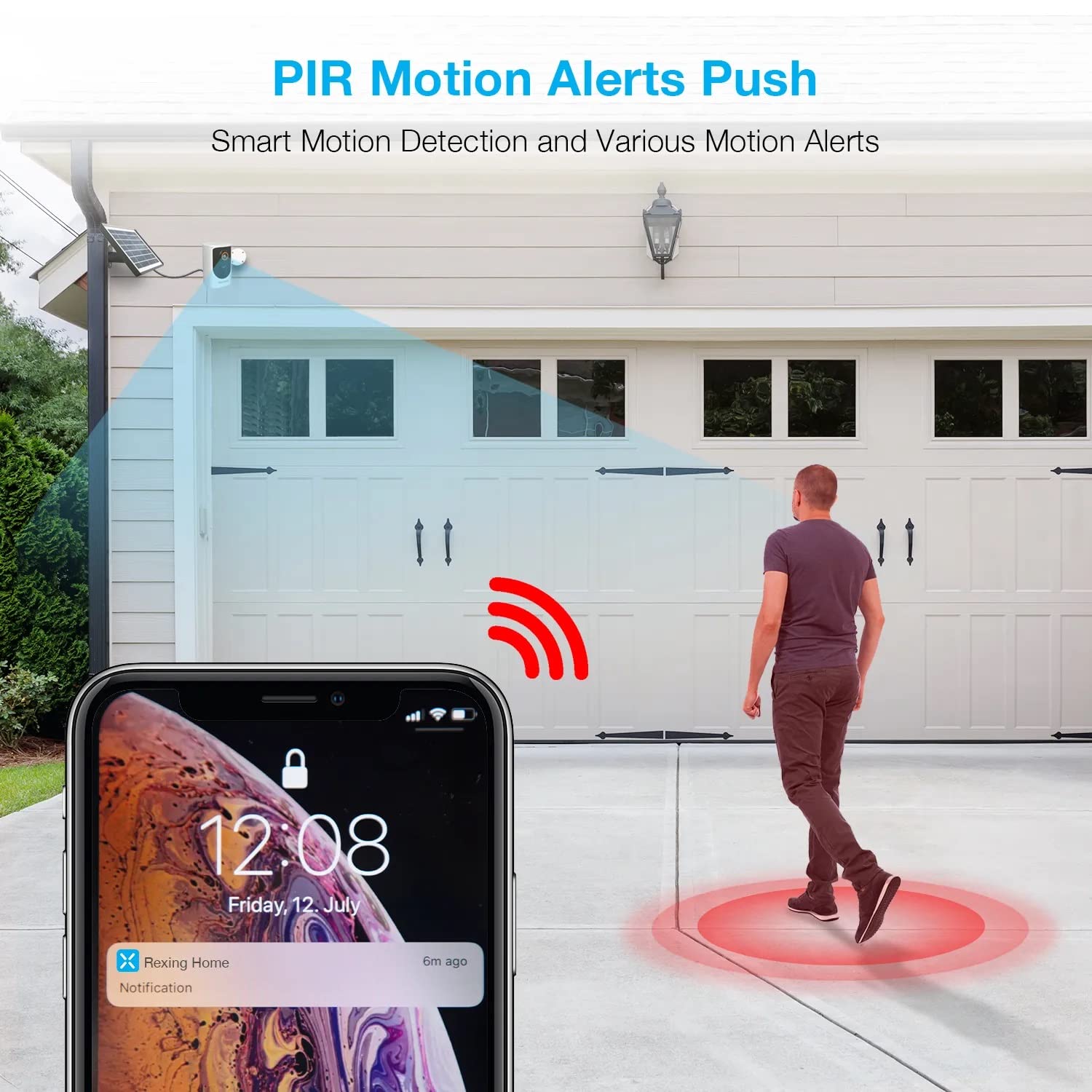
Image: A smartphone screen showing a notification from the Rexing Home app indicating a motion alert, with a visual representation of a person walking into the camera's detection zone.
4.4 الرؤية الليلية
The HS01 camera is equipped with 8 built-in 850nm Infrared LEDs and enhanced CMOS imaging sensors, providing clear night vision up to 33ft. The night vision mode activates automatically in low-light conditions.
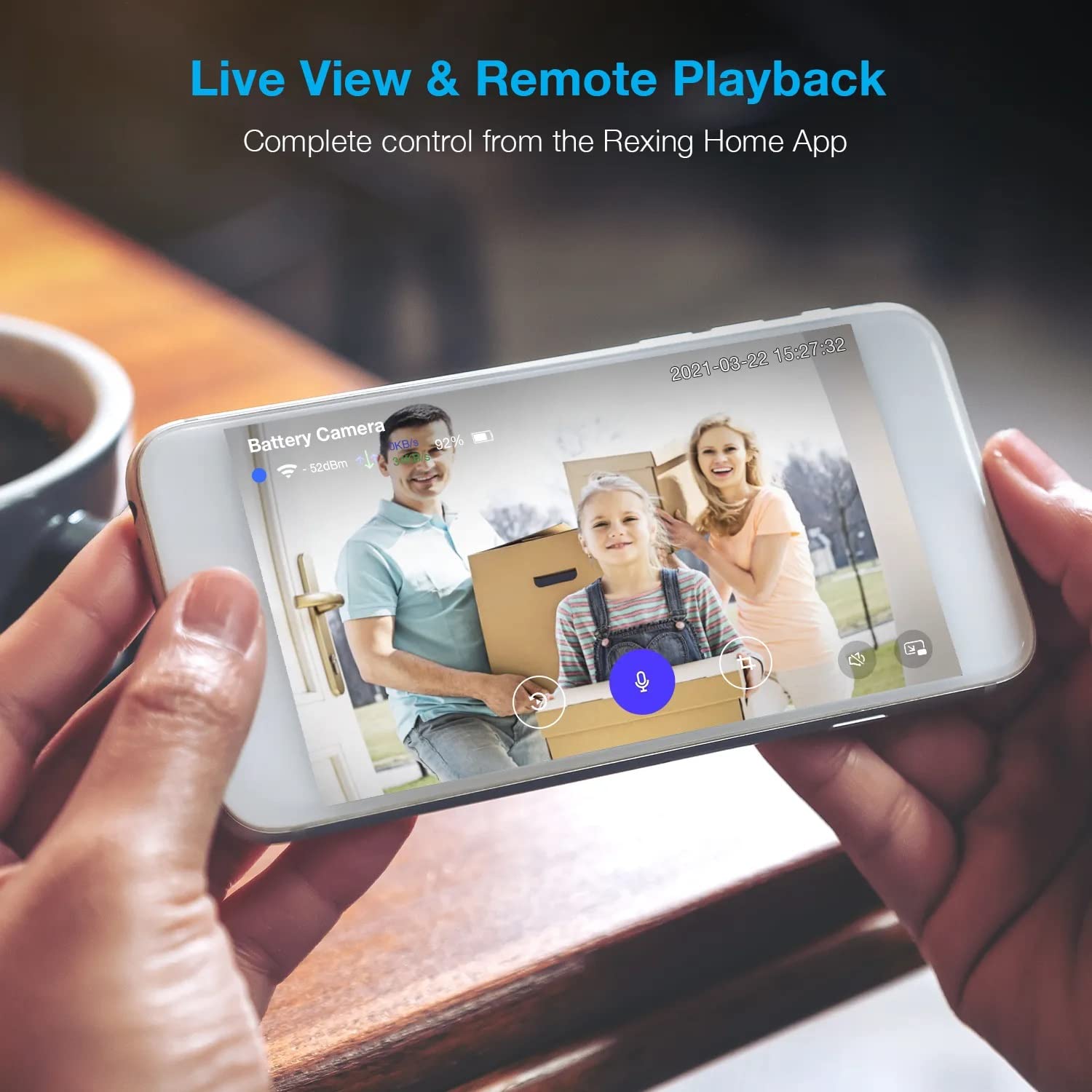
Image: A smartphone displaying a split screen, with one side showing a daytime view of a house in full color and the other side showing the same house in enhanced infrared night vision, demonstrating the camera's 1080p HD and night vision capabilities.
4.5 التخزين السحابي
The camera offers secure cloud storage for recorded video footage. You can access the past 3 days of video recordings for free. Extended cloud storage plans are available for purchase through the Rexing Home app.
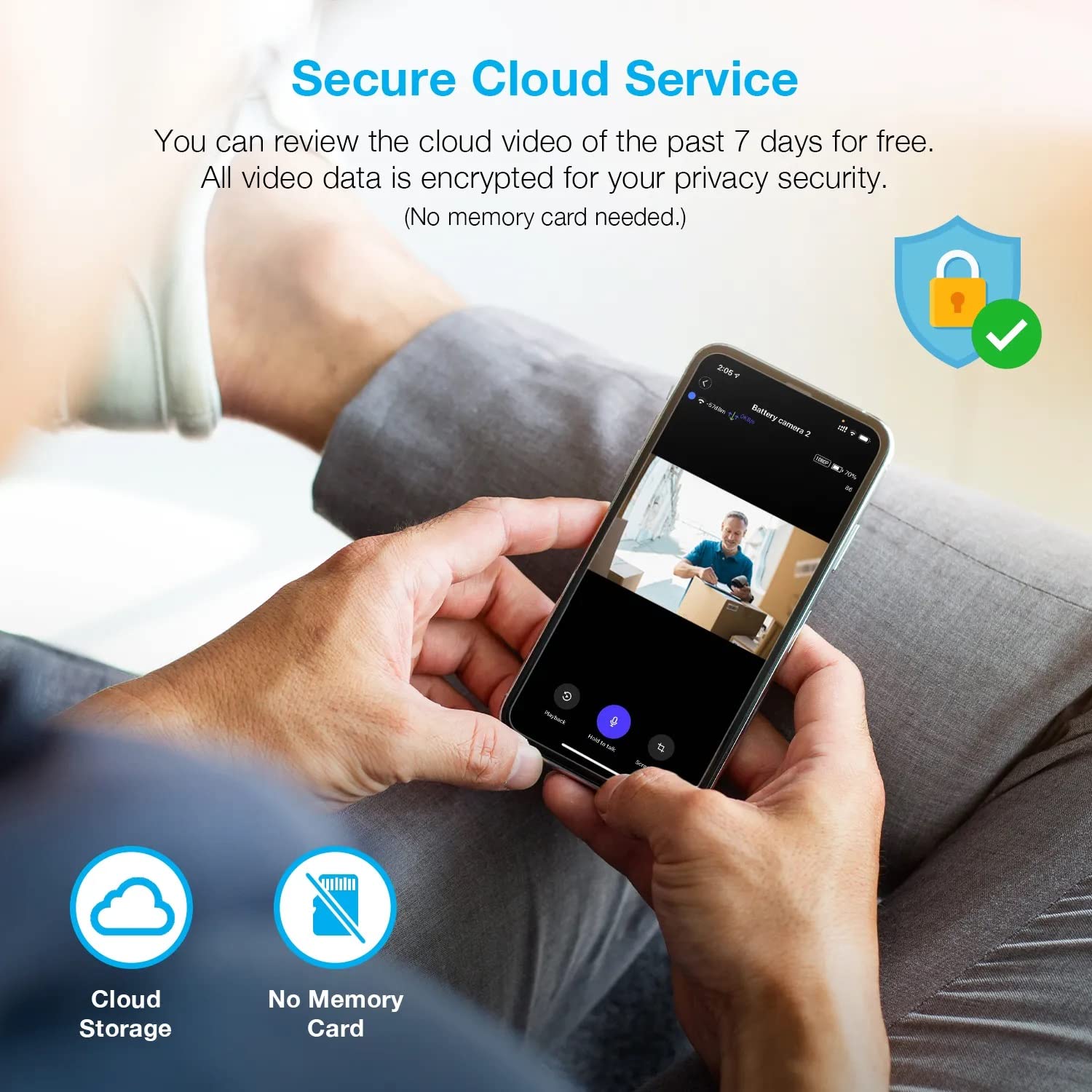
الصورة: شخص viewing recorded camera footage on a smartphone, accompanied by icons for cloud storage and indicating that no memory card is needed, highlighting the secure cloud service feature.
5. الصيانة
5.1 إدارة البطارية
The HS01 camera is powered by a 6000mAh rechargeable battery. For continuous operation, ensure the solar panel is positioned to receive adequate direct sunlight. If the camera is used in an area with limited sunlight, periodic manual charging via the USB cable may be required.
5.2 التنظيف
To maintain optimal performance, periodically clean the camera lens and the solar panel surface with a soft, damp قطعة قماش. تجنب استخدام المنظفات الكاشطة أو المذيبات التي قد تتلف الأسطح.
6. استكشاف الأخطاء وإصلاحها
- الكاميرا غير متصلة بشبكة Wi-Fi:
- تأكد من أن شبكة الواي فاي لديك تعمل بتردد 2.4 جيجاهرتز. الكاميرا لا تدعم شبكات 5 جيجاهرتز.
- تحقق من قوة إشارة Wi-Fi في موقع الكاميرا.
- تأكد من صحة كلمة مرور الواي فاي التي أدخلتها في التطبيق.
- أعد تشغيل جهاز التوجيه والكاميرا.
- جودة الفيديو رديئة:
- Ensure a strong Wi-Fi signal. Weak signals can affect streaming quality.
- نظف عدسة الكاميرا إذا بدت متسخة أو ملطخة.
- خاصية كشف الحركة لا تعمل أو حساسة للغاية:
- Adjust the PIR motion sensitivity settings in the Rexing Home app.
- تأكد من عدم وجود أي عوائق تعيق حركة الكاميرا view أو مستشعر الأشعة تحت الحمراء السلبية.
- Check the camera's battery level. Low battery can affect sensor performance.
- Battery not holding charge or solar panel not working:
- Ensure the solar panel is positioned to receive direct sunlight for several hours daily.
- نظف سطح اللوحة الشمسية لإزالة أي أوساخ أو شوائب.
- تأكد من توصيل كابل اللوحة الشمسية بالكاميرا بشكل آمن.
- If issues persist, try charging the camera directly via USB.
- No audio or poor two-way audio:
- Check the volume settings on your smartphone and in the Rexing Home app.
- تأكد من تفعيل ميكروفون هاتفك للتطبيق.
- Verify a stable internet connection for both the camera and your smartphone.
7. المواصفات
| ميزة | مواصفة |
|---|---|
| رقم الموديل | إتش إس 01 |
| دقة الفيديو | 1080p Full HD |
| مجال View | 120 درجة |
| نطاق الرؤية الليلية | 33 أقدام |
| سعة البطارية | 6000 مللي أمبير |
| الاتصال | لاسلكي (واي فاي 2.4 جيجاهرتز) |
| تصنيف مقاومة الماء | IP65 |
| الأجهزة المتوافقة | Smartphone (Amazon Alexa, Google Assistant) |
| أبعاد العنصر | 8.5 × 7.25 × 3.75 بوصة |
| وزن العنصر | 1 جنيه |
| مصدر الطاقة | بطارية قابلة لإعادة الشحن، لوحة شمسية |
8. الضمان والدعم
8.1 معلومات الضمان
For detailed warranty information regarding your REXING HS01 Smart Home Security Camera System, please refer to the warranty card included with your product or visit the official REXING webقد تختلف شروط وأحكام الضمان حسب المنطقة والتاجر.
8.2 دعم العملاء
If you encounter any issues or have questions about your REXING HS01 camera, please contact REXING customer support. You can typically find support contact information on the official REXING website or within the Rexing Home mobile application.
For the latest updates, FAQs, and additional resources, please visit the official REXING webموقع: www.rexingusa.com