
مقدمة
This manual provides detailed instructions for the setup, operation, and maintenance of your Arducam 5MP Wide Angle USB Camera, Model UB0233. Please read this manual thoroughly before using the product to ensure proper functionality and longevity.
المنتج انتهىview
The Arducam 5MP Wide Angle USB Camera (Model UB0233) is a compact, UVC-compliant camera featuring a 5MP OV5648 CMOS sensor and a 95-degree horizontal view angle M12 lens with an IR-cut filter. It is designed for various applications including video surveillance, live streaming, videoconferencing, and dashcams.

Image: The Arducam 5MP Wide Angle USB Camera, showing its compact design and lens.
ماذا يوجد في الصندوق
- Arducam 5MP Wide Angle USB Camera (Model UB0233)
- كابل USB (3.3 قدم/1 متر)
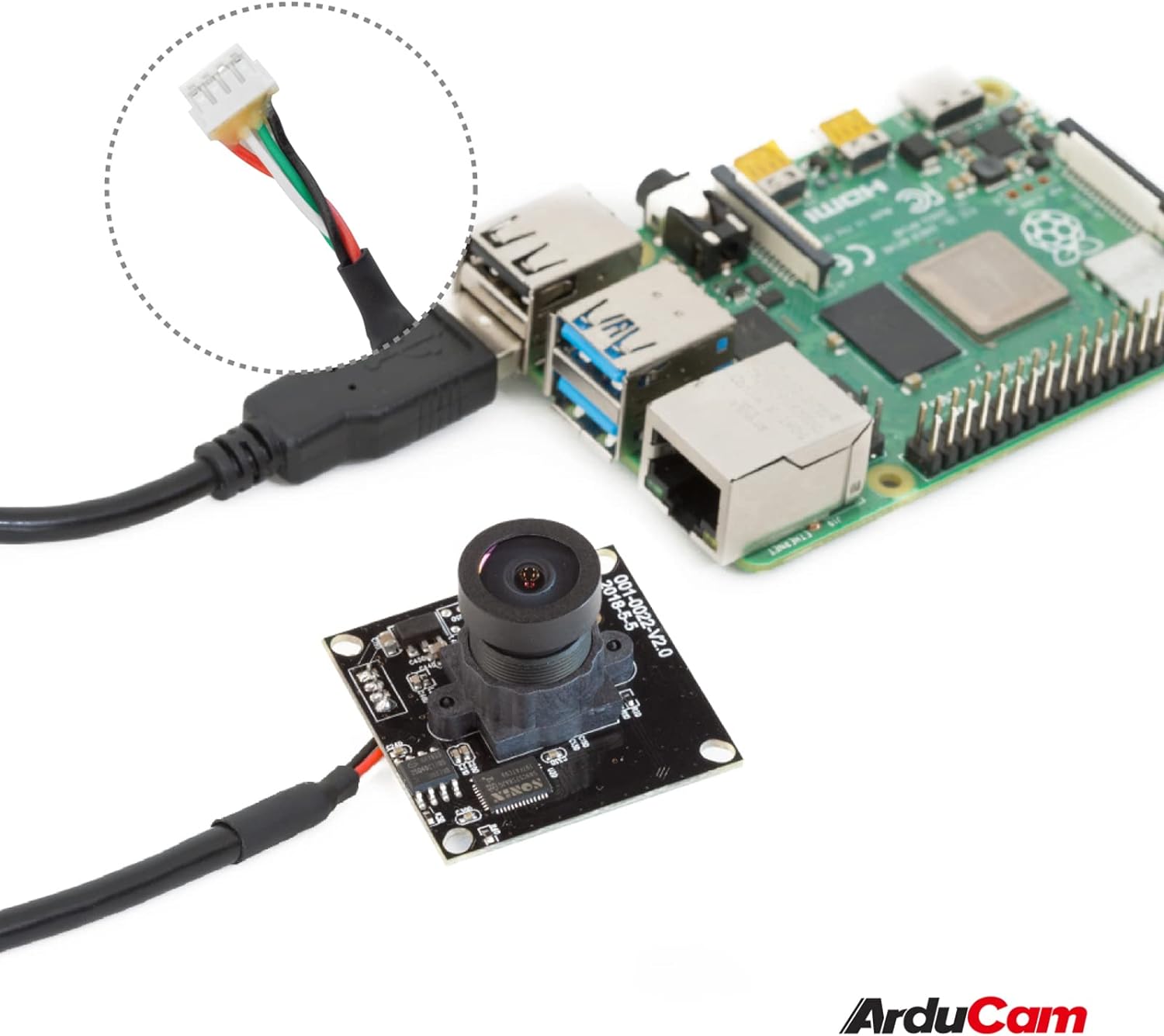
Image: The Arducam USB camera with its included USB cable, shown connected to a Raspberry Pi for illustration.
تعليمات الإعداد
- قم بتوصيل الكاميرا: Insert the USB cable into the camera's USB port and then connect the other end to a compatible device (PC, laptop, Android device, or Raspberry Pi).
- تثبيت برنامج التشغيل: The camera is UVC-compliant, meaning it is plug-and-play. No additional drivers are required for Windows, Linux, or Mac operating systems. The system should automatically detect and install the necessary drivers.
- تحقق من الاتصال: After connecting, check your device's system settings or camera application to ensure the camera is recognized and functioning.
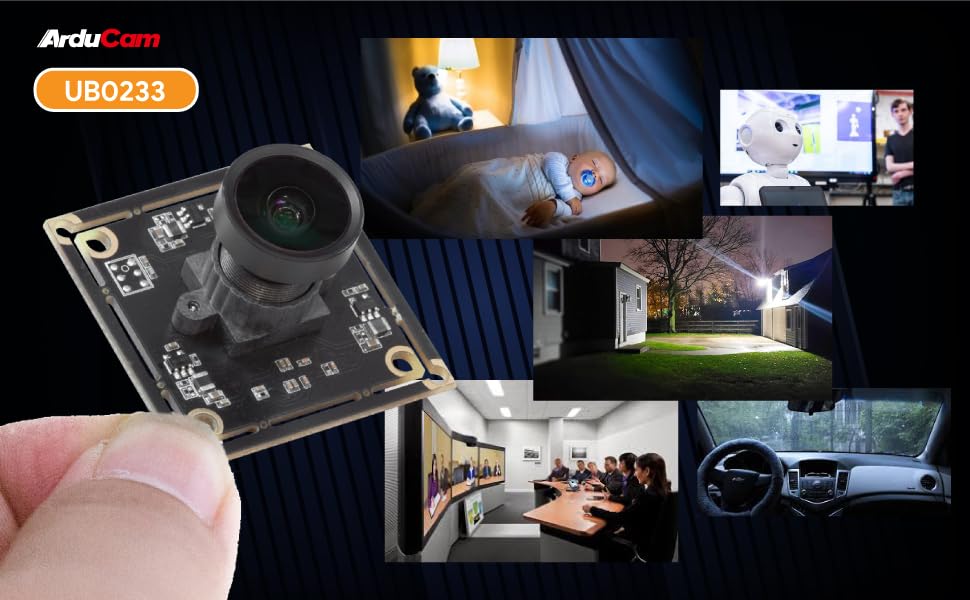
Image: Diagram illustrating the Arducam USB camera's compatibility with various operating systems including Windows, Mac, and Linux, and devices like PCs, laptops, and Raspberry Pi.
تعليمات التشغيل
التشغيل الأساسي
Once connected and recognized by your device, the Arducam 5MP USB Camera can be used with any standard camera application or software that supports UVC devices. This includes common video conferencing software, surveillance applications, and custom vision projects.
ضبط التركيز
The camera features a manual focus lens. To adjust the focus, gently rotate the lens barrel until the image appears clear and sharp. This allows for precise focus depending on your application's distance requirements.
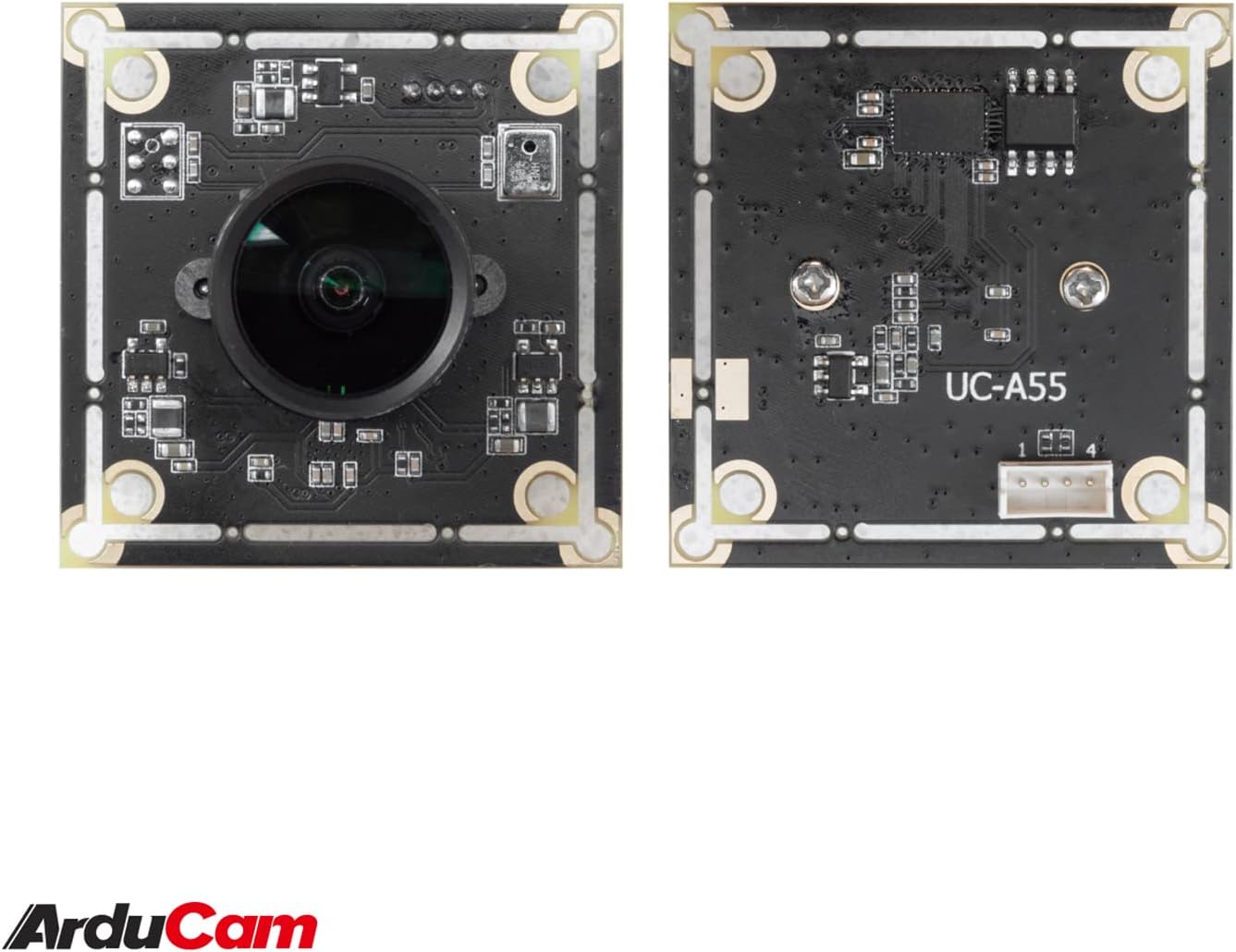
Image: The compact Arducam 5MP USB Camera being held, demonstrating its small form factor suitable for various integrations.
Frame Rates and Resolutions
The camera supports various frame rates and resolutions:
- مجبغ:
- 15fps@2592*1944 / 2048*1536 / 1600*1200
- 30fps@1920*1080 / 1280*960 / 1280*720 / 1024*768 / 800*600 / 640*360 / 640*480
- YY2:
- 2fps@2592*1944 / 2048*1536
- 5fps@1920*1080
- 7.5fps@1600*1200 / 1280*960
- 10fps@1280*720 / 1024*768
- 20fps@800*600
- 30fps@640*360 / 640*480
التطبيقات
This camera is suitable for a variety of applications, including:
- Video surveillance systems
- البث المباشر
- مؤتمرات الفيديو
- Dashcam functionality
- Other vision applications requiring a wide field of view and high resolution
Video: An official video demonstrating the Arducam 5MP Wide Angle USB Camera's various applications, including live streaming, home surveillance, and meetings.
صيانة
- تنظيف: استخدم قطعة قماش ناعمة وجافة لتنظيف عدسة الكاميرا وجسمها. تجنب استخدام المواد الكيميائية القاسية أو المواد الكاشطة.
- تخزين: Store the camera in a cool, dry place away from direct sunlight and extreme temperatures when not in use.
- التعامل: Handle the camera with care to prevent damage to the lens or circuit board.
استكشاف الأخطاء وإصلاحها
- Camera not detected by the device:
- Ensure the USB cable is securely connected to both the camera and the device.
- Try connecting the camera to a different USB port on your device.
- Test the camera on another computer or compatible device to rule out a device-specific issue.
- أعد تشغيل الكمبيوتر أو الجهاز.
- الصورة غير واضحة أو غير واضحة:
- Gently rotate the lens barrel to adjust the manual focus until the image is clear.
- تأكد من أن العدسة نظيفة وخالية من الغبار أو البقع.
- Low frame rate or video lag:
- Ensure your device meets the minimum system requirements for the desired resolution and frame rate.
- أغلق التطبيقات الأخرى التي قد تستهلك موارد النظام.
- Try a different USB port, preferably a USB 2.0 port for optimal compatibility.
تحديد
| ميزة | التفاصيل |
|---|---|
| ماركة | أردوكام |
| رقم الموديل | يو بي 0233 |
| تقنية مستشعر الصور | سيموس |
| دقة ثابتة فعالة | 5 ميجا بكسل |
| دقة التقاط الفيديو | Up to 1944p (MJPG) |
| نوع العدسة | زاوية واسعة |
| Viewزاوية جي | 95 درجة |
| نوع التركيز | التركيز اليدوي |
| تكنولوجيا الاتصال | يو اس بي 2.0 |
| توافق نظام التشغيل | Windows 7/8/10, Linux, Mac |
| ميزة خاصة | Low Light performance |
| وزن العنصر | 0.06 كجم |
| أبعاد المنتج (العمق × العرض × الارتفاع) | 1.26 بوصة عمق × 1.26 بوصة عرض × 1.26 بوصة ارتفاع |
| الوسائط المدمجة | كابل يو اس بي |
| الطول البؤري الأقصى | 32 ملم |
| الطول البؤري الأدنى | 6 ملم |
| الفتحة القصوى | 4 f_stop |
| الفتحة الدنيا | 4 ملم |
| نسبة العرض إلى الارتفاع للصورة | 1.33:1 |
| إعدادات توازن اللون الأبيض | آلي |
| نوع التحكم في التعرض | يدوي |

الصورة: مفصلة view of the Arducam 5MP USB Camera with its physical dimensions (32mm x 28mm) indicated.
معلومات الضمان
The Arducam 5MP Wide Angle USB Camera (Model UB0233) comes with a ضمان لمدة 6 شهرًا from the date of purchase. This warranty covers manufacturing defects and malfunctions under normal use. Please retain your proof of purchase for warranty claims. For detailed warranty terms and conditions, please refer to the official Arducam webالموقع أو الاتصال بدعم العملاء.
دعم العملاء
For technical assistance, troubleshooting, or further inquiries regarding your Arducam 5MP Wide Angle USB Camera, please visit the official Arducam webالموقع أو الاتصال بفريق دعم العملاء.
- الموارد المتاحة على الإنترنت: www.arducam.com
- متجر العلامة التجارية: Arducam Amazon Store