
1. المقدمة
The Qilmy 1080P Wireless WiFi Home Security Camera is designed to provide reliable surveillance for your home. This device combines a high-definition camera with motion detection, night vision, and remote viewing capabilities, all integrated into a standard light bulb form factor for easy installation. This manual will guide you through the installation, setup, and operation of your new security camera.
2. الميزات الرئيسية
- دقة كاملة الوضوح 1080 بكسل: يوفر مقاطع فيديو واضحة ومفصلةtage.
- Wireless WiFi Connectivity: Easy connection to your home network for remote access.
- Motion Detection & Instant Alarm: Automatically detects movement and sends alerts to your connected device.
- رؤية ليلية واضحة: Ensures visibility in low-light conditions.
- بعيد Viewعمل: Monitor your property from anywhere using a smartphone app.
- Integrated Flood Light: Features 3 built-in flood lights that can activate automatically upon motion detection.
- سهولة التركيب: Screws into a standard E27 light socket.
- منفذ كارت الذاكرة الصغيرة: للتخزين المحلي للتسجيلات.

الصورة: أكثر منview of the Qilmy Home Security Camera's key features, including 1080P resolution, video recording, 360 panoramic viewing, Wi-Fi connection, light function, motion detection, remote viewing, and Micro SD card slot.
3. ماذا يوجد في الصندوق
- Qilmy 1080P Wireless WiFi Home Security Camera (Bulb-shaped)
- E27 Light Socket Adapter (for mounting)
- مسامير التثبيت ومثبتات الحائط
- دليل البدء السريع

Image: Contents of the Qilmy Home Security Camera package, showing the camera, an E27 socket adapter, mounting hardware, and a quick start guide.
4. الإعداد
4.1 التثبيت المادي
- اختر الموقع: Select a location with a standard E27 light socket that provides the desired viewزاوية التصوير وتقع ضمن نطاق شبكة الواي فاي الخاصة بك بتردد 2.4 جيجاهرتز.
- إيقاف التشغيل: تأكد من فصل التيار الكهربائي عن مقبس الإضاءة من قاطع الدائرة قبل التركيب.
- تثبيت الكاميرا: Carefully screw the Qilmy security camera into the E27 light socket. If no existing socket is available, use the provided E27 adapter and mounting hardware to install it on a wall or ceiling.
- تشغيل الطاقة: Restore power to the light socket. The camera will power on and emit a voice prompt indicating it is ready for configuration.

Image: A person's hands installing the Qilmy Home Security Camera into a ceiling light fixture, demonstrating its easy and quick installation process.
4.2 اتصال Wi-Fi وإعداد التطبيق
- تحميل التطبيق: Download the recommended mobile application (e.g., "iCSee" or similar as indicated in the Quick Start Guide) from your smartphone's app store.
- تسجيل حساب: Open the app and register a new user account if you don't already have one.
- إضافة جهاز: Follow the in-app instructions to add a new device. This typically involves scanning a QR code on the camera or selecting the device type and following prompts.
- الاتصال بشبكة Wi-Fi: Connect the camera to your 2.4GHz Wi-Fi network. Ensure your smartphone is also connected to the same 2.4GHz network during the setup process.
- إعدادات: The camera will confirm successful connection with a voice prompt. Once connected, you can access live video and adjust settings through the app.

Image: A smartphone displaying the live feed from the Qilmy Home Security Camera, illustrating Wi-Fi connection and remote viewing capabilities from anywhere, anytime.
5. تعليمات التشغيل
5.1 مباشر Viewجي والتسجيل
- Open the mobile app to view the live feed from your camera.
- Use the app interface to manually record video or capture screenshots.
- الوصول إلى foo المسجلtage stored on the Micro SD card or cloud storage (if subscribed).
5.2 اكتشاف الحركة والتنبيهات
- تمكين كشف الحركة في إعدادات التطبيق.
- اضبط مستويات الحساسية لتقليل الإنذارات الكاذبة.
- استقبل إشعارات فورية على هاتفك الذكي عند اكتشاف الحركة.
- The camera can automatically activate its floodlights and siren alarm upon detecting motion, deterring intruders.
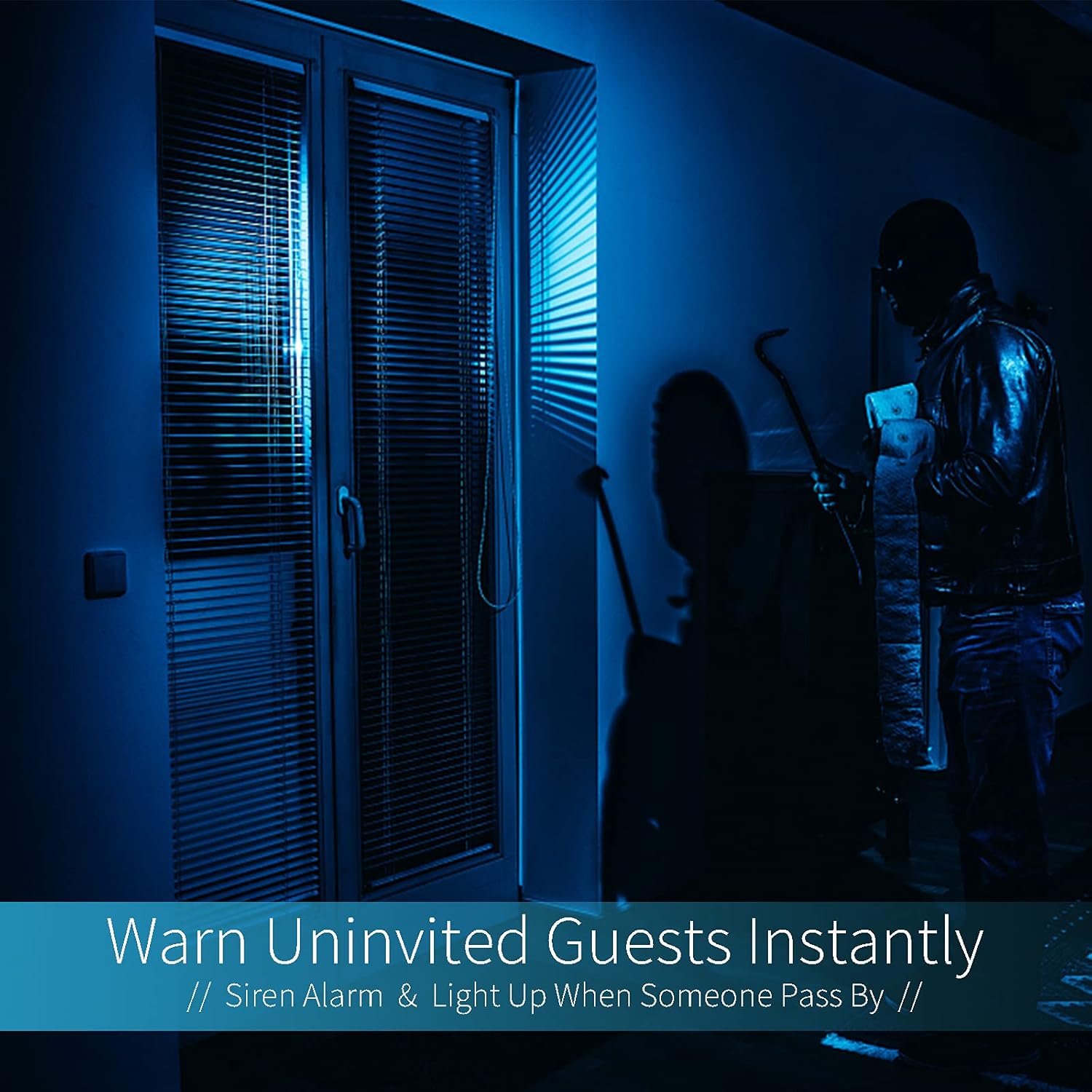
Image: A dark room with a security camera's light illuminating a figure, depicting the camera's ability to warn uninvited guests instantly with a siren alarm and light activation upon motion detection.
5.3 وظيفة الضوء
- The camera features built-in floodlights.
- Control the floodlights manually through the app.
- Configure the floodlights to turn on automatically when motion is detected, especially during nighttime.

Image: A comparison of a standard light bulb and the Qilmy Home Security Camera, highlighting its dual function as both a light bulb and a security camera with 3W consumption.
6. الصيانة
- تنظيف: امسح عدسة الكاميرا وجسمها برفق بقطعة قماش ناعمة وجافة. لا تستخدم مواد كيميائية قاسية أو منظفات كاشطة.
- تحديثات البرامج الثابتة: تحقق بانتظام من تطبيق الهاتف المحمول بحثًا عن تحديثات البرامج الثابتة المتاحة لضمان الأداء الأمثل والأمان.
- إدارة بطاقة SD: في حال استخدام بطاقة Micro SD، قم بإعادة ضبطها بشكل دوريview واحذف الطعام القديمtagقم بتحرير مساحة، أو قم بتمكين التسجيل الحلقي إذا كان التطبيق يدعمه.
- استقرار الشبكة: تأكد من أن شبكة الواي فاي الخاصة بك مستقرة وقوية لضمان تشغيل الكاميرا دون انقطاع.
7. استكشاف الأخطاء وإصلاحها
| مشكلة | السبب المحتمل | حل |
|---|---|---|
| الكاميرا لا تعمل. | لا يوجد تيار كهربائي في مقبس الإضاءة؛ الكاميرا غير مثبتة بشكل صحيح. | Check the circuit breaker. Ensure the camera is securely screwed into the E27 socket. |
| غير قادر على الاتصال بشبكة Wi-Fi. | كلمة مرور الواي فاي غير صحيحة؛ الكاميرا بعيدة جدًا عن جهاز التوجيه؛ تم استخدام شبكة واي فاي بتردد 5 جيجاهرتز. | Verify Wi-Fi password. Move camera closer to router. Ensure you are connecting to a 2.4GHz Wi-Fi network. |
| لا توجد تنبيهات لكشف الحركة. | Motion detection disabled; sensitivity too low; app notifications blocked. | Enable motion detection in the app. Increase sensitivity. Check app notification settings on your phone. |
| جودة الفيديو سيئة. | إشارة واي فاي ضعيفة؛ عدسة متسخة. | Improve Wi-Fi signal strength. Clean the camera lens with a soft cloth. |
| بعيد viewلا يعمل. | Internet connection issue on camera or phone; app not updated. | Check internet connectivity for both camera and phone. Update the app to the latest version. |
8. المواصفات
- رقم الموديل: زاكس2023011
- دقة التقاط الفيديو: 1080p Full HD
- تقنية الاتصال: لاسلكي (واي فاي)
- تكنولوجيا الاتصالات اللاسلكية: واي فاي (2.4 جيجاهرتز فقط)
- مصدر الطاقة: AC/DC (E27 light socket)
- واتtage: 3 واط
- المميزات الخاصة: Motion Sensor, Night Vision, Integrated Flood Light
- عامل الشكل: Dome (Bulb-shaped)
- نوع التركيب: Wall Mount (via E27 adapter)
- أبعاد العنصر (الطول × العرض × الارتفاع): 6.45 × 4.1 × 3.54 بوصة
- وزن السلعة: 7.8 أونصة (222 جرامًا)
- تصنيف الحماية الدولية: IP67
- الأجهزة المتوافقة: الهاتف الذكي
- رمز المنتج العالمي: 605660998393
9. الضمان والدعم
Specific warranty information and detailed support contact details are typically provided with the product packaging or on the manufacturer's official website. Please refer to the documentation included with your purchase for the most accurate and up-to-date warranty terms and customer support options.