
1. المقدمة
The Symcode MJ-X8DA is a versatile 2D Wireless Bluetooth Barcode Scanner designed for efficient data capture. Featuring a durable aluminum alloy metal casing, this scanner offers three connectivity options: Bluetooth, 2.4G Wireless via USB adapter, and wired USB 2.0. It is compatible with various operating systems and software, making it suitable for diverse business applications. This manual provides essential information for setting up, operating, and maintaining your scanner.
2. محتويات العبوة
Upon opening your Symcode MJ-X8DA package, please verify that all the following items are included:
- Symcode MJ-X8DA Barcode Scanner
- سلك الشحن (كابل USB)
- Wireless Dongle (USB Adapter)
- حزام اليد
- دليل المستخدم (هذا المستند)

3. مواصفات المنتج
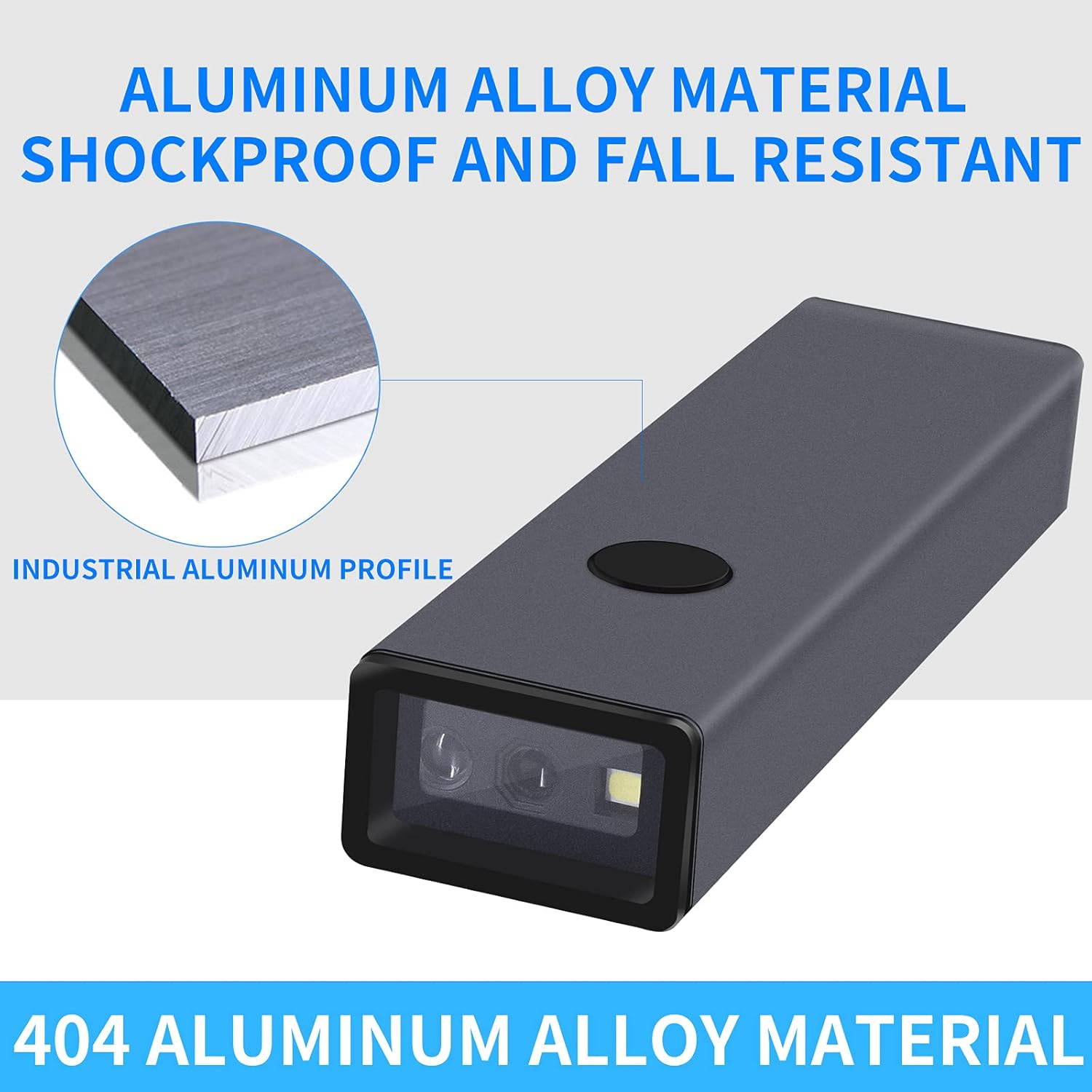
- بناء متين: Features an aluminum alloy metal casing for enhanced durability and drop resistance.
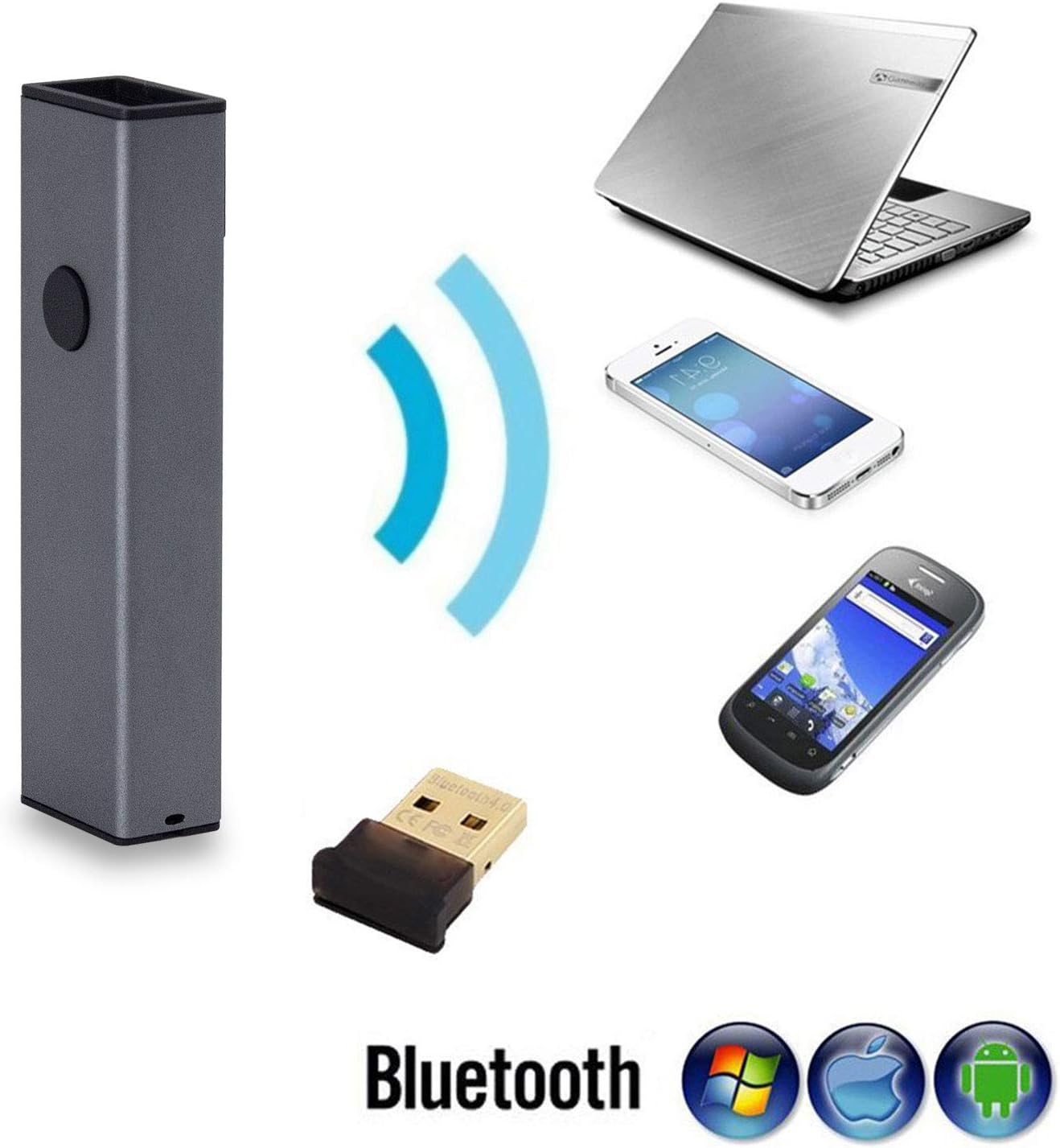
- اتصال 3 في 1: Supports Bluetooth, 2.4G Wireless (via USB adapter), and wired USB 2.0 connections.
- التوافق الواسع: Works with Windows XP/7/8/10, Mac OS, Windows Mobile, Android OS, and iOS devices. Compatible with software like Quickbook, Word, Excel, and Novell.
- Advanced CMOS Sensor: Equipped with a CMOS sensor for efficient capture of 1D and 2D barcodes from labels, paper, and digital displays (mobile phones, computers).
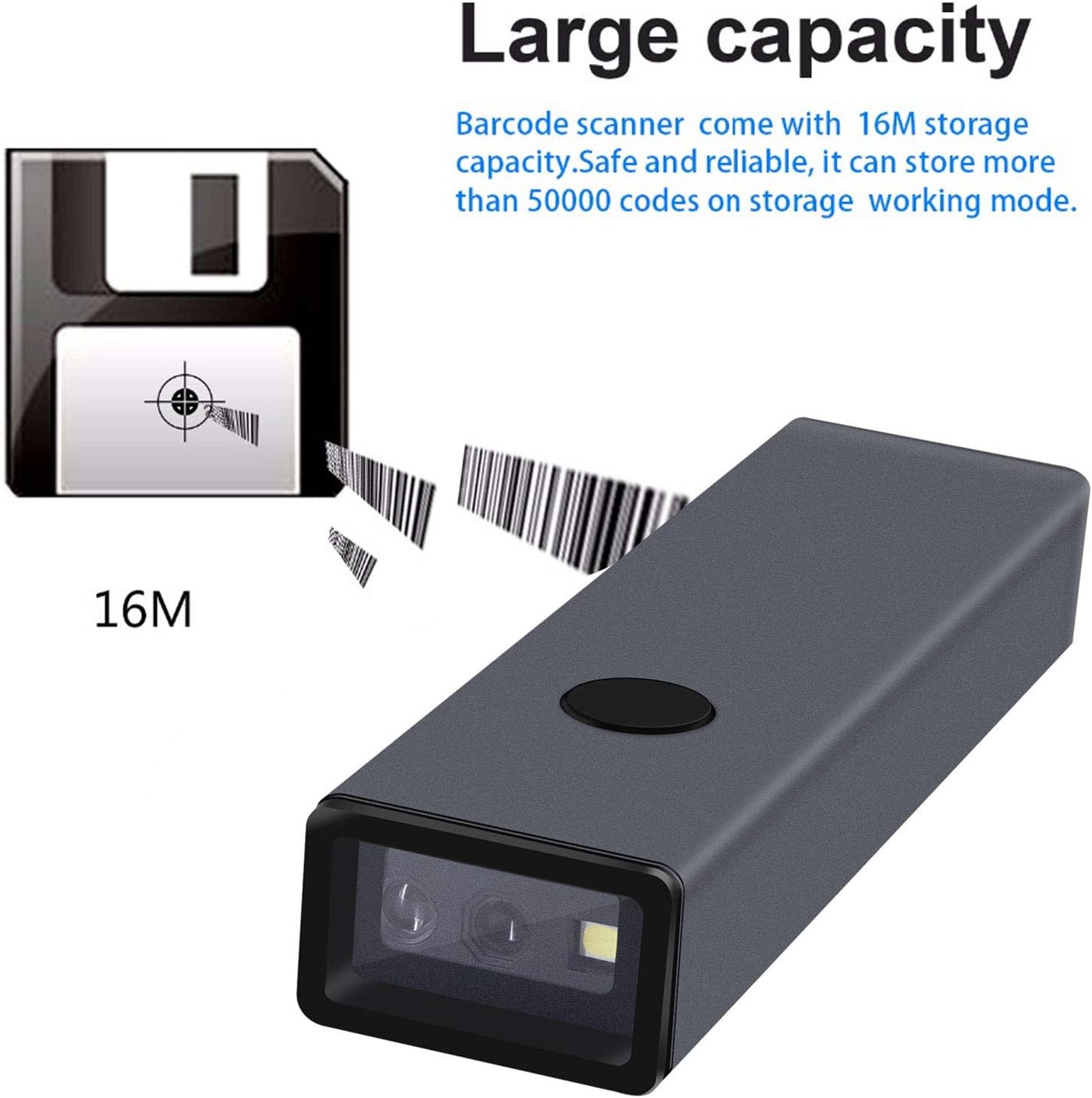
- سعة التخزين الكبيرة: Internal memory can store up to 10,000 codes in storage mode before uploading.
- قدرة فائقة على فك التشفير: Capable of decoding blurring or incomplete 1D and 2D barcodes rapidly.
- الإعدادات القابلة للتخصيص: Offers over 180 configuration options, including adding prefixes/suffixes, deleting characters, and integrating keyboard keys/combinations.
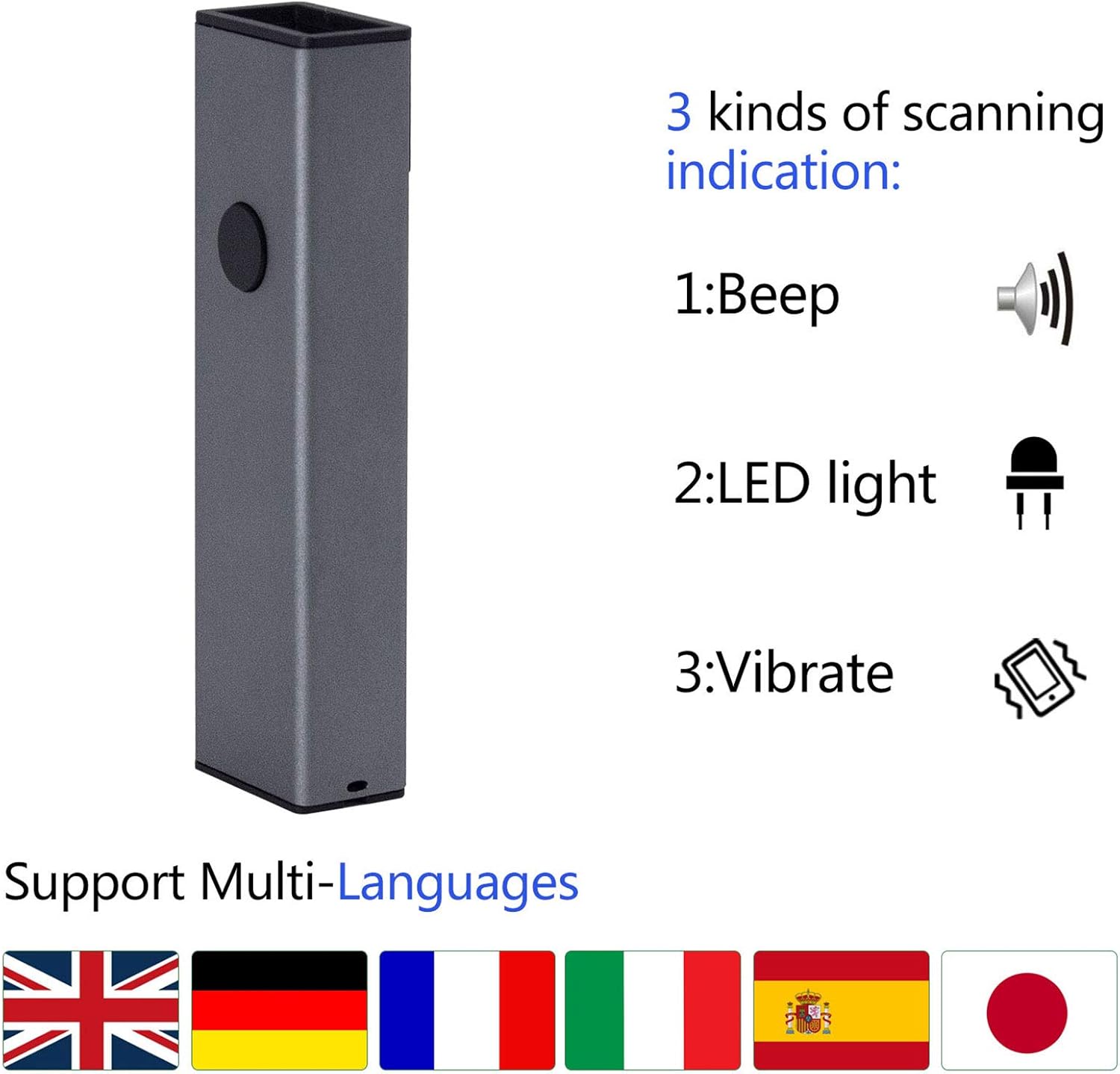
- Scanning Indications: Provides feedback through beep sounds, LED light, and vibration.
4. الإعداد
The MJ-X8DA scanner offers flexible connectivity options to suit your operational needs.
4.1 اتصال سلكي
To use the scanner in wired mode, connect it directly to your computer using the provided USB cable. The cable serves both for charging and data transmission. The scanner will function as a keyboard input device, and no additional drivers are typically required.
4.2 اتصال لاسلكي 2.4G
For 2.4G wireless operation, plug the included USB wireless dongle into an available USB port on your computer. The scanner will automatically connect to the dongle. This mode offers a transmission distance of approximately 150m (492ft) in open spaces and 30m (98ft) indoors.
4.3 اتصال البلوتوث
للاتصال عبر البلوتوث:
- Ensure the scanner is powered on and in Bluetooth pairing mode (refer to the specific barcode in the full user manual to activate Bluetooth pairing mode).
- على جهازك المضيف (كمبيوتر محمول، كمبيوتر شخصي، هاتف محمول، جهاز لوحي)، قم بتمكين البلوتوث وابحث عن الأجهزة المتاحة.
- Select the Symcode scanner from the list of found devices to pair.
- Once paired, the scanner will function wirelessly.
Bluetooth transmission distance is approximately 50m (164ft) in open spaces and 15m (49ft) indoors.

5. أوضاع التشغيل
The Symcode MJ-X8DA scanner supports different operating modes to manage scanned data.
5.1 وضع التحميل الفوري
In this mode, scanned barcodes are immediately transmitted to the connected device (computer, phone, tablet) as keyboard input. This is the default mode and is suitable for real-time data entry.
5.2 وضع التخزين
When operating in storage mode, the scanner saves all scanned barcodes internally. This is useful when working out of range of a host device. The scanner can store up to 10,000 codes. To upload the stored data, connect the scanner to a compatible device and scan the appropriate 'Upload Data' configuration barcode from the full user manual.
6. Barcode Symbologies Supported
The MJ-X8DA scanner is capable of decoding a wide array of 1D and 2D barcode types:
6.1 1D Barcodes
- UPC/EAN (including with Supplemental)
- Code 39 (including Full ASCII, Trioptic Code 39)
- Code 128 (including Full ASCII, extended ASCII support)
- Codabar
- متداخلة 2 من 5
- منفصلة 2 من 5
- الكود 93
- إم إس آي
- الكود 11
- RSS variants
- الصينية 2 من 5
6.2 2D Barcodes
- بي دي اف 417
- رمز الاستجابة السريعة
- مصفوفة البيانات
- أزتيك
- ماكسيكود
Note: Stacked PDF417 on ID Cards/Driver's Licenses are not supported.

7. خيارات التكوين
The scanner offers extensive customization through configuration barcodes found in the comprehensive user manual. These options allow you to tailor the scanner's output to specific requirements.
- Prefix and Suffix: أضف أحرفًا مخصصة قبل أو بعد البيانات الممسوحة ضوئيًا.
- حذف الشخصية: Remove a specified number of characters from the beginning or end of a scanned barcode. For example, you can configure it to omit the first 9 digits of certain tracking numbers.
- Keyboard Keys/Combinations: Integrate specific keyboard functions or combinations into the scanning operation.
For detailed instructions on how to apply these configurations, please refer to the dedicated section in the complete user manual that accompanies your product.
8. الصيانة
Proper maintenance ensures the longevity and optimal performance of your Symcode MJ-X8DA scanner.
- تنظيف: استخدم قطعة قماش ناعمة وجافة لتنظيف السطح الخارجي للماسح الضوئي. أما بالنسبة لنافذة المسح، فاستخدم قطعة قماش مخصصة لتنظيف العدسات لتجنب الخدوش. لا تستخدم مواد تنظيف كاشطة أو مذيبات.
- شحن البطارية: The scanner has a battery life of approximately 30 hours of continuous operation. A full charge takes about 2.5 hours. Charge the device using the provided USB cable connected to a compatible power source (DC5V±0.25v).
- تخزين: قم بتخزين الماسح الضوئي في مكان بارد وجاف بعيدًا عن أشعة الشمس المباشرة ودرجات الحرارة القصوى عندما لا يكون قيد الاستخدام.
- تحديثات البرامج الثابتة: Periodically check the Symcode official website for any available firmware updates to ensure your scanner has the latest features and performance improvements.
9. استكشاف الأخطاء وإصلاحها
If you encounter issues with your Symcode MJ-X8DA scanner, refer to the following common troubleshooting steps:
9.1 Scanner Not Connecting
- السلكية: Ensure the USB cable is securely connected to both the scanner and the computer. Try a different USB port or cable.
- 2.4G لاسلكي: Verify the USB dongle is properly inserted into the computer. Ensure the scanner is within range of the dongle.
- بلوتوث: Confirm Bluetooth is enabled on your host device and the scanner is in pairing mode. Delete previous pairings on your device and re-attempt pairing. Ensure the scanner is within Bluetooth range.
9.2 Barcodes Not Scanning
- مستوى البطارية: Check if the scanner's battery is sufficiently charged.
- نوع الباركود: Ensure the barcode symbology is supported by the scanner (refer to Section 6).
- جودة الباركود: Scan a clear, undamaged barcode. Blurry or incomplete barcodes may be difficult to read.
- مسافة المسح: اضبط المسافة بين الماسح الضوئي والباركود.
- إعدادات: If specific barcode types are not scanning, you may need to enable them using configuration barcodes from the full user manual.
9.3 إخراج بيانات غير صحيحة
- إعدادات: Review your scanner's configuration settings (e.g., prefix/suffix, character deletion) using the full user manual. Incorrect settings can alter the output.
- تخطيط لوحة المفاتيح: Ensure your computer's keyboard layout matches the scanner's configured output if you are experiencing character discrepancies.
For more complex issues or specific error codes, consult the detailed troubleshooting section in the complete user manual or contact Symcode customer support.
10. المواصفات
| ميزة | مواصفة |
|---|---|
| نموذج | MJ-X8DA |
| حجم الإدخالtage | DC5V±0.25v |
| Current (Work) | 25 مللي أمبير |
| Current (Instantaneous) | 95 مللي أمبير |
| سرعة فك التشفير | 100 مرة / ثانية |
| Wireless Range (2.4G, Open Space) | 40m (131ft) - Note: Product description states 150m/492ft, using 40m from specs. |
| Wireless Range (Bluetooth, Open Space) | 50م (164 قدم) |
| وقت الشحن | 2.5 ساعة |
| عمر البطارية | 30 ساعة |
| نوع البطارية | 1 بطارية ليثيوم أيون (مضمنة) |
| وزن العنصر | 4.6 أونصات |
| أبعاد الحزمة | 5.71 × 2.91 × 2.05 بوصة |
| تكنولوجيا الاتصال | Bluetooth, USB Cable, 2.4G Wireless |
| نوع المستشعر | سيموس |
11. الضمان والدعم
Symcode products are designed for reliability and performance. For any questions, technical assistance, or warranty inquiries, please contact Symcode customer support through their official channels. Refer to the packaging or the Symcode webالموقع للحصول على أحدث معلومات الاتصال.