
1. المقدمة
This manual provides instructions for the safe and efficient operation of your Lepro PR210002-US LED Table Lamp. هذا متعدد الاستخداماتamp offers a range of lighting options, including tunable white light, RGB color changing, dimming capabilities, and an auto-off timer. Please read this manual thoroughly before use and retain it for future reference.

Figure 1: Lepro PR210002-US LED Table Lamp.
2. محتويات العبوة
Before proceeding with setup, please ensure all components are present:
- 1 x Lepro PR210002-US LED Table Lamp
- شنومكس x الولايات المتحدة محول الطاقة
- 1 × كابل USB من النوع C
- 1 × دليل المستخدم (هذه الوثيقة)
3. الإعداد
Follow these steps to set up your LED Table Lamp:
- أفرغ: قم بإزالة جميع المكونات بعناية من العبوة.
- توصيل الطاقة: Insert the Type C USB cable into the lamp's charging port. Connect the other end of the USB cable to the provided US power adapter, then plug the adapter into a standard wall outlet.

Figure 2: Connecting the lamp to power. The lamp measures 3.9 inches in diameter and 7.1 inches in height, with a 4.9 ft cable.
4. تعليمات التشغيل
The Lepro LED Table Lamp features intuitive touch controls located on the top surface and the base.

Figure 3: Touch Control Overview.
4.1. تشغيل/إيقاف التشغيل
- الصحافة القصيرة: Lightly tap the top touch area (power symbol) to turn the lamp تشغيل أو إيقاف.
4.2. Adjusting White Light (Tunable White Mode)
لamp offers three white light temperatures: 2700K (Warm White), 4000K (Neutral White), and 5700K (Cool White).
- تغيير درجة الحرارة: Press the 'M' button on the lamp's base to cycle through the white light temperatures (2700K → 4000K → 5700K).
- ضبط السطوع: While in any white light mode, الضغط لفترة طويلة the top touch area to continuously adjust the brightness from 5% to 100%. Release when desired brightness is reached.

Figure 4: Tunable White Light Options (2700K, 4000K, 5700K).
4.3. RGB Color Changing Modes
لamp features 7 static RGB colors and an auto-color changing mode.
- Access RGB Modes: Press the 'M' button repeatedly until the lamp enters RGB mode.
- Select Static Color: While in RGB mode, الضغط لفترة طويلة the top touch area to cycle through the 7 available colors. Release when your desired color is displayed.
- Auto Color Changing: Continue pressing the 'M' button after the static RGB colors to activate the auto-color changing mode.
- Adjust Speed (Auto Mode): While in auto-color changing mode, الضغط لفترة طويلة the top touch area to adjust the speed of the color transitions (3-level speed).

Figure 5: RGB Color Changing Mood Light.
4.4. مؤقت الإيقاف التلقائي
لamp includes a convenient auto-off timer function for 30 or 60 minutes.
- تنشيط الموقت: Press the timer button (clock symbol) on the lampقاعدة.
- مؤقت دقيقتين: One press activates the 30-minute timer (indicated by one green LED on the base).
- مؤقت دقيقتين: A second press activates the 60-minute timer (indicated by two green LEDs on the base).
- Deactivate Timer: A third press will turn off the timer function (no green LEDs).
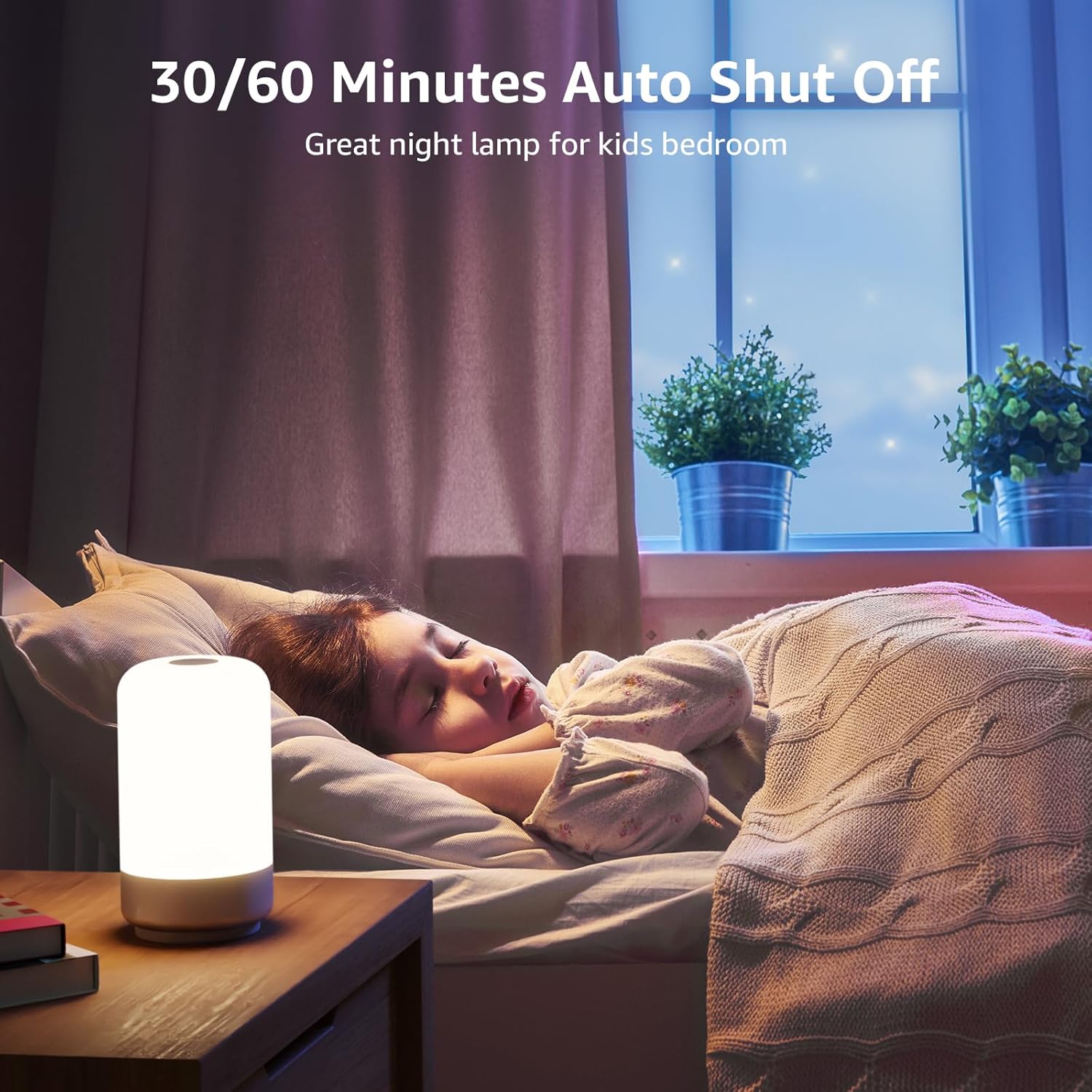
Figure 6: Auto-Off Timer Function.
4.5. وظيفة الذاكرة
لamp retains the last used brightness and color setting when turned off and on again, ensuring a consistent experience.
5. الصيانة
لضمان طول عمر وأداء مثالي لجهازكampاتبع إرشادات الصيانة التالية:
- تنظيف: افصل الamp افصل التيار الكهربائي قبل التنظيف. استخدم قطعة قماش ناعمة وجافة لمسح السطح.ampسطحها. لا تستخدم المنظفات الكاشطة أو المذيبات أو المواد الكيميائية القاسية، لأنها قد تتلف الطبقة النهائية.
- التعامل: التعامل مع lamp بحذر. تجنب إسقاطه أو تعريضه لصدمات قوية.
- تخزين: في حالة تخزين lamp للحفاظ عليه نظيفاً وجافاً لفترة طويلة، احرص على تخزينه في مكان بارد وجاف بعيداً عن أشعة الشمس المباشرة.
6. استكشاف الأخطاء وإصلاحها
If you encounter issues with your Lepro LED Table Lamp، راجع المشكلات والحلول الشائعة التالية:
| مشكلة | السبب المحتمل | حل |
|---|---|---|
| Lamp لا تفتح. | لا يوجد اتصال طاقة. | Ensure the power adapter is securely plugged into a working outlet and the USB-C cable is firmly connected to the lamp. |
| Brightness adjustment is not smooth or lamp turns off when dimming. | تشغيل غير صحيح للتحكم باللمس. | Ensure you are performing a الضغط لفترة طويلة on the top touch area to adjust brightness. A short press will turn the lamp off. Release your finger when the desired brightness is achieved. |
| Colors are not changing or cycling. | Not in RGB mode or incorrect operation. | Press the 'M' button to cycle through modes until RGB mode is active. For static colors, الضغط لفترة طويلة the top touch area. For auto-changing, ensure auto-color changing mode is selected via the 'M' button, then الضغط لفترة طويلة the top touch area to adjust speed. |
| وظيفة المؤقت لا تعمل. | لم يتم تفعيل المؤقت أو تم ضبطه بشكل غير صحيح. | Press the timer button on the base. One green LED indicates 30-minute timer, two green LEDs indicate 60-minute timer. Ensure the correct timer setting is active. |
7. المواصفات
| ميزة | التفاصيل |
|---|---|
| رقم الموديل | PR210002-الولايات المتحدة |
| ماركة | مرض الجذام |
| أبعاد المنتج | 3.9 بوصة عمق × 3.9 بوصة عرض × 7.1 بوصة ارتفاع |
| وزن العنصر | 0.85 جنيه (13.6 أونصة) |
| مادة | بلاستيك |
| نوع مصدر الضوء | قاد |
| سطوع | 350 لومن |
| واتtage | 7 واط |
| المجلدtage | 120 فولت (تيار متردد) |
| خيارات الألوان الفاتحة | 7 Colors + 3 White Light Temperatures (2700K-4000K-5700K) |
| طريقة التحكم | يلمس |
| مصدر الطاقة | كهرباء سلكية |
| طول الكابل | 4 أقدام |
| الاستخدام الداخلي والخارجي | للاستخدام الداخلي فقط |
| مستوى مقاومة الماء | غير مقاوم للماء |
8. الضمان والدعم
For warranty information or technical support, please contact Lepro customer service through their official website or the retailer where the product was purchased. Please have your model number (PR210002-US) and purchase details ready when contacting support.