
1. المقدمة
This manual provides essential information for the installation, operation, and maintenance of your ZOTAC Gaming GeForce RTX 3070 Twin Edge OC graphics card. This card is built on the NVIDIA Ampere architecture, featuring 2nd Gen Ray Tracing Cores, 3rd Gen Tensor Cores, and GDDR6 memory for high-fidelity gaming performance.
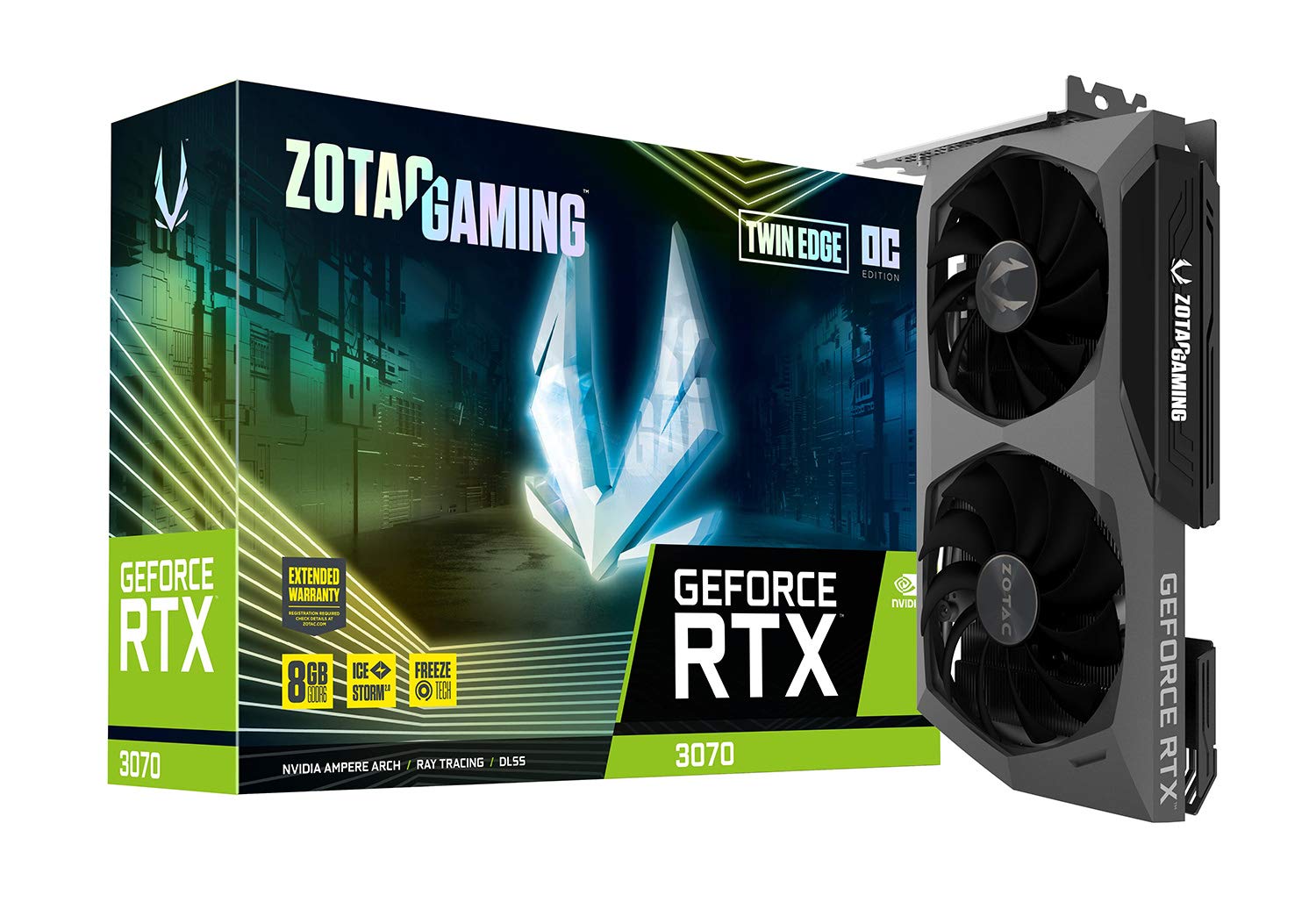
الصورة: الجبهة view of the ZOTAC Gaming GeForce RTX 3070 Twin Edge OC graphics card.
2. ماذا يوجد في الصندوق
تأكد من أن جميع العناصر التالية موجودة في عبوة المنتج:
- ZOTAC GAMING GeForce RTX 3070 Twin Edge OC graphics card
- 2x Dual 6-pin to 8-pin adapter
- User Manual (Quick Installation Guide)

Image: Quick Installation Guide and two 6-pin to 8-pin power adapters included with the graphics card.
3. المواصفات
| ميزة | مواصفة |
|---|---|
| معالج الرسوميات المساعد | بطاقة الرسوميات NVIDIA GeForce RTX 3070 |
| ماركة | زوتاك |
| حجم ذاكرة الوصول العشوائي للرسومات | 8 جيجا بايت |
| واجهة إخراج الفيديو | 3 × DisplayPort 1.4a، 1 × HDMI 2.1 |
| نوع ذاكرة الوصول العشوائي للرسومات | ذاكرة الوصول العشوائي GDDR6 |
| الأجهزة المتوافقة | كمبيوتر سطح المكتب |
| واجهة بطاقة الرسوميات | PCI-Express 4.0 x16 |
| سرعة معالج التعزيز | 1755 ميجا هرتز |
| Maximum Digital Resolution | 7680 × 4320 بمعدل 60 هرتز |
| أبعاد المنتج (الطول × العرض) | 9.1 بوصة طول × 5.6 بوصة عرض (231.9 مم × 141.3 مم) |
| رقم الموديل | ZT-A30700H-10P |
| وزن العنصر | 998 جرام |
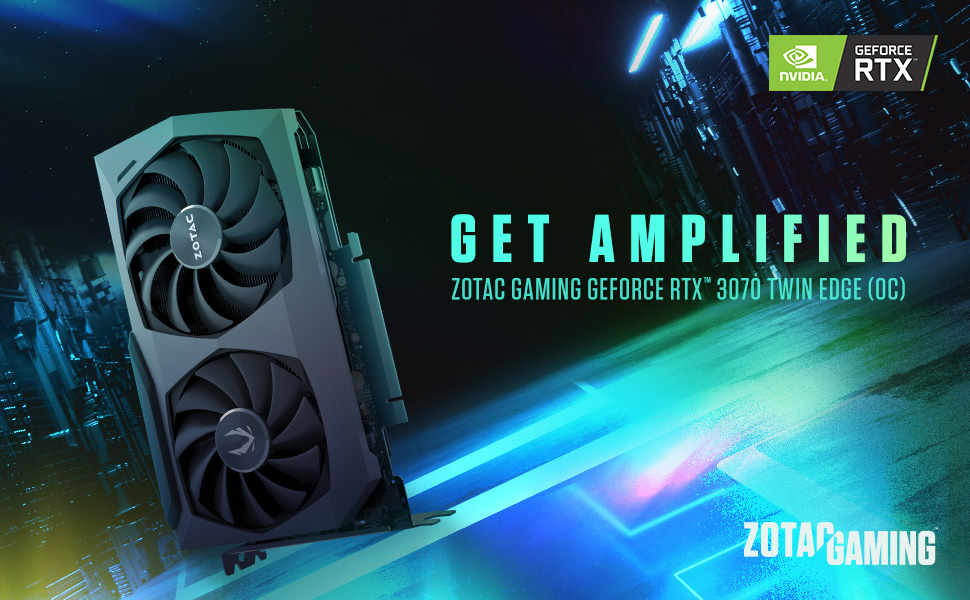
Image: Detailed dimensions and output port configuration (3x DisplayPort 1.4a, 1x HDMI 2.1) of the graphics card.
4. التثبيت
- حضّر نظامك: أطفئ جهاز الكمبيوتر وافصل جميع الكابلات. افتح غطاء الكمبيوتر.
- تحديد موقع فتحة PCIe: Identify an available PCI Express 4.0 x16 slot on your motherboard. Remove any expansion slot covers if necessary.
- إدخال بطاقة الرسوميات: قم بمحاذاة بطاقة الرسومات بعناية مع فتحة PCIe واضغط عليها بقوة حتى تستقر في مكانها بإحكام. تأكد من تثبيت مشبك التثبيت في مكانه.
- بطاقة آمنة: Fasten the graphics card to the computer case using the screw or latch mechanism provided by your case.
- توصيل الطاقة: This graphics card requires two 8-pin PCIe power connectors. Connect the power cables from your power supply unit (PSU) to the corresponding ports on the graphics card. Ensure your PSU can provide sufficient power (minimum 650W recommended). If your PSU only has 6-pin connectors, use the included 6-pin to 8-pin adapters.
- Close Case and Connect Cables: Close your computer case, reconnect all external cables (monitor, power, peripherals), and power on your system.

الصورة: الجانب view illustrating the location of the dual 8-pin PCIe power input on the graphics card.
5. تعليمات التشغيل
5.1 تثبيت برنامج التشغيل
After physical installation, you must install the latest NVIDIA graphics drivers. Visit the official NVIDIA webموقع (www.nvidia.com/drivers) to download the appropriate drivers for your GeForce RTX 3070 card and operating system. Follow the on-screen instructions for installation.
5.2 عرض الاتصال
Connect your monitor(s) to the graphics card using DisplayPort or HDMI cables. This card supports up to four displays simultaneously. Ensure you use Ultra High Speed HDMI cables for 8K/60FPS or 4K/120FPS resolutions.

Image: Rear panel of the graphics card with three DisplayPort and one HDMI output.
5.3 ZOTAC FireStorm Utility
The ZOTAC FireStorm Utility software allows you to monitor your graphics card's performance, adjust fan speeds, and customize LED lighting. Download the utility from the official ZOTAC webموقع (www.zotac.com/support).
6. Cooling Features
The ZOTAC Gaming GeForce RTX 3070 Twin Edge OC features the IceStorm 2.0 Advanced Cooling system for optimal thermal management.
- التبريد المتقدم IceStorm 2.0: A refined cooling system designed for wider coverage, keeping the GPU cooler and maintaining performance. It includes a wide array aluminum heatsink with up to five copper heat pipes and 11-blade fans for increased airflow.
- توقف مروحة FREEZE: This feature automatically stops the fans when the GPU is idle, providing quieter operation and reducing wear on the fan system.
- التحكم النشط في المروحة: Users can adjust fan rotations independently using the ZOTAC GAMING FireStorm software, allowing for precise airflow control where and when it is needed.

الصورة: انفجرت view of the IceStorm 2.0 cooling system, highlighting the metal backplate, heatsink, and fan design.
Image: Representation of Active Fan Control, demonstrating independent fan speed adjustments.
7. الصيانة
To ensure optimal performance and longevity of your graphics card, regular maintenance is recommended:
- إزالة الغبار: قم بتنظيف الغبار من المراوح والمشتت الحراري بشكل دوري باستخدام الهواء المضغوط. تأكد من إيقاف تشغيل النظام قبل التنظيف.
- تدفق الهواء: Maintain good airflow within your computer case by ensuring proper cable management and clear ventilation paths.
- تحديثات برنامج التشغيل: Keep your graphics drivers updated to the latest version from the NVIDIA website for performance improvements and bug fixes.
8. استكشاف الأخطاء وإصلاحها
إذا واجهت مشكلات مع بطاقة الرسومات الخاصة بك، ففكر في خطوات استكشاف الأخطاء وإصلاحها الشائعة التالية:
- لا يوجد إخراج للعرض:
- Ensure the monitor cables are securely connected to the graphics card.
- تأكد من تثبيت بطاقة الرسومات بالكامل في فتحة PCIe.
- Check that all required PCIe power connectors are properly attached.
- قم بإجراء الاختبار باستخدام كابل عرض أو شاشة مختلفة إذا كان ذلك ممكنًا.
- عدم استقرار النظام/الأعطال:
- Ensure your Power Supply Unit (PSU) meets the minimum wattage requirement (650W recommended) and can deliver stable power through separate PCIe power cables, not just daisy-chained connectors from a single PSU output.
- قم بتحديث برامج تشغيل بطاقة الرسومات إلى أحدث إصدار.
- Monitor GPU temperatures using the FireStorm Utility to check for overheating.
- مشاكل السائق:
- Perform a clean installation of the graphics drivers. Uninstall existing drivers before installing new ones.
For further assistance, refer to the ZOTAC support page.
9. الضمان والدعم
Your ZOTAC Gaming GeForce RTX 3070 Twin Edge OC graphics card comes with a ضمان الشركة المصنعة لمدة عامينيرجى الاحتفاظ بإثبات الشراء الخاص بك لاستخدامه في المطالبات بالضمان.
For customer service, technical support, or general inquiries, please visit the dedicated ZOTAC support page:
مميزات اضافية
- White LED Logo Lighting: The card features a white LED illuminated ZOTAC GAMING logo, which can be customized via the FireStorm Utility.
- Metal Backplate: A durable metal backplate provides structural protection for the PCB and enhances the overall aesthetic design of the card.
Image: The graphics card showcasing its white LED logo lighting.
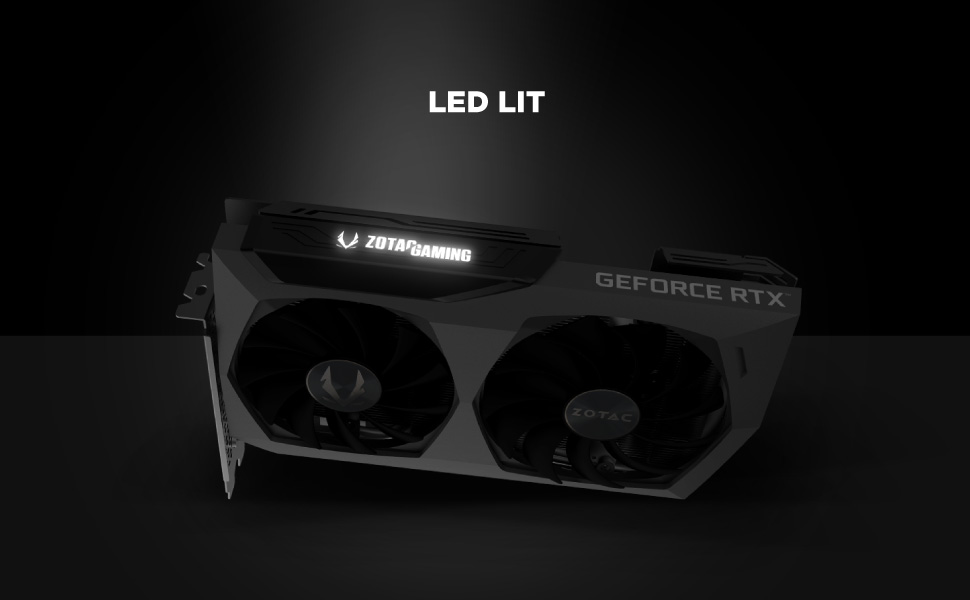
Image: The metal backplate component of the graphics card, providing protection and structural integrity.