
1. انتهى المنتجview
The HENEX HC-6032 is a desktop hands-free 2D barcode scanner designed for efficient and automatic scanning of 1D, 2D, and QR codes. Its omnidirectional scanning capability and intelligent detection features make it suitable for various commercial and industrial applications.
2. محتويات العبوة
تأكد من وجود جميع العناصر في العبوة:
- 1 x HC-6032 Barcode Scanner
- 1 × كابل USB بطول 1.8 متر
- 1 × دليل المستخدم
Video: Unboxing and initial setup of the HENEX HC-6032 barcode scanner, demonstrating package contents and basic connection.
3. تعليمات الإعداد
3.1. توصيل الماسح الضوئي
The HC-6032 barcode scanner is designed for plug-and-play operation, requiring no additional drivers or software installation. It is compatible with Windows XP/7/8/10, Android, and Linux systems.
- Connect the provided USB cable to the data transmission port on the back of the scanner.
- قم بتوصيل الطرف الآخر من كابل USB بمنفذ USB متاح على جهاز الكمبيوتر أو الجهاز المضيف.
- The scanner will automatically power on and be ready for use.

Image: The HC-6032 scanner connected to a laptop, highlighting its plug-and-play functionality across various operating systems.
4. تشغيل الماسح الضوئي
4.1. Automatic Scanning
The scanner features an induction trigger for automatic detection and scanning. When in standby mode, it will activate and read barcodes placed within its scan window.
4.2. أنواع الباركود المدعومة
The HC-6032 supports a wide range of 1D and 2D barcodes, including QR codes, from both physical labels and digital screens (mobile phones, computer monitors).
- 1D Decoding Capability: EAN-8, EAN-13, ISSN, ISBN, UPC-A, UPC-E, Code 32, Code 39, Code 93, Code 128, Interleaved 2/5, Matrix 2/5, ISBT-128, GS1-128, GS1 Databar Limited, GS1 Databar Expanded.
- 2D Decoding Capability: PDF417, MicroPDF417, QR Code, MicroQR, Data Matrix, Azte.

Image: Visual representation of the diverse 1D and 2D barcode symbologies supported by the scanner.
Video: Demonstration of the scanner's ability to quickly read various 1D and 2D barcodes from different surfaces, including product packaging and mobile phone screens.
4.3. Reading Mode Switching
The scanner allows switching between different reading modes. Press the button on the top of the scanner to toggle between one-dimensional (1D) and one-dimensional + two-dimensional (1D+2D) scanning modes. The indicator light will change color to reflect the active mode.

Image: Illustration of the reading mode switch button and corresponding indicator light colors for 1D and 1D+2D modes.
5. ميزات المنتج وتصميمه
5.1. زاوية قابلة للتعديل
The compact design of the scanner allows for an adjustable angle, providing flexibility for various scanning positions and optimizing space on cash registers or workstations. It features an elevation of 6 degrees and a tilt angle of 10 degrees.
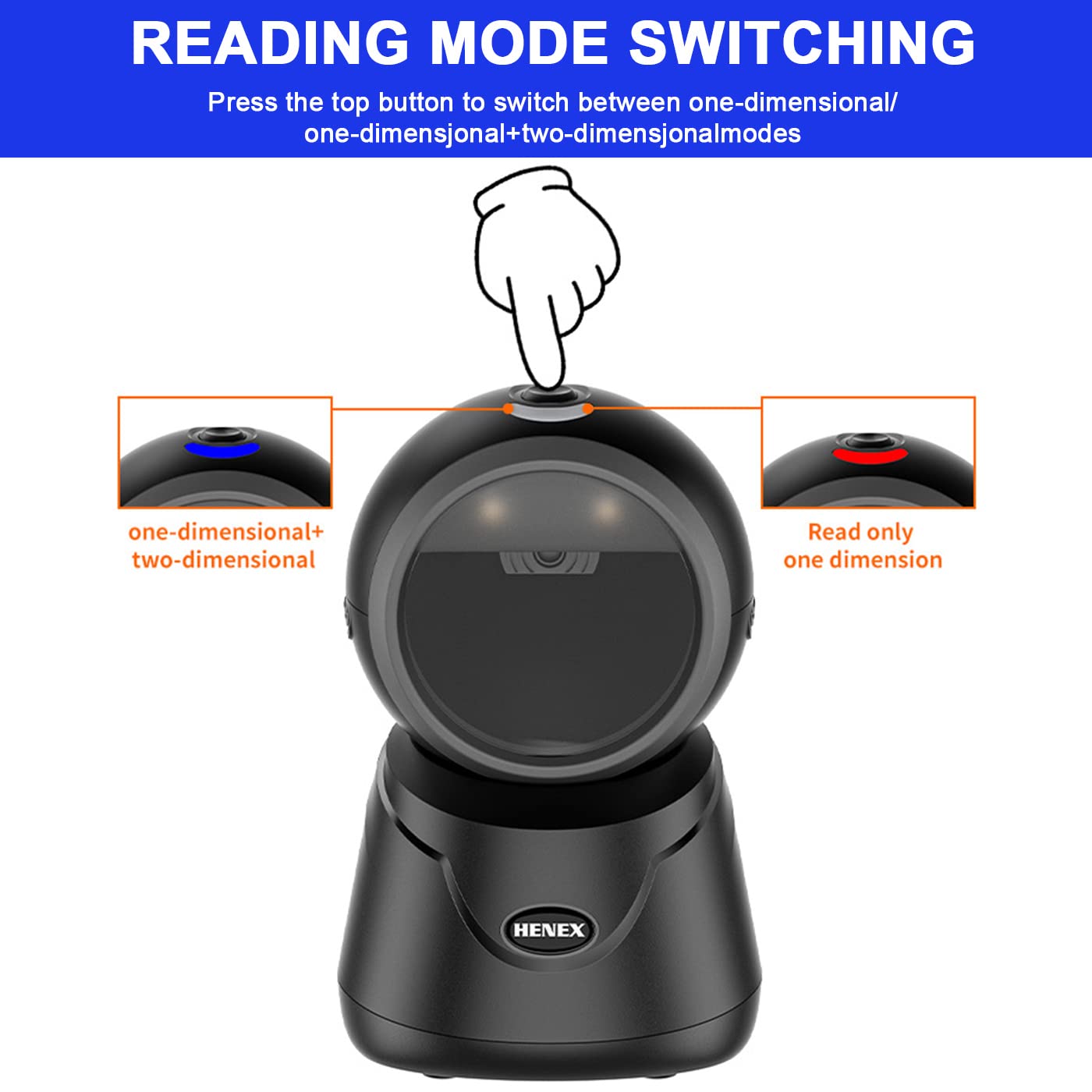
Image: Diagram detailing the adjustable elevation and tilt angles of the scanner.
5.2. Appearance Details
The scanner's design includes an indicator light, a mode-switching button, a fill-in light for low-light conditions, a prominent scan window, and a data transmission port for connectivity.

الصورة: عن قرب view of the scanner, labeling its key external features.
6. سيناريوهات التطبيق
The HENEX HC-6032 barcode scanner is versatile and suitable for a variety of environments requiring efficient barcode and QR code scanning:
- محلات السوبر ماركت ومتاجر التجزئة
- متاجر التجزئة
- المكتبات
- الصيدليات
- Hotel Services
- المستودعات والخدمات اللوجستية

الصورة: السابقamples of the scanner's use in different commercial settings.
7. المواصفات
| ميزة | التفاصيل |
|---|---|
| ماركة | هينكس |
| رقم الموديل | HC-6032 |
| لون | أسود |
| وزن العنصر | 290 جرام |
| أبعاد المنتج | 10 عمق × 10 عرض × 15.9 ارتفاع سنتيمتر |
| تكنولوجيا الاتصال | كابل يو اس بي |
| مصدر الطاقة | كهرباء سلكية |
| توافق نظام التشغيل | Windows XP/7/8/10, Android, Linux, Mac OS |
| القدرة على فك التشفير | 1D, 2D, QR codes (from paper and screen) |
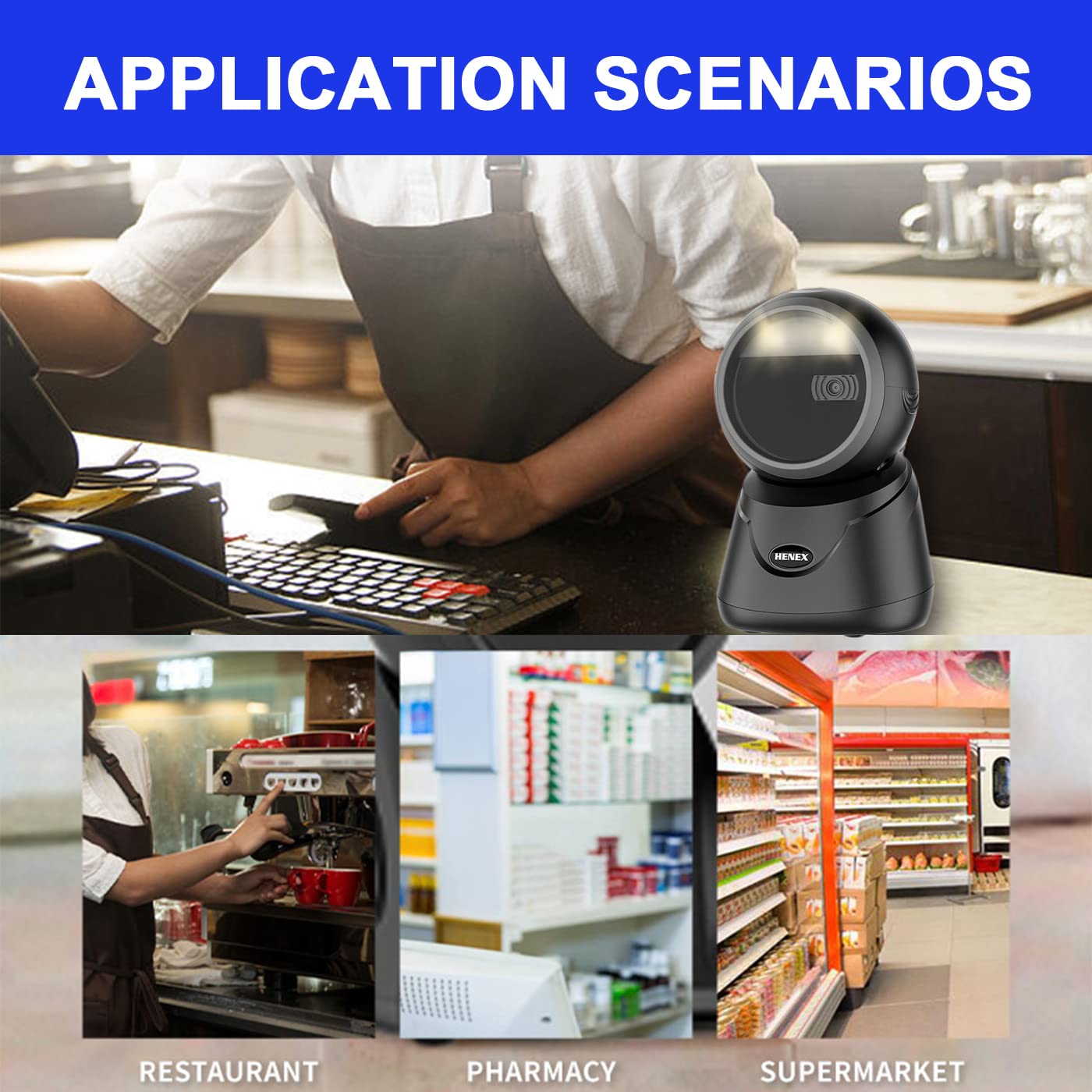
Image: Detailed dimensions of the HC-6032 barcode scanner.
8. استكشاف الأخطاء وإصلاحها
- Scanner not responding: تأكد من توصيل كابل USB بإحكام بكل من الماسح الضوئي والجهاز المضيف. جرب منفذ USB آخر.
- Unable to read barcodes:
- Verify the scanner is in the correct reading mode (1D or 1D+2D) by pressing the top button.
- Ensure the barcode is clean, undamaged, and within the scanner's field of view.
- اضبط المسافة والزاوية بين الماسح الضوئي والباركود.
- For screen barcodes, ensure screen brightness is adequate.
- بيانات غير صحيحة: Check if any custom prefixes or suffixes have been accidentally enabled. Refer to the full user manual for advanced configuration.
- System compatibility issues: While compatible with most systems, ensure your operating system is updated. If issues persist, contact technical support.
9. الضمان والدعم
HENEX is committed to providing high-quality products and professional support. For any questions, technical assistance, or warranty claims, please contact our support team.
- سياسة الضمان: Information regarding the product warranty can be found هنا.
- سياسة الإرجاع: Details on product returns are available هنا.
- الدعم الفني:
- Email: support@lenvii.net, support@lenvii.in
- الهاتف: +86 13316203488، +91 9100763594
- Webموقع: www.lenvii.net, www.lenvii.in

Image: Contact information for HENEX technical support.