
مقدمة
This manual provides detailed instructions for the proper use and maintenance of your Awei A799BL Foldable Gaming Wireless Headphone. Please read this manual thoroughly before using the product to ensure optimal performance and longevity. The Awei A799BL is designed for an immersive audio experience, featuring both wireless Bluetooth and wired connectivity options, a built-in microphone, and noise-cancelling capabilities.
محتويات الحزمة
عند تفريغ العبوة، يرجى التأكد من أن جميع العناصر المدرجة أدناه موجودة وفي حالة جيدة:
- Awei A799BL Foldable Gaming Wireless Headphone
- كابل شحن USB
- كابل صوت 3.5 ملم (للتوصيل السلكي)
- دليل المستخدم (هذا المستند)
المنتج انتهىview
Familiarize yourself with the various components and controls of your Awei A799BL headphones.

الصورة: الجبهة view of the Awei A799BL Foldable Gaming Wireless Headphone, showcasing its black and silver design with red geometric patterns on the earcups.
المميزات الرئيسية:
- Foldable Design for portability.
- Wireless Bluetooth Connectivity (Bluetooth Version 5.0).
- Wired Connectivity via 3.5mm audio jack.
- Integrated Microphone for communication.
- خاصية إلغاء الضوضاء النشطة (ANC) لتجربة صوتية غامرة.
- Over-Ear design for comfort during extended use.
Controls (Typical Layout - Refer to product for exact placement):
- زر الطاقة: تشغيل/إيقاف، تشغيل/إيقاف مؤقت، الرد على المكالمة/إنهاء المكالمة.
- زر رفع الصوت/المسار التالي: زيادة مستوى الصوت، والانتقال إلى المسار التالي.
- زر خفض الصوت/المسار السابق: خفض مستوى الصوت، والانتقال إلى المسار السابق.
- زر ANC: Activate/Deactivate Active Noise Cancellation.
- منفذ الميكروفون: For detachable microphone (if applicable).
- مقبس صوت 3.5 ملم: للاتصال السلكي.
- منفذ الشحن: منفذ Micro USB للشحن.
- مؤشر LED: يعرض حالة الطاقة والشحن والاقتران.
يثبت
1. شحن سماعة الرأس
Before initial use, fully charge the headphone. Connect the provided USB charging cable to the headphone's charging port and the other end to a USB power source (e.g., computer USB port, wall adapter). The LED indicator will typically show red during charging and turn off or change color when fully charged. A full charge takes approximately 2 hours.
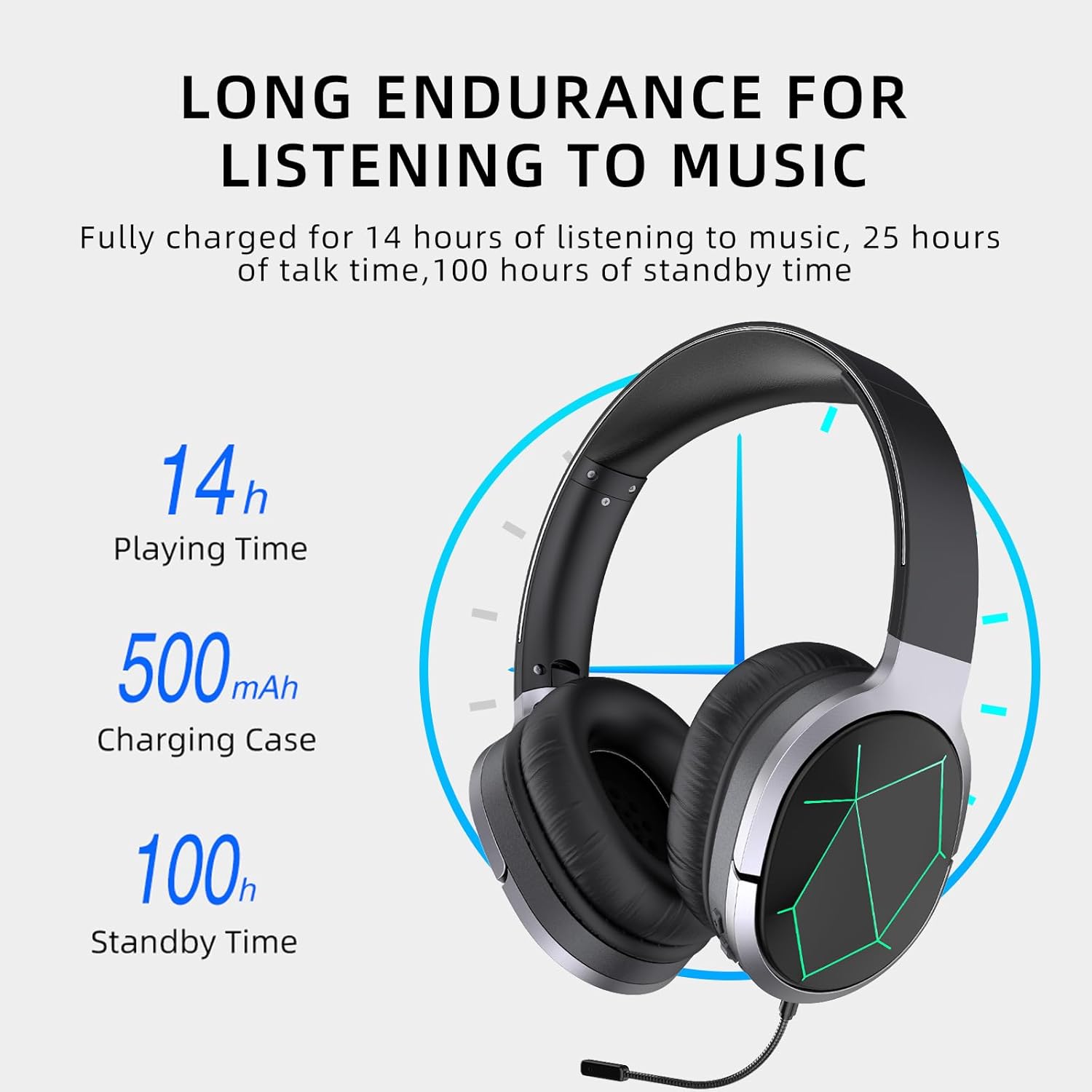
Image: Awei A799BL Headphone illustrating its long endurance with 14 hours play time, 500mAh battery capacity, and 100 hours standby time.
2. اقتران بلوتوث
- Ensure the headphone is charged and turned off.
- اضغط مع الاستمرار على زر الطاقة حتى يومض مؤشر LED باللونين الأزرق والأحمر بالتناوب، مما يشير إلى وضع الاقتران.
- على جهازك (الهاتف الذكي، الجهاز اللوحي، الكمبيوتر)، قم بتمكين البلوتوث وابحث عن الأجهزة المتاحة.
- Select "Awei A799BL" from the list of found devices.
- Once paired, the LED indicator will typically flash blue slowly or turn solid blue.
- إذا كانت كلمة المرور مطلوبة، فأدخل "0000".

Image: Awei A799BL Headset with "Bluetooth Gaming Headset" text, emphasizing its wireless gaming capability.
3. التوصيل السلكي (كابل صوت 3.5 مم)
To use the headphone in wired mode, connect one end of the 3.5mm audio cable to the headphone's 3.5mm jack and the other end to your audio source's 3.5mm output. This mode does not require battery power for audio playback, but the microphone and ANC features may require power.

Image: Awei A799BL Headphone connected via a 3.5mm audio cable to various devices, highlighting the alternative wired connection option.
تعليمات التشغيل
تشغيل/إيقاف التشغيل:
- تشغيل الطاقة: اضغط مع الاستمرار على زر الطاقة لمدة 3 ثوانٍ تقريبًا حتى يضيء مؤشر LED.
- إيقاف التشغيل: اضغط مع الاستمرار على زر الطاقة لمدة تتراوح بين 3 و 5 ثوانٍ تقريبًا حتى ينطفئ مؤشر LED.
تشغيل الموسيقى (وضع البلوتوث):
- تشغيل/إيقاف مؤقت: اضغط لفترة قصيرة على زر الطاقة.
- المسار التالي: اضغط لفترة طويلة على زر رفع الصوت.
- المسار السابق: اضغط لفترة طويلة على زر خفض الصوت.
- رفع الصوت: اضغط لفترة قصيرة على زر رفع الصوت.
- اخفض الصوت: اضغط لفترة قصيرة على زر خفض الصوت.
إدارة المكالمات (وضع البلوتوث):
- الرد/إنهاء المكالمة: اضغط لفترة قصيرة على زر الطاقة.
- رفض المكالمة: اضغط لفترة طويلة على زر الطاقة لمدة 2 ثوان.
- إعادة الاتصال بالرقم الأخير: اضغط زر التشغيل مرتين.
إلغاء الضوضاء النشط (ANC):
Press the ANC button to activate or deactivate the noise cancellation feature. The LED indicator for ANC will light up when active.
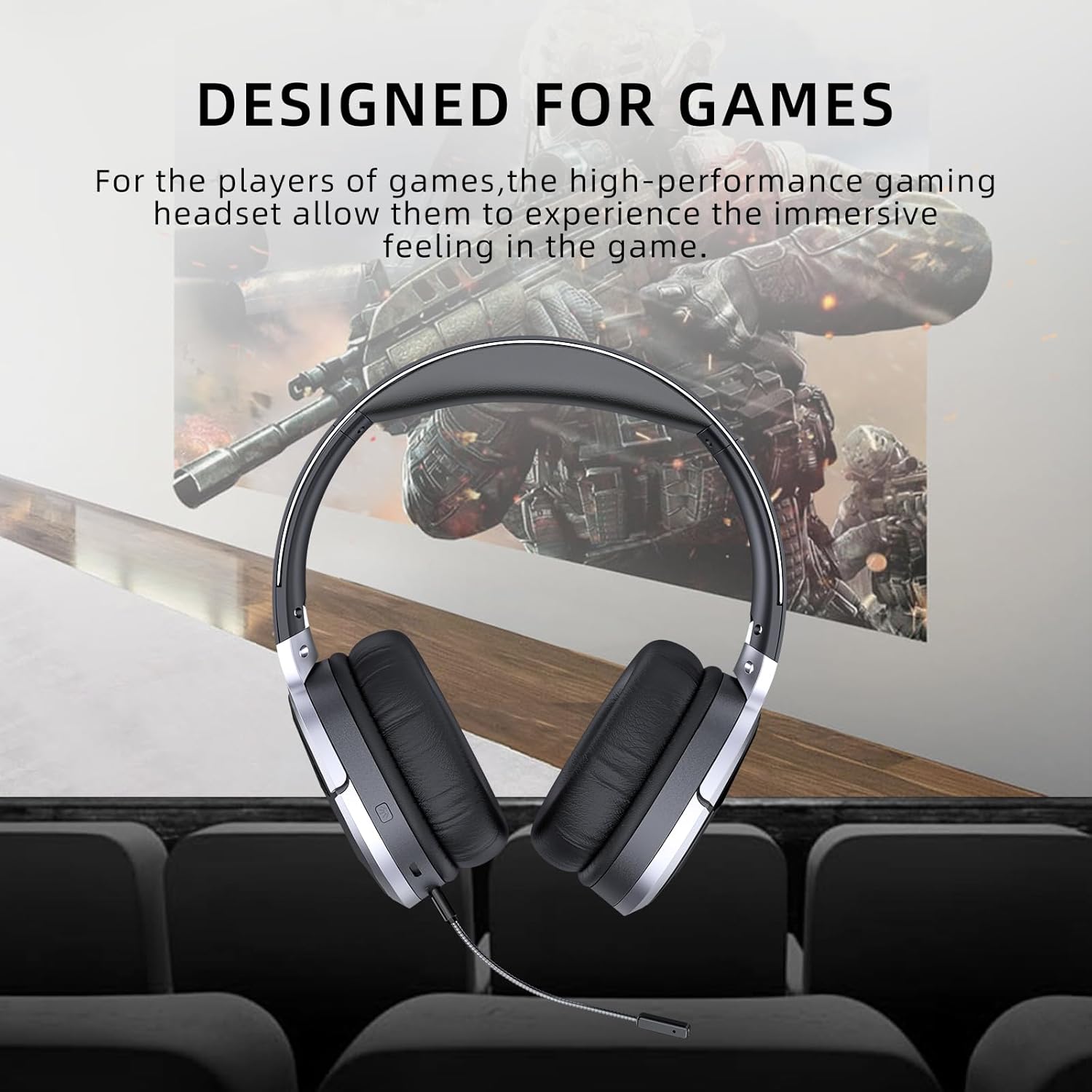
Image: Awei A799BL Headphone with "Designed for Games" text, indicating its suitability for gaming with immersive audio.
صيانة
- Keep the headphone dry. Avoid exposure to moisture or liquids.
- Clean the headphone with a soft, dry cloth. Do not use abrasive cleaners or solvents.
- قم بتخزين سماعة الرأس في مكان بارد وجاف بعيدًا عن أشعة الشمس المباشرة ودرجات الحرارة القصوى.
- تجنب إسقاط سماعة الرأس أو تعريضها لصدمات قوية.
- Do not attempt to disassemble or modify the headphone, as this will void the warranty and may cause damage.
استكشاف الأخطاء وإصلاحها
| مشكلة | الحل المحتمل |
|---|---|
| سماعة الرأس لا تعمل. | تأكد من شحن سماعة الرأس بالكامل. قم بتوصيلها بمصدر طاقة وحاول مرة أخرى. |
| لا يمكن الاقتران عبر البلوتوث. |
|
| لا يوجد صوت في وضع البلوتوث. |
|
| الميكروفون لا يعمل. |
|
| جودة الصوت رديئة أو مشوهة. |
|
تحديد

Image: Awei A799BL Headphone displaying its basic parameters and specifications.
| المعلمة | قيمة |
|---|---|
| رقم الموديل | طائرة A799BL |
| نسخة البلوتوث | 5.0 |
| وقت الاستعداد | 100 ساعة |
| وقت التحدث | 25 ساعة |
| وقت اللعب | 14 ساعة |
| وقت الشحن | 2 ساعة |
| استجابة التردد | 2.402G-2.480G |
| سعة البطارية | 500mAh/3.7V (Lithium Polymer) |
| مسافة الإرسال | 10 مترا |
| دعم Profiles | HSP / HFP / A2DP / AVRCP |
| مقاومة | 32 أوم |
| التحكم في الضوضاء | إلغاء نشطة للضوضاء (ANC) |
| الاتصال | Wireless (Bluetooth) and Wired (3.5mm Jack) |
| أبعاد المنتج | 4 × 10 × 16.5 سم |
| وزن المنتج | 4.54 جرام |
الضمان والدعم
For warranty information and customer support, please refer to the warranty card included with your purchase or contact the retailer where the product was acquired. Keep your proof of purchase for warranty claims.
For further assistance, you may visit the official Awei webيمكنك زيارة الموقع الإلكتروني أو الاتصال بقسم خدمة العملاء. تتوفر معلومات الاتصال عادةً على عبوة المنتج أو على الموقع الإلكتروني الرسمي للعلامة التجارية.