
مقدمة
This manual provides detailed instructions for the proper use and maintenance of your LG AKB74955603 Air Conditioner Remote Control. Please read this manual thoroughly before operating the device to ensure optimal performance and longevity.
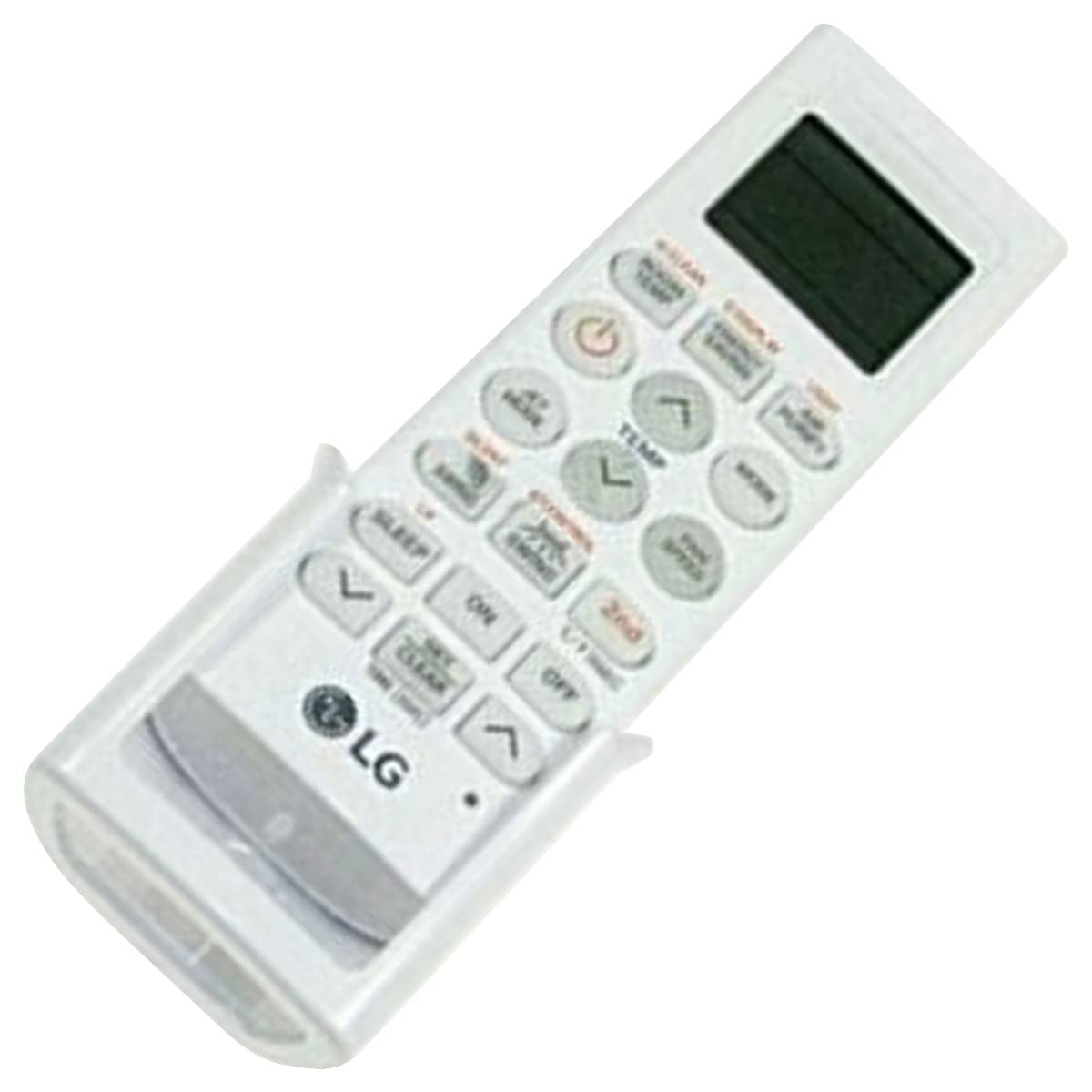
Image: The LG AKB74955603 Air Conditioner Remote Control, a white rectangular device with various control buttons.
يثبت
1. تركيب البطارية
يتطلب جهاز التحكم عن بعد بطاريتين (2) من نوع AAA للتشغيل. تأكد من صحة قطبية البطاريات عند إدخالها.
- افتح غطاء حجرة البطارية الموجود على الجزء الخلفي من جهاز التحكم عن بعد.
- أدخل بطاريتين جديدتين من نوع AAA، مع مراعاة مطابقة الأطراف (+) و (-) كما هو موضح داخل الحجرة.
- أغلق غطاء حجرة البطارية جيدًا.
ملحوظة: Do not mix old and new batteries, or different types of batteries. Remove batteries if the remote control will not be used for an extended period.
تعليمات التشغيل
Point the remote control directly at the air conditioner's receiver. Ensure there are no obstructions between the remote and the unit.
الوظائف الرئيسية
- POWER (⏻): يقوم بتشغيل مكيف الهواء أو إيقاف تشغيله.
- اتجاهات: يتنقل بين أوضاع التشغيل التالية: تلقائي، تبريد، تجفيف، مروحة، تدفئة.
- درجة الحرارة ▲/▼: ضبط إعداد درجة الحرارة المطلوبة.
- سرعة المروحة: Selects the fan speed (Auto, Low, Medium, High).
- سوينغ: Activates or deactivates the louver swing function.
- المُؤقت: يضبط مؤقت التشغيل/الإيقاف لمكيف الهواء.
- ينام: Activates the sleep mode for comfortable night operation.
- ضوء: Controls the display light on the air conditioner unit (if available).
- FUNCTION/SPECIAL: الوصول إلى وظائف أو إعدادات إضافية.
التشغيل الأساسي
- اضغط على قوة زر لتشغيل مكيف الهواء.
- اضغط على وضع button repeatedly to select your desired operating mode (e.g., Cool).
- استخدم درجة الحرارة ▲/▼ أزرار لضبط درجة الحرارة المطلوبة.
- ضبط سرعة المروحة باستخدام مروحة السرعة الزر إذا لزم الأمر.
- لإيقاف تشغيل الوحدة ، اضغط على قوة الزر مرة أخرى.
صيانة
استبدال البطارية
Replace batteries when the remote control's range decreases or if the display becomes dim. Follow the battery installation steps outlined in the Setup section.
تنظيف
Wipe the remote control with a soft, dry cloth. Do not use liquid cleaners, abrasive materials, or chemical solvents, as these may damage the surface or internal components.
تخزين
خزّن جهاز التحكم عن بُعد في مكان بارد وجاف بعيدًا عن أشعة الشمس المباشرة ودرجات الحرارة القصوى. في حال تخزينه لفترة طويلة، أزل البطاريات لمنع التسرب.
استكشاف الأخطاء وإصلاحها
- جهاز التحكم عن بعد لا يستجيب:
- تأكد من تركيب البطاريات بشكل صحيح وعدم نفاذ شحنها. استبدلها إذا لزم الأمر.
- تأكد من وجود خط رؤية واضح بين جهاز التحكم عن بعد وجهاز استقبال مكيف الهواء.
- تأكد من توجيه جهاز التحكم عن بعد مباشرة نحو مكيف الهواء.
- نطاق تشغيل محدود:
- استبدال البطاريات بأخرى جديدة.
- Ensure no strong light sources (e.g., direct sunlight, fluorescent lights) are interfering with the infrared signal.
تحديد
| ميزة | التفاصيل |
|---|---|
| اسم الموديل | ايه كي بي 74955603 |
| ماركة | LG |
| الأجهزة المتوافقة | مكيف الهواء |
| تكنولوجيا الاتصال | الأشعة تحت الحمراء (IR) |
| عدد الأزرار | 10 |
| الحد الأقصى للمدى | 10 مترا |
| نوع البطارية | شنومكس x آا (غير مدرجة) |
| ميزة خاصة | سهل الاستخدام |
الضمان والدعم
For warranty information and customer support, please refer to the documentation provided with your air conditioner unit or visit the official LG webالموقع. احتفظ بإيصال الشراء الخاص بك كإثبات للشراء في حالة وجود أي مطالبات بالضمان.
For further assistance, you may contact LG customer service through their official channels.