
مقدمة
The Homcloud Mini 8S Wi-Fi Camera is designed to enhance your home security with smart, intuitive features. This camera allows you to monitor, program, and automate your home devices directly from your smartphone, providing control from anywhere. It integrates seamlessly into your smart home ecosystem, offering convenience and peace of mind.
تتضمن الميزات الرئيسية ما يلي:
- Full HD 1080p Video Recording
- Night Vision up to 10 meters
- Motion Detection with Live Notifications
- Two-Way Audio and Noise Reduction
- SD Card and Cloud Storage Options
- اتصال واي فاي
- Compatibility with Homcloud App, Amazon Alexa, and Google Home

Image: The Homcloud Mini 8S Wi-Fi Camera on a desk, highlighting its key features such as HD Video, Night Vision, SD Card & Cloud storage, Motion Detection, and Live Notifications.
مكونات المنتج
The Homcloud Mini 8S Wi-Fi Camera package typically includes the following items:
- Homcloud Mini 8S Wi-Fi Camera
- كابل الطاقة USB
- محول الطاقة (قد يختلف حسب المنطقة)
- Mounting Accessories (for wall mounting)
- دليل المستخدم (هذا المستند)

Image: The Homcloud Mini 8S Wi-Fi Camera positioned on a desk, demonstrating its compact design and typical indoor placement.
دليل الإعداد
Follow these steps to set up your Homcloud Mini 8S Wi-Fi Camera:
- Download the Homcloud App: بحث عن "Homcloud" in the Apple App Store or Google Play Store, or scan the QR code below to download the official application.
- إنشاء حساب: Open the Homcloud app and register for a new account or log in if you already have one.
- تشغيل الكاميرا: Connect the camera to a power source using the provided USB cable and power adapter. Wait for the indicator light to flash, indicating it's ready for pairing.
- إضافة جهاز: In the Homcloud app, tap the "+" icon (usually in the top right corner) to add a new device. Select "Security Camera" or "Smart Camera" from the device list.
- الاتصال بشبكة Wi-Fi: Follow the in-app instructions to connect the camera to your 2.4GHz Wi-Fi network. You may need to scan a QR code displayed on your phone screen with the camera lens.
- الموقع: Position the camera in your desired location. It supports standalone placement or wall mounting. Ensure it has a clear view للمنطقة التي ترغب في مراقبتها.

Image: Multiple smartphones displaying the Homcloud application interface, along with the Homcloud logo and a QR code for easy app download. The QR code links to https://smartapp.tuya.com/homcloudsmart.
تعليمات التشغيل
Once your Homcloud Mini 8S Wi-Fi Camera is set up, you can control and monitor it using the Homcloud app:
- يعيش View: افتح التطبيق وحدد الكاميرا الخاصة بك لـ view live video feed in Full HD 1080p resolution.
- صوت ثنائي الاتجاه: Use the microphone and speaker icons in the app to communicate with people near the camera.
- الرؤية الليلية: The camera automatically switches to night vision mode in low-light conditions, providing clear black and white video up to 10 meters.
- كشف الحركة: Enable motion detection in the app settings to receive instant notifications on your smartphone when movement is detected. You can adjust sensitivity levels.
- التسجيل والتخزين:
- بطاقة SD: Insert a microSD card (not included) into the camera's slot for local video storage. The camera supports continuous recording or event-triggered recording.
- التخزين السحابي: Subscribe to Homcloud's cloud storage service (if available) for secure off-site video backup.
- تكامل المنزل الذكي: Connect your Homcloud account with Amazon Alexa or Google Home to control the camera using voice commands (e.g., "Alexa, show me the living room camera").
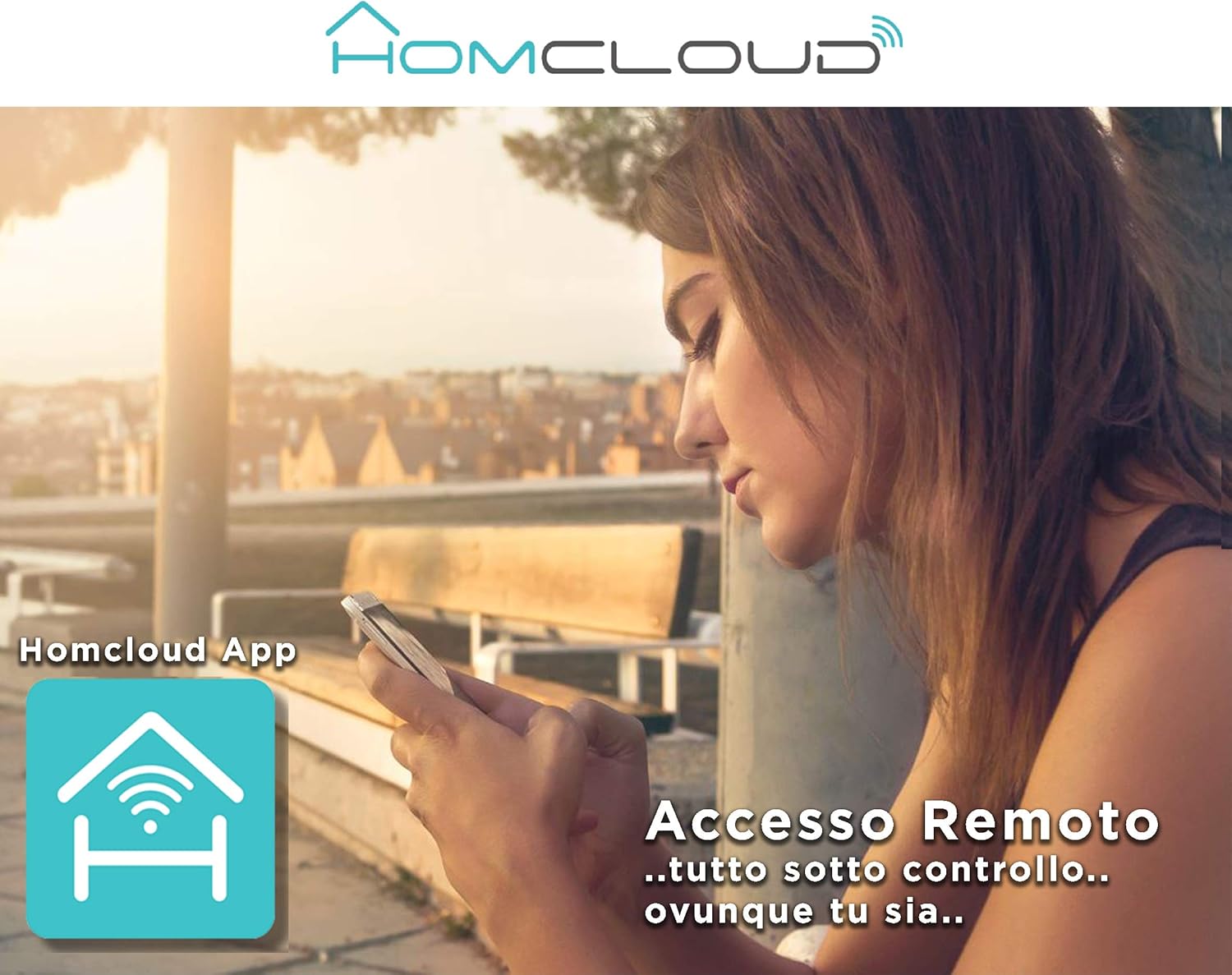
Image: A woman using her smartphone, illustrating the remote access capabilities of the Homcloud App to control and monitor the camera from any location.
Image: A family enjoying their smart home, demonstrating the integration of Homcloud solutions with Amazon Alexa and Google Assistant for convenient control.
صيانة
الصيانة المناسبة تضمن طول عمر الكاميرا والأداء الأمثل لها:
- تنظيف: امسح عدسة الكاميرا وجسمها برفق بقطعة قماش ناعمة وجافة. تجنب استخدام المواد الكيميائية القاسية أو المواد الكاشطة التي قد تخدش العدسة أو تتلفها.asing.
- تحديثات البرامج الثابتة: Regularly check the Homcloud app for available firmware updates. Keeping your camera's firmware up-to-date ensures you have the latest features, security patches, and performance improvements.
- مزود الطاقة: Use only the original power adapter and cable provided with the camera. Ensure the power connection is secure and free from damage.
- بيئة: The camera is designed for indoor use. Avoid exposing it to extreme temperatures, direct sunlight, high humidity, or water. While it is listed as "waterproof" in some specifications, this typically refers to splash resistance and not full submersion or outdoor exposure.
استكشاف الأخطاء وإصلاحها
If you encounter issues with your Homcloud Mini 8S Wi-Fi Camera, refer to the following common solutions:
- الكاميرا غير متصل:
- Check if the camera is powered on and the power cable is securely connected.
- Ensure your Wi-Fi router is working and the internet connection is stable.
- أعد تشغيل الكاميرا عن طريق فصلها وإعادة توصيلها.
- تأكد من أن الكاميرا تقع ضمن نطاق جهاز توجيه الواي فاي الخاص بك.
- If the issue persists, try re-pairing the camera with the Homcloud app.
- جودة الفيديو رديئة:
- قم بتنظيف عدسة الكاميرا بقطعة قماش ناعمة.
- Ensure adequate lighting in the monitored area, especially for color video.
- تحقق من قوة إشارة الواي فاي لديك؛ فالإشارة الضعيفة قد تؤثر على جودة البث.
- كشف الحركة لا يعمل:
- Verify that motion detection is enabled in the Homcloud app settings for your camera.
- اضبط حساسية كشف الحركة.
- تأكد من عدم وجود أي عوائق تعيق حركة الكاميرا view.
- لا يمكن الاتصال بالتطبيق:
- Make sure your smartphone is connected to a 2.4GHz Wi-Fi network during the pairing process.
- Confirm that you are entering the correct Wi-Fi password.
- Reset the camera (refer to the app or product for specific reset instructions, usually a small button) and try the pairing process again.
تحديد
| ميزة | التفاصيل |
|---|---|
| ماركة | Homcloud |
| رقم الموديل | TY-WCM8S |
| دقة تسجيل الفيديو | 1080p Full HD |
| دقة الفيديو الفعالة | 1080 |
| معدل الإطارات | 25 إطارًا في الثانية |
| تكنولوجيا الاتصالات اللاسلكية | واي فاي |
| بروتوكول الاتصال | واي فاي |
| Viewزاوية جي | 100 درجة |
| نطاق الرؤية الليلية | 10 مترا |
| المميزات الخاصة | Two-Way Audio, Noise Reduction, HD Resolution, Night Vision |
| الاستخدام الموصى به | الأمن الداخلي |
| الاستخدام الداخلي والخارجي | داخلي |
| الأجهزة المتوافقة | Homcloud App, Amazon Alexa, Android, Google Home, Smart Life, iOS |
| مصدر الطاقة | الكابلات الكهربائية |
| المجلدtage | 5 فولت |
| استهلاك الطاقة | 2.5 واط |
| مادة | بلاستيك |
| الأبعاد (الطول × العرض × الارتفاع) | 8 × 5 × 9 سم |
| وزن | 350 جرام |
| نوع التركيب | حامل الحائط |
| مستوى مقاومة الماء | Waterproof (Note: Typically splash resistant for indoor use) |
الضمان والدعم
For warranty information, please refer to the documentation provided at the time of purchase or visit the official Homcloud website. If you require technical assistance or have questions not covered in this manual, please contact Homcloud customer support through their official channels.
You can find more information and support resources on the Homcloud website or through the Homcloud application.