
1. المقدمة
Thank you for choosing the iGear Ensemble 20W Wooden Portable Soundbar. This manual provides essential information for setting up, operating, and maintaining your soundbar to ensure optimal performance and longevity. The iGear Ensemble is designed to deliver rich audio with extra bass, featuring versatile connectivity options and a portable design crafted from recycled wood.

الصورة 1.1: الجبهة view of the iGear Ensemble 20W Wooden Portable Soundbar.
2. ماذا يوجد في الصندوق
يرجى التحقق من محتويات الطرد بعناية. في حال وجود أي نقص أو تلف في المنتجات، يرجى التواصل مع خدمة العملاء.
- 1 x iGear Ensemble Soundbar
- 1 × كابل شحن
- 1 × دليل المستخدم

Image 2.1: The iGear Ensemble Soundbar and its included charging cable.
3. المميزات
- 20W Extra Bass Speaker: Enjoy powerful and clear audio with enhanced bass.
- اتصال بلوتوث الإصدار 5.0: اتصال لاسلكي سلس بالأجهزة المتوافقة.
- Multi-Channel Connectivity: Supports USB drives and TF/SD cards for diverse audio sources.
- In-Built FM Radio: استمع إلى محطات الراديو المفضلة لديك.
- بطارية قابلة للشحن 2400 مللي أمبير في الساعة: Provides 3-5 hours of music playback on a single charge.
- مكبر صوت مدمج: Delivers deeper and richer bass performance.
- خفيفة الوزن وقابلة للحمل: Easy to carry for music on the go.
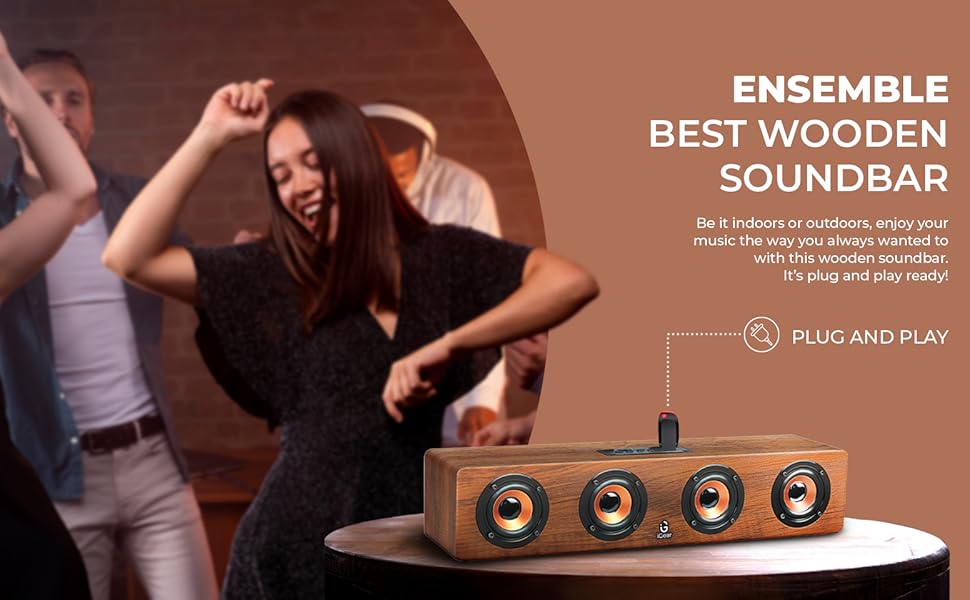
- Wooden Material: Crafted from recycled wood for an elegant aesthetic.
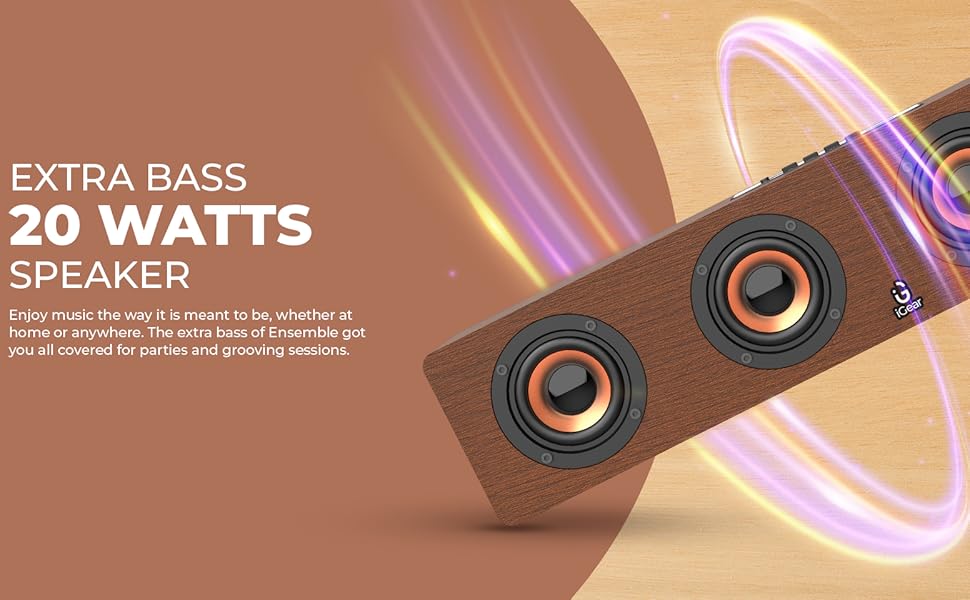
Image 3.1: The soundbar's 20 Watts output for extra bass.
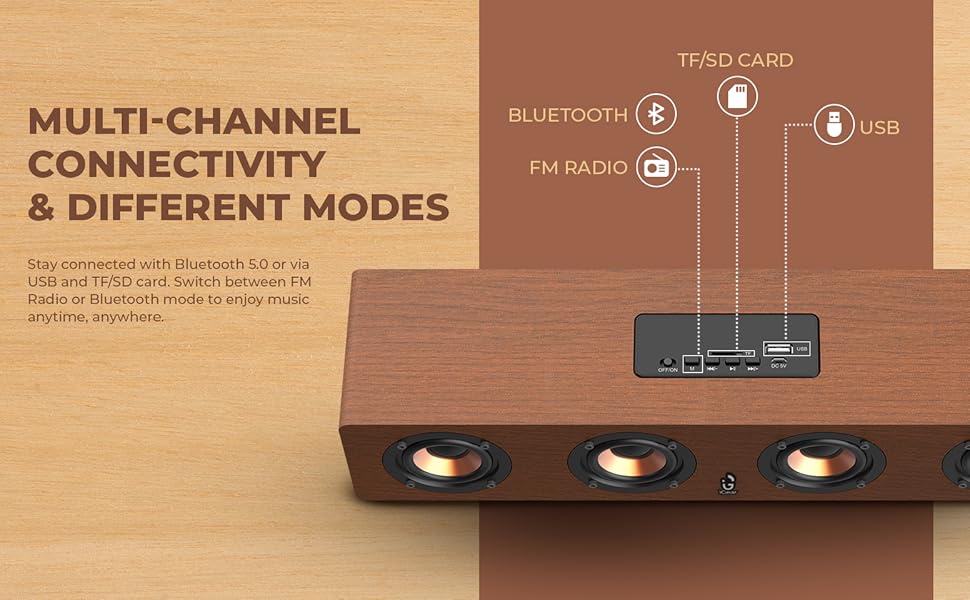
Image 3.2: The soundbar features a 2400 mAh battery for extended playtime.
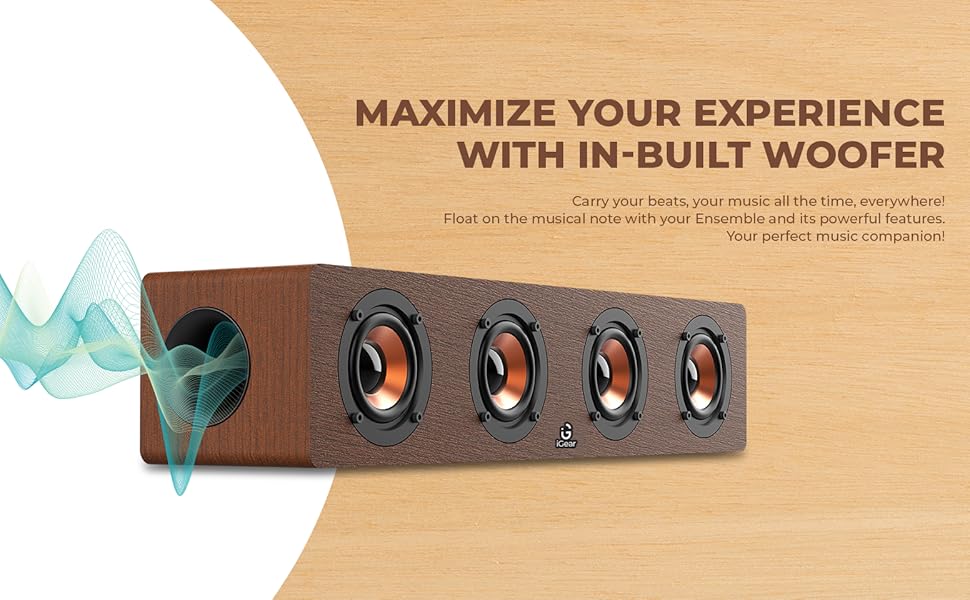
Image 3.3: The soundbar's in-built woofer for enhanced audio experience.
الصورة 3.4: انتهىview of the soundbar's multi-channel connectivity options.
4. الإعداد
4.1 Charging the Soundbar
- Connect the provided charging cable to the DC 5V port on the soundbar.
- قم بتوصيل الطرف الآخر من كابل الشحن بمحول طاقة USB (غير متضمن) أو بمنفذ USB الخاص بالكمبيوتر.
- سيضيء مؤشر الشحن. يُرجى الانتظار لمدة ساعتين تقريبًا لإتمام الشحن.
- Once fully charged, the indicator light may change or turn off, depending on the model. Disconnect the charging cable.
4.2 تشغيل/إيقاف التشغيل
- لتشغيل الجهاز، حرك مفتاح التشغيل/الإيقاف إلى وضع "التشغيل". ستسمع تنبيهًا صوتيًا.
- لإيقاف التشغيل، حرك مفتاح التشغيل/الإيقاف إلى وضع "إيقاف التشغيل".
4.3 اقتران بلوتوث
- Ensure the soundbar is powered on and in Bluetooth mode (indicated by a blue LED light or audible prompt). If not, press the 'M' (Mode) button to switch to Bluetooth mode.
- على جهازك (الهاتف الذكي، الجهاز اللوحي، الكمبيوتر المحمول)، قم بتمكين البلوتوث وابحث عن الأجهزة المتاحة.
- Select "iGear Ensemble" from the list of found devices.
- Once paired, you will hear a confirmation sound, and the Bluetooth indicator light will remain steady.
5. تعليمات التشغيل
5.1 اختيار الوضع
Press the 'M' (Mode) button repeatedly to cycle through available modes: Bluetooth, FM Radio, USB, and TF/SD Card.
5.2 التحكم في مستوى الصوت
- Press and hold the 'Volume Down (-)' button to decrease the volume.
- Press and hold the 'Volume Up (+)' button to increase the volume.
5.3 التحكم في التشغيل
- Press the 'Play/Pause' button to play or pause audio.
- In Bluetooth/USB/TF/SD mode, short press 'Previous Track (-)' to go to the previous track.
- In Bluetooth/USB/TF/SD mode, short press 'Next Track (+)' to go to the next track.
تشغيل راديو 5.4 FM
- قم بالتبديل إلى وضع راديو FM باستخدام الزر "M".
- Press and hold the 'Play/Pause' button to automatically scan and save available FM stations.
- Use the 'Previous Track (-)' and 'Next Track (+)' buttons to navigate between saved stations.
5.5 USB/TF/SD Card Playback
- Insert a USB drive or TF/SD card (with audio files) إلى المنفذ المعني.
- The soundbar will automatically switch to USB or TF/SD mode and begin playback. If not, press the 'M' button to select the correct mode.
- Use the playback control buttons (Play/Pause, Previous/Next Track) as described above.
6. الصيانة
- تنظيف: استخدم قطعة قماش ناعمة وجافة لتنظيف سطح مكبر الصوت. لا تستخدم منظفات أو مذيبات كاشطة.
- تخزين: قم بتخزين شريط الصوت في مكان بارد وجاف بعيدًا عن أشعة الشمس المباشرة ودرجات الحرارة القصوى.
- العناية بالبطارية: To prolong battery life, avoid fully discharging the battery frequently. Charge the soundbar regularly, even if not in use for extended periods.
- تجنب الماء: هذا المنتج ليس مقاومًا للماء. يُحفظ بعيدًا عن الماء والرطوبة العالية.
7. استكشاف الأخطاء وإصلاحها
| مشكلة | السبب المحتمل | حل |
|---|---|---|
| لا يوجد طاقة | Battery is drained; Power switch is OFF. | Charge the soundbar; Slide the power switch to 'ON'. |
| لا يوجد صوت | مستوى الصوت منخفض جدًا؛ تم اختيار وضع غير صحيح؛ الجهاز غير متصل. | Increase volume; Press 'M' to select correct mode; Re-pair Bluetooth or re-insert USB/TF/SD card. |
| البلوتوث غير مقترن | Soundbar not in pairing mode; Device Bluetooth is off; Too far from device. | Ensure soundbar is in Bluetooth mode; Enable Bluetooth on your device; Move device closer to soundbar (within 10 meters). |
| تشويش راديو FM | اشارة ضعيفة. | Move the soundbar to a location with better reception; Re-scan for stations. |
8. المواصفات
| ميزة | التفاصيل |
|---|---|
| اسم الموديل | فرقة موسيقية |
| رقم الموديل | آي جي -1130 |
| نوع السماعة | الصوت المحيطي |
| نوع التركيب | جبل منضدية |
| مادة | Wood (recycled) |
| الاتصالات اللاسلكية | بلوتوث v5.0 |
| تكنولوجيا الاتصال | بلوتوث، يو إس بي، لاسلكي |
| الحد الأقصى لقوة خرج السماعة | 20 واط |
| سعة البطارية | 2400 مللي أمبير من نوع ليثيوم أيون |
| متوسط عمر البطارية | 3-5 ساعة |
| وقت الشحن | 5 ساعة |
| أبعاد المنتج (العمق × العرض × الارتفاع) | 10.2 عمق × 40.6 عرض × 10.2 ارتفاع سنتيمتر |
| وزن العنصر | 1.1 كيلوغرام |
| طريقة التحكم | يلمس |
| المميزات الخاصة | Bass Boost, In-Built FM Radio, In-Built Subwoofer, Supports TF/SD cards and USB Drives |

Image 8.1: Dimensions of the iGear Ensemble Soundbar.
9. الضمان والدعم
The iGear Ensemble Soundbar comes with a ضمان محدود. Please refer to the warranty card included in your package for specific terms and conditions. For any product-related queries, technical support, or warranty claims, please contact:
- الشركة المصنعة: Corporate Gifting Solutions, iGear Tech Private Limited
- عنوان: 204 Sai Corporate Park, Laxmi Nagar, Off Link Road, Goregaon West, Mumbai 400104
- رقم مجاني: 1800 22 8495
10. انتهى المنتجview فيديو
شاهد الفيديو الرسمي لهذا المنتج للحصول على نظرة عامة مرئيةview of the iGear Ensemble Soundbar's features and design.
فيديو 10.1: أكثر منview of the iGear Ensemble 20W Wooden Portable Soundbar, showcasing its design, features, and connectivity options.