
مقدمة
This manual provides essential instructions for the safe and efficient use of your MoKo Smart LED Light Bulb. This smart bulb offers customizable lighting with 16 million colors, adjustable brightness and color temperature, and convenient control via app or voice assistants like Alexa and Google Home. It operates on a 2.4GHz Wi-Fi network and does not require a separate hub.
معلومات السلامة
- تأكد من فصل التيار الكهربائي قبل تركيب المصباح أو إزالته.
- Do not use in fully enclosed fixtures as this may shorten bulb life.
- Not suitable for dimmers other than those controlled by the app or voice assistant.
- تجنب تعريض المصباح للماء أو الرطوبة العالية.
- هذا الجهاز مخصص للإستخدام الداخلي فقط.
محتويات الحزمة
- MoKo Smart LED Light Bulb (BR30, E26 Base) x 1
- دليل المستخدم × 1
تحديد
| أبعاد المنتج | 14.48 × 10.16 × 10.16 سم |
| وزن العنصر | 153.09 جرام (5.4 أونصة) |
| حجم شكل المصباح | بي ار 30 |
| قاعدة المصباح | إي26 |
| واتtage | 9 واط |
| نوع الضوء | قاد |
| لون فاتح | متعدد الألوان (RGB)، أبيض دافئ، أبيض بارد |
| ميزة خاصة | قابلة للتعتيم |
| تكنولوجيا الاتصال | واي فاي (2.4 جيجاهرتز فقط) |
| طريقة التحكم | App, Voice (Alexa, Google Home, SmartThings) |
يثبت
- تثبيت اللمبة: Screw the MoKo Smart LED Light Bulb into a standard E26 light socket. Ensure the power to the fixture is turned off before installation.
- تنزيل التطبيق: قم بتنزيل تطبيق "Smart Life" من App Store (iOS) أو Google Play Store (Android).
- التسجيل/تسجيل الدخول: Open the "Smart Life" app and register for a new account or log in if you already have one.
- الاستعداد للمطابقة: Turn the light switch ON. The bulb should begin to blink rapidly. If it does not blink, manually turn the light switch OFF and ON repeatedly (typically 3-5 times) until the bulb starts blinking rapidly. This indicates it is in pairing mode.
- إضافة جهاز في التطبيق: In the "Smart Life" app, tap the "+" icon in the top right corner to add a device. Select "Lighting" > "Light Source (Wi-Fi)".
- الاتصال بشبكة Wi-Fi: Confirm the bulb is blinking rapidly. Enter your 2.4GHz Wi-Fi network password. ملحوظة: The bulb only supports 2.4GHz Wi-Fi networks; 5GHz networks are not compatible.
- الاقتران: The app will begin connecting to the bulb. Once connected, you can rename the bulb for easier control.
- التكامل مع المساعدين الصوتيين (اختياري):
- بالنسبة إلى Amazon Alexa: Open the Alexa app, go to "Skills & Games," search for "Smart Life," enable the skill, and link your Smart Life account. Then, discover devices.
- بالنسبة إلى صفحة Google الرئيسية: Open the Google Home app, tap "+" > "Set up device" > "Works with Google," search for "Smart Life," link your account, and assign the bulb to a room.
- للأشياء الذكية: Open the SmartThings app, tap "+" > "Device," search for "Smart Life," and follow the on-screen instructions to connect.

الصورة: أكثر منview of MoKo Smart LED Light Bulb features, including color options, connectivity, and control methods.
تعليمات التشغيل
1. التحكم في التطبيق
- تشغيل/إيقاف: Tap the bulb icon in the Smart Life app to toggle power.
- يعتم: Adjust the brightness slider within the app to set the desired light intensity.
- تغيير اللون: Select from 16 million colors using the color wheel or preset scenes.
- درجة حرارة اللون: اضبط الضوء الأبيض من دافئ (2000 كلفن) إلى بارد (6500 كلفن).
- الجدولة: Set schedules for the bulb to automatically turn on/off at specific times, or to change modes.
- التحكم في المجموعة: Create groups of multiple MoKo smart bulbs to control them simultaneously.
- مشاركة الجهاز: Share control of the bulb with family members through the app.
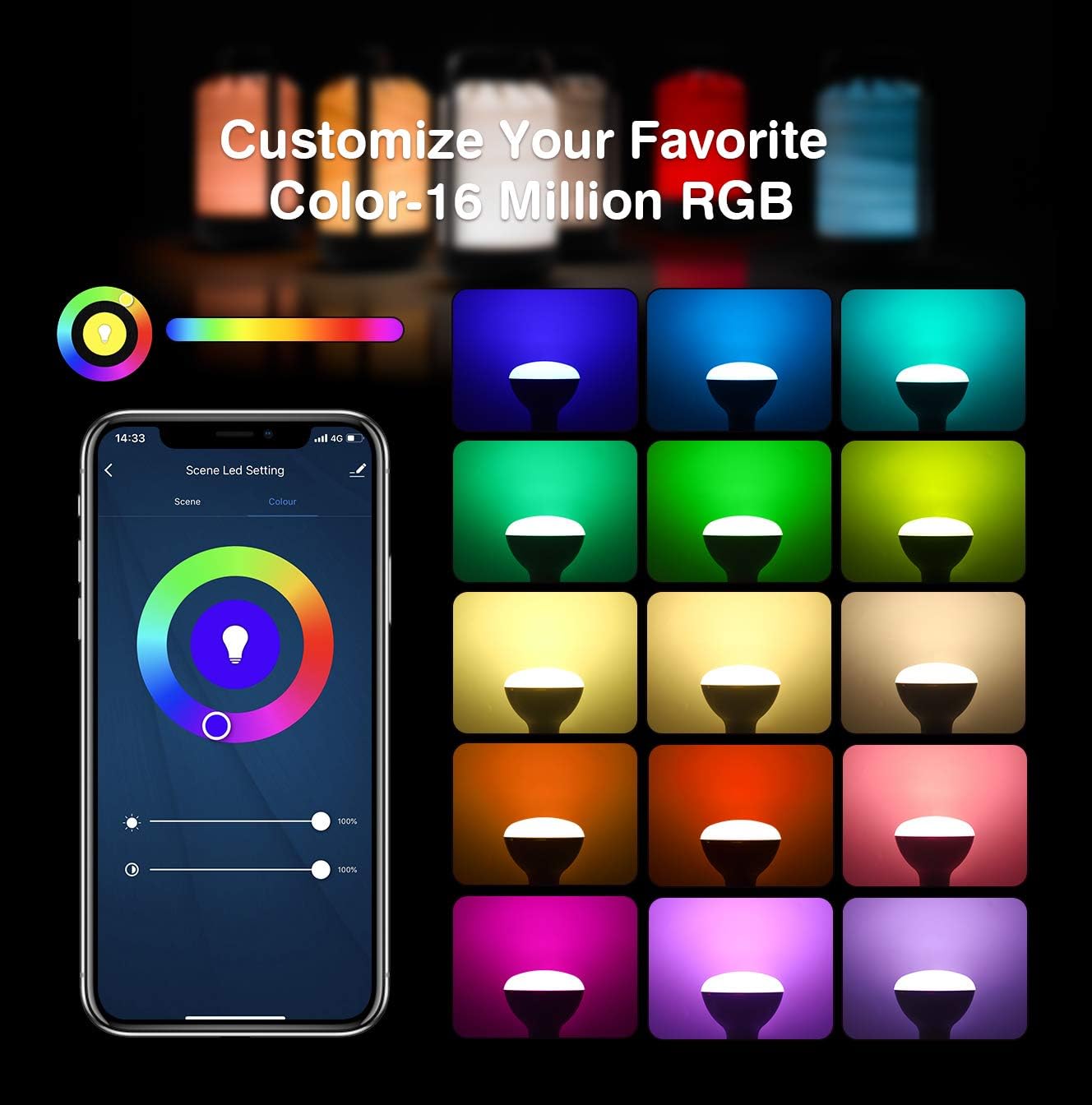
Image: App interface for customizing light color and brightness.

Image: App interface for adjusting color temperature and stepless dimming.
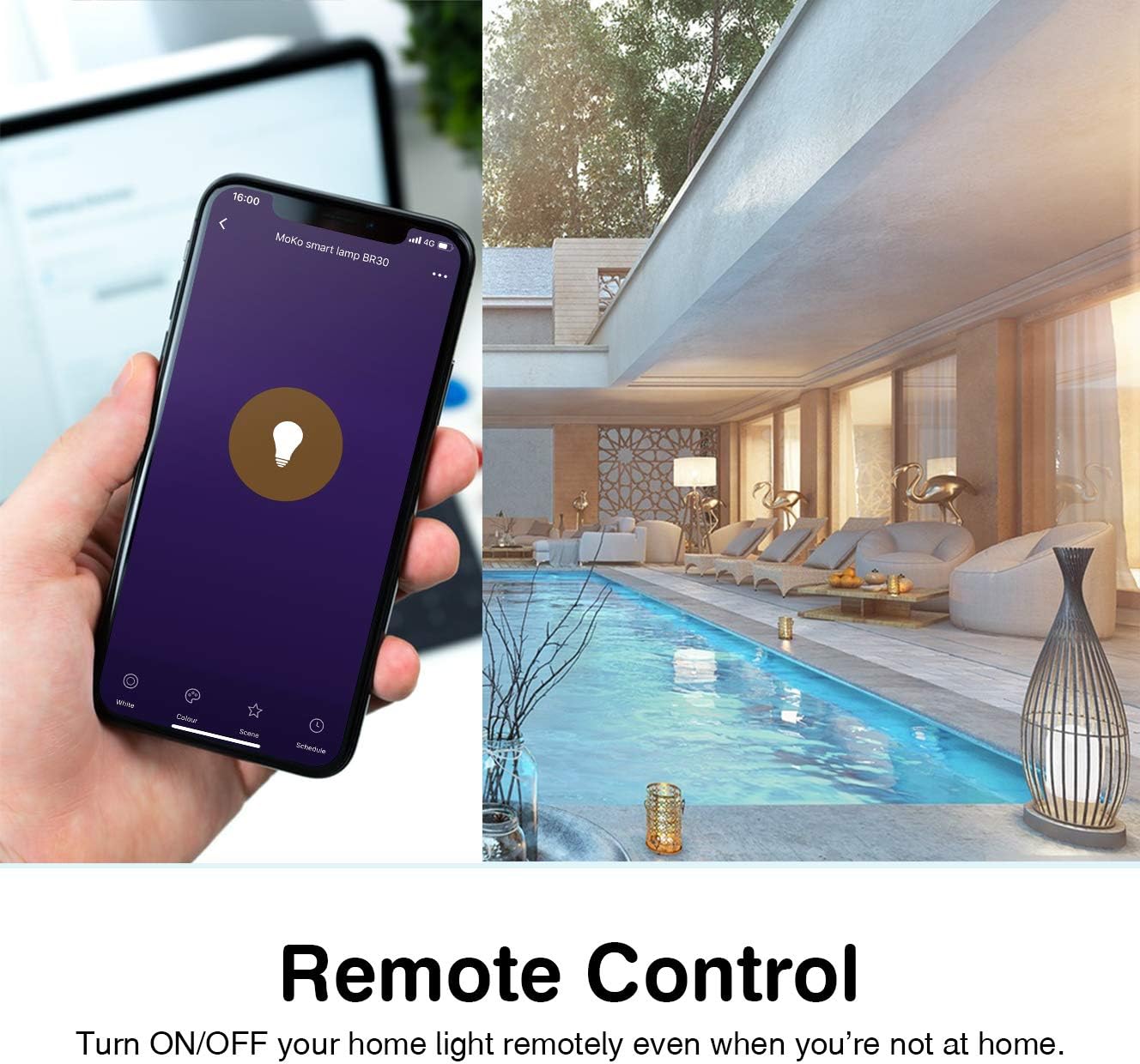
Image: Remote control functionality via the Smart Life app.

Image: Timing management and scheduling features.
2. التحكم الصوتي
Once integrated with Amazon Alexa or Google Assistant, you can control your bulb using voice commands. Ensure your voice assistant device is connected to the same Wi-Fi network as your smart bulb.
- "Alexa, turn on the [Bulb Name]."
- "Hey Google, dim the [Bulb Name] to 50%."
- "Alexa, set [Bulb Name] to blue."
- "Hey Google, change [Bulb Name] to warm white."

صورة: تكامل التحكم الصوتي مع أمازون أليكسا ومساعد جوجل.
3. Group Control and Device Sharing
The Smart Life app allows you to group multiple bulbs for simultaneous control and share access with other users.
- التحكم في المجموعة: In the app, select multiple bulbs and create a group. You can then control the entire group with a single command or tap.
- مشاركة الجهاز: Navigate to the device settings in the app and select "Share Device" to invite family members to control the bulb.
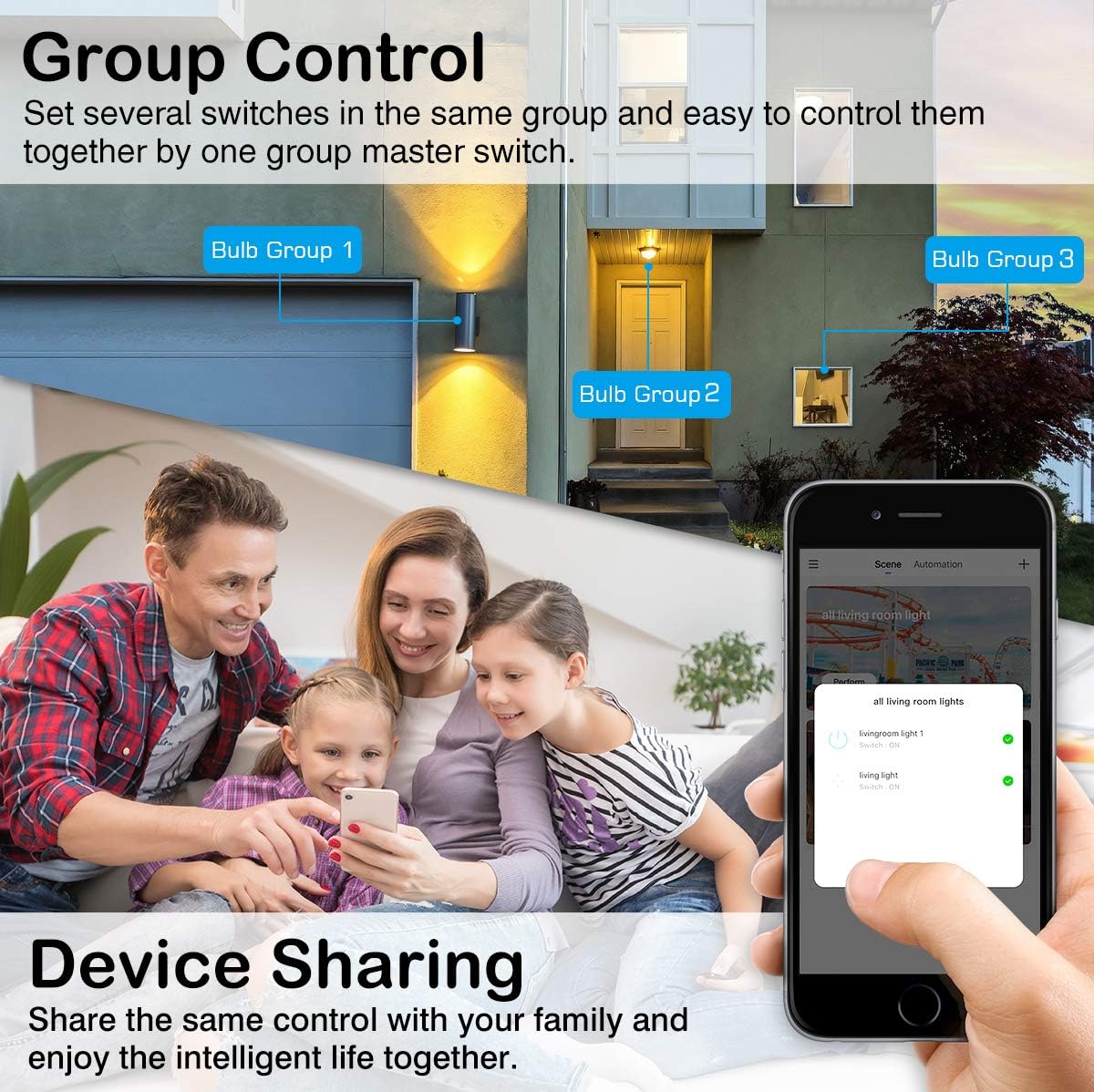
Image: Group control and device sharing features.
صيانة
- تنظيف: تأكد من أن المصباح مطفأ وبارد قبل التنظيف. امسحه بقطعة قماش ناعمة وجافة. لا تستخدم المنظفات السائلة.
- تحديثات البرامج الثابتة: Periodically check the Smart Life app for available firmware updates to ensure optimal performance and security.
- تخزين: إذا كنت ترغب في تخزين المصباح لفترة طويلة، قم بتخزينه في مكان بارد وجاف بعيدًا عن أشعة الشمس المباشرة.
استكشاف الأخطاء وإصلاحها
- Bulb not blinking for setup: Manually turn the light switch OFF and ON 3-5 times until the bulb starts blinking rapidly. This puts it into pairing mode.
- لا يمكن الاتصال بشبكة Wi-Fi:
- Ensure your Wi-Fi network is 2.4GHz. The bulb does not support 5GHz networks.
- تأكد من صحة كلمة مرور شبكة الواي فاي الخاصة بك.
- قم بتقريب المصباح من جهاز توجيه الواي فاي الخاص بك أثناء الإعداد.
- Restart your router and try the pairing process again.
- Bulb loses connection:
- Verify your 2.4GHz Wi-Fi network is stable and active.
- Ensure the bulb is within range of your Wi-Fi router.
- تحقق من وجود أي عوائق أو تداخل قد يؤثر على إشارة الواي فاي.
- Try resetting the bulb (turn OFF/ON 3-5 times) and re-pairing it with the app.
- التحكم الصوتي لا يعمل:
- Ensure the Smart Life skill/service is enabled and linked correctly in your Alexa or Google Home app.
- Verify the bulb's name in the Smart Life app matches the name you are using for voice commands.
- تأكد من أن جهاز المساعد الصوتي الخاص بك متصل بالإنترنت وبنفس الشبكة.
- Colors or brightness not responding:
- Check the app for any error messages or connection issues.
- Ensure the bulb is powered on and connected to Wi-Fi.
- Try closing and reopening the Smart Life app.
الضمان والدعم
For warranty information or technical support, please refer to the contact details provided on the product packaging or the official MoKo webالموقع. احتفظ بإيصال الشراء كإثبات للشراء.