
إناتيك SA01003
Inateck SA01003 3.5 Inch HDD Enclosure User Manual
الموديل: SA01003
1. المقدمة
The Inateck SA01003 is a 3.5-inch HDD enclosure designed to convert an internal SATA hard drive into an external USB 3.0 storage device. It features a mesh metal shell for efficient heat dissipation, supporting hard drives up to 10TB. This enclosure offers high-speed data transfer with USB 3.0 and UASP support, ensuring reliable performance for your data storage needs.

Image 1.1: The Inateck SA01003 3.5 Inch HDD Enclosure, showcasing its sleek design and mesh exterior.

Image 1.2: The mesh design of the enclosure facilitates optimal heat dissipation, extending the lifespan of the hard drive.
2. محتويات العبوة
يرجى التأكد من وجود جميع العناصر في الحزمة:
- SA01003 Hard Drive Enclosure x 1
- USB B to A cable x 1
- محول طاقة 12 فولت/2 أمبير × 1
- دليل التعليمات × 1
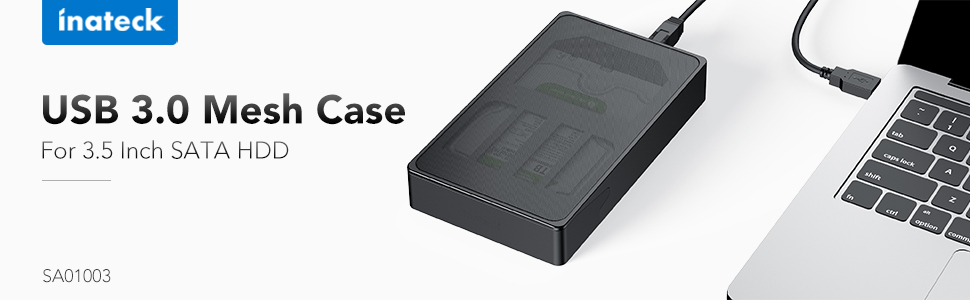
Image 2.1: All components included in the Inateck SA01003 package, including the enclosure, cables, power adapter, and manual.
3. تعليمات الإعداد
Follow these steps to install your 3.5-inch SATA hard drive into the enclosure:
- Unlock the Enclosure: Locate the lock switch on the back of the enclosure. Slide the switch to the unlocked position.
- Open the Front Door: Gently rotate the front door of the enclosure open.
- أدخل القرص الصلب: Carefully slide your 3.5-inch SATA hard drive into the enclosure, ensuring the SATA connectors align and connect properly. The drive label should typically face upwards. Press firmly until the drive is seated securely.

Image 3.1: Illustration of how to correctly insert a 3.5-inch hard drive into the enclosure.
- أغلق وأحكم الإغلاق: Close the front door until it clicks into place. Slide the lock switch back to the locked position to secure the drive.
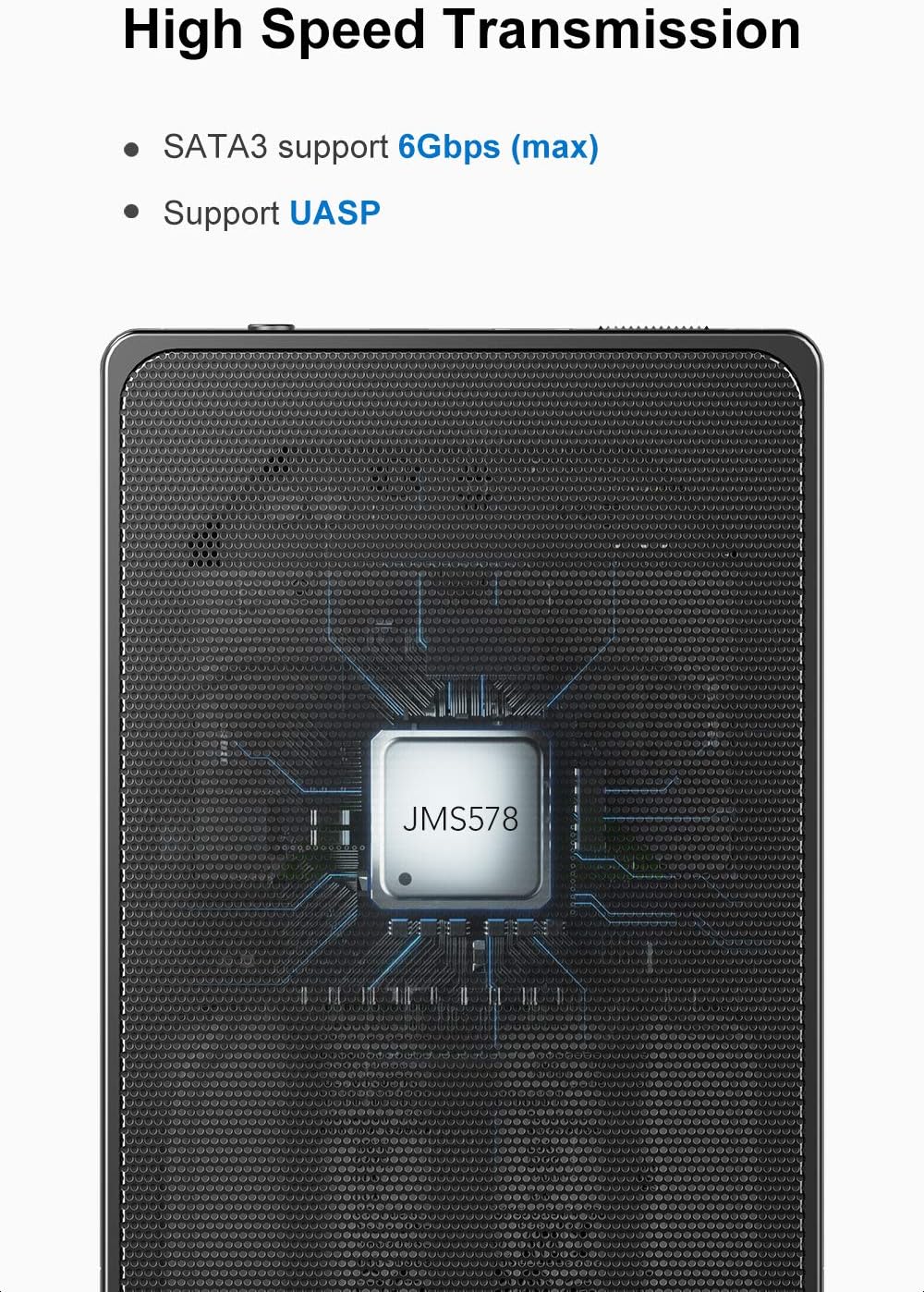
Image 3.2: The unique switch design on the back panel helps prevent the hard drive from accidentally slipping out.
- توصيل الطاقة: Connect the provided 12V/2A power adapter to the DC input port on the enclosure, then plug the adapter into a power outlet.
- الاتصال بجهاز الكمبيوتر: Connect the USB B end of the provided USB 3.0 cable to the enclosure and the USB A end to an available USB 3.0 port on your computer.

Image 3.3: The included 12V/2A power adapter ensures stable power supply for high-capacity hard drives.
4. تعليمات التشغيل
4.1 الاتصال بالكمبيوتر
Once the hard drive is installed and the enclosure is powered on, connect the USB 3.0 cable to your computer. The operating system should automatically detect the new hardware. For new hard drives, you may need to initialize and format the drive through your computer's disk management utility before use.
4.2 High-Speed Data Transfer (UASP)
The enclosure supports SuperSpeed USB 3.0, offering data transfer speeds up to 5Gbps. It also supports UASP (USB Attached SCSI Protocol), which enhances transfer speeds, especially for large files, when connected to a UASP-enabled host controller and operating system.

Image 4.1: The internal chipset supports SATA3 (up to 6Gbps) and UASP for efficient data transfer.
4.3 وظيفة التبديل السريع
The Inateck SA01003 supports hot-swapping, allowing you to connect or disconnect the enclosure from your computer without needing to restart the system. Always ensure data transfer is complete before disconnecting to prevent data loss.
4.4 Automatic Idle Mode
To protect the hard drive and conserve energy, the enclosure will enter an idle mode if there is no operation on the hard drive for over 10 minutes. The drive will spin down and resume operation automatically when accessed.
4.5 توافق النظام
The enclosure is compatible with Windows XP/7/8/10, Linux, and Mac OS 9.1/10.8.4 and above. No additional drivers are typically needed for these operating systems.
5. الصيانة
- تنظيف: استخدم قطعة قماش ناعمة وجافة لتنظيف الجزء الخارجي من الحاوية. تجنب استخدام المنظفات السائلة أو المذيبات.
- تهوية: Ensure the mesh areas are not obstructed to allow for proper airflow and heat dissipation.
- تخزين: قم بتخزين الحاوية في مكان بارد وجاف بعيدًا عن أشعة الشمس المباشرة ودرجات الحرارة القصوى.
- الإنقطاع: Always safely eject the hard drive from your operating system before physically disconnecting the USB cable or power adapter to prevent data corruption.
6. استكشاف الأخطاء وإصلاحها
6.1 Hard Drive Not Detected
- Ensure the hard drive is correctly seated within the enclosure and the front door is locked.
- Verify that the power adapter is securely connected to both the enclosure and a working power outlet.
- Check the USB cable connections at both the enclosure and the computer. Try a different USB port or cable if available.
- For new hard drives, ensure they are initialized and formatted in your computer's Disk Management (Windows) or Disk Utility (Mac) before use.
- Test the enclosure with a different hard drive, or test the hard drive in another enclosure/system to isolate the issue.
6.2 بطء سرعة نقل البيانات
- Ensure the enclosure is connected to a USB 3.0 port on your computer. USB 2.0 ports will result in significantly lower speeds.
- Verify that your operating system and host controller support UASP for optimal performance.
- Check the condition of the USB cable. A damaged or low-quality cable can affect transfer speeds.
- The performance of the hard drive itself can also be a limiting factor.
6.3 Enclosure Feels Warm
It is normal for the enclosure to feel warm during operation, especially during prolonged data transfers, due to the heat generated by the hard drive. The mesh design is intended to dissipate this heat. Ensure the enclosure has adequate ventilation and is not placed in an enclosed space.
7. المواصفات
| نموذج | س أ 01003 |
| واجهة الأجهزة | يو اس بي 3.0 |
| الأجهزة المتوافقة | 3.5 inch HDDs |
| سعة تخزين الذاكرة | حتى 10 تيرابايت |
| معدل نقل البيانات | 5 جيجابت في الثانية (USB 3.0) |
| مواد التغليف | Metal (Mesh) |
| أبعاد المنتج (الطول × العرض × الارتفاع) | 7.68 بوصة × 4.53 بوصة × 1.26 بوصة |
| أنظمة التشغيل المدعومة | Windows XP/7/8/10, Linux, Mac OS 9.1/10.8.4 and above |
| محول الطاقة | 12 فولت/2 أمبير |
8. الضمان والدعم
8.1 معلومات الضمان
This Inateck product is covered by a ضمان الشركة المصنعة لمدة عامين يسري هذا الضمان من تاريخ الشراء. ويغطي عيوب المواد والتصنيع في ظل الاستخدام العادي. ولا يغطي الأضرار الناجمة عن سوء الاستخدام أو الحوادث أو التعديلات غير المصرح بها أو الكوارث الطبيعية.
8.2 دعم العملاء
If you encounter any issues or have questions regarding your Inateck SA01003 HDD Enclosure, please contact Inateck customer support. You can typically find contact information on the official Inateck webالموقع أو من خلال بائع التجزئة الذي اشتريت منه المنتج.
When contacting support, please have your product model (SA01003) and purchase details ready to assist with faster service.
Ask a question about this manual
Ask about setup, troubleshooting, compatibility, parts, safety, or missing instructions. Manuals+ will review the question and use this page’s manual context to help answer it.