
1. المقدمة
Welcome to the user manual for your Genius Manticore Gaming Keyboard. This guide provides essential information for setting up, operating, maintaining, and troubleshooting your new gaming keyboard. Please read these instructions carefully to ensure optimal performance and longevity of your device.
2. انتهى المنتجview
The Genius Manticore Gaming Keyboard is designed for an enhanced gaming experience, featuring a durable build and responsive keys. It connects via USB and is compatible with a wide range of devices. The keyboard includes 104 keys with a standard QWERTY layout, complemented by additional gaming-specific features.
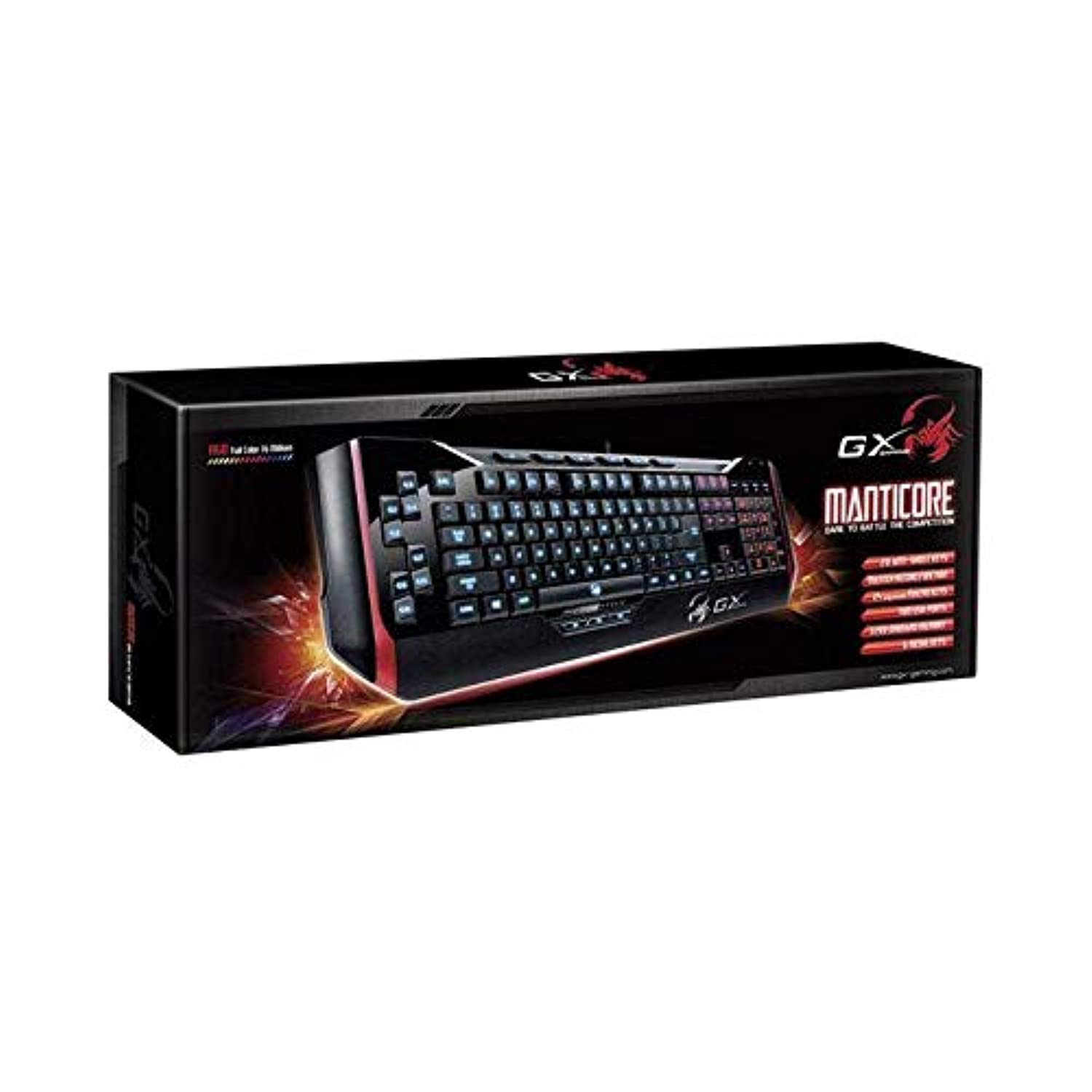
الشكل 1: Genius Manticore Gaming Keyboard. This image displays the Genius Manticore Gaming Keyboard, featuring a black body with red accents on the sides. The keys are illuminated, indicating its gaming functionality. The keyboard has a standard QWERTY layout with additional keys on the left side, likely for macros, and a numeric keypad on the right.
3. الإعداد
- فك لوحة المفاتيح: Carefully remove the Genius Manticore Gaming Keyboard from its packaging. Ensure all components are present.
- الاتصال بجهازك: Locate an available USB port on your computer or compatible device. Insert the USB connector of the keyboard firmly into the USB port.
- تثبيت برنامج التشغيل (إذا لزم الأمر): For most modern operating systems, the keyboard will be recognized automatically, and standard drivers will be installed. If prompted, follow the on-screen instructions to complete any driver installation.
- وظيفة الاختبار: افتح محرر نصوص أو web browser and test the keys to ensure they are responding correctly.
4. تعليمات التشغيل
The Genius Manticore Gaming Keyboard offers a standard QWERTY layout for general typing and dedicated features for gaming.
- Standard Key Functions: All standard alphanumeric, symbol, and function keys operate as expected on a typical QWERTY keyboard.
- ميزات الألعاب: The keyboard is designed for gaming. Specific gaming features, such as customizable backlighting or programmable macro keys (if available on your model), can typically be configured through dedicated software provided by Genius or through specific key combinations. Refer to the Genius website for any available software downloads or advanced feature guides.
- مصدر الطاقة: The keyboard is powered directly via the USB connection to your device. No external power supply or batteries are required.
5. الصيانة
تضمن الصيانة المناسبة طول عمر لوحة المفاتيح لديك وأدائها.
- تنظيف: استخدم قطعة قماش ناعمة وجافة لمسح سطح لوحة المفاتيح. ولإزالة الغبار والأوساخ بين المفاتيح، استخدم الهواء المضغوط. تجنب استخدام المواد الكيميائية القاسية أو المواد الكاشطة.
- التعرض السائل: This keyboard is غير مقاوم للماء. Avoid spilling liquids on the keyboard, as this can cause permanent damage. If liquid exposure occurs, immediately disconnect the keyboard from your device and allow it to dry completely before attempting to use it again.
- تخزين: عند عدم الاستخدام، قم بتخزين لوحة المفاتيح في بيئة نظيفة وجافة بعيدًا عن درجات الحرارة القصوى وأشعة الشمس المباشرة.
6. استكشاف الأخطاء وإصلاحها
إذا واجهت مشكلات مع لوحة المفاتيح، فجرب الحلول التالية:
- لوحة المفاتيح لا تستجيب:
- تأكد من توصيل كابل USB بشكل آمن بكل من لوحة المفاتيح والكمبيوتر.
- حاول توصيل لوحة المفاتيح بمنفذ USB مختلف على جهاز الكمبيوتر الخاص بك.
- اختبر لوحة المفاتيح على جهاز كمبيوتر آخر لتحديد ما إذا كانت المشكلة في لوحة المفاتيح أو في جهاز الكمبيوتر الأصلي.
- أعد تشغيل الكمبيوتر الخاص بك.
- مفاتيح محددة لا تعمل:
- Check for any physical obstructions under the non-functional keys.
- نظف لوحة المفاتيح كما هو موضح في قسم الصيانة.
- Ensure no software conflicts are present (e.g., macro software interfering with standard key functions).
- مشاكل الإضاءة الخلفية:
- If your model features adjustable backlighting, ensure it is not turned off or set to the lowest brightness level. Consult the Genius website for specific key combinations to control backlighting.
If these steps do not resolve the issue, please contact Genius customer support for further assistance.
7. المواصفات
| ميزة | التفاصيل |
|---|---|
| العلامة التجارية | عبقري |
| رقم الموديل | جي إي 31310058108 |
| الأجهزة المتوافقة | الجميع |
| تكنولوجيا الاتصال | USB |
| وصف لوحة المفاتيح | الألعاب |
| المميزات الخاصة | الألعاب |
| لون | Multi-color (Black and Red) |
| أسلوب | حديث |
| مادة | مواد متعددة |
| سمة | ألعاب |
| مصدر الطاقة | طاقة يو اس بي |
| عدد المفاتيح | 104 |
| تخطيط لوحة المفاتيح | لوحة المفاتيح QWERTY |
| اتجاه اليد | ثنائي الاستخدام |
| كمية الأزرار | 104 |
| مستوى مقاومة الماء | غير مقاوم للماء |
| الشركة المصنعة | عبقري |
| ASIN | B07MQMXJS9 |
8. الضمان والدعم
Your Genius Manticore Gaming Keyboard is covered by a standard manufacturer's warranty. For detailed information regarding warranty terms, registration, or to access technical support, please visit the official Genius webالموقع أو تواصل مع قسم خدمة العملاء. احتفظ بإيصال الشراء كإثبات للشراء.
لمزيد من المساعدة، يمكنك زيارة Genius Official Webموقع.