
تي بي لينك ديكو X20
TP-Link Deco X20 AX1800 Whole Home Mesh Wi-Fi System User Manual
الموديل: ديكو X20
مقدمة
The TP-Link Deco X20 AX1800 Whole Home Mesh Wi-Fi System provides seamless Wi-Fi 6 coverage throughout your home. This system replaces traditional routers and Wi-Fi extenders, offering faster connections, increased capacity, and reduced latency for a superior online experience. It includes features like HomeCare for security and parental controls, and is compatible with Alexa for voice control.
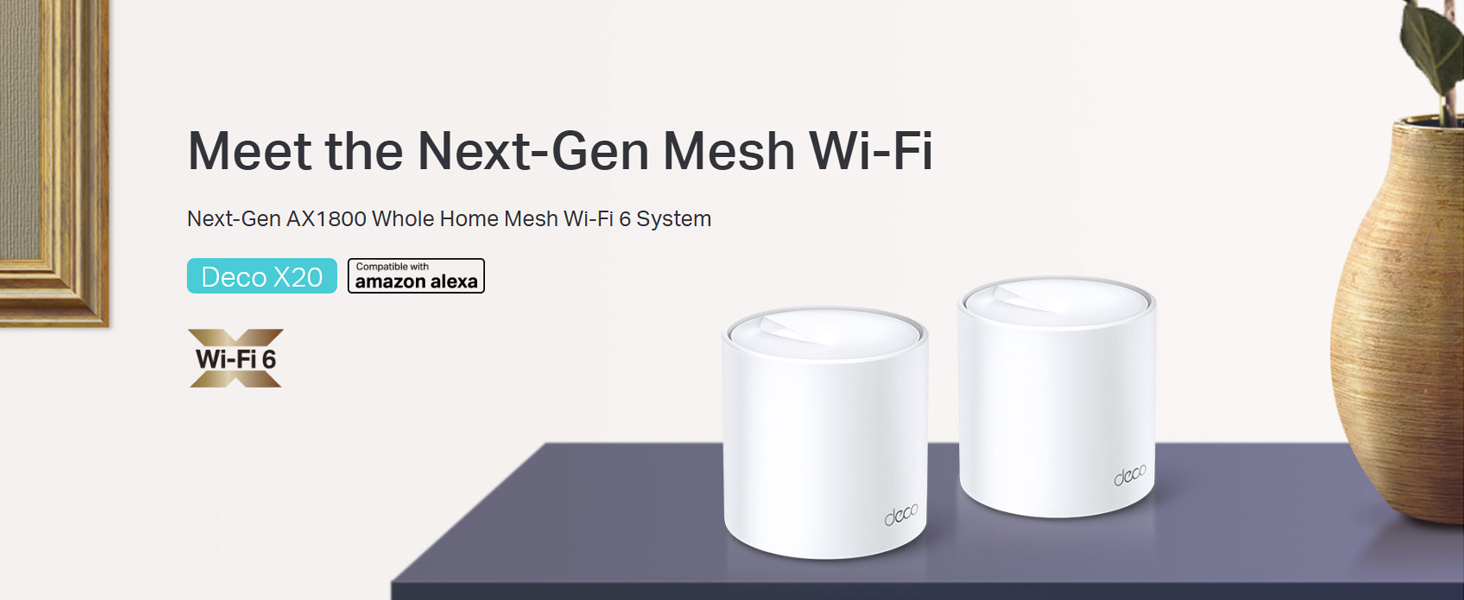
Image: Two TP-Link Deco X20 units on a table, showcasinج- تصميم المنتج.
ماذا يوجد في الصندوق
The Deco X20 (2-Pack) system typically includes the following components:
- 2 وحدات ديكور X20
- 1 × كابل إيثرنت RJ45
- 2 × محولات الطاقة
- 1 × دليل التثبيت السريع

Image: The TP-Link Deco X20 (2-Pack) retail box, displaying the included items.
دليل الإعداد
Setting up your TP-Link Deco X20 system is designed to be straightforward using the Deco app. Follow these steps for initial installation:
- تنزيل تطبيق ديكو: بحث عن "TP-Link Deco" in the App Store (iOS) or Google Play Store (Android) and install the application on your smartphone or tablet.
- قم بتوصيل وحدة الديكور الرئيسية:
- قم بإيقاف تشغيل المودم الخاص بك.
- قم بتوصيل وحدة Deco واحدة بالمودم الخاص بك باستخدام كابل Ethernet المتوفر.
- قم بتشغيل المودم، ثم قم بتشغيل وحدة ديكو. انتظر حتى يومض مؤشر LED الخاص بوحدة ديكو باللون الأزرق.
- قم بتشغيل تطبيق Deco: افتح تطبيق Deco واتبع التعليمات التي تظهر على الشاشة لإنشاء معرف TP-Link وإعداد وحدة Deco الرئيسية الخاصة بك.
- إضافة وحدات ديكور إضافية: Once the main unit is configured, the app will guide you through adding the remaining Deco units. Place them strategically around your home for optimal coverage.
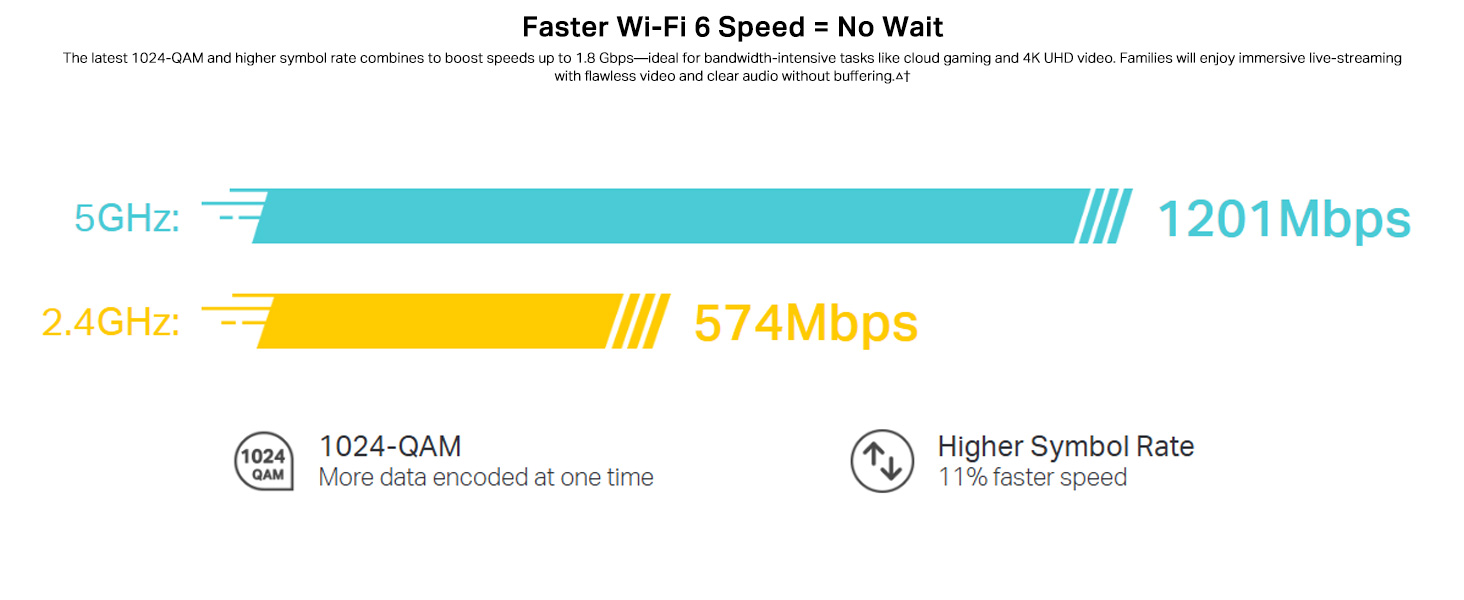
Image: Visual guide for setting up the Deco X20 system via the Deco mobile application.
تعليمات التشغيل
The TP-Link Deco X20 system operates as a unified network, providing seamless Wi-Fi coverage. Management is primarily done through the Deco mobile application.
Deco App Features:
- إدارة الشبكة: View connected devices, prioritize network traffic (QoS), and manage guest networks.
- الرقابة الأبوية: Set time limits, block inappropriate content, and monitor online activity for family members.
- Antivirus (HomeCare/HomeShield): Protect your network and connected devices from malicious threats.
- تحديثات البرامج الثابتة: The app facilitates easy firmware updates to ensure your system has the latest features and security enhancements.
- التحكم الصوتي: Integrate with Amazon Alexa for convenient voice commands to manage your Wi-Fi.

Image: The Deco app interface, demonstrating various control and monitoring features.
التجوال السلس:
The Deco system creates a single Wi-Fi network name (SSID) throughout your home. As you move, your devices automatically connect to the Deco unit with the strongest signal, ensuring an uninterrupted connection.
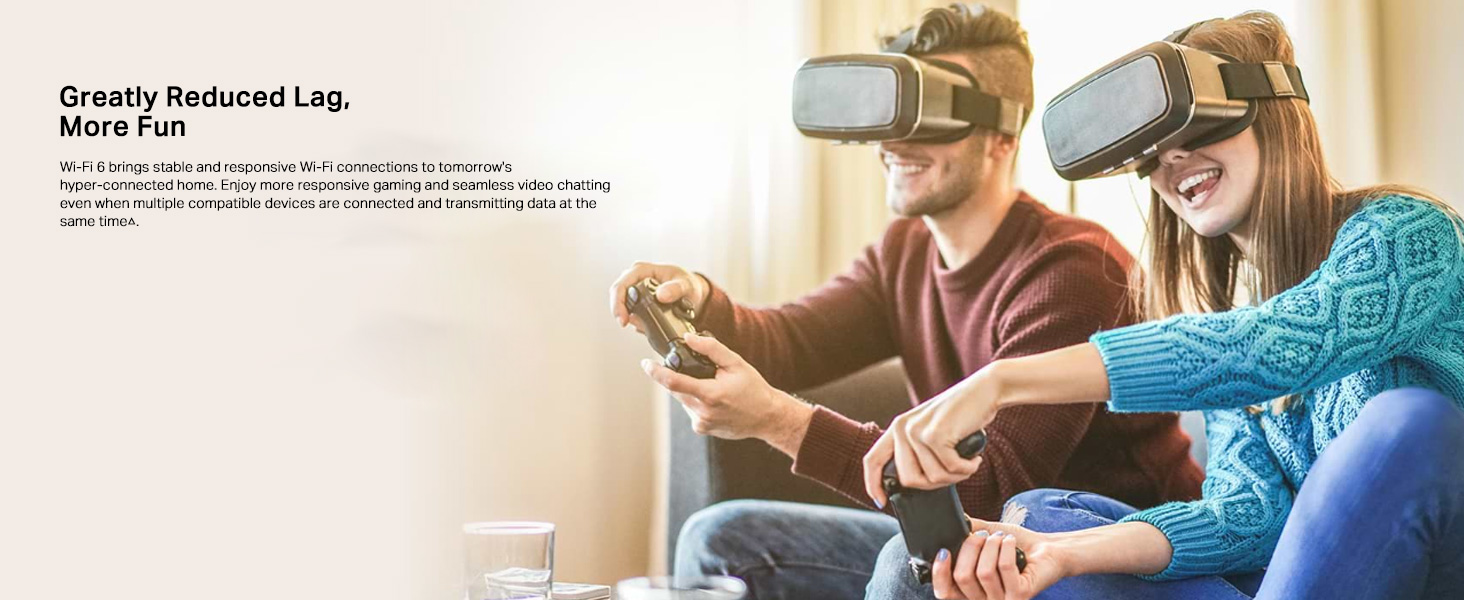
Image: Comparison of seamless roaming with Deco versus a traditional router and extender setup.
الميزات الرئيسية
- تقنية Wi-Fi 6 (802.11ax): Provides faster speeds up to 1800 Mbps (1201 Mbps on 5GHz and 574 Mbps on 2.4GHz), increased capacity, and reduced network congestion.
- Whole Home Mesh Coverage: Eliminates Wi-Fi dead zones, covering up to 4000 sq ft with a 2-pack system.
- قم بتوصيل المزيد من الأجهزة: OFDMA and MU-MIMO technologies allow simultaneous data transmission to multiple devices, supporting over 150 connected devices without performance degradation.
- وقت استجابة منخفض جدًا: Enhances responsiveness for gaming and video calls.
- TP-Link HomeCare/HomeShield: Offers comprehensive network security, robust parental controls, and Quality of Service (QoS) for a safer and optimized online experience.
- شبكة مدعومة بالذكاء الاصطناعي: The system intelligently learns your network environment and user behavior to optimize Wi-Fi performance continuously.
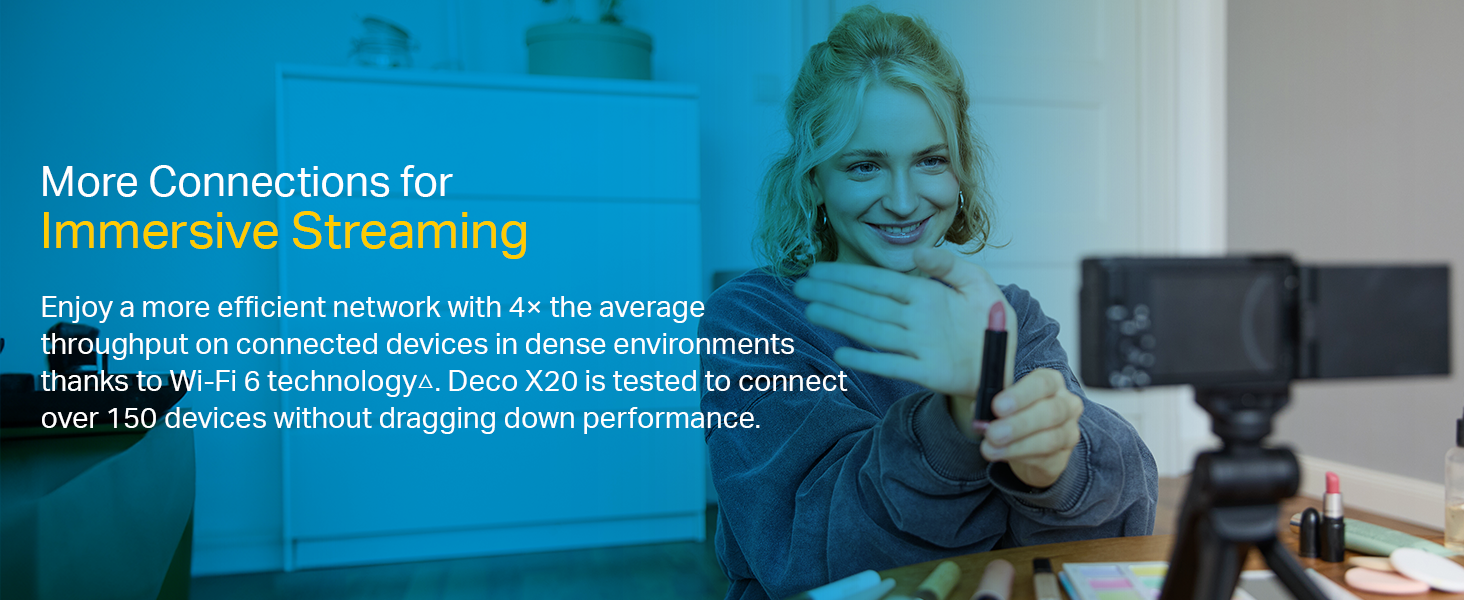
Image: Infographic highlighting the advantages of Wi-Fi 6, such as speed and efficiency.
صيانة
To ensure optimal performance and security of your Deco X20 system, consider the following maintenance practices:
- تحديثات البرامج الثابتة المنتظمة: Check the Deco app periodically for available firmware updates. Installing updates ensures you have the latest security patches and performance improvements.
- الوضع الأمثل: Ensure Deco units are placed in open areas, away from obstructions like large metal objects, thick walls, and other electronic devices that may cause interference.
- نظافة: Keep the Deco units clean and free from dust to prevent overheating and maintain proper airflow. Use a soft, dry cloth for cleaning.
- مراقبة الشبكة: Use the Deco app to monitor network activity and identify any unusual behavior or unauthorized devices.
استكشاف الأخطاء وإصلاحها
إذا واجهت مشكلات مع نظام Deco X20 الخاص بك، فحاول اتباع خطوات استكشاف الأخطاء وإصلاحها التالية:
- لا يوجد اتصال بالإنترنت:
- تأكد من أن المودم الخاص بك يعمل بشكل صحيح.
- تأكد من توصيل كابل Ethernet بين وحدة Deco الرئيسية والمودم بشكل آمن.
- أعد تشغيل المودم ووحدة Deco الرئيسية.
- إشارة Wi-Fi ضعيفة أو مناطق ميتة:
- قم بنقل وحدات ديكو إلى أماكن أقرب إلى بعضها البعض أو إلى المناطق ذات الإشارات الضعيفة.
- Ensure there are no major physical obstructions (e.g., thick concrete walls) between Deco units.
- Consider adding another Deco unit if coverage is still insufficient.
- حالة مؤشر LED لوحدة الديكور:
- أخضر ثابت: ديكو يعمل بشكل طبيعي.
- ينبض الأزرق: ديكو جاهز للإعداد.
- أحمر ثابت: يوجد مشكلة في ديكو (على سبيل المثال، عدم وجود اتصال بالإنترنت).
- الأحمر النابض: Deco is disconnected from the main unit.
- Cannot Connect to Deco App:
- Ensure your smartphone is connected to the Deco Wi-Fi network.
- Restart the Deco app.
- Reinstall the Deco app if the issue persists.
للحصول على مزيد من المساعدة، يُرجى الرجوع إلى دعم TP-Link webالموقع أو الاتصال بخدمة العملاء.
تحديد
| ميزة | التفاصيل |
|---|---|
| ماركة | تي بي لينك |
| اسم الموديل | ديكو X20 |
| المعيار اللاسلكي | 802.11ax (واي فاي 6) |
| فئة نطاق التردد | النطاق المزدوج (2.4 جيجاهرتز و 5 جيجاهرتز) |
| معدل نقل البيانات (الحد الأقصى) | 1800 ميجابت في الثانية (1201 ميجابت في الثانية على نطاق 5 جيجاهرتز، و574 ميجابت في الثانية على نطاق 2.4 جيجاهرتز) |
| التغطية | مساحة تصل إلى 4000 قدم مربع (عبوة واحدة) |
| عدد المنافذ | 2 Gigabit Ethernet ports per Deco unit |
| بروتوكول الأمان | WPA-PSK, WPA2-PSK, WPA3 |
| طريقة التحكم | Deco App, Amazon Alexa |
| الأبعاد (الطول × العرض × الارتفاع) | 11 طول × 11 عرض × 11.4 ارتفاع بالسنتيمتر |
| نظام التشغيل | RouterOS (internal) |
| تم تثبيت ذاكرة الوصول العشوائي (RAM) | 16 جيجا بايت (Note: This value is from the provided product data and may refer to flash storage or a specific component, as typical router RAM is lower.) |
الضمان والدعم
معلومات الضمان:
The TP-Link Deco X20 comes with a ضمان لمدة 3 سنوات. For any product quality related issues, it is recommended to reach out to TP-Link's customer service support for resolution.
دعم العملاء:
For technical support, warranty claims, or general inquiries, please contact TP-Link customer service:
- رقم مجاني: 1800-209-4168
- بريد إلكتروني: support.in@tp-link.com
- عنوان الشركة المصنعة: TP-Link Systems Inc. 10 Mauchly, Irvine, CA 92618, USA or TP-Link India Private Limited Office No.1, Tower 2, Level 2, Raiaskaran Tech Park, Andheri Kurla Road, M.V Road, Andheri East-400072
Please retain your proof of purchase for warranty services.
معلومات هامة حول السلامة
- لا تعرض الجهاز للماء أو الرطوبة.
- لا تحاول تفكيك الجهاز أو إصلاحه بنفسك.
- استخدم محولات الطاقة المرفقة فقط.
- Ensure proper ventilation around the Deco units to prevent overheating.
Ask a question about this manual
Ask about setup, troubleshooting, compatibility, parts, safety, or missing instructions. Manuals+ will review the question and use this page’s manual context to help answer it.