
مقدمة
This manual provides detailed instructions for the installation, operation, and maintenance of your Utilitech 1.0-Sone 150-CFM White Bathroom Fan with integrated LED light. This ventilation fan is designed to provide efficient air movement and illumination in your bathroom, featuring an energy-efficient DC brushless motor and a dimmable LED light. Please read these instructions thoroughly before installation and use to ensure safe and optimal performance.
معلومات هامة حول السلامة
تحذير: لتقليل مخاطر نشوب حريق أو صدمة كهربائية أو إصابة الأشخاص ، يجب مراعاة ما يلي:
- يجب أن يتم تنفيذ أعمال التركيب والأسلاك الكهربائية بواسطة شخص (أشخاص) مؤهل وفقًا لجميع القوانين والمعايير المعمول بها ، بما في ذلك أكواد ومعايير البناء المقاومة للحريق.
- استخدم هذه الوحدة بالطريقة التي حددتها الشركة المصنعة فقط. إذا كانت لديك أسئلة، اتصل بالشركة المصنعة.
- قبل صيانة الوحدة أو تنظيفها ، قم بإيقاف تشغيل لوحة الخدمة وقفل وسيلة فصل الخدمة لمنع تشغيل الطاقة عن طريق الخطأ. عندما يتعذر تأمين وسيلة فصل الخدمة ، قم بإحكام ربط جهاز تحذير بارز ، مثل tag، إلى لوحة الخدمة.
- لا تستخدم هذه المروحة مع أي جهاز تحكم في السرعة ذي الحالة الصلبة إلا إذا تمت الموافقة عليه تحديدًا للاستخدام مع هذا الطراز.
- This product is designed for general ventilating use only. Do not use to exhaust hazardous or explosive materials and vapors.
- احرص دائمًا على ارتداء نظارات وقفازات السلامة أثناء التركيب والصيانة.
محتويات الحزمة
تأكد من وجود كافة المكونات قبل البدء في التثبيت:
- Utilitech Bathroom Fan with Integrated LED Light
- 6-inch to 4-inch Duct Adapter
- Quick Connect Wire Nuts
- Installation Hardware (screws, etc., if applicable)

Image 1: The Utilitech bathroom fan unit, showing the main housing, LED light panel, and the attached duct connector.
الإعداد والتثبيت
This fan can be installed in both new construction (with attic access) and existing construction (without attic access). Professional installation is recommended for electrical wiring.
خطوات ما قبل التثبيت:
- انقطاع التيار الكهربائي: Ensure power is turned off at the circuit breaker before starting any installation work.
- اختيار الموقع: Choose a suitable ceiling location for the fan, ensuring adequate space for the housing and ductwork.
- Ducting Preparation: Prepare the ductwork. The fan is designed for 6-inch ducts, but a 6-inch to 4-inch duct adapter is included for compatibility with 4-inch systems.
إجراء التثبيت:
- تركيب السكن: Secure the fan housing to the ceiling joists using appropriate fasteners. Ensure the housing is level and firmly attached.
- توصيل مجاري الهواء: Connect the ventilation duct to the fan's duct connector. Use duct tape or clamps to ensure a secure and airtight seal. The fan includes a plastic duct connector and damper to prevent backdraft.
- الأسلاك الكهربائية: Connect the electrical wiring to the fan using the provided quick connect wire nuts. Follow local electrical codes and the wiring diagram provided with the unit. Ensure proper grounding.
- Installing the Grille/Light Panel: Once the housing and wiring are complete, attach the integrated LED light panel/grille to the fan housing.
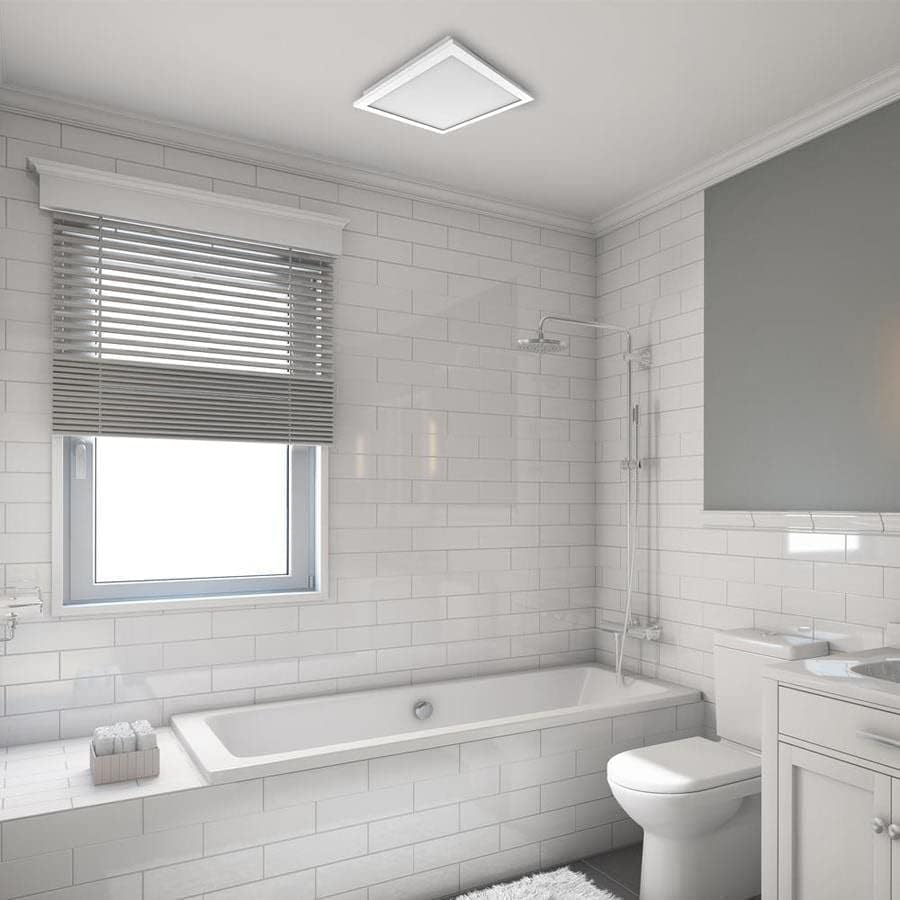
الصورة 2: سابقample of the Utilitech bathroom fan with LED light installed flush in a white ceiling, providing both ventilation and illumination.
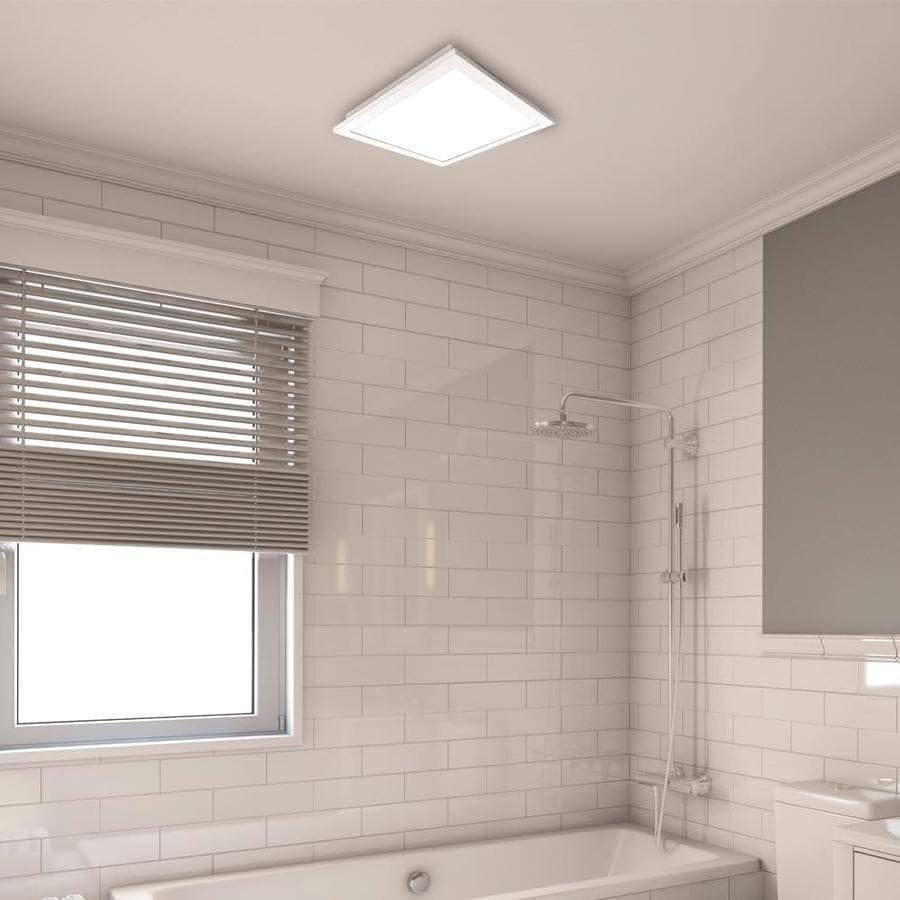
الصورة 3: أقرب view of the installed fan's LED light panel, showing its sleek, white finish integrated into the ceiling.
تعليمات التشغيل
The Utilitech bathroom fan is designed for simple operation, providing effective ventilation and lighting for your bathroom.
- تشغيل/إيقاف التشغيل: The fan and light are typically controlled by a standard wall switch. Flip the switch to turn the unit on or off.
- تهوية: The fan operates at a single speed, moving 150 cubic feet per minute (CFM) of air at a quiet 1.0 sone level.
- ضوء LED: The integrated 13-watt LED light provides room illumination. This light is dimmable, requiring a compatible dimmer switch (sold separately) for dimming functionality.
- التحكم في التطبيق: This model supports app control. Refer to the manufacturer's website or included documentation for details on connecting and controlling the fan via a smartphone application, if applicable.
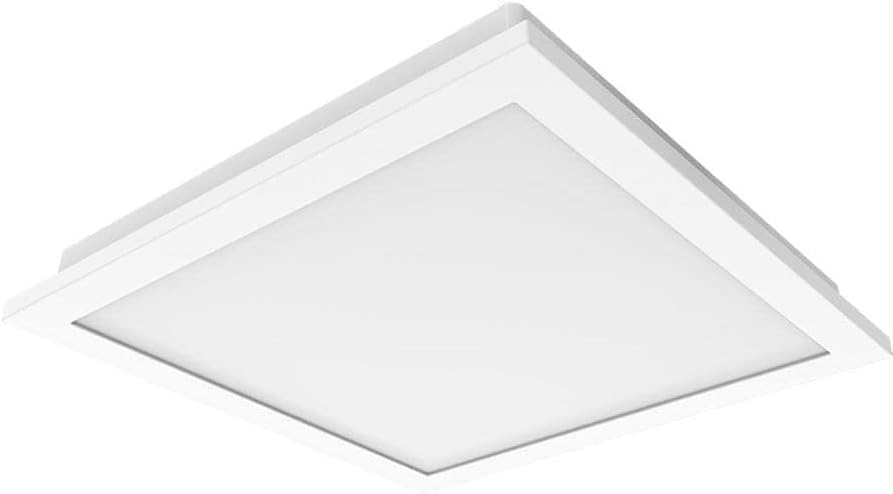
الصورة 4: أ view of the fan's LED light panel from below, showcasinبفضل تصميمه النظيف والبسيط.
صيانة
Regular maintenance ensures the longevity and efficient operation of your Utilitech bathroom fan. Always disconnect power at the circuit breaker before performing any maintenance.
Cleaning the Fan and Light Grille:
- قم بإيقاف تشغيل الطاقة للمروحة الموجودة في لوحة الخدمة.
- Carefully remove the LED light panel/grille from the fan housing.
- Wipe the grille and light panel with a soft, damp القماش. لا تستخدم المنظفات أو المذيبات الكاشطة.
- If necessary, use a vacuum cleaner with a brush attachment to remove dust from the fan blades and interior of the housing.
- اترك جميع الأجزاء تجف تمامًا قبل إعادة التجميع.
- Reattach the LED light panel/grille and restore power.
The fan's DC brushless motor is designed for long-term operation, capable of running continuously for up to 70,000 hours, and the integrated LED light has a lifespan of up to 30,000 hours, minimizing the need for frequent internal maintenance.
استكشاف الأخطاء وإصلاحها
If you experience issues with your Utilitech bathroom fan, refer to the following common problems and solutions. Always disconnect power before inspecting the unit.
| مشكلة | السبب المحتمل | حل |
|---|---|---|
| المروحة لا تعمل. | لا يوجد طاقة للوحدة. اتصال الأسلاك فضفاضة. مفتاح الحائط معيب. | تحقق من قاطع الدائرة ومفتاح الحائط. تأكد من أن جميع توصيلات الأسلاك آمنة (تأكد من إيقاف تشغيل الطاقة). اختبار أو استبدال مفتاح الحائط. |
| لا يتم تشغيل ضوء LED. | لا يوجد طاقة للوحدة. اتصال الأسلاك فضفاضة. Faulty LED driver/light panel. | التحقق من مصدر الطاقة. التحقق من توصيلات الأسلاك. Contact customer support if the LED panel is faulty. |
| المروحة تصدر ضوضاء مفرطة. | تركيب فضفاض. انسداد في شفرات المروحة. مشاكل مجاري الهواء. | تأكد من تثبيت غلاف المروحة بشكل آمن. Remove grille and check for debris. Inspect ductwork for kinks or blockages. |
| حركة الهواء ضعيفة. | Blocked ductwork. شفرات المروحة متسخة. Improperly sized ducting. | Check ductwork for obstructions. Clean fan blades and grille. Ensure ducting matches recommended size or use adapter correctly. |
If problems persist after attempting these solutions, contact a qualified electrician or the manufacturer's customer support.
تحديد
| ميزة | التفاصيل |
|---|---|
| ماركة | يوتيليتك |
| اسم الموديل | 7116-02 |
| سعة تدفق الهواء | 150 قدم مكعب في الدقيقة (قدم مكعب في الدقيقة) |
| مستوى الضوضاء | 1.0 أبناء |
| نوع الضوء | مصباح LED مدمج قابل للتعتيم |
| وات LEDtage | 13 واط |
| عمر الصمام | تصل إلى 30,000 ساعة |
| نوع المحرك | تيار مستمر بدون فرشاة |
| Motor Lifespan | تشغيل مستمر حتى 70,000 ساعات |
| حجم القناة | 6-inch (includes 6-inch to 4-inch adapter) |
| مصدر الطاقة | AC |
| نوع التثبيت | Ceiling Mount (retrofit capable) |
| طريقة التحكم | Wall Switch, App Control |
| الشهادات | UL Certified, HVI Listed, ENERGY STAR Compliant, Title 24 Compliant |
| أبعاد المنتج | 9.68 × 9.68 × 7.88 بوصة |
| وزن العنصر | 14.22 رطل |
معلومات الضمان
Utilitech products are manufactured to high-quality standards and are warranted to be free from defects in materials and workmanship for a specified period from the date of purchase. For specific warranty terms and conditions, please refer to the warranty card included with your product or visit the official Utilitech webالموقع. احتفظ بإيصال الشراء الخاص بك كإثبات للشراء في حالة مطالبات الضمان.
دعم العملاء
If you have any questions regarding the installation, operation, or maintenance of your Utilitech bathroom fan, please contact Utilitech customer support. You can typically find contact information, including phone numbers and email addresses, on the manufacturer's official webيمكنك الاطلاع على المعلومات المتوفرة في الموقع أو في الوثائق المرفقة مع منتجك.
لمزيد من المساعدة، يرجى زيارة يوتيليتك webموقع.