
1. المقدمة
The Picun H12 Bluetooth Neckband Headset offers a comfortable and high-quality audio experience for various activities, including sports and daily use. Featuring Bluetooth 4.1 connectivity, a 13mm driver for clear sound, and IPX6 water resistance, these earphones are designed for durability and convenience. The magnetic earbuds and lightweight neckband design enhance portability and ease of use.
2. ماذا يوجد في الصندوق
- Picun H12 Bluetooth Neckband Headset
- كابل شحن USB
- Earbuds Covers (various sizes)
- دليل المستخدم
3. انتهى المنتجview
The Picun H12 headset is engineered for superior sound and extended battery life, ensuring an immersive audio experience.

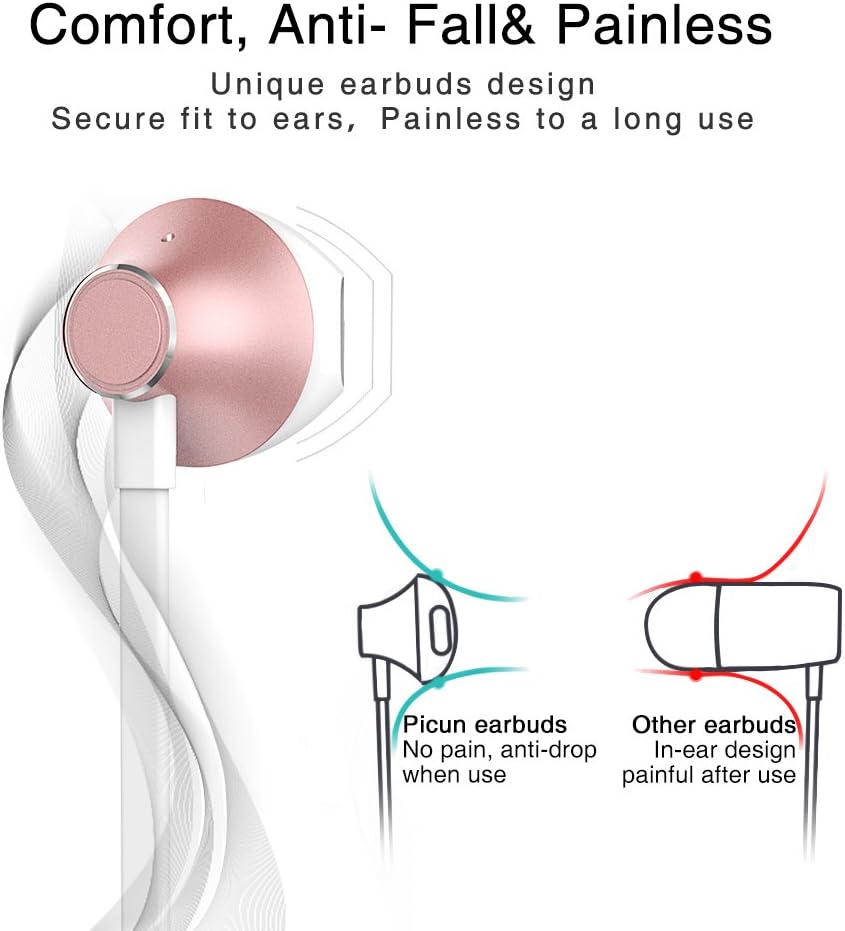
Designed for comfort, the unique earbud shape provides a secure fit without causing discomfort, even during prolonged use.
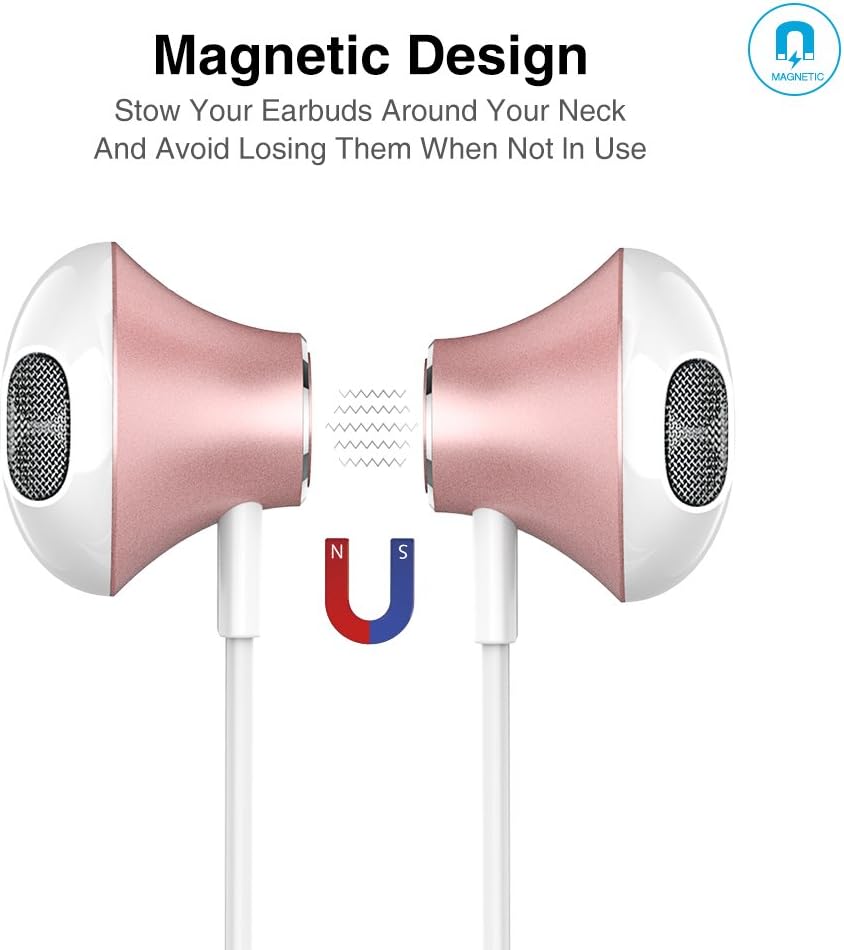
The magnetic design allows the earbuds to clip together when not in use, preventing tangles and making them easy to carry around your neck.
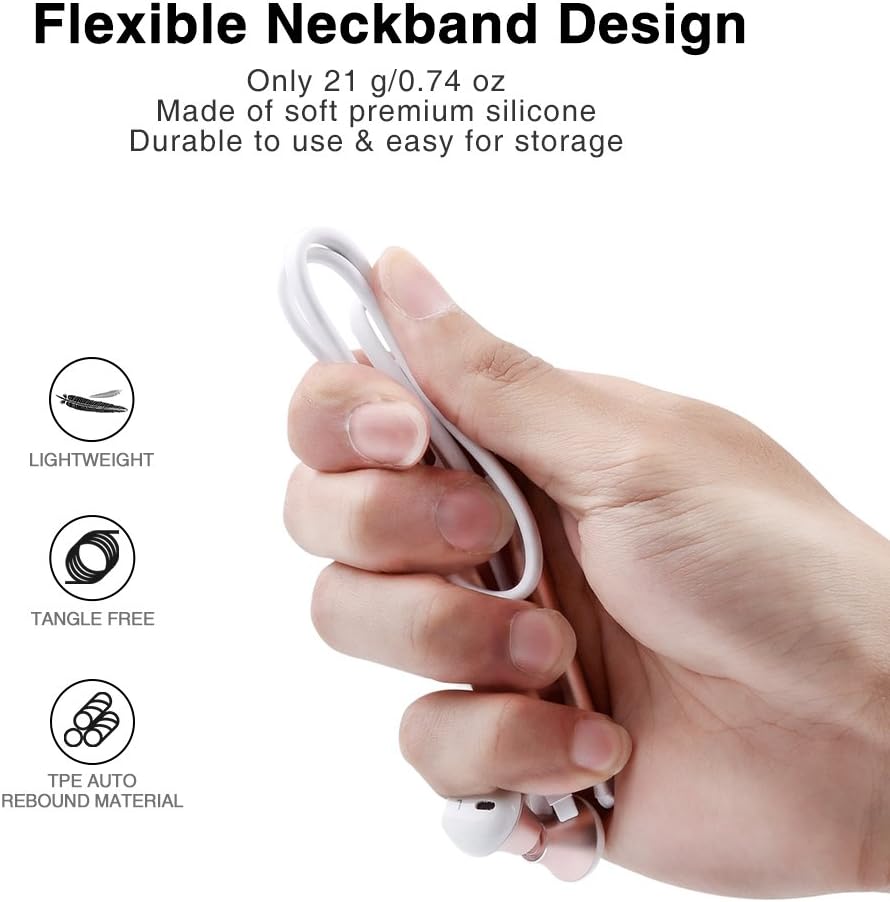
The flexible neckband is lightweight and made from TPE auto-rebound material, ensuring durability and tangle-free storage.
Control your audio and calls effortlessly with the integrated in-line remote and HD noise reduction microphone.

With an IPX6 water-resistant nano-coating, the headset is protected against sweat and rain, making it ideal for workouts.

شاهد هذا الفيديو للحصول على عرض مرئيview of the Picun H12 Bluetooth Neckband Headset's features and design.
4. الإعداد
4.1 شحن سماعة الرأس
- Connect the micro USB charging cable to the charging port on the headset.
- قم بتوصيل الطرف الآخر من الكابل بمصدر طاقة USB (مثل الكمبيوتر أو محول الحائط).
- The indicator light will show charging status. A full charge takes approximately 1 hour and provides up to 10 hours of playtime.
4.2 اقتران بلوتوث
- تأكد من أن سماعة الرأس مشحونة بالكامل.
- Press and hold the multi-function button (usually the center button on the in-line remote) until the indicator light flashes red and blue, indicating pairing mode.
- على جهازك (الهاتف الذكي، الجهاز اللوحي، وما إلى ذلك)، قم بتمكين البلوتوث وابحث عن الأجهزة المتاحة.
- Select "Picun H12" from the list of found devices.
- Once paired, the indicator light will typically turn solid blue or flash blue slowly. A voice prompt may confirm successful connection.
5. تعليمات التشغيل
5.1 تشغيل/إيقاف التشغيل
- تشغيل الطاقة: Press and hold the multi-function button for approximately 3 seconds until the indicator light flashes blue and a voice prompt confirms power on.
- إيقاف التشغيل: Press and hold the multi-function button for approximately 3-5 seconds until the indicator light flashes red and a voice prompt confirms power off.
5.2 تشغيل الموسيقى
- تشغيل/إيقاف مؤقت: اضغط قصيرًا على الزر متعدد الوظائف.
- الأغنية التالية: Long press the "V+" button.
- الأغنية السابقة: Long press the "V-" button.
- رفع الصوت: Short press the "V+" button.
- اخفض الصوت: Short press the "V-" button.
5.3 إدارة المكالمات
- الرد على المكالمة: Short press the multi-function button when a call comes in.
- إنهاء المكالمة: Short press the multi-function button during a call.
- رفض المكالمة: Long press the multi-function button when a call comes in.
- إعادة الاتصال بالرقم الأخير: اضغط مرتين على زر الوظائف المتعددة.
6. الصيانة
- تنظيف: استخدم قطعة قماش ناعمة وجافة لتنظيف سماعة الرأس. لا تستخدم المنظفات الكاشطة أو المذيبات.
- مقاومة الماء: The headset is IPX6 water-resistant, meaning it can resist high-pressure, heavy sprays of water. It is not designed for submersion. Dry thoroughly if exposed to water or sweat.
- تخزين: When not in use, store the headset in a cool, dry place. The magnetic earbuds help prevent tangling.
- العناية بالبطارية: لإطالة عمر البطارية، تجنب تفريغها بالكامل بشكل متكرر. اشحن سماعة الرأس بانتظام، حتى لو لم تكن قيد الاستخدام لفترات طويلة.
7. استكشاف الأخطاء وإصلاحها
| مشكلة | الحل المحتمل |
|---|---|
| Headset won't power on | Ensure the headset is fully charged. Connect to a power source and try again. |
| لا يمكن الاقتران بالجهاز | Ensure the headset is in pairing mode (flashing red and blue light). Turn off and on Bluetooth on your device. Move closer to the headset. |
| لا يوجد صوت أو مستوى صوت منخفض | Check volume levels on both the headset and your connected device. Ensure the headset is properly paired. Try re-pairing. |
| اتصال متقطع | Ensure no obstacles are between the headset and your device. Stay within the 33-foot (10-meter) Bluetooth range. Avoid strong electromagnetic interference. |
| قضية الشحن | Check the charging cable and USB power source. Try a different cable or power adapter. Ensure the charging port is clean and free of debris. |
8. المواصفات
- ماركة: بيكون
- نموذج: ح12
- تقنية الاتصال: لاسلكي (بلوتوث)
- إصدار البلوتوث: 4.1
- النطاق اللاسلكي: حتى 33 قدم (10 أمتار)
- وقت اللعب: تصل إلى 10 ساعة
- وقت الشحن: حوالي ساعة واحدة
- حجم السائق: 13 MM Neodymium
- استجابة التردد: 20 هرتز - 20 كيلو هرتز
- مقاومة الماء: IPX6 (Sweatproof and splash-resistant)
- وضع الأذن: في الأذن
- عامل الشكل: رباط العنق
- نوع التحكم: In-line Volume Control, Multi-function button
- ميكروفون: Built-in HD noise reduction mic
- وزن: 0.05 رطل (حوالي 21 جرام)
- مادة: Silicone, Thermoplastic Elastomer (TPE)
9. الضمان والدعم
The Picun H12 Bluetooth Neckband Headset comes with a 10-month guarantee period from the date of purchase. For any product-related inquiries, technical support, or warranty claims, please contact Picun customer service. Refer to the contact information provided on the product packaging or the official Picun webموقع للحصول على المساعدة.