
مقدمة
This manual provides detailed instructions for the setup, operation, maintenance, and troubleshooting of your ARRIS SURFboard SBR-AC3200P AC3200 Wi-Fi Router. The SBR-AC3200P is designed to deliver high-speed Wi-Fi performance for various home networking needs, including gaming, streaming, and general internet use. It features tri-band concurrent operation and integrated RipCurrent G.hn Powerline technology for extended network coverage.
محتويات الحزمة
- SURFboard WiFi Router SBR-AC3200P
- كابل إيثرنت
- سلك الطاقة المتردد
- دليل البدء السريع
يثبت
1. الاتصالات المادية
Before powering on your router, ensure all necessary cables are connected securely. Refer to the diagram below for port identification.
الصورة: الخلفية view of the ARRIS SURFboard SBR-AC3200P AC3200 Wi-Fi Router. From left to right, the ports include the Power input, two USB ports (one USB 2.0, one USB 3.0), a blue WAN port for connecting to a modem, four yellow LAN ports (1-4) for wired devices, and a small recessed Reset button.
- الاتصال بالمودم: Connect one end of the provided Ethernet cable to the WAN port (blue) on the back of the SBR-AC3200P router and the other end to your cable/DSL/fiber modem.
- توصيل الطاقة: Plug the AC power cord into the Power input on the router and then into an electrical outlet. The router will begin its startup sequence.
- تشغيل الطاقة: Wait for the router's indicator lights to stabilize. Refer to the Operating section for LED indicator meanings.
2. التكوين الأولي
يمكنك تكوين جهاز التوجيه الخاص بك باستخدام web المتصفح أو تطبيق الهاتف المحمول المخصص.
- استخدام Web المتصفح:
- Connect a computer to one of the router's LAN ports (yellow) using an Ethernet cable, or connect wirelessly to the default Wi-Fi network (SSID and password typically found on a label on the router).
- افتح web قم بزيارة المتصفح وأدخل عنوان IP الافتراضي لجهاز التوجيه (على سبيل المثال،
192.168.0.1or192.168.1.1) into the address bar. Consult the Quick Start Guide for the exact IP address and default login credentials. - Follow the on-screen instructions to set up your internet connection and customize your Wi-Fi network name (SSID) and password.
- باستخدام تطبيق الهاتف المحمول: Download the ARRIS SURFboard Manager app from your device's app store. Follow the in-app instructions to set up and manage your router.
التشغيل
مؤشرات LED
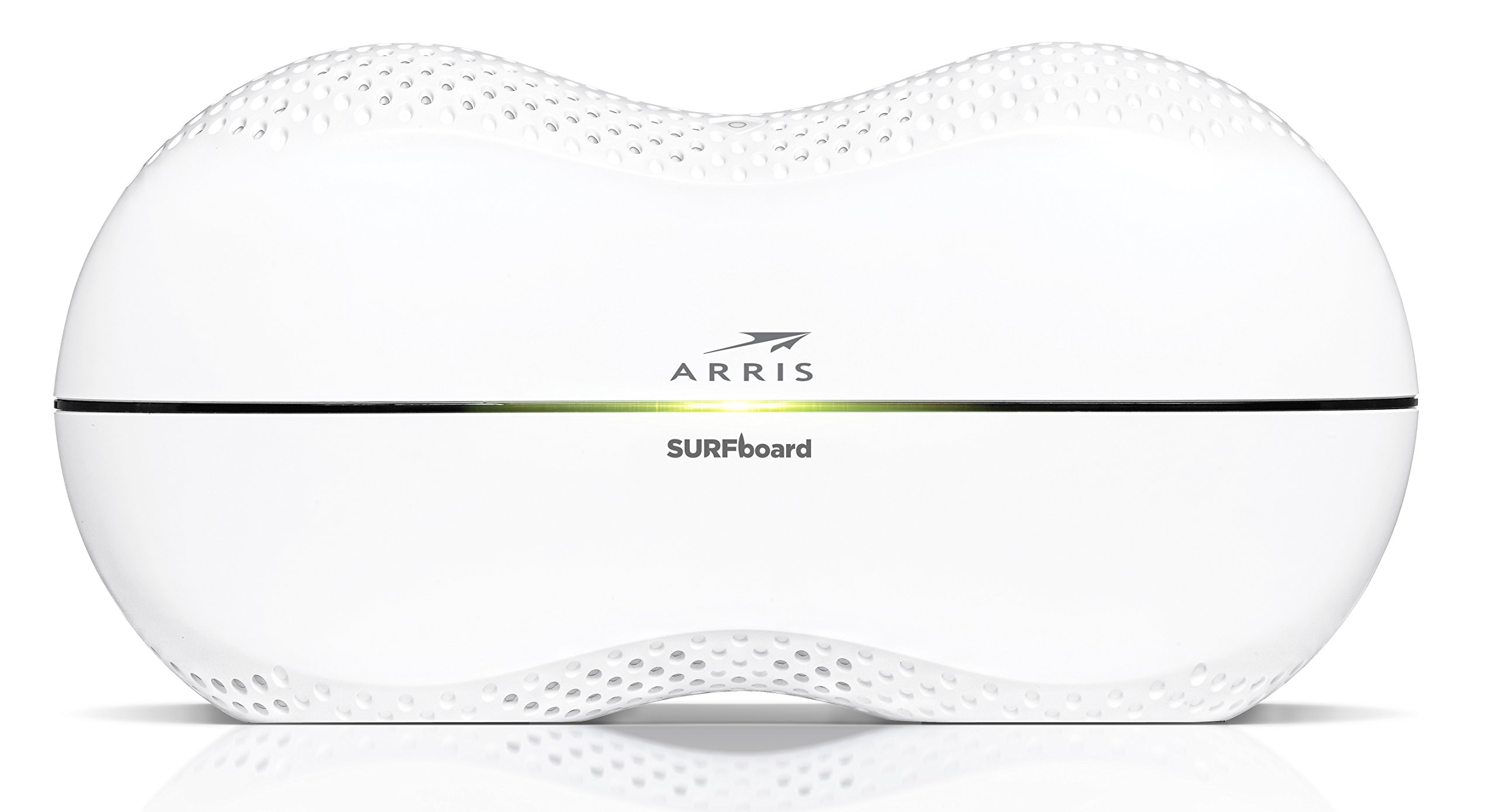
The front panel of the SBR-AC3200P features several LED indicators that provide status information:
- مؤشر الطاقة LED: يشير إلى حالة الطاقة للجهاز.
- مؤشر LED للإنترنت: يعرض حالة الاتصال بالإنترنت.
- Wi-Fi LEDs (2.4 GHz and 5 GHz): Indicate the activity of the wireless networks.
- RipCurrent LED: Displays the status of the G.hn Powerline network.
Refer to the Quick Start Guide for specific color and blinking patterns and their meanings.
توصيل الأجهزة
- أجهزة لاسلكية: بحث عن your customized Wi-Fi network name (SSID) on your device and enter the password you created during setup.
- الأجهزة السلكية: Connect devices such as computers, gaming consoles, or smart TVs to the LAN ports (yellow) on the back of the router using Ethernet cables.
RipCurrent G.hn Technology
The SBR-AC3200P integrates RipCurrent G.hn Powerline technology, allowing you to expand your network coverage using your home's existing electrical wiring. This feature enables compatible SURFboard RipCurrent Wi-Fi Hotspots and network extenders (sold separately) to connect to your network through any electrical outlet, providing seamless Wi-Fi extension throughout your home.
صيانة
- تحديثات البرامج الثابتة: التحقق بشكل دوري من دعم ARRIS website for firmware updates. Keeping your router's firmware up-to-date ensures optimal performance, security, and access to new features. Firmware updates are typically performed through the router's web interface or the mobile app.
- تنظيف: Keep the router in a clean, dust-free environment. Use a soft, dry cloth to clean the exterior. Do not use liquid cleaners or abrasive materials. Ensure ventilation openings are not blocked.
- إعادة ضبط جهاز التوجيه: If you experience persistent issues, you may need to reset the router. A soft reset (power cycle) can often resolve minor problems. For a factory reset, locate the recessed Reset button on the back of the router. Use a paperclip or similar pointed object to press and hold the button for approximately 10-15 seconds until the LEDs indicate a reset. تحذير: A factory reset will erase all custom settings, including your Wi-Fi name and password, reverting the router to its default factory settings.
استكشاف الأخطاء وإصلاحها
- لا يوجد اتصال بالإنترنت:
- تأكد من أن المودم الخاص بك يعمل بشكل صحيح ولديه اتصال نشط بالإنترنت.
- تحقق من جميع توصيلات كابل الإيثرنت بين المودم ومنفذ WAN الخاص بجهاز التوجيه.
- Restart both your modem and router by unplugging them from power for 30 seconds and then plugging them back in, starting with the modem.
- بطء سرعة الواي فاي أو انقطاع الاتصال:
- تأكد من وضع جهاز التوجيه في مكان مركزي، بعيدًا عن العوائق ومصادر التداخل (على سبيل المثال، أفران الميكروويف والهواتف اللاسلكية).
- تحقق من وجود تحديثات البرامج الثابتة.
- Consider using RipCurrent extenders to improve coverage in dead zones.
- Perform a factory reset if issues persist after other troubleshooting steps.
- لا يمكن الوصول إلى إعدادات جهاز التوجيه:
- تأكد من أن جهازك متصل بشبكة جهاز التوجيه (سلكيًا أو لاسلكيًا).
- Verify the correct IP address for the router's web واجهة.
- قم بمسح ذاكرة التخزين المؤقت للمتصفح الخاص بك أو جرب متصفحًا آخر.
تحديد
| ميزة | وصف |
|---|---|
| ماركة | أريس |
| اسم الموديل | SBR-AC3200P |
| المعيار اللاسلكي | 802.11 ايه سي |
| فئة نطاق التردد | Tri-Band (N450 + AC1350 + AC1350) |
| معدل نقل البيانات | سرعة تصل إلى 3200 ميجابت في الثانية |
| منافذ إيثرنت | 4 منفذ إيثرنت جيجابت |
| منافذ USB | 1x USB 2.0، 1x USB 3.0 |
| المميزات الخاصة | RipCurrent G.hn Powerline Technology, Wi-Fi Beamforming |
| بروتوكول الأمان | WPA2 ، WPA3 |
| طريقة التحكم | برنامج |
| وزن العنصر | 3.8 رطل |
معلومات الضمان
The ARRIS SURFboard SBR-AC3200P AC3200 Wi-Fi Router comes with a ضمان محدود لمدة عامين. For detailed terms and conditions, please refer to the warranty documentation included with your product or visit the official ARRIS support webموقع.
يدعم
For further assistance, technical support, or to access additional resources, please visit the official ARRIS support website. You can find FAQs, updated documentation, and contact information for customer service.