
مقدمة
This manual provides instructions for the proper setup, operation, and maintenance of your Targus W600 Wireless Optical Mouse. Please read this manual thoroughly before using the device to ensure optimal performance and longevity.
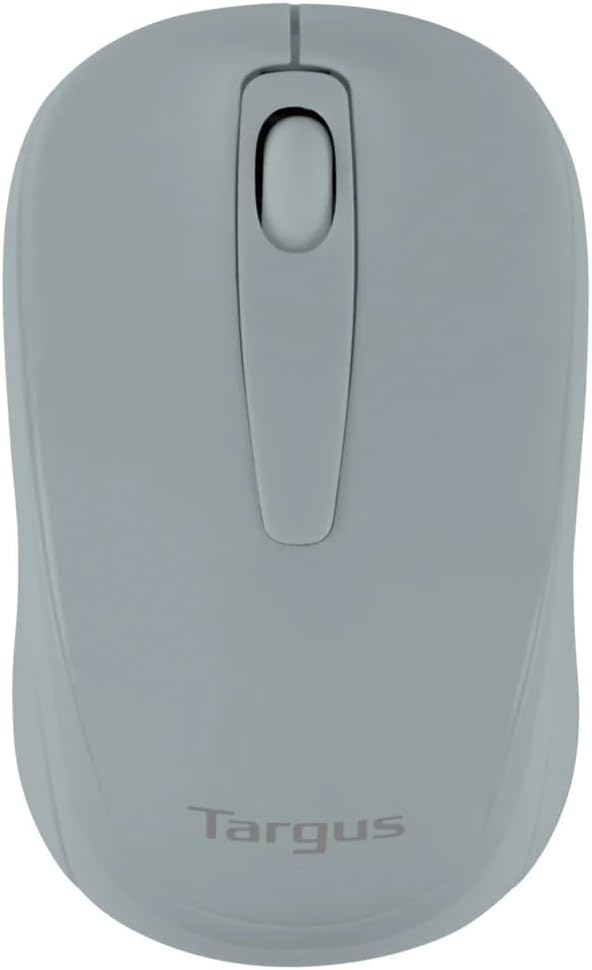
Figure 1: Targus W600 Wireless Optical Mouse (Quarry Gray)
محتويات الحزمة
تأكد من وجود جميع العناصر في العبوة:
- Targus W600 Wireless Optical Mouse
- جهاز إستقبال يو إس بي
- دليل المستخدم (هذا المستند)
Note: 1 AA battery is required and sold separately.
مميزات المنتج
- 2.4 GHz Wireless Technology for reliable connection
- 1600 DPI Optical Sensor for precise tracking
- تصميم مريح للاستخدام المريح
- متوافق مع أنظمة التشغيل ويندوز وماك
- Integrated USB receiver storage compartment
يثبت
1. تركيب البطارية
- Turn the mouse over to locate the battery compartment cover.
- Gently slide the cover off.
- Insert one (1) AA battery, ensuring correct polarity (+/-).
- قم باستبدال غطاء حجرة البطارية.
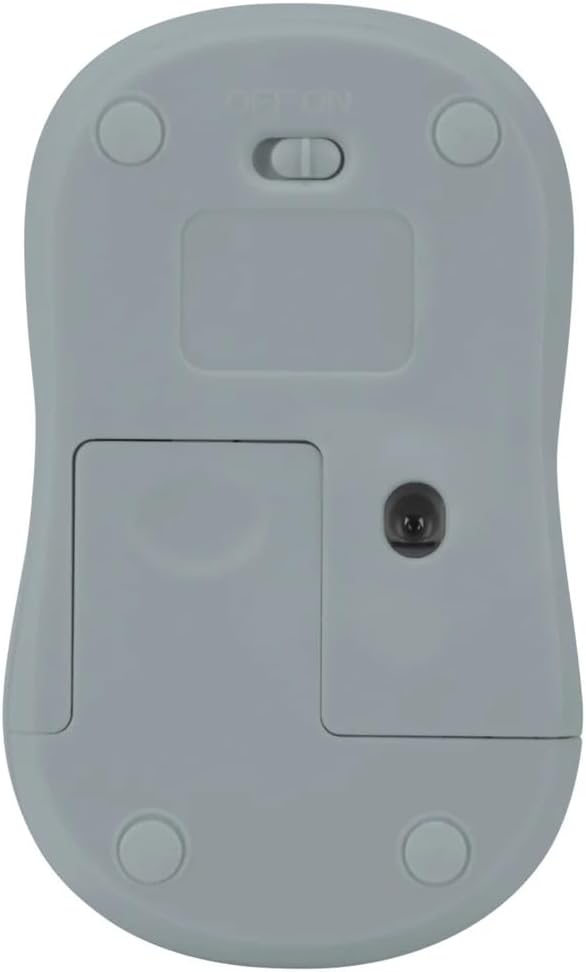
الشكل 2: القاع view of the mouse with battery compartment and power switch.
2. توصيل جهاز الاستقبال USB
- Locate the USB receiver, typically stored inside the mouse's battery compartment or a dedicated slot.
- قم بتوصيل مستقبل USB بمنفذ USB متاح على جهاز الكمبيوتر الخاص بك.
- سيكتشف جهاز الكمبيوتر لديك برامج التشغيل اللازمة ويُثبّتها تلقائيًا. قد يستغرق هذا بضع لحظات.
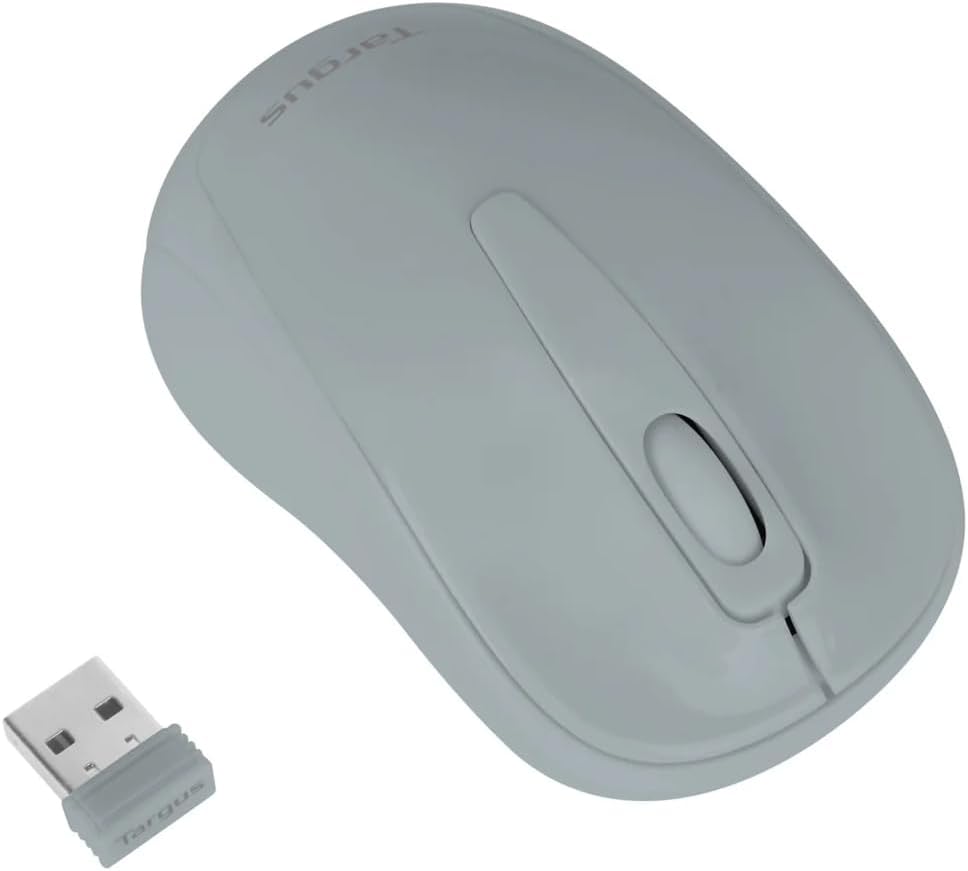
Figure 3: Targus W600 mouse and its USB receiver.

Figure 4: USB receiver plugged into a laptop, with the mouse nearby.
3. تشغيل الماوس
On the bottom of the mouse, slide the ON/OFF switch to the "ON" position. The mouse is now ready for use.
تشغيل الماوس
The Targus W600 Wireless Optical Mouse functions like a standard 3-button mouse. It features a left button, a right button, and a scroll wheel that also acts as a middle button.
- الزر الأيسر: Primary action, selection, opening items.
- انقر على اليمين: يفتح القوائم السياقية.
- عجلة التمرير: الوثائق المخطوطة و web pages vertically. Pressing the scroll wheel acts as a middle click, often used for opening links in new tabs or specific application functions.
The 1600 DPI optical sensor provides smooth and accurate cursor control on most surfaces. For best performance, use on a mouse pad or a non-reflective, uniform surface.
صيانة
تنظيف
لتنظيف الماوس، امسح السطح برفق بقطعة قماش ناعمة.amp cloth. Avoid using harsh chemicals or abrasive cleaners, as these can damage the finish or internal components. Ensure no liquid enters the mouse.
استبدال البطارية
When the mouse performance degrades or stops responding, it may be time to replace the battery. Follow the steps outlined in the "Installing the Battery" section to replace the AA battery. Dispose of used batteries responsibly according to local regulations.
استكشاف الأخطاء وإصلاحها
| مشكلة | حل |
|---|---|
| الماوس لا يستجيب |
|
| حركة المؤشر غير المنتظمة |
|
| نطاق لاسلكي قصير |
|
تحديد
| رقم الموديل | AMW60006AP-55 |
| الاتصال | 2.4 جيجاهرتز لاسلكي (مستقبل USB) |
| تقنية الاستشعار | بصري |
| نقطة لكل بوصة | 1600 نقطة في البوصة |
| عدد الأزرار | 3 (يسار، يمين، عجلة التمرير/النقر الأوسط) |
| مصدر الطاقة | بطاريتان AA (غير متضمنة) |
| أنظمة التشغيل المتوافقة | ويندوز، ماك |
ملاحظة: المواصفات عرضة للتغيير دون إشعار.
الضمان والدعم
للحصول على معلومات الضمان والدعم الفني، يرجى الرجوع إلى موقع Targus الرسمي. webالموقع أو تواصل مع خدمة العملاء. احتفظ بإيصال الشراء كإثبات للشراء في حال وجود أي مطالبات بالضمان.
تارجوس الرسمية Webموقع: www.targus.com