
1. المقدمة
The Awei Y200 Wireless Bluetooth Speaker delivers high-fidelity stereo sound and rich bass in a portable design. This manual provides comprehensive instructions for setting up, operating, maintaining, and troubleshooting your speaker to ensure optimal performance and longevity.

أمام view of the Awei Y200 Wireless Bluetooth Speaker, showcasing its yellow top panel with touch controls and a yellow mesh grille.
2. محتويات العبوة
يرجى التأكد من وجود جميع العناصر في الحزمة الخاصة بك:
- Awei Y200 Wireless Bluetooth Speaker
- كابل شحن USB
- كابل صوت AUX
- دليل المستخدم
3. انتهى المنتجview
Familiarize yourself with the speaker's physical features:
- الواجهات: Includes AUX input, Micro-SD card slot, and a Type-A (USB) port for versatile connectivity.
- أزرار: Intuitive touch controls located on the top panel for power, volume adjustment, track navigation, and call management.
- قاعدة: Equipped with a non-slip base to ensure stability on various surfaces.

A detailed diagram pointing out the speaker's interfaces (AUX, Micro-SD, Type-A), touch control buttons, and non-slip base.
4. الإعداد
4.1 شحن السماعة
- قم بتوصيل كابل الشحن USB المرفق بمنفذ شحن السماعة.
- قم بتوصيل الطرف الآخر من كابل USB بمصدر طاقة USB متوافق (مثل محول الحائط أو منفذ USB في الكمبيوتر).
- The charging indicator light will illuminate, indicating that the speaker is charging.
4.2 تشغيل/إيقاف التشغيل
- To power on, press and hold the power button on the top panel until you hear an audible prompt.
- To power off, press and hold the power button again until the speaker powers down.
5. تعليمات التشغيل
5.1 اقتران بلوتوث
- تأكد من تشغيل السماعة. ستدخل تلقائيًا في وضع الاقتران عبر البلوتوث، وسيتم الإشارة إلى ذلك من خلال ضوء وامض أو تنبيه صوتي.
- On your mobile device (smartphone, tablet, laptop), enable Bluetooth in its settings.
- بحث عن available Bluetooth devices and select "Awei Y200" from the list.
- A confirmation sound will indicate successful pairing. The speaker is now ready for audio playback.
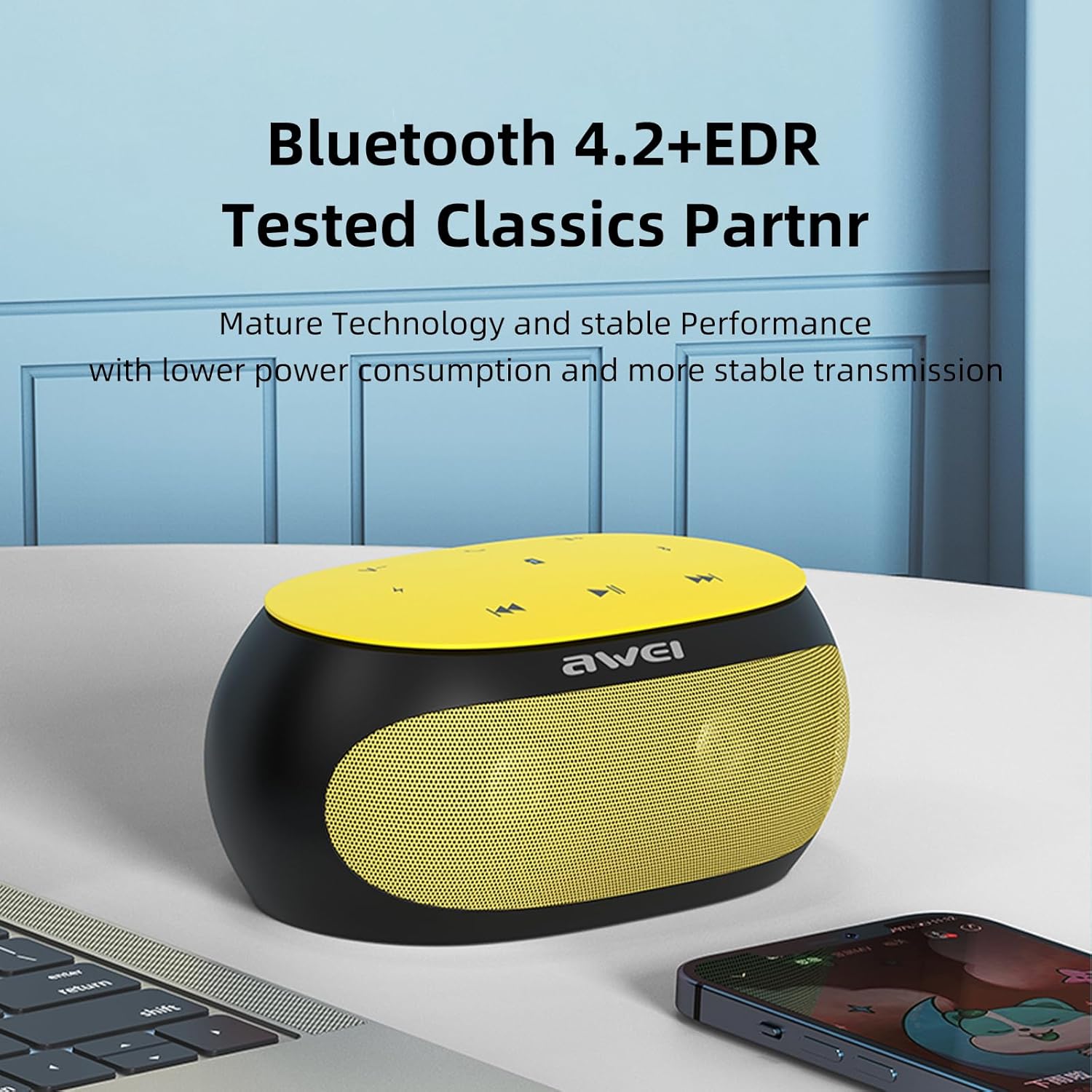
The Awei Y200 speaker, featuring Bluetooth 4.2+EDR for stable and low-power wireless connectivity.
5.2 تشغيل الموسيقى
- وضع البلوتوث: Once paired, play music from your connected device. Use the speaker's touch controls for play/pause, next/previous track, and volume adjustment.
- وضع بطاقة TF: Insert a TF (Micro-SD) card containing audio fileأدخل البطاقة في الفتحة المخصصة. سيتحول مكبر الصوت تلقائيًا إلى وضع بطاقة TF ويبدأ التشغيل.
- وضع AUX: Connect an audio device using a 3.5mm AUX cable to the speaker's AUX port. The speaker will switch to AUX mode for wired audio input.
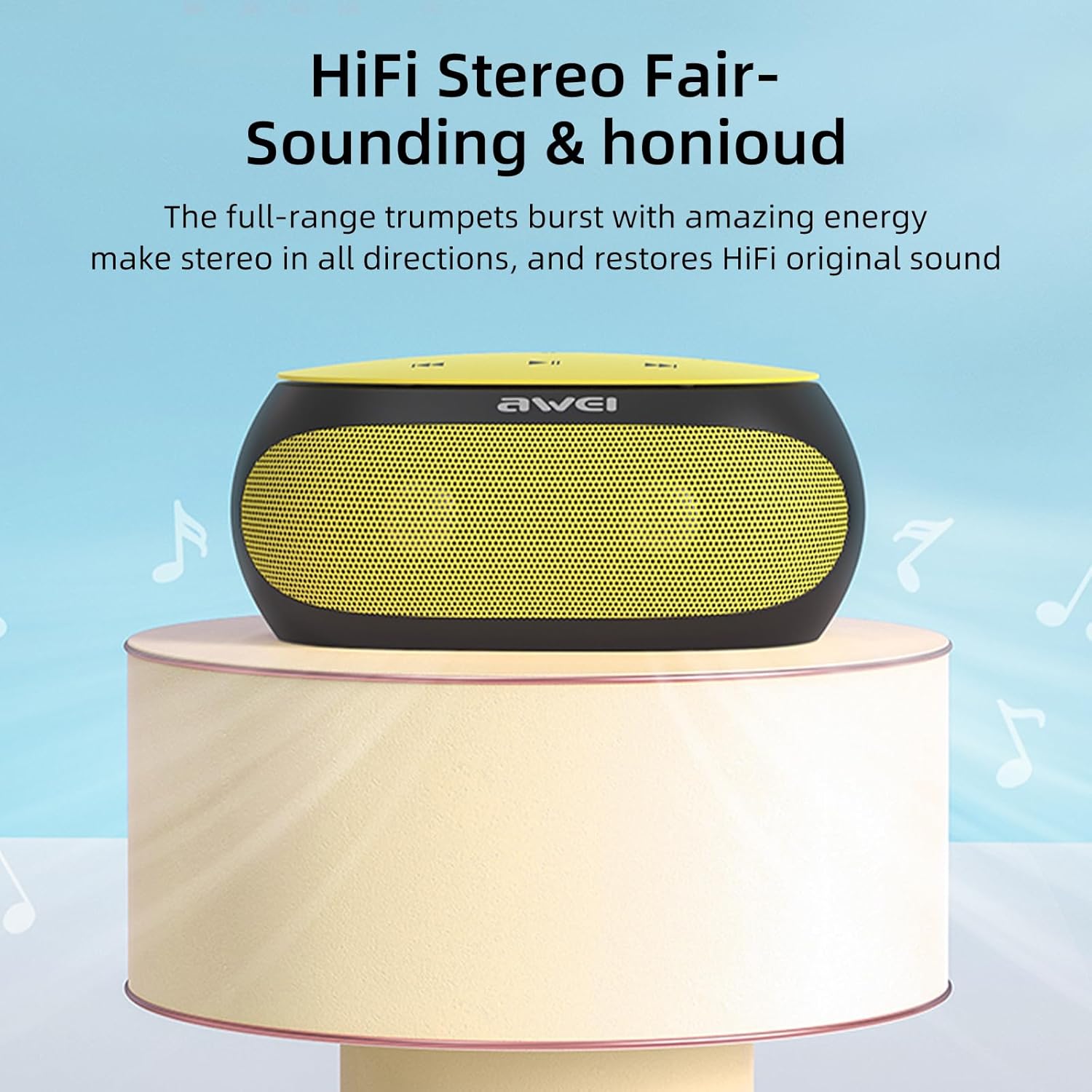
The Awei Y200 speaker positioned to emphasize its HiFi stereo sound capabilities, restoring original audio quality.
5.3 الاتصال بدون استخدام اليدين
- When a call comes in while connected via Bluetooth, press the call button on the speaker to answer the incoming call.
- Press the call button again to end the call.
- The built-in dual microphones ensure clear communication during calls.

The Awei Y200 speaker next to a smartphone, illustrating its hands-free call function with built-in dual microphones.
5.4 Touch Controls Overview
- زر الطاقة: اضغط مع الاستمرار لتشغيل السماعة أو إيقاف تشغيلها.
- زر التشغيل/الإيقاف المؤقت: Tap to play or pause audio playback.
- رفع مستوى الصوت / المسار التالي: انقر لزيادة مستوى الصوت. اضغط مع الاستمرار للانتقال إلى المقطع التالي.
- خفض مستوى الصوت / المسار السابق: انقر لخفض مستوى الصوت. اضغط مع الاستمرار للانتقال إلى المقطع السابق.
- زر الاتصال: Tap to answer an incoming call or end an ongoing call.
6. الصيانة
- Keep the speaker dry and away from moisture or liquids.
- Clean the speaker with a soft, dry cloth. Avoid using harsh chemicals, solvents, or abrasive cleaners.
- لا تعرض السماعة لدرجات حرارة قصوى (ساخنة أو باردة).
- تجنب إسقاط السماعة أو تعريضها لصدمات قوية.
- عند عدم استخدام السماعة لفترات طويلة، قم بتخزينها في مكان بارد وجاف.
7. استكشاف الأخطاء وإصلاحها
- لا يتم تشغيل مكبر الصوت:
- Ensure the battery is sufficiently charged. Connect the speaker to a power source using the USB charging cable. - لا يمكن الاقتران عبر البلوتوث:
- Ensure the speaker is in Bluetooth pairing mode (indicated by a flashing light or audible prompt).
- Verify that Bluetooth is enabled on your device.
- Move the speaker closer to your device to ensure it is within range.
- Try clearing previous Bluetooth connections on your device and attempt pairing again. - لا يوجد صوت:
- تحقق من مستويات الصوت على كل من السماعة والجهاز المتصل.
- Ensure the correct input mode (Bluetooth, TF Card, or AUX) is selected.
- If using AUX mode, verify that the audio cable is securely connected at both ends. - جودة الصوت سيئة:
- Ensure the speaker is within the optimal Bluetooth range of your device.
- Check for potential interference from other wireless devices.
- Try playing audio from a different source or using a different audio file لاستبعاد مشاكل المصدر.
8. المواصفات
| ميزة | مواصفة |
|---|---|
| نموذج | سنة 200 |
| ماركة | أوي |
| تكنولوجيا الاتصال | بلوتوث |
| تقنيات الاتصالات اللاسلكية | بلوتوث |
| نسخة البلوتوث | 4.2 + إي دي آر |
| وضع إخراج الصوت | ستيريو |
| أقصى قدرة خرج لمكبر الصوت | 10 واط |
| انتاج واتtage | 4.5 واط |
| المتحدث Ampنوع الترخيص | نشيط |
| مقاومة | 4 أوم |
| طريقة التحكم | يلمس |
| مصدر الطاقة | تعمل بالبطارية |
| متوسط عمر البطارية | 6 ساعة |
| وقت الشحن | 2 ساعة |
| أبعاد المنتج | 21 سم عمق × 10 سم عرض × 8.5 سم ارتفاع |
| وزن العنصر | 0.56 كيلوغرام |
| نوع المادة | بلاستيك |
| الحد الأقصى للمدى | 33 أقدام |
| المكونات المضمنة | المتحدث |
| الأجهزة المتوافقة | الكمبيوتر المحمول، الهاتف الذكي، الجهاز اللوحي، التلفزيون |
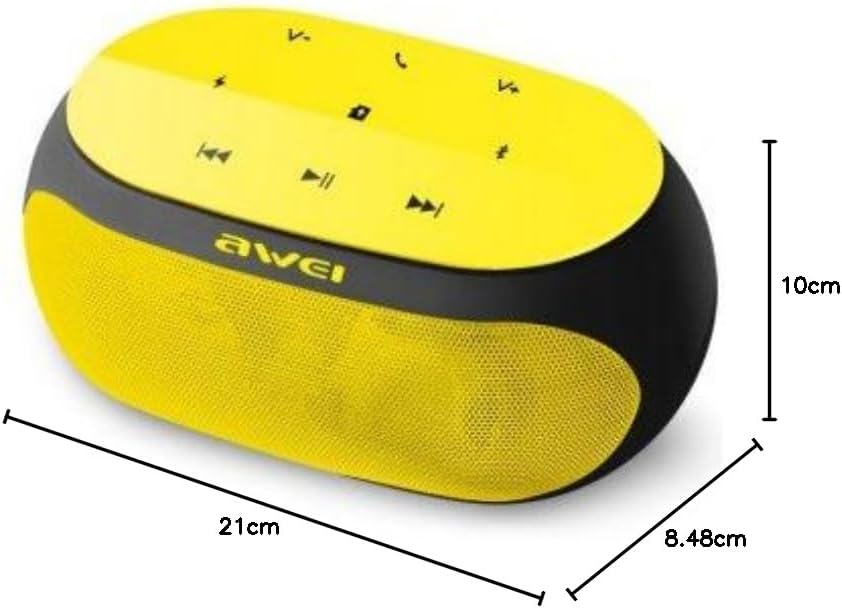
An image displaying the physical dimensions of the Awei Y200 speaker: 21cm length, 10cm width, and 8.48cm height.
9. معلومات الضمان
The Awei Y200 Wireless Bluetooth Speaker comes with a full warranty. For specific terms, conditions, and duration of your warranty, please refer to the documentation provided at the time of purchase or contact your retailer.
10. الدعم
Should you require further assistance, encounter issues not covered in this manual, or have any questions regarding your Awei Y200 speaker, please contact Awei customer support or the retailer from whom you purchased the product. Please have your product model number (Y200) and purchase details ready when seeking support.