
YI YYS.2016
YI 2pc Smart Home Camera (Model YYS.2016) User Manual
Your guide to setting up and operating your YI Smart Home Camera system.
1. المقدمة
The YI 2pc Smart Home Camera system provides 1080p Full HD indoor security surveillance. Designed for ease of use, these cameras offer features such as enhanced night vision, two-way audio, and advanced AI detection capabilities for monitoring your home, pets, or children. This manual will guide you through the installation, operation, and maintenance of your cameras.
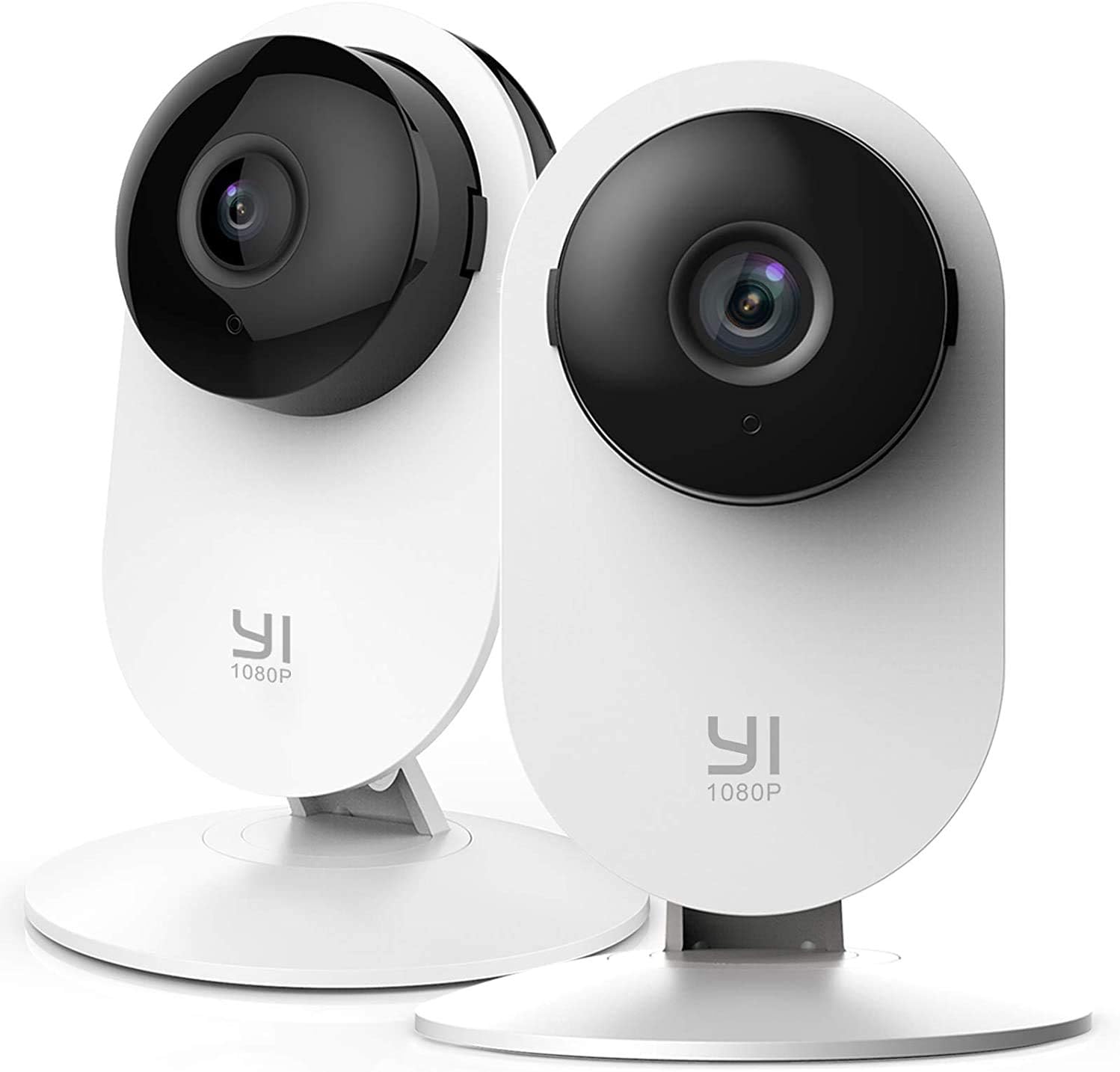
Image 1.1: YI 2pc Smart Home Camera units.
2. محتويات العبوة
يرجى التأكد من وجود جميع العناصر في الحزمة الخاصة بك:
- 2 x YI Smart Home Camera (Model YYS.2016)
- 2 × محول الطاقة
- 2 × كابل يو اس بي
- 2 × قاعدة تثبيت على الحائط
- مسامير التثبيت
- دليل المستخدم (هذا المستند)
3. دليل الإعداد
3.1. تشغيل الكاميرا
- قم بتوصيل كابل USB بمنفذ الطاقة الخاص بالكاميرا.
- قم بتوصيل الطرف الآخر من كبل USB بمحول الطاقة.
- Insert the power adapter into a standard electrical outlet. The camera will power on and begin its startup sequence.
3.2. Downloading the YI Home App
The YI Home App is required for camera setup and operation. Download it from your device's app store (iOS or Android).
- بحث عن "YI Home" in the App Store or Google Play Store.
- قم بتثبيت التطبيق وإنشاء حساب أو تسجيل الدخول إذا كان لديك حساب بالفعل.
3.3. إقران الكاميرا بالتطبيق
- Open the YI Home App and tap the '+' icon to add a new device.
- اختر طراز الكاميرا الخاص بك من القائمة.
- Follow the on-screen instructions to connect the camera to your 2.4GHz Wi-Fi network. ملحوظة: لا يتم دعم شبكات الواي فاي بتردد 5 جيجاهرتز.
- The app will generate a QR code. Hold your camera approximately 4-8 inches (10-20 cm) in front of your phone screen so the camera can scan the QR code.
- Once the camera successfully scans the code, it will confirm the connection.
3.4. تركيب الكاميرا
The camera can be placed on a flat surface or mounted to a wall or ceiling using the provided base and screws.
- وضع الطاولة: ما عليك سوى وضع الكاميرا على سطح مستوٍ وثابت.
- التثبيت على الحائط: Secure the wall mount base to your desired location using the screws. Attach the camera to the base. Ensure the camera is positioned to cover the desired area.
4. تشغيل الكاميرا
4.1. حي View والتسجيل
Access live video streams from your camera anytime, anywhere through the YI Home App. The camera records in 1080p Full HD at 15 frames per second with a 112° wide-angle lens and F/2.0 aperture.
4.2. الصوت ثنائي الاتجاه
The integrated microphone and speaker allow for two-way communication. Use this feature to speak to family members, pets, or deter intruders directly through the app.
4.3. رؤية ليلية محسّنة
The camera features 8 individual 940nm infrared LEDs for clear night vision up to 9 meters (approximately 30 feet) in low-light conditions. The infrared (IR) function activates automatically when ambient light is insufficient.

Image 4.1: Enhanced Night Vision capability for clear viewفي الظلام.
4.4. Smart AI Detections
The YI Smart Home Camera utilizes advanced AI to distinguish between different types of motion, reducing false alarms.
- كشف الإنسان: Identifies human figures, sending alerts only when a person is detected.
- كشف السيارة: Recognizes vehicles in the camera's field of view.
- الكشف عن الحيوانات: Distinguishes pets and other animals.
- كشف بكاء الطفل: Specifically alerts you when a baby's cry is detected, ideal for nursery monitoring.
- Barking Detection: Notifies you of dog barking sounds.

Image 4.2: Person, Vehicle, and Animal Detection features.
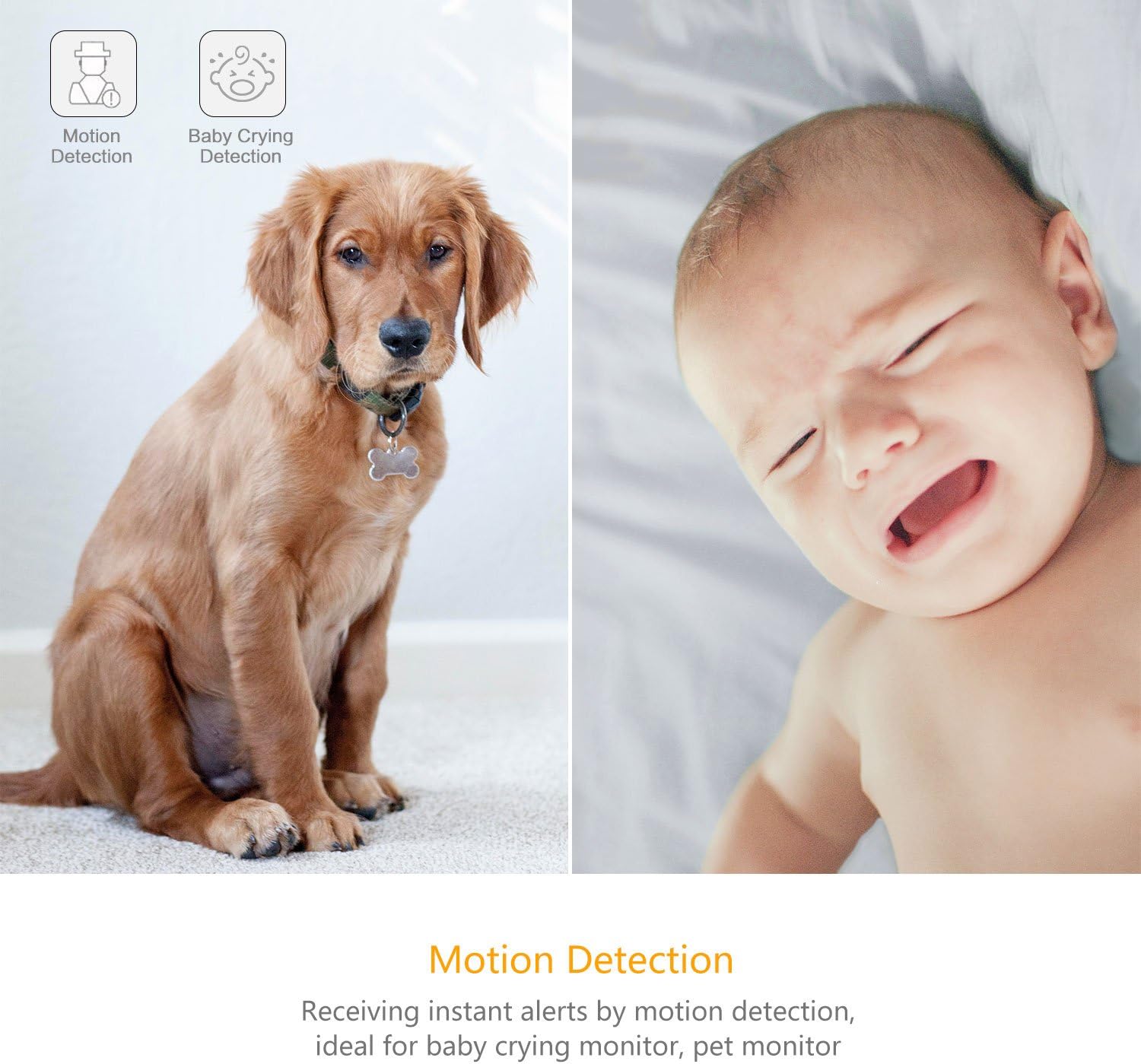
Image 4.3: Motion Detection and Baby Crying Detection.
4.5. خيارات التخزين
- YI Cloud Service: Securely store your recorded footage in the cloud. This prevents data loss from physical damage to an SD card and offers advanced compression and data protection. (Subscription may be required for full features).
- Local Storage (MicroSD Card): The camera supports MicroSD cards from 4GB up to 64GB for local video storage. Insert the card into the designated slot on the camera.

Image 4.4: YI Cloud service for secure storage.
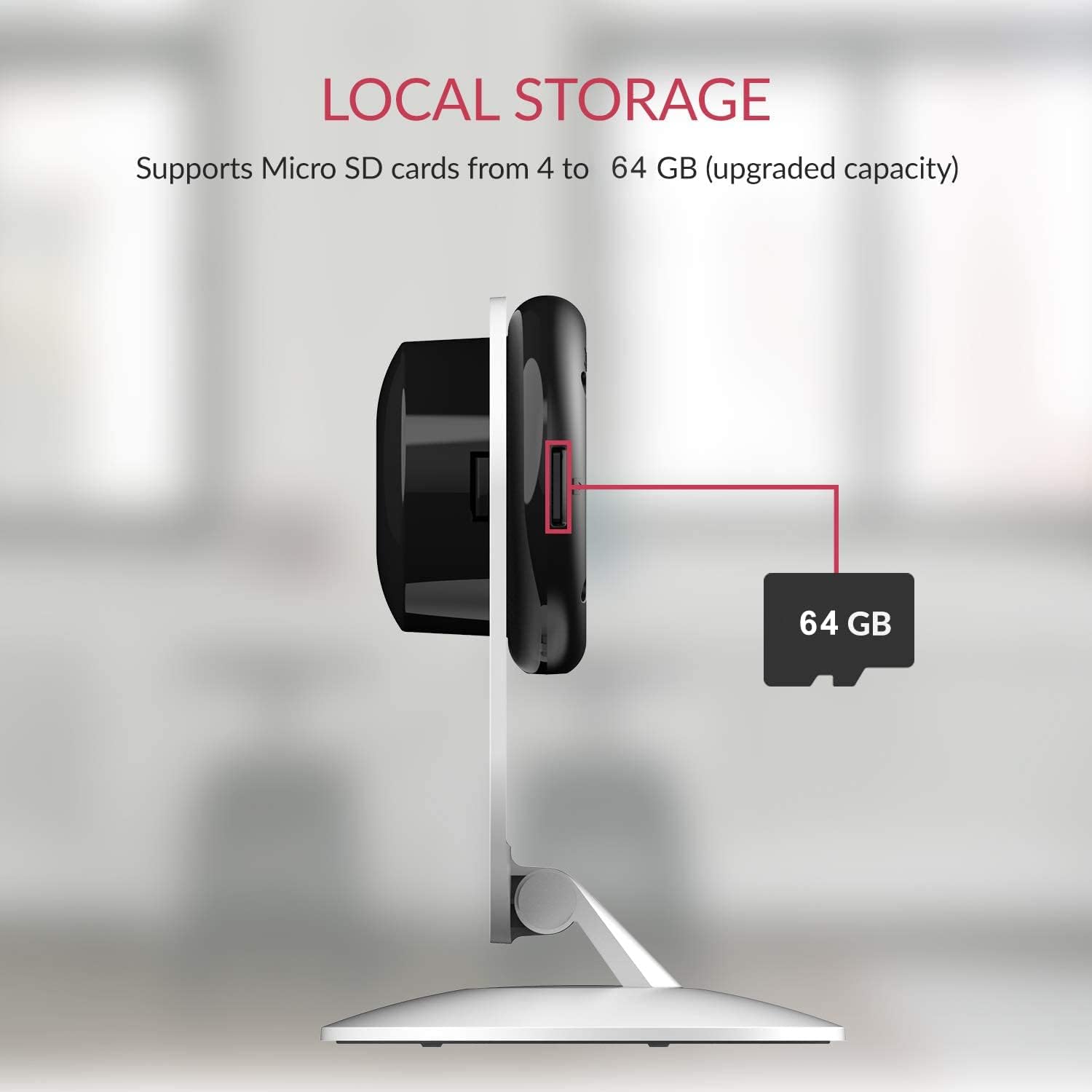
Image 4.5: Local storage via MicroSD card.
4.6. Activity Zones
Customize specific areas within the camera's view to monitor for activity. This allows you to focus on critical zones and receive alerts only when motion is detected in those areas.
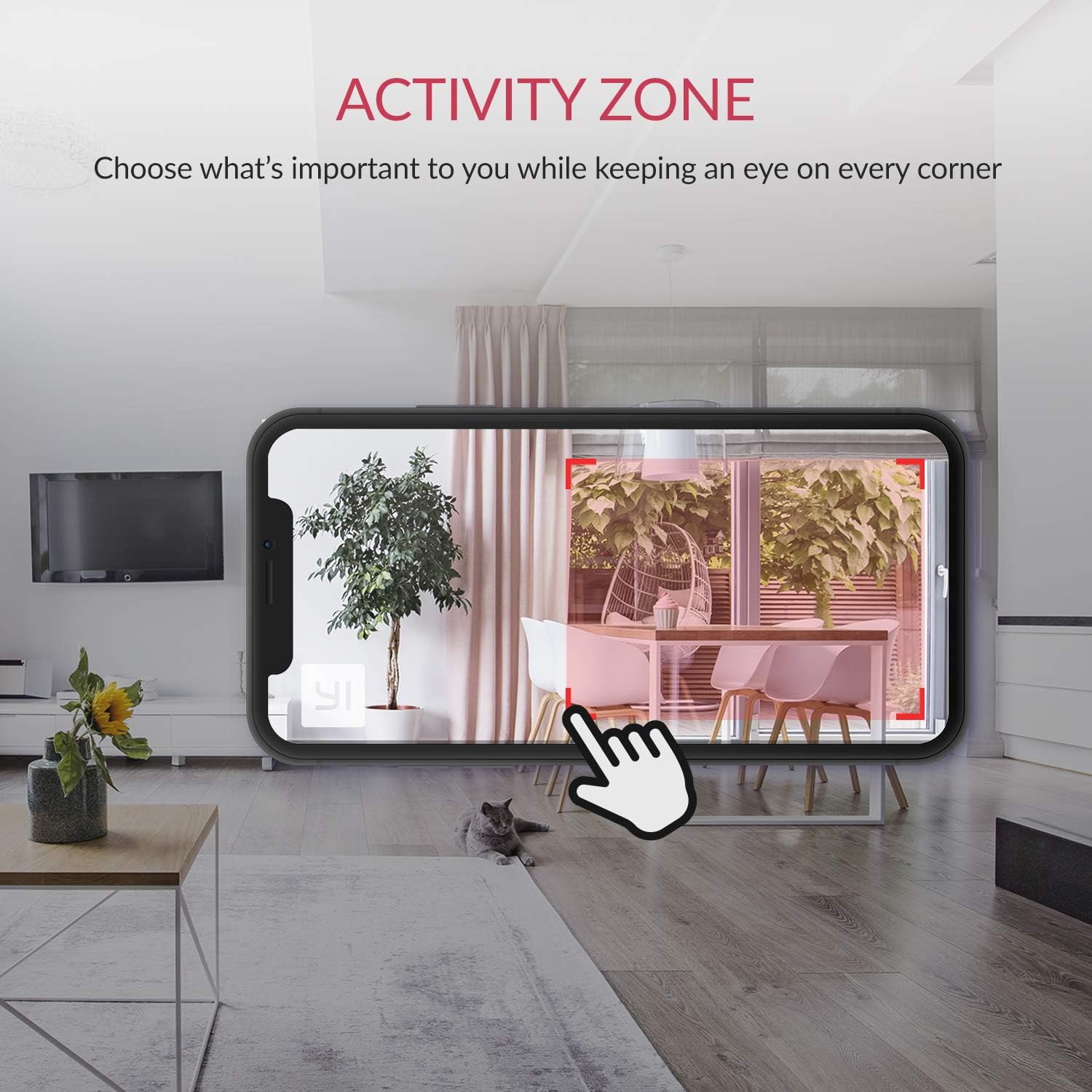
Image 4.6: Setting up Activity Zones in the YI Home App.
4.7. Home/Away Modes
Configure your camera's behavior based on whether you are home or away. This feature allows you to customize alert settings and recording preferences for different scenarios.

Image 4.7: Home and Away Modes in the YI Home App.
4.8. تكامل المنزل الذكي
The YI Smart Home Camera is compatible with Amazon Alexa and Google Assistant. You can use voice commands to view بث مباشر على شاشات ذكية متوافقة.
- Example Command (Alexa): "Alexa, show me the baby room."

Image 4.8: Integration with Amazon Alexa.
5. الصيانة
5.1. التنظيف
To maintain optimal performance, periodically clean the camera lens and body. Use a soft, dry cloth. Avoid abrasive cleaners or solvents that could damage the camera's surface or lens.
5.2. تحديثات البرامج الثابتة
Ensure your camera's firmware is always up to date. The YI Home App will notify you of available updates. Firmware updates often include performance improvements, new features, and security enhancements.
5.3. الظروف البيئية
The YI Smart Home Camera is designed for indoor use. Avoid exposing it to extreme temperatures, high humidity, or direct water contact. The camera's operating temperature range is typically 0°C to 40°C (32°F to 104°F).
6. استكشاف الأخطاء وإصلاحها
| مشكلة | الحل المحتمل |
|---|---|
| الكاميرا غير متصلة بشبكة Wi-Fi |
|
| جودة الفيديو رديئة |
|
| الرؤية الليلية لا تعمل |
|
| تنبيهات الحركة الكاذبة |
|
| لا يوجد صوت أو جودة الصوت رديئة |
|
7. المواصفات
| ميزة | التفاصيل |
|---|---|
| رقم الموديل | YYS.2016 |
| دقة التقاط الفيديو | 1080p Full HD |
| معدل الإطارات | 15 إطارًا في الثانية |
| عدسة الفتحة | ف/2.0 |
| Viewزاوية جي | 112 ° Wide-angle |
| الرؤية الليلية | 8 x 940nm Infrared LEDs (up to 9m) |
| تكنولوجيا الاتصال | واي فاي (2.4 جيجاهرتز فقط) |
| خيارات التخزين | YI Cloud, MicroSD Card (4GB-64GB) |
| صوتي | صوت ثنائي الاتجاه |
| الكشف عن الذكاء الاصطناعي | Human, Vehicle, Animal, Baby Crying, Barking Detection |
| التوافق مع المنزل الذكي | أمازون أليكسا، مساعد جوجل |
| مصدر الطاقة | كهربائي سلكي (2.5 واط) |
| نوع التركيب | جدار جبل، منضدية |
| أبعاد المنتج | 4.3 × 5.9 × 4.3 بوصة |
| وزن العنصر | 9.6 أونصات |
| الاستخدام الداخلي والخارجي | داخلي |
8. الضمان والدعم
For detailed warranty information, please refer to the warranty card included with your product or visit the official YI Technology website. For technical support, frequently asked questions, or to contact customer service, please visit the YI Technology support page online.
No relevant product videos were found for embedding based on the provided data.
Ask a question about this manual
Ask about setup, troubleshooting, compatibility, parts, safety, or missing instructions. Manuals+ will review the question and use this page’s manual context to help answer it.