
HP CB327FN#140
HP 95/98 Ink Cartridges User Manual
Model: CB327FN#140
1. انتهى المنتجview
This manual provides essential information for the use and maintenance of HP 95 Tri-color and HP 98 Black Ink Cartridges. These cartridges are designed to work with a range of HP Deskjet, Officejet, Photosmart, and PSC series printers, ensuring reliable performance and high-quality prints.
The combo pack includes one HP 95 Tri-color cartridge (C9368WN) and one HP 98 Black cartridge (C9364WN).

الصورة 1.1: الجبهة view of the HP 98 Black and 95 Tri-color Ink Cartridge Combo Pack packaging.
المميزات الرئيسية:
- التوافق: Designed for various HP Deskjet, Officejet, Photosmart, and PSC printer models.
- عدد الصفحات: Approximately 420 pages for the Black cartridge and 330 pages for the Tri-color cartridge.
- جودة الطباعة: Engineered to produce crisp black text and vibrant, lifelike colors.
- مقاومة البهتان: HP Vivera inks are formulated to resist fading, ensuring prints last for decades.
- أصالة: Original HP ink cartridges ensure optimal performance and reliability with HP printers.
2. الإعداد والتثبيت
Follow these general steps to install your HP ink cartridges. Specific steps may vary slightly depending on your printer model. Always refer to your printer's user manual for detailed instructions.
- فك تغليف الخراطيش: Carefully remove the new ink cartridges from their packaging. Avoid touching the copper-colored electrical contacts or ink nozzles.
- افتح باب الوصول للطابعة: Turn on your printer. Open the ink cartridge access door. The print carriage will move to the center of the printer. Wait until the carriage is idle and silent before proceeding.
- إزالة الخراطيش القديمة: اضغط برفق على الخرطوشة القديمة لتحريرها، ثم اسحبها للخارج من فتحتها.
- Prepare New Cartridges: Remove the protective tape from the new cartridge. Do not remove the copper-colored strip or re-tape the cartridge.
- أدخل خراطيش جديدة: Hold the new cartridge with the nozzles facing the printer and slide it into its color-coded slot until it clicks into place. The black cartridge typically goes into the right slot, and the tri-color into the left, but this can vary by model.
- إغلاق باب الوصول: أغلق باب الوصول إلى خرطوشة الحبر. قد تقوم الطابعة بعملية محاذاة.

Image 2.1: Illustration of purchasing single ink packs versus multi-packs, suggesting multi-packs for convenience.
3. تعليمات التشغيل
Once the cartridges are installed, your printer is ready for use. The HP 95 and 98 cartridges are designed for everyday printing of documents and photos.
- طباعة المستندات: Use your printer's software or operating system's print function to send documents to the printer. Select appropriate print settings for desired quality (e.g., draft, normal, best).
- طباعة الصور: For optimal photo quality, use HP photo paper and select photo-specific print settings in your printer software. The Vivera inks are designed to produce vibrant and long-lasting photo prints.

الصورة 3.1: عن قرب view demonstrating the bold and sharp text quality achieved with Original HP Ink.
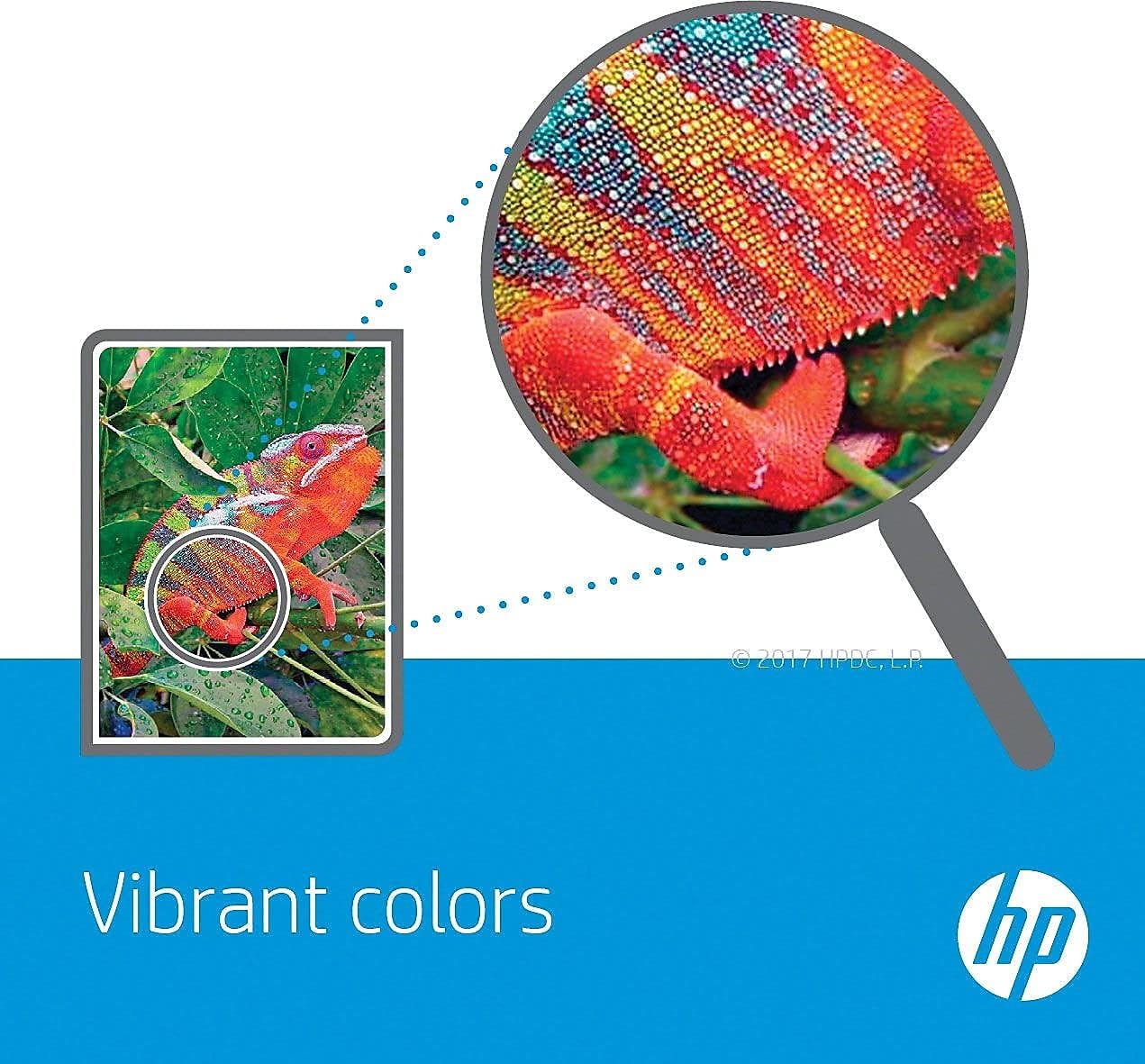
الصورة 3.2: عن قرب view highlighting the vibrant color reproduction of Original HP Ink, as seen in a chameleon image.

Image 3.3: An HP printer producing photos, with an open photo album displaying prints, emphasizing the fade-resistant quality of the ink.
4. الصيانة والتخزين
يمكن للصيانة والتخزين المناسبين إطالة عمر خراطيش الحبر وضمان جودة طباعة متسقة.
- تخزين: Store unopened ink cartridges in their original sealed packaging at room temperature, away from direct sunlight or extreme temperatures.
- Installed Cartridges: If your printer will be unused for an extended period, ensure it is turned off correctly to cap the print heads and prevent ink from drying out.
- Cleaning Print Heads: If print quality degrades (e.g., streaks, faded colors), use your printer's utility software to perform a print head cleaning cycle. Refer to your printer's manual for instructions.
- التعامل: Avoid touching the electrical contacts or nozzles on the cartridge.
5. استكشاف الأخطاء وإصلاحها
فيما يلي بعض المشكلات الشائعة وحلولها المحتملة:
| مشكلة | السبب المحتمل | حل |
|---|---|---|
| Printer not recognizing cartridge | Protective tape not removed, dirty electrical contacts, improperly seated cartridge. | Ensure all protective tape is removed. Remove and reinsert the cartridge firmly. Clean electrical contacts on the cartridge and in the printer with a lint-free cloth. |
| جودة طباعة رديئة (خطوط، ألوان باهتة) | Clogged print nozzles, low ink levels, incorrect paper type. | Run a print head cleaning cycle from your printer's software. Check ink levels and replace cartridges if low. Ensure you are using appropriate paper for your print settings. |
| Ink smears or smudges | Incorrect paper, print settings, or excessive humidity. | Use recommended paper types. Allow prints to dry completely before handling. Ensure print settings match the paper type. |
If these steps do not resolve the issue, consult your printer's specific user manual or visit the HP support webموقع.
6. المواصفات
Detailed specifications for the HP 95 Tri-color and HP 98 Black Ink Cartridges:
- أرقام الموديل: HP 95 (C9368WN), HP 98 (C9364WN)
- Product Model Number (Combo Pack): CB327FN#140
- ألوان الحبر: Black, Tri-color (Cyan, Magenta, Yellow)
- Page Yield (Approx.): Black: 420 pages; Tri-color: 330 pages
- وزن السلعة: 3.84 ounces (for the combo pack)
- أبعاد المنتج: 22 × 12 × 2 بوصة (التغليف)
- نطاق درجة حرارة التشغيل: 59 إلى 90 درجة فهرنهايت (15 إلى 32 درجة مئوية)
- نطاق درجة حرارة التخزين: -40 إلى 140 درجة فهرنهايت (-40 إلى 60 درجة مئوية)
- الأجهزة المتوافقة: HP Deskjet 460, 2575, C4150, C4180, 6830, 6840, 9800; HP Officejet 100, 150, 6940, 6988, H470, 7210, 7310, 7410, J6480; HP Photosmart 335, 375, 385, 422, 425, 428, 475, 2575, C4150, C4180, 8049, 8050, 8150, 8350, 8450, 8750; HP PSC 1510, 1610, 2355.
7. الضمان والدعم
HP Original Ink Cartridges are manufactured to high-quality standards. For specific warranty information regarding your HP ink cartridges, please refer to the documentation included with your product or visit the official HP support website. HP provides support resources, including drivers, troubleshooting guides, and contact information, for their products.
You can also find more information about HP products and services on their Amazon store page: